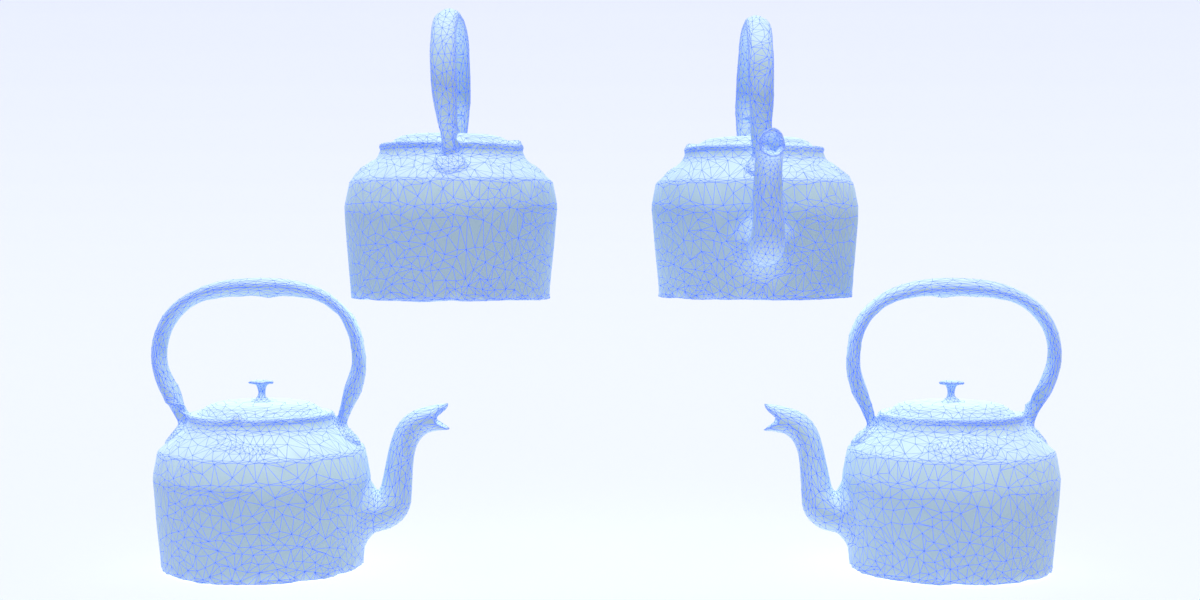
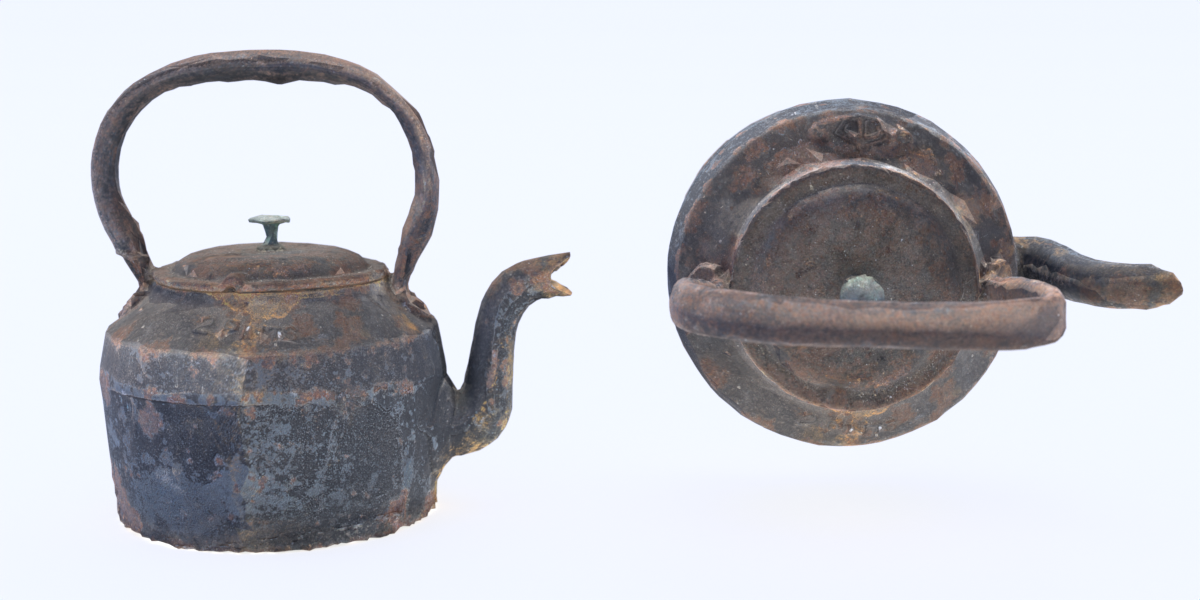
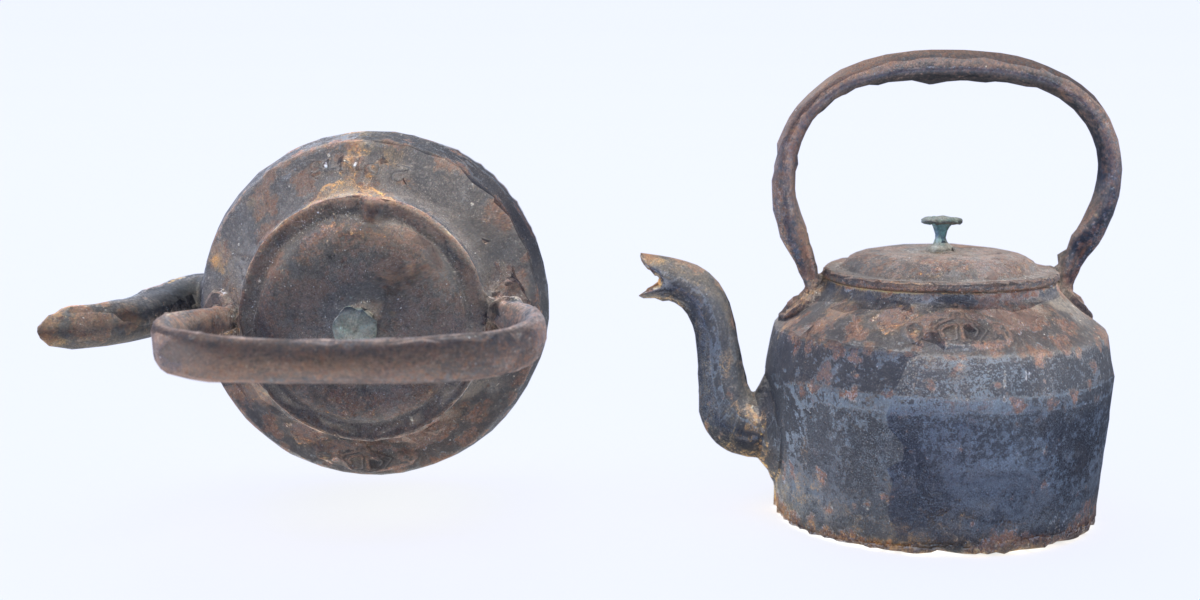
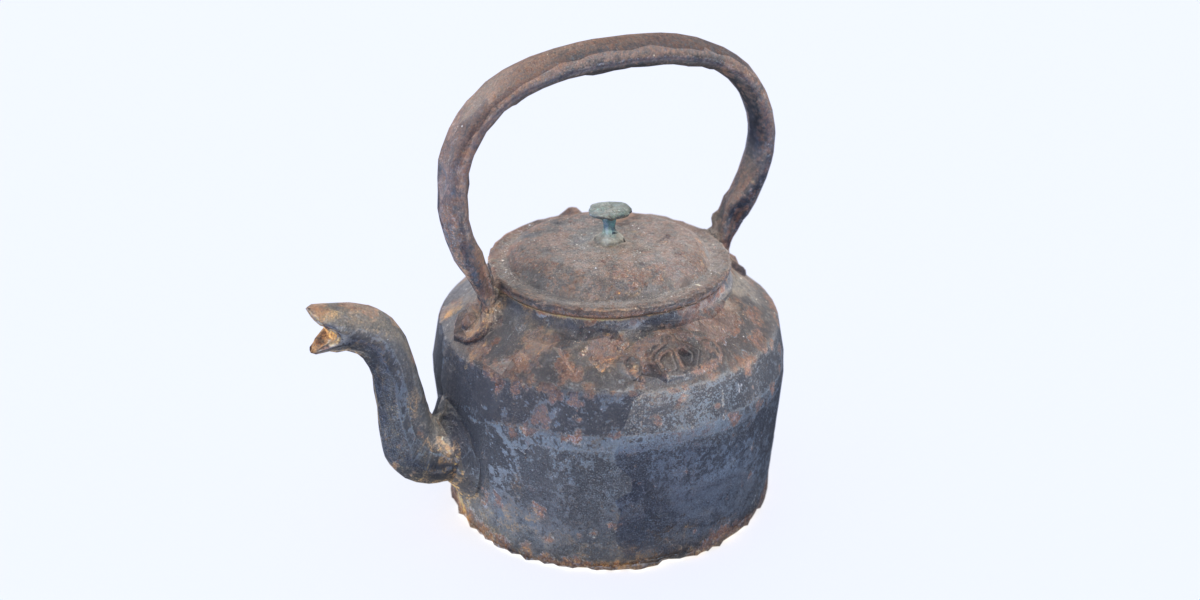
Old Stove-Top Cast-Iron Kettle
 Alan @ Sparling Creative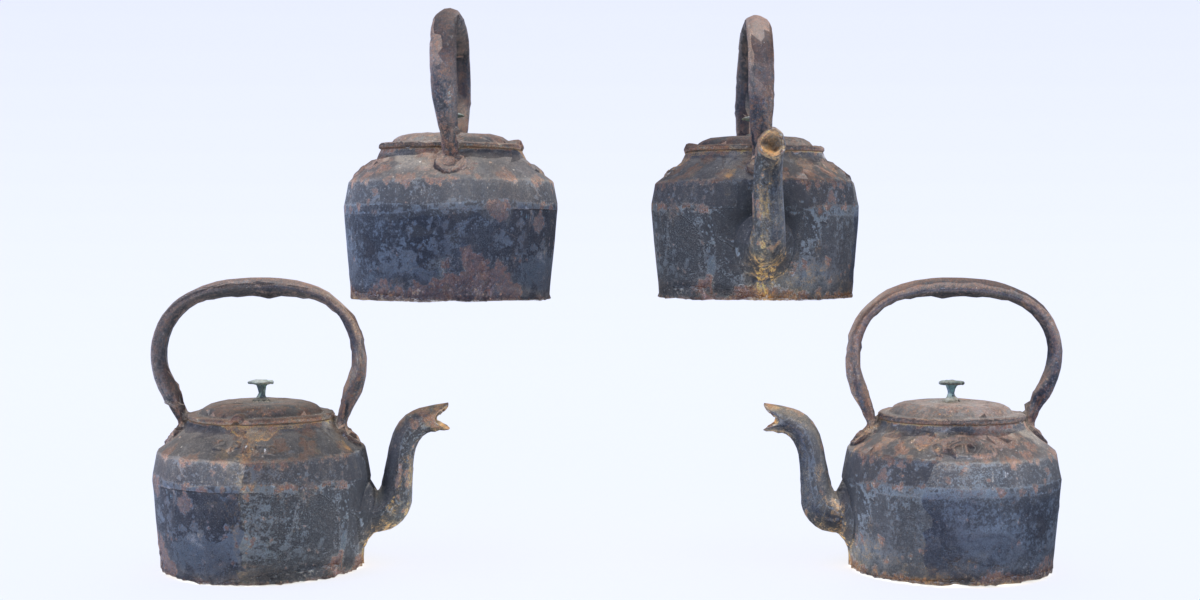
Appending the Object into your Blender Scene
- Open the .blend file for the Scene you're creating.
- Click 'File' then 'Append...'.
- Navigate to the .blend file featured on this product page, and double-click on it.
- Go into the 'Object' sub-folder
- Select 'Mesh'.
- Click on the 'Append' button.
- The mesh will now have been appended to your own Blender scene.
$7
Have questions about this product?
Login to message
| Dev Fund Contributor | |
| Published | over 3 years ago |
| Blender Version | 3.2 |
| Render Engine Used | Cycles, Eevee |
| Misc Data | Low-High-Resolution |
| License | Royalty Free |

Discover more products like this
iron 3d-model-pbr 3d ornament 3D Scan home-ornament 4k pbr 3d-scanned 3D scanned models ornament photoscanned photorealistic uvs-unwrapped photogrammetry photorealism cast iron kettle