 ZEG
Installation
In Blender open Edit, Preferences, Get Extensions, then use Install from Disk and pick the scaffolding_generator zip.
Usage
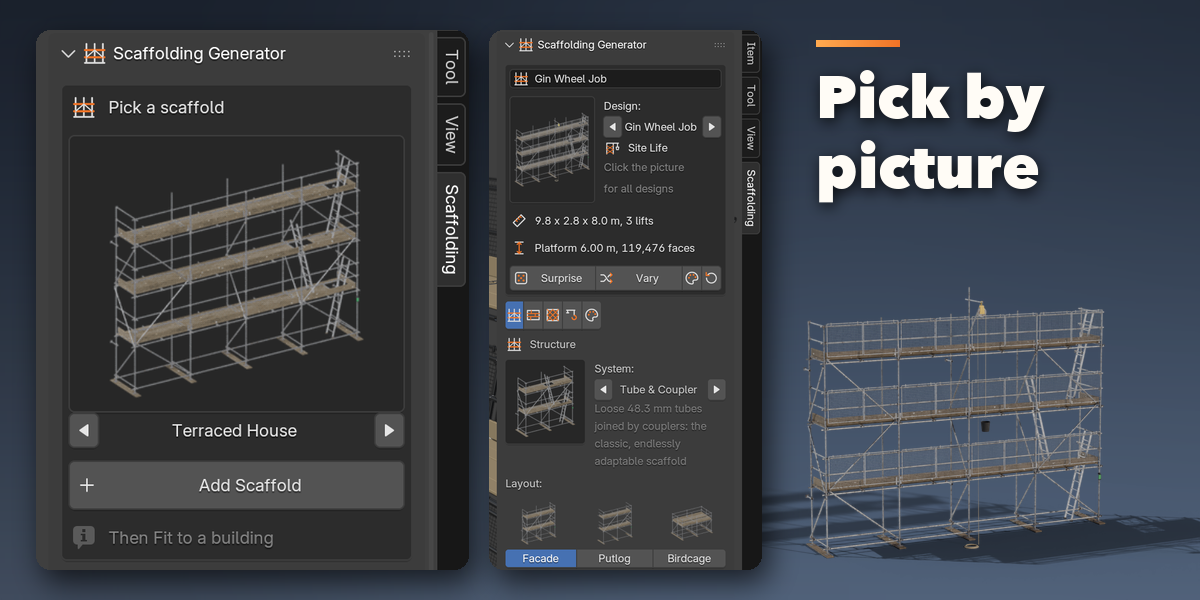
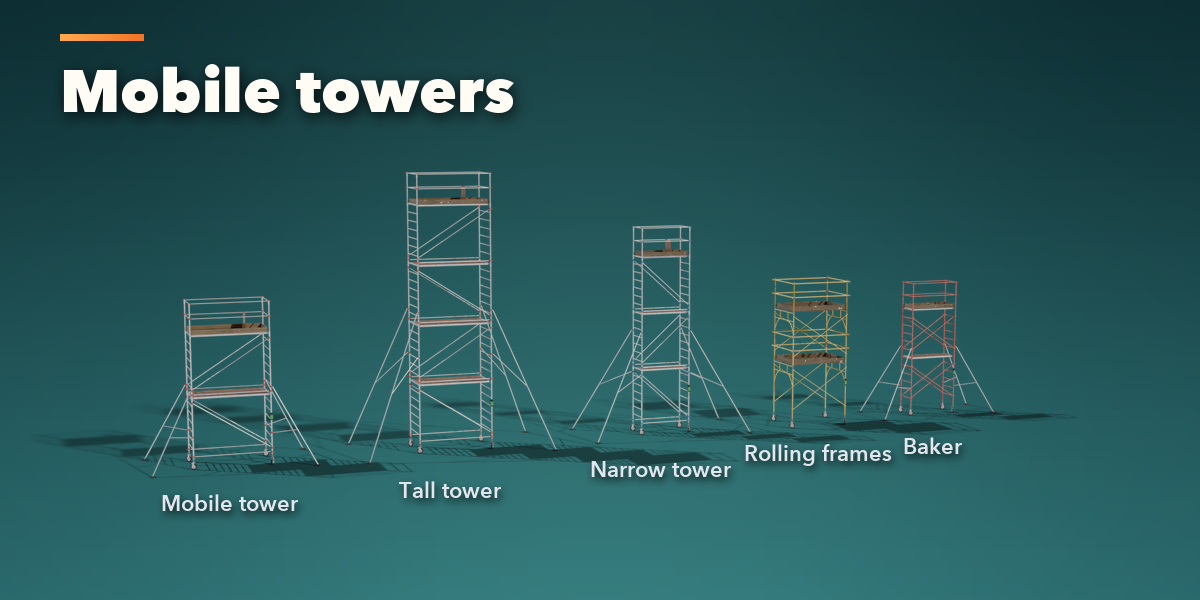
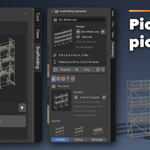
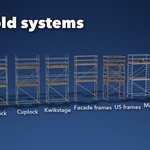
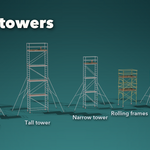
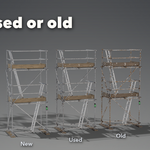
- Open the Scaffolding tab in the 3D viewport sidebar (N). With nothing selected, click the picture to choose one of the 46 designs, or browse the five families, and add it at the 3D cursor. You can also use Shift+A, Mesh, Scaffold.
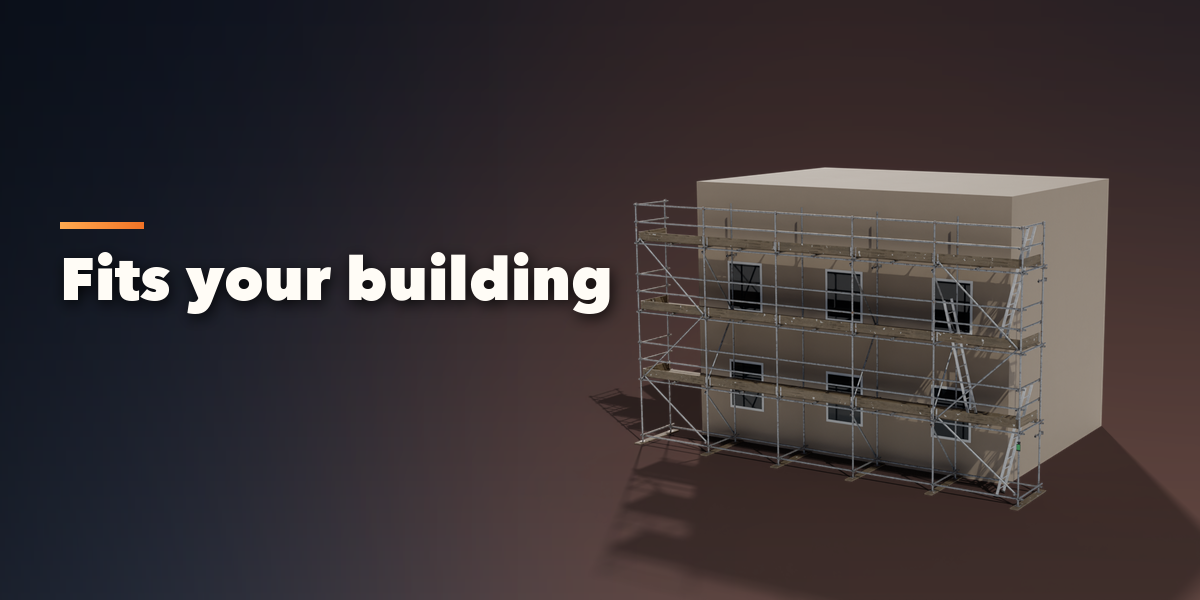
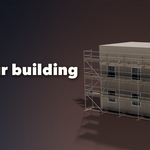
- To fit a building: select the scaffold, then Shift+click your building mesh and press Fit to Building. The scaffold covers the chosen face of the building and stands off it by the wall gap.
- The card at the top shows the design, the size, the number of lifts, the platform width and the face count. Surprise makes a new random scaffold, Vary changes the current one, the palette button picks new wear and colors and the arrow resets the design.
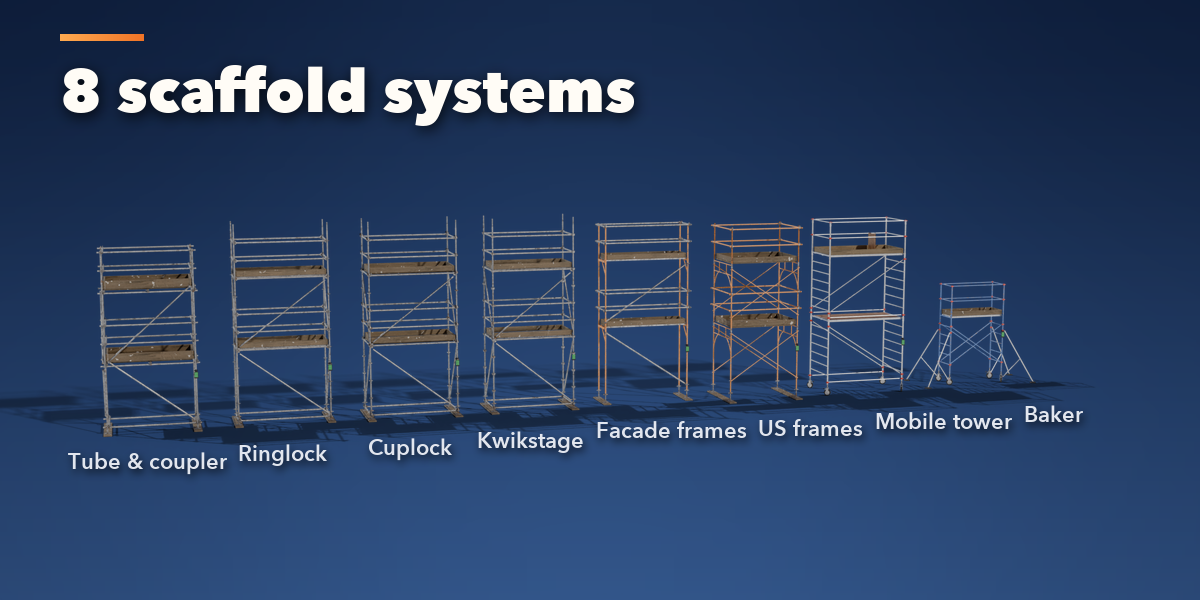
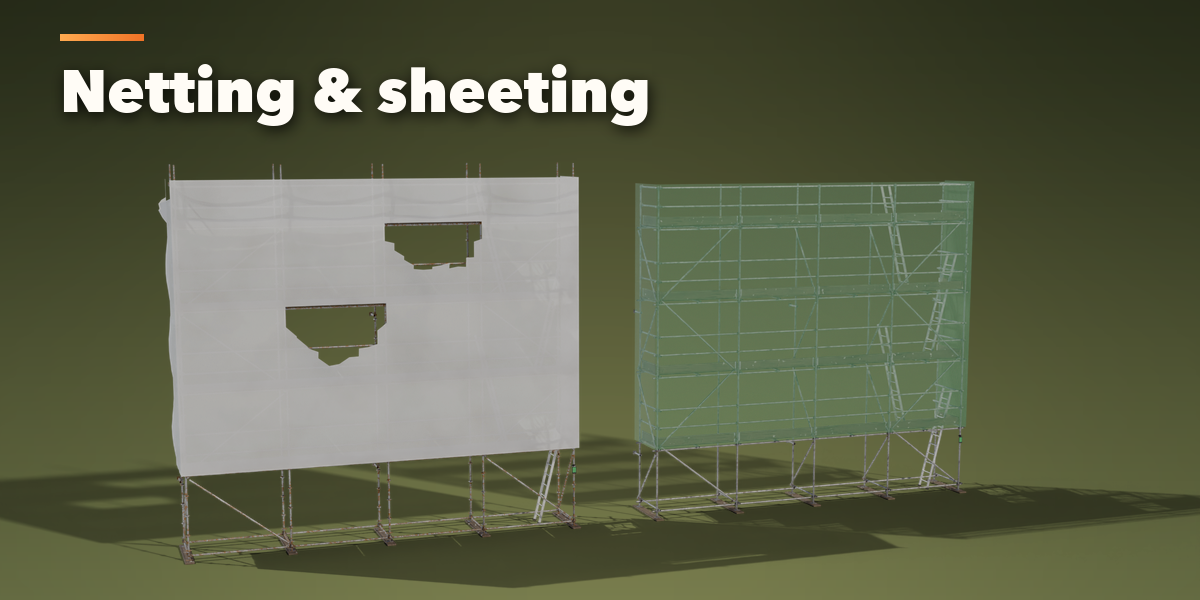
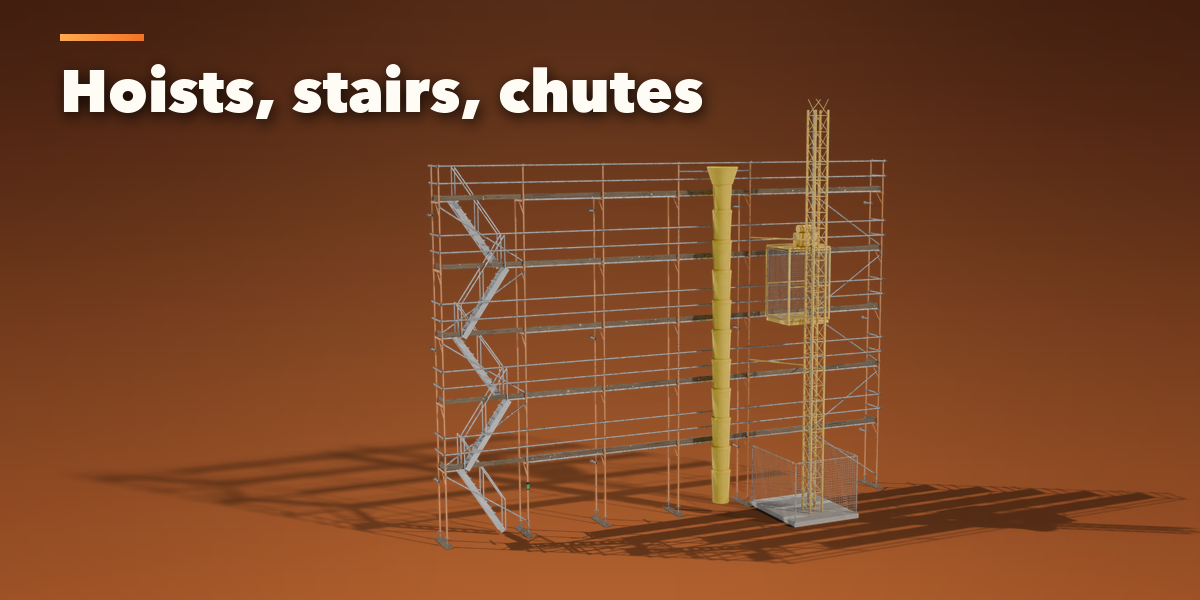
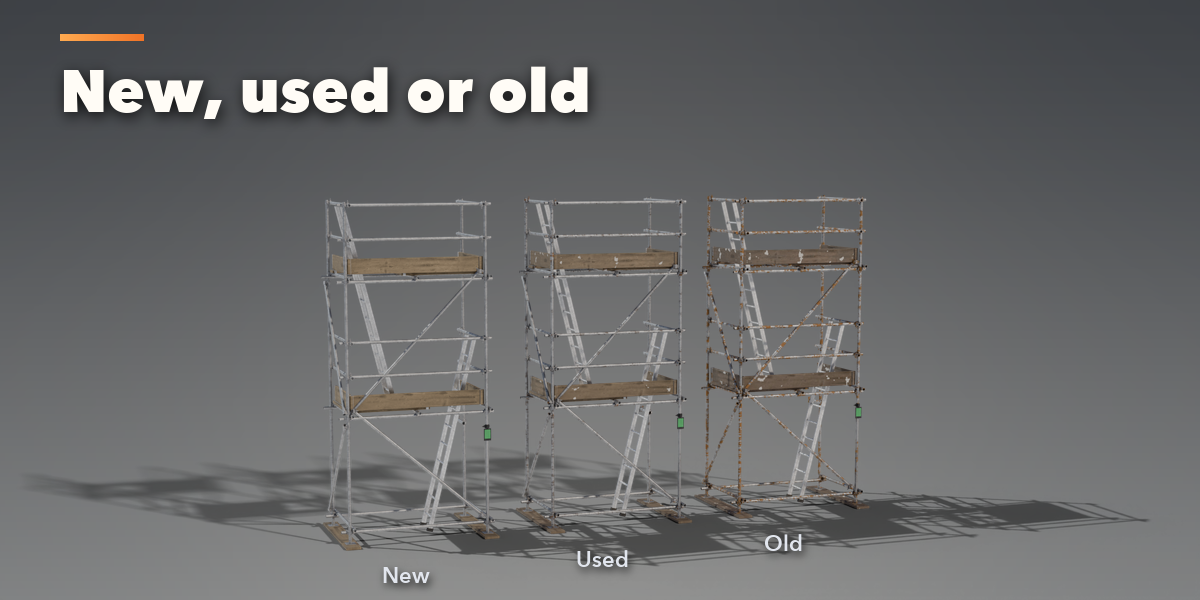
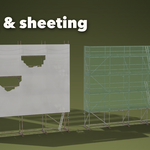
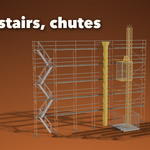
- The icon tabs hold every setting: Structure (system, layout, bays, lifts, sizes, base and bracing), Platforms (decks, guardrails, toe boards, brick guards, ladders or stairs), Cladding (netting or sheeting, billow, tears), Lifting (gin wheel, chain block, mast hoist, chute) and Finish (condition, colors, detail, seed).
- Convert to Mesh makes a plain copy for editing or export.
Each face stores two integer attributes, scaffold_stage (the lift it belongs to) and scaffold_group (standards, ledgers, decks, guardrails, cladding...), so you can grow the scaffold lift by lift with Geometry Nodes.
Have questions about this product?
Login to message
| Blender Extension Compatible | Yes |
| Published | about 11 hours ago |
| Blender Version | 4.2 - 5.2 |
| Extension Type | Add-on |
| Render Engine Used | Cycles, Eevee |
| License | GPL |

Discover more products like this
scaffold construction ArchViz building-site scaffolding architecture tube and coupler procedural Generator mobile-tower debris-netting ringlock