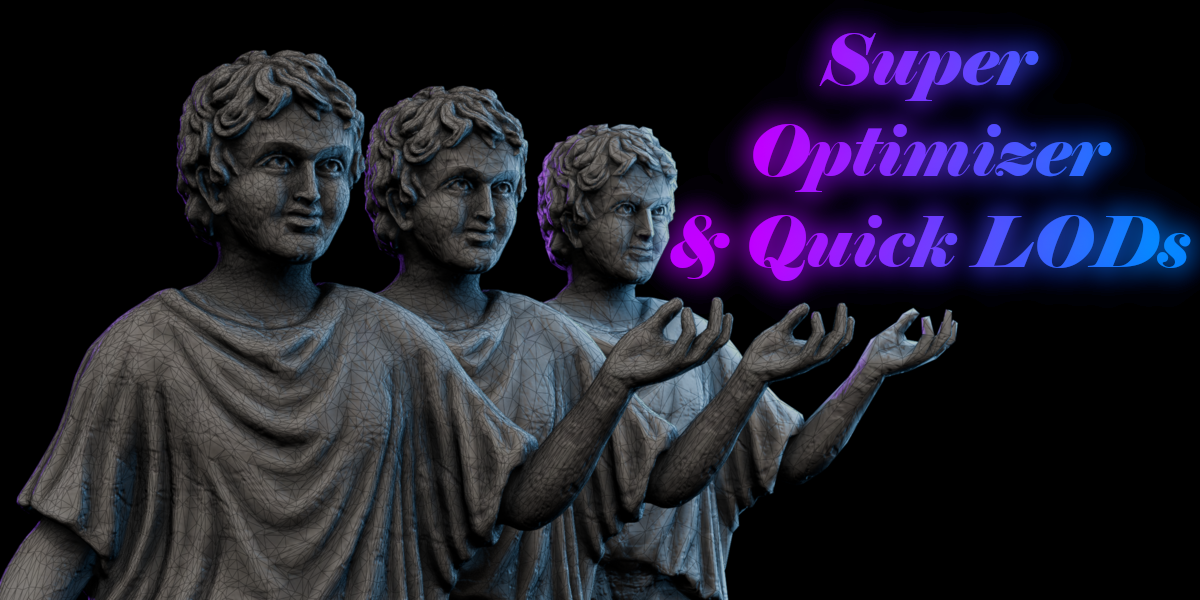

Super Optimizer - Find Heavy Objects & Generate Quick Lods

JB FX in Modeling


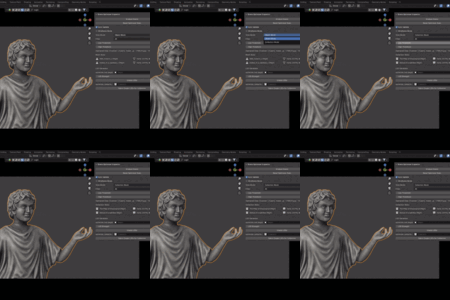
Blender Scene Diagnostics + Quick LODs

Find What’s Making
Your Scene Heavy.

Inspect mesh complexity, expose costly assets and generate organized LODs—without digging through hundreds of objects.

Scene Analysis Complexity Flags Quick LODs Orphan Detection

Stop guessing

Viewport lag is the symptom.
Find the cause.

One dense object, an imported collection or forgotten scene data can quietly weigh down an entire project. Scene Inspector brings the important information into one clear panel so you know exactly where to start.

A clearer scene overview

See the expensive assets.
Immediately.

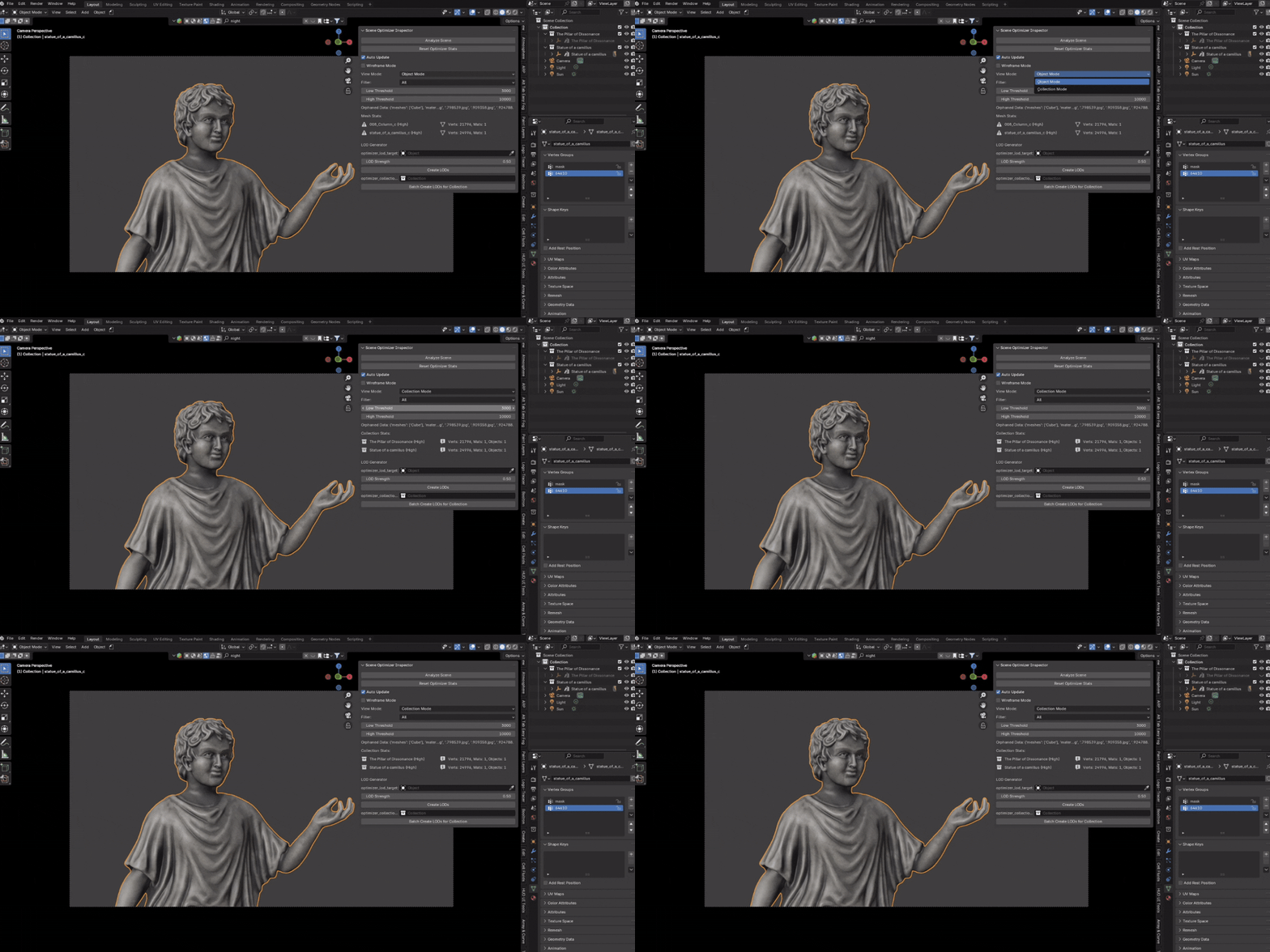
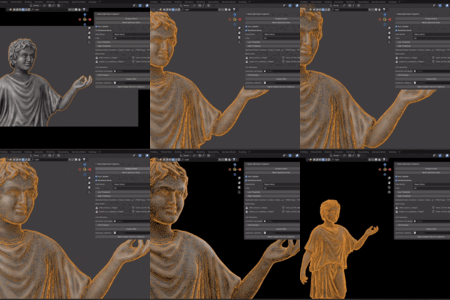
Analyze individual objects or complete collections. Review mesh and material statistics, then use your own Low, Medium and High thresholds to flag the assets that need attention.

A simple workflow

Four steps. Less searching.

1
Analyze Scan objects or collections.
2
Identify Spot high-complexity assets.
3
Inspect Focus on what matters.
4
Optimize Create quick LOD variants.

Quick LOD generation

From heavy mesh to
organized LODs.

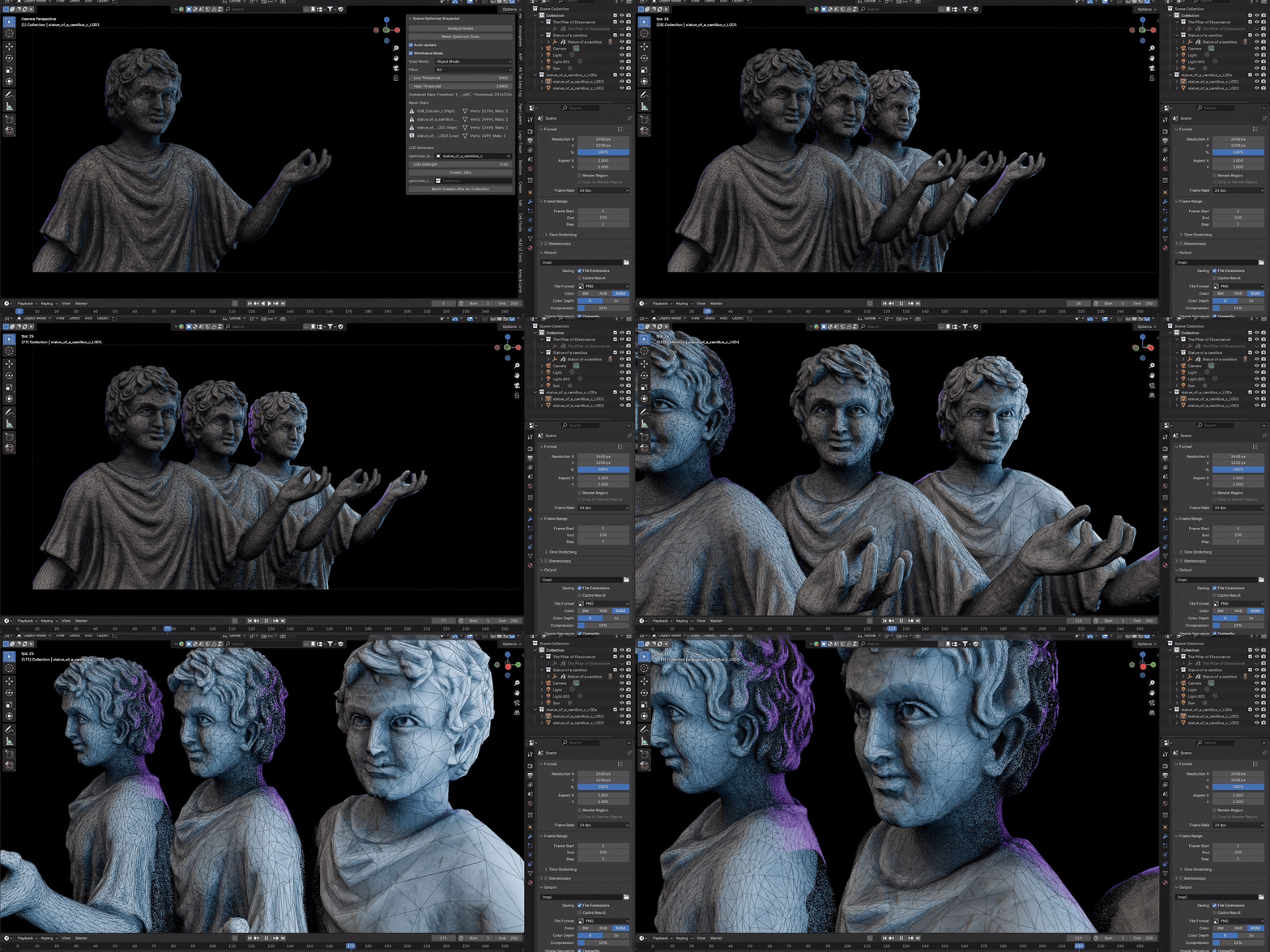
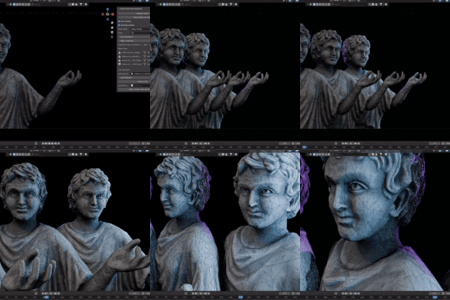
Select an object and create two lower-detail variants in one click. Scene Inspector handles duplication, decimation, naming and grouping while leaving the original object unchanged.

2 LOD Variants Clean Naming Collection Batching Original Preserved

Visual complexity check

See topology density
across the whole scene.

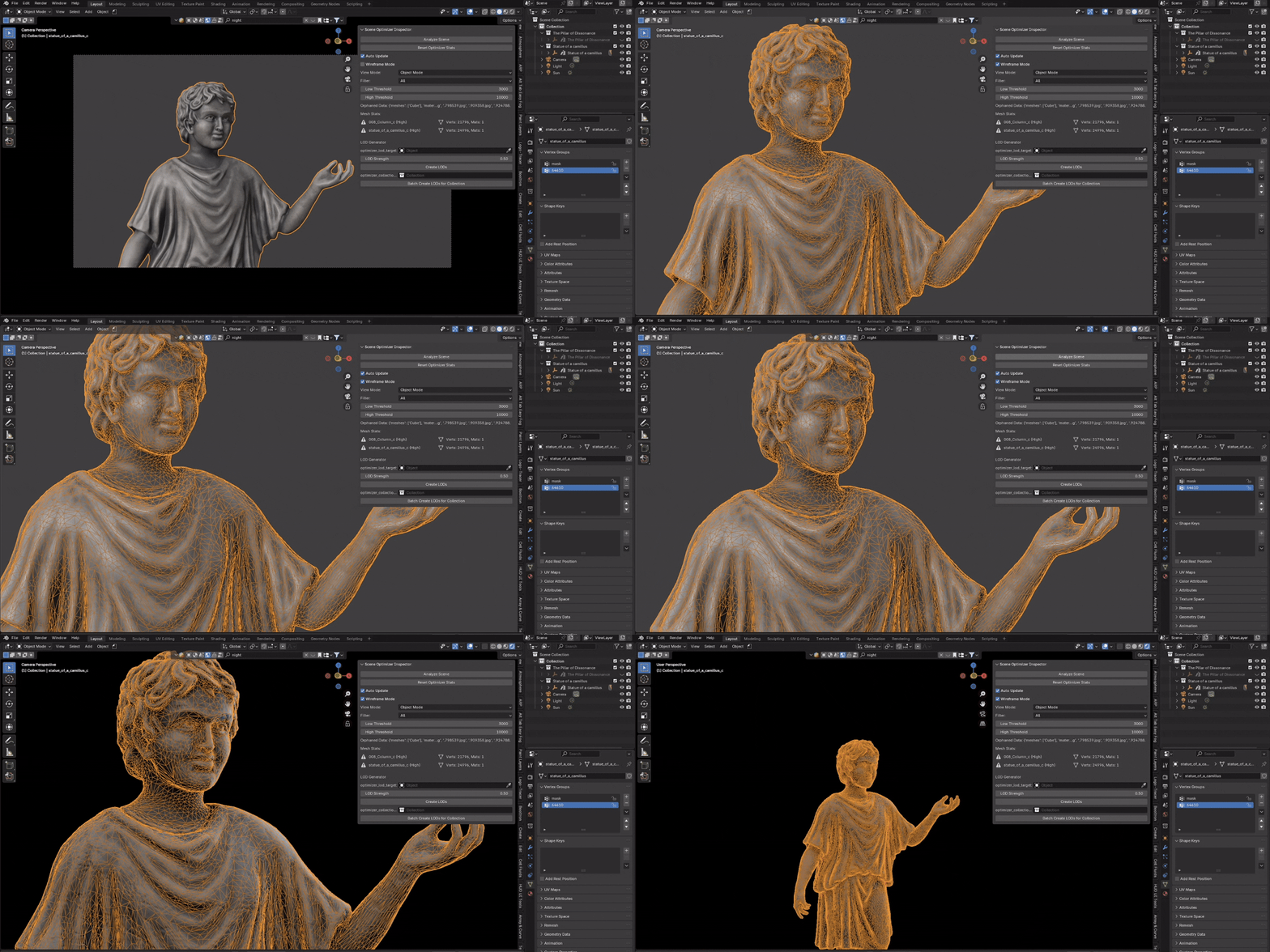
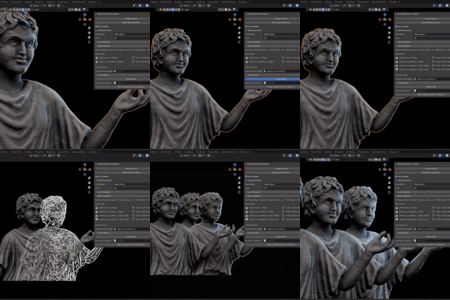
Toggle wireframe display across all mesh objects to compare geometry density and expose unexpectedly detailed assets at a glance.

Hidden scene clutter

Unused data adds up.
Know what’s hiding.

Get a quick snapshot of unused meshes, materials, images and textures before exporting, delivering or archiving a project. Detection never automatically deletes your data—you remain in control.

Made for real projects

One inspector.
Several demanding workflows.

Game & VR Review assets against real-time geometry budgets.
Environment Art Inspect large scenes and imported asset collections.
Animation Track down assets contributing to slow viewport work.

Lightweight and controlled

Your scene stays yours.

Non-Destructive Original objects remain unchanged during LOD generation.
Render Agnostic Works with Cycles, Eevee and Workbench workflows.
Blender 4.x Currently listed for Blender 4.0 through 4.4.

Less guessing. More control.

Stop searching the scene.
Start inspecting it.

Find costly assets, understand your scene and create quick LOD variants without breaking your workflow.

Scene Inspector & Quick LODs — $7.50

$10

Have questions about this product?
Login to message

Details
Published over 1 year ago
Blender Version 4.4, 4.3, 4.2, 4.1, 4.0
Extension Type N/A
Render Engine Used Cycles, Eevee
License GPL