Scene Performance Analyzer — Find Out Why Your Scene Is Slow
 BENNODES
Installation
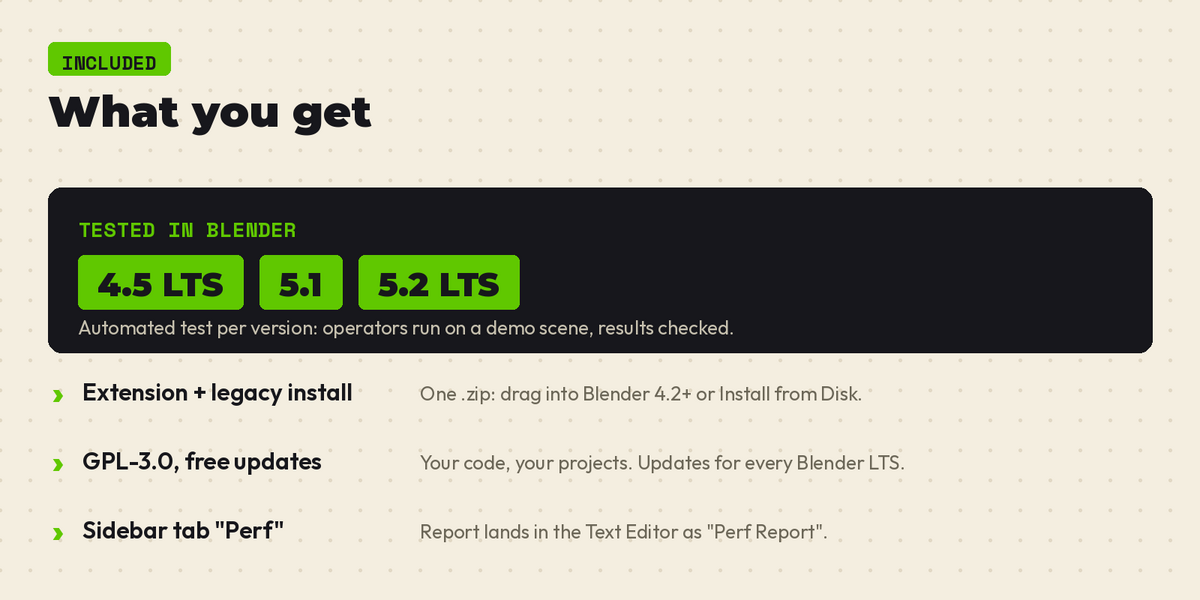
1. In Blender open Edit > Preferences > Get Extensions (or just drag the .zip into Blender).
2. Click the arrow menu (top right) > Install from Disk.
3. Select the downloaded .zip (no need to unzip).
4. It is enabled right away; in Add-ons look for "Scene Performance Analyzer".
Usage
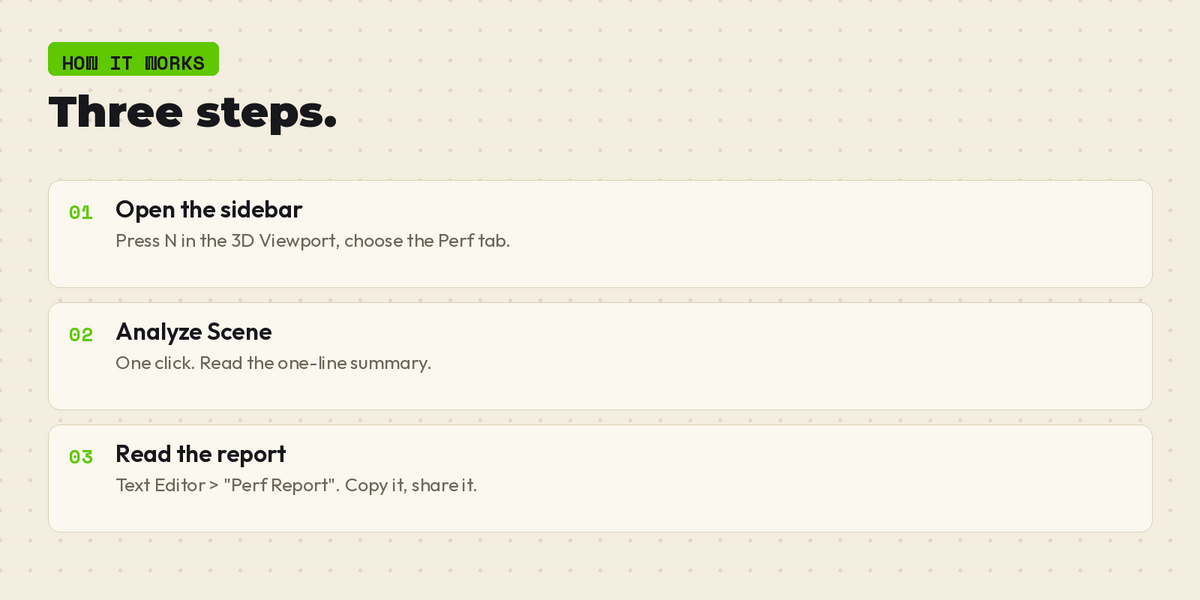
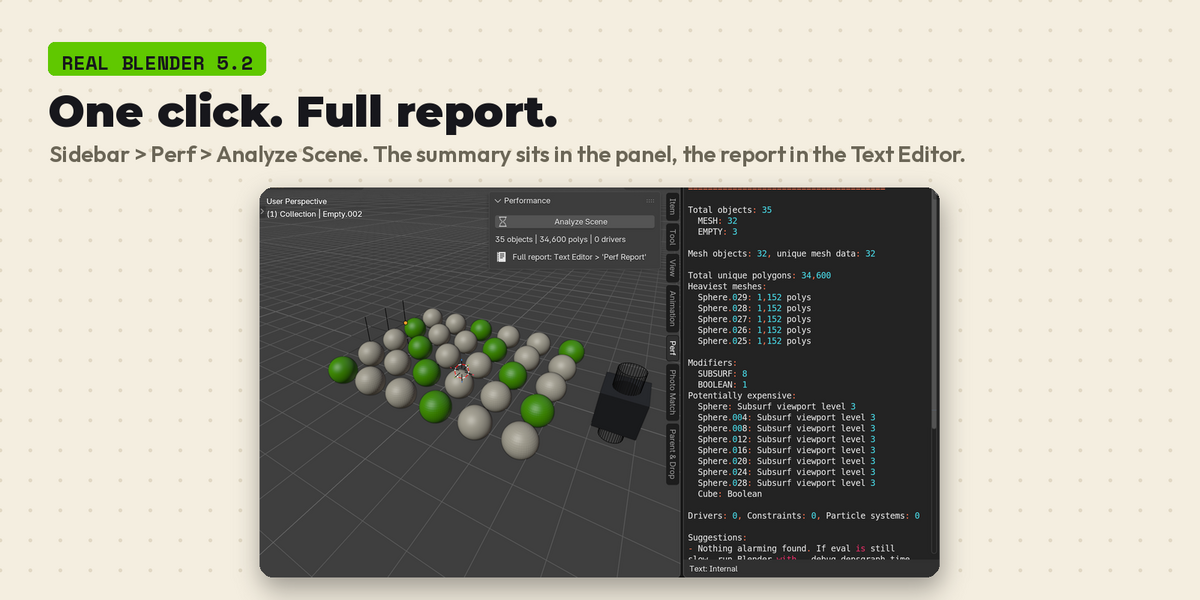
1. Open the 3D View sidebar (N) > Perf tab.
2. Click Analyze Scene.
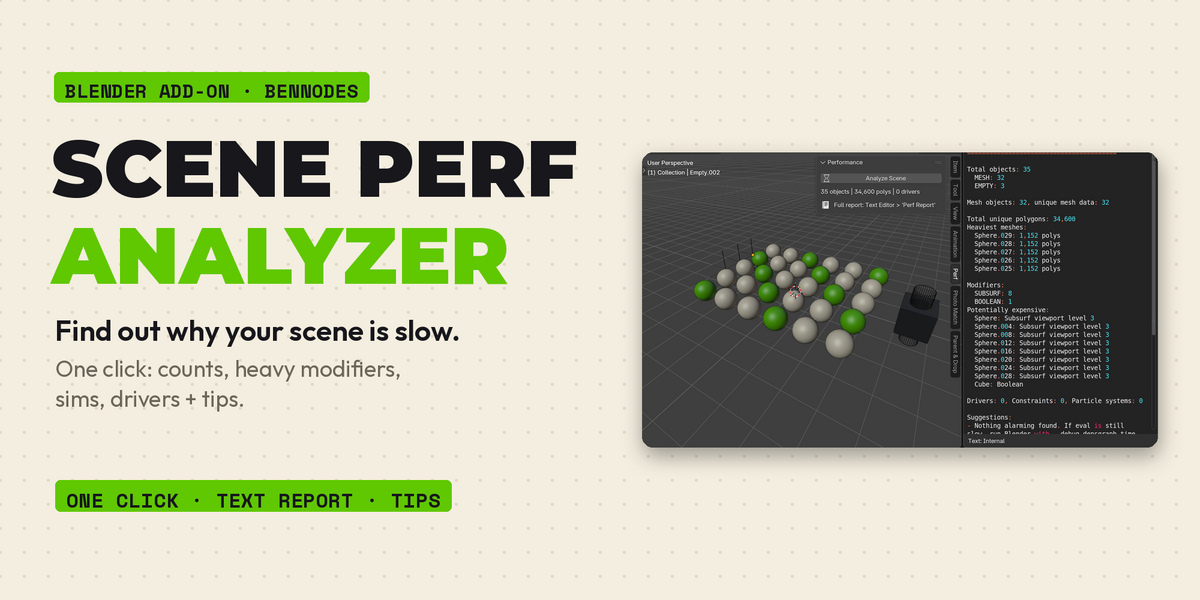
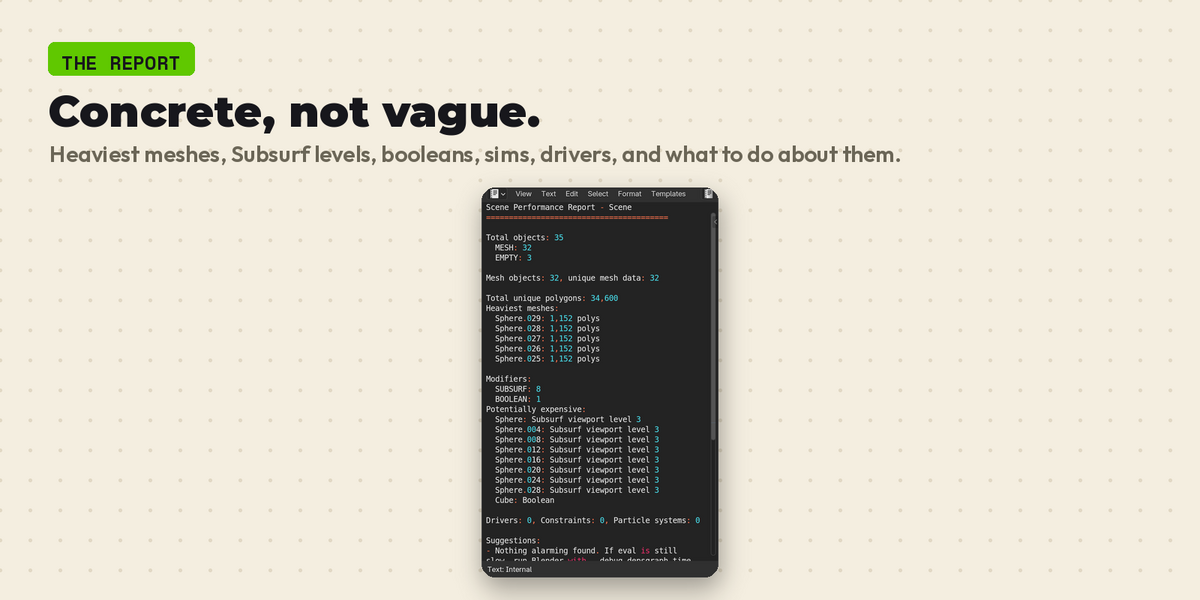
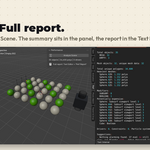
3. A summary appears in the panel; the full report is written to a text block called "Perf Report" (open it in the Text Editor).
What the report contains
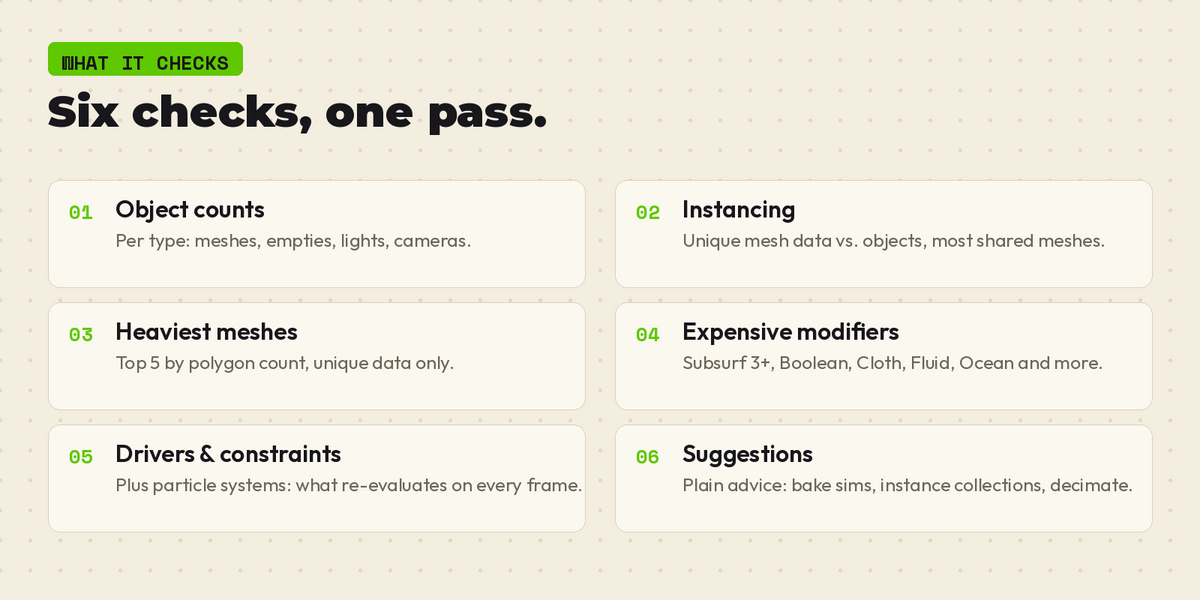
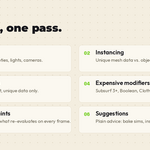
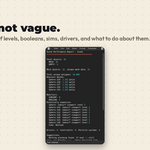
Object counts by type, mesh instancing statistics, heaviest meshes by polycount, modifier counts with expensive ones flagged (Subsurf level 3+, Booleans, simulations), driver/constraint/particle counts, and concrete suggestions to speed up your scene.
Support: [email protected]
Have questions about this product?
Login to message
| Blender Extension Compatible | Yes |
| Published | about 2 hours ago |
| Blender Version | 4.5 - 5.2 |
| Extension Type | Add-on |
| License | GPL |
Discover more products like this
profiling performance viewport diagnostics polycount optimization scene cleanup