Scene Verify
 Mars0hod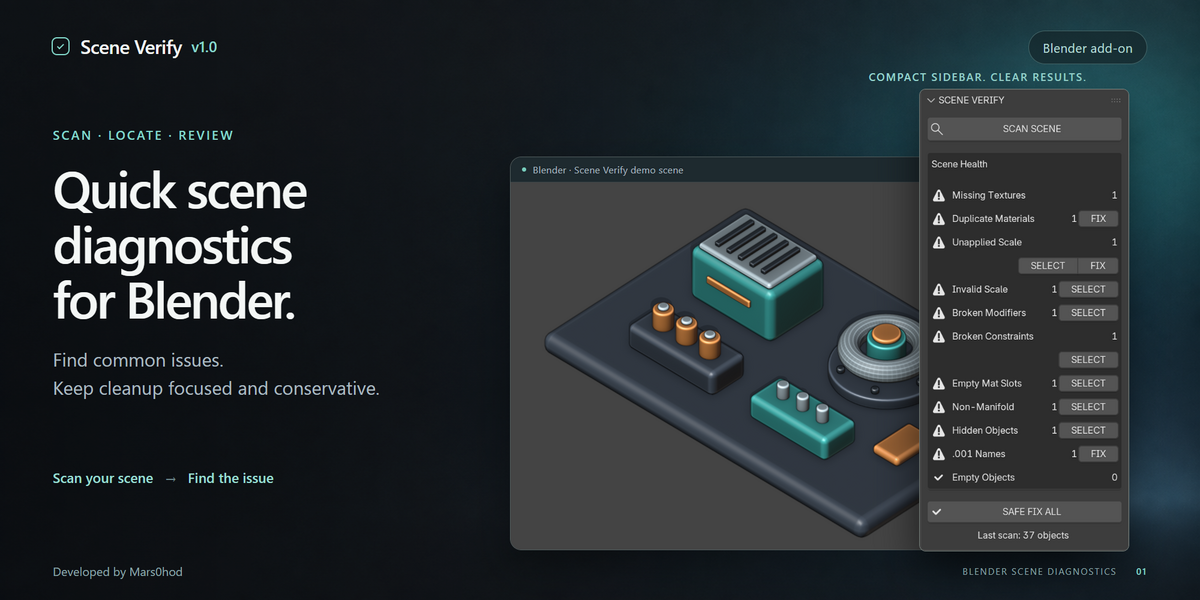


Scene Verify v1.0 — Quick Start
Scene Verify is a compact Blender add-on for checking common scene problems, locating affected objects, and applying conservative fixes where appropriate.
Installation
- Open Blender.
- Go to Edit → Preferences → Add-ons.
- Click Install from Disk.
-
Select
Scene_Verify_v1_0.zip. - Enable Scene Verify.
-
Open the 3D Viewport Sidebar with
N. - Select the Scene Verify tab.
Basic Workflow
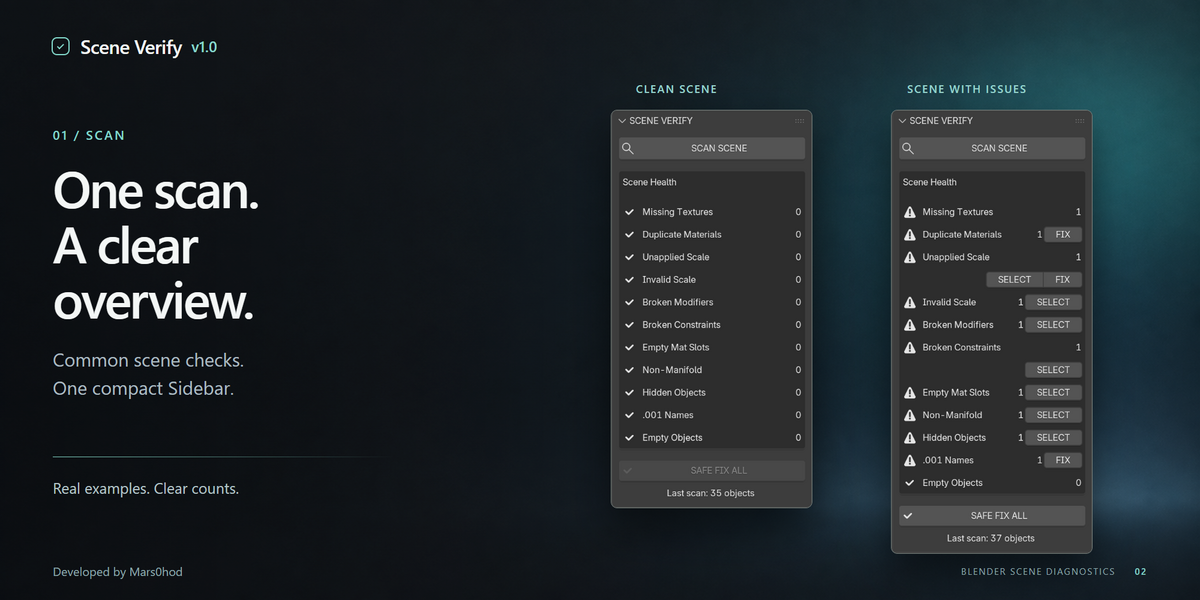
- Click SCAN SCENE.
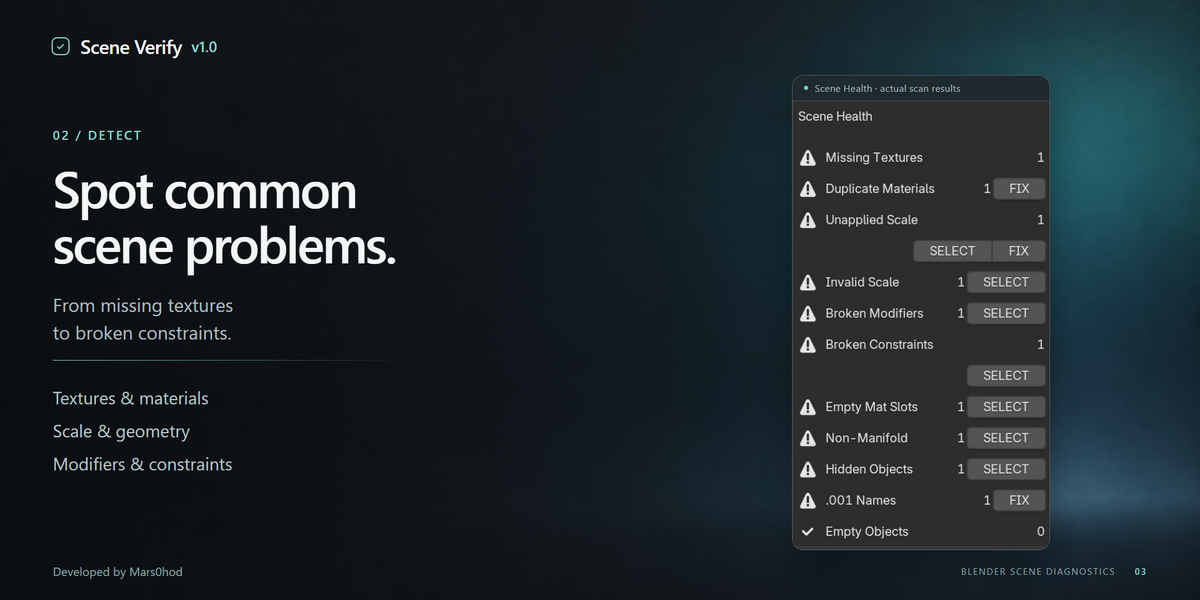
- Review the Scene Health list.
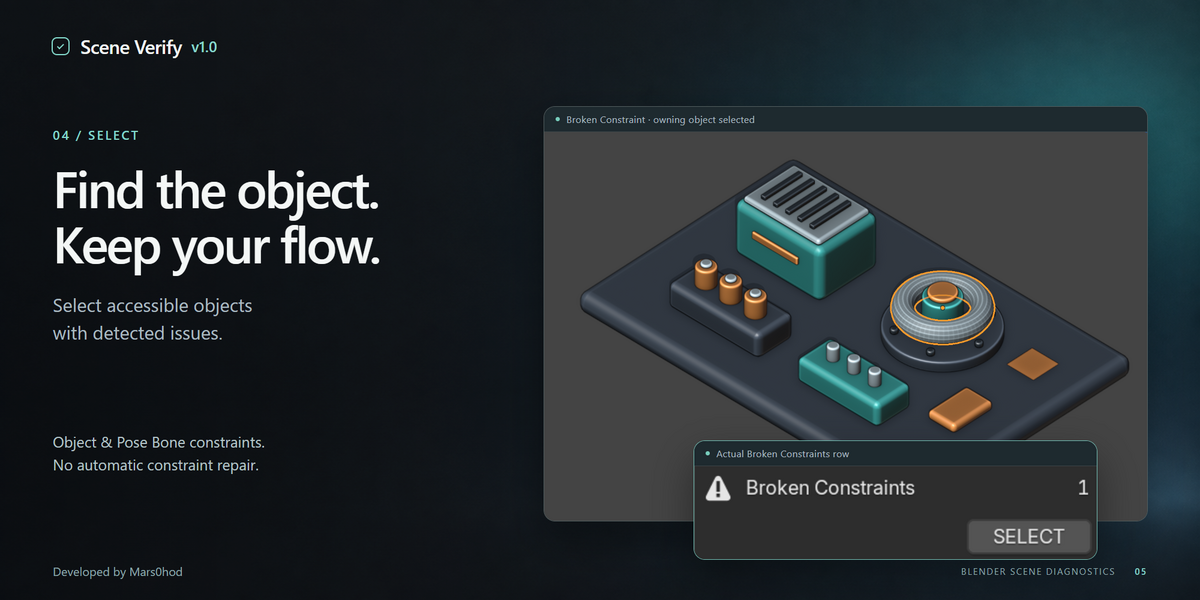
- Use SELECT to locate affected objects where available.
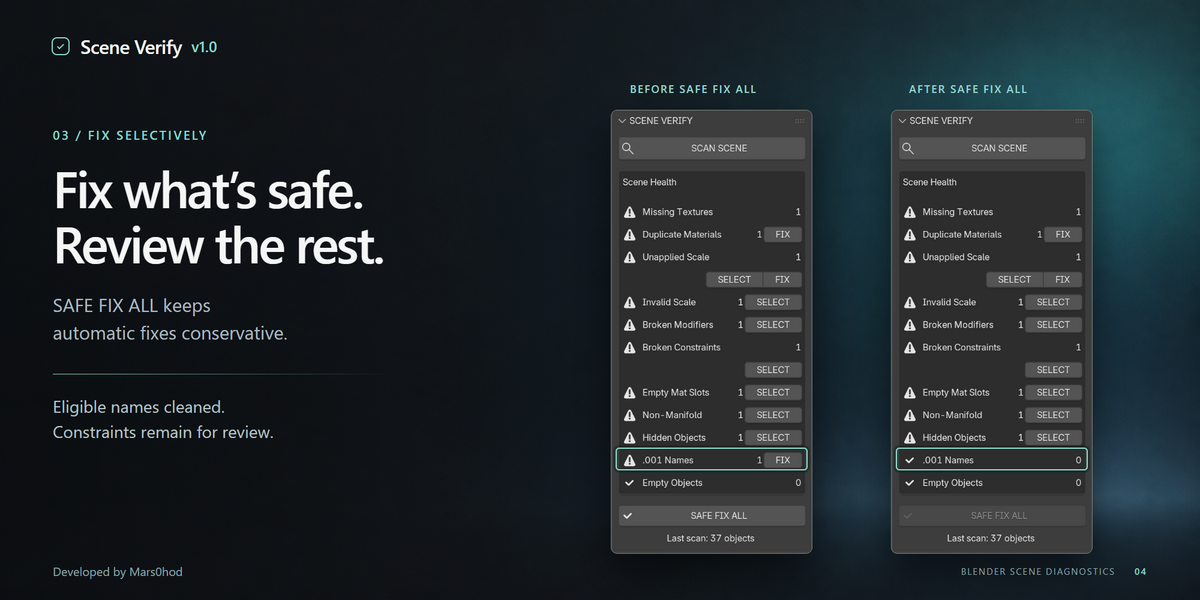
- Use individual FIX buttons only when you want Scene Verify to apply the supported correction.
- Use SAFE FIX ALL for eligible automatic fixes that are intentionally limited to conservative operations.
- Scan the scene again to confirm the result.
Scene Verify checks for
- Missing Textures
- Duplicate Materials
- Unapplied Scale
- Invalid Scale
- Broken Modifiers
- Broken Constraints
- Empty Material Slots
- Non-Manifold Meshes
- Hidden Objects
- .001 Object Names
- Empty Objects
Safe Fix Philosophy
Scene Verify does not attempt aggressive automatic cleanup.
Issues that may require artistic or technical judgment are left for review and can be located using SELECT where supported.
In v1.0, SAFE FIX ALL is intentionally conservative and only performs eligible safe automatic operations.
Notes
- Diagnostics operate on the current scene.
- Some checks are intentionally conservative to avoid unsafe changes.
- Unsupported or ambiguous cases may be skipped rather than modified automatically.
- It is always recommended to save your Blender file before applying fixes.
Compatibility
Blender 5.2+
Tested with Blender 5.2.2 LTS on Windows.
Version: 1.0
Developer: Mars0hod
Have questions about this product?
Login to message
| Published | 1 day ago |
| Blender Version | 5.2 |
| Extension Type | N/A |
| Render Engine Used | Cycles |
| License | GPL |

Discover more products like this
Scene validation modifiers diagnostics cleanup Workflow materials topology utility textures constraints scale