 LabSages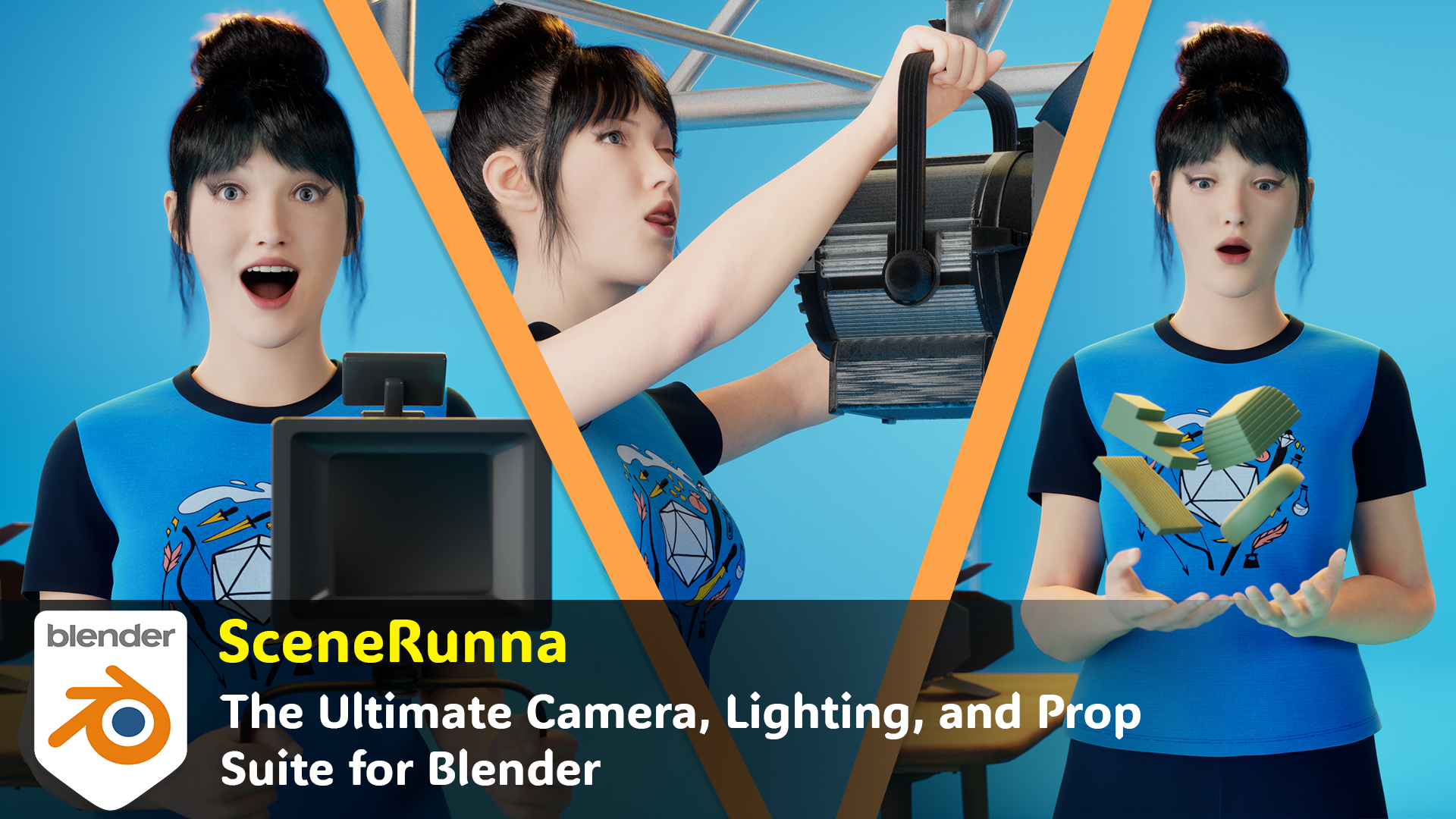

SceneRunna Documentation
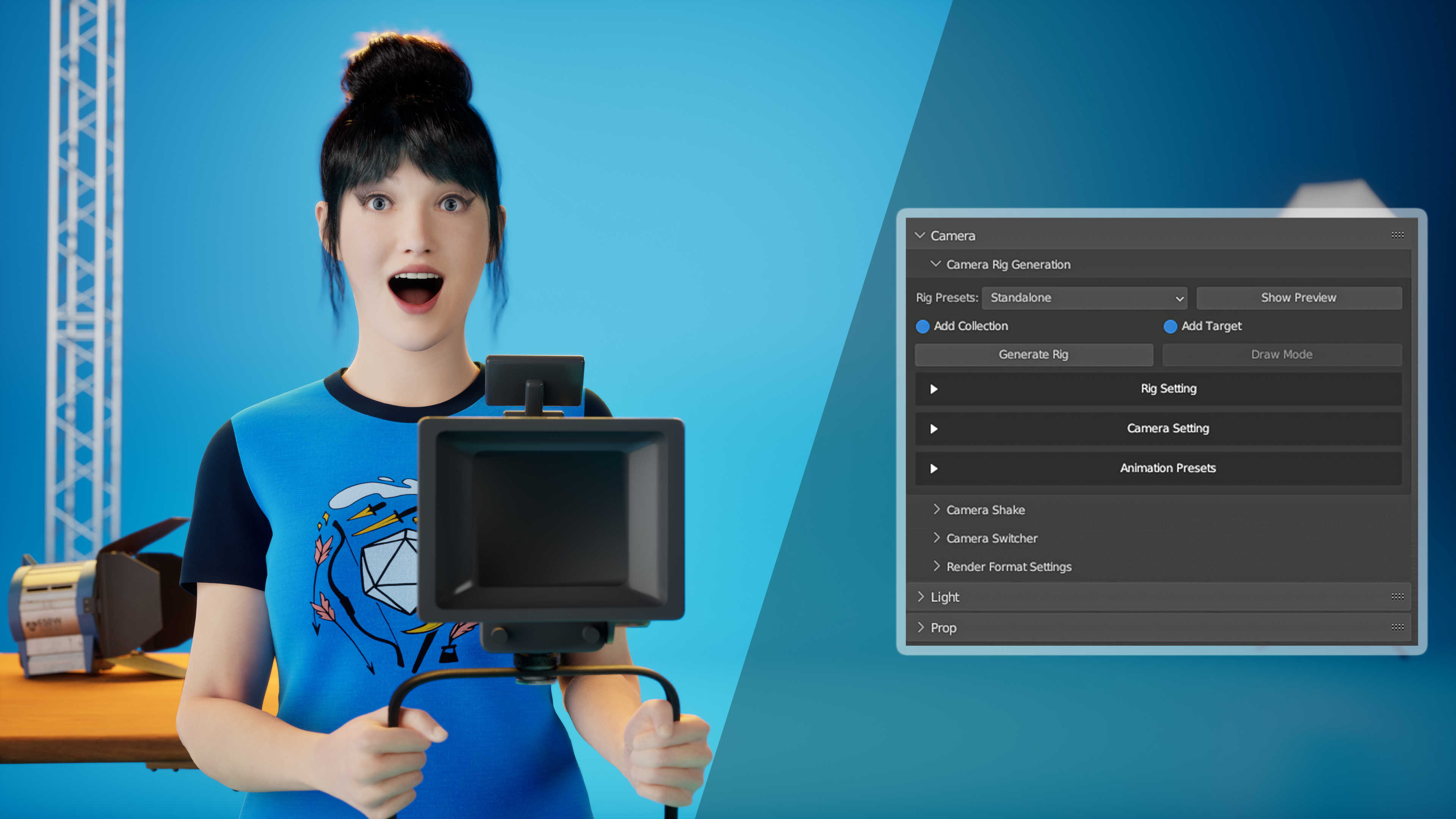
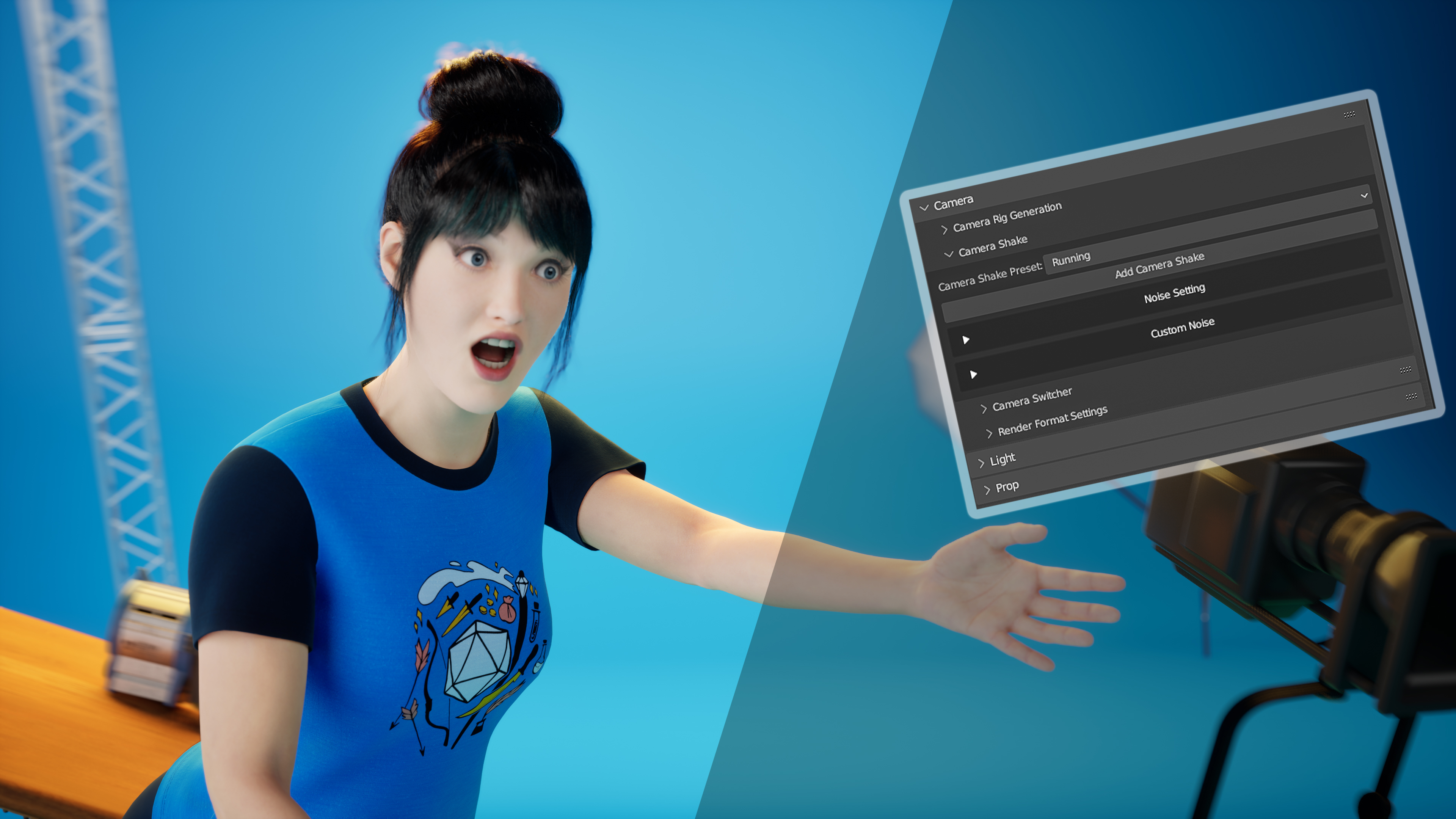
Welcome to SceneRunna, the comprehensive Blender addon designed to accelerate your creative process. This documentation is aimed to guide you through the installation process and help you get started with SceneRunna.
Note: Check out our detailed Youtube Tutorial, it will get you up and running with our addon.
Installation Walkthrough with images:
-
Download the Files:
- Make sure you have downloaded
SceneRunna.zipandImport.rar.
- Make sure you have downloaded
-
Install the Addon in Blender:
- Open Blender, then go to
Edit > Preferences. -

- In the
Add-onstab, clickInstall. -

- Open Blender, then go to
Find and select SceneRunna.zip and click Install Add-on.
-

- Once installed, locate SceneRunna in the add-ons list and activate it by checking its box.
-

-
Import Files:
- Unzip
Import.rar. - You will see
importandcustomfolders. - In Blender, locate SceneRunna and go to it's settings (in the add-ons list ), click the little triangle before the addons name so the options to choose the directories appear. and add these folders in the directories section.

- Unzip
Support
If you encounter any issues or have questions, please don't hesitate to reach out to us at [email protected]
Future Updates
We have an exciting roadmap planned for SceneRunna, including features like gobos, auto exposure, a preview panel for custom animations, and many more professional lighting features. Plus, a search bar option for presets is on the way! Updates are free for everyone who has purchased our addon.
------------------------------------------------------------------------------------------------------------------------------
Choosing SceneRunna means investing in an addon that grows with you. We're constantly updating and adding features based on user feedback. So, stay tuned for future updates that will make your Blender projects even more remarkable!
Thank you for choosing SceneRunna, and happy blending!
— The SceneSages Team
Have questions about this product?
Login to message
| Sales | 10+ |
| Dev Fund Contributor | |
| Published | almost 3 years ago |
| Blender Version | 4.0, 3.6 |
| License | GPL |
Discover more products like this
volumetric lighting smart animation camera switcher Custom Camera Shake off Custom Gobo blender tools Animations Tools camera shake Lighting Tools camera animation 3D artistry Depth Of Field Plane professional lighting gobo camera-tools Depth of field visualization Workflow Optimization SceneRunna gobos Blender Plugin Lighting preset 3d animation Resolution presets depth of field Visualization Tools stylized shadows 3D rendering scene setup prop generation procedural materials Color Palette Generator camera rigs Palette Generator smart camera Black Friday render suite Lighting presets blender addon Blender enhancement blender color-palette Infinity Background smart lighting cinematic tools Procedural Gobo Stylized Lights