 DreamSfx



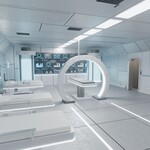
Install
- Unzip the download.
- In Blender: Edit > Preferences > Add-ons > menu (top right) > Install from Disk.
- Pick scifi_room_generator.py and enable "Sci-Fi Room Generator".
- In the 3D Viewport press N and open the "SciFi" tab.
Single room
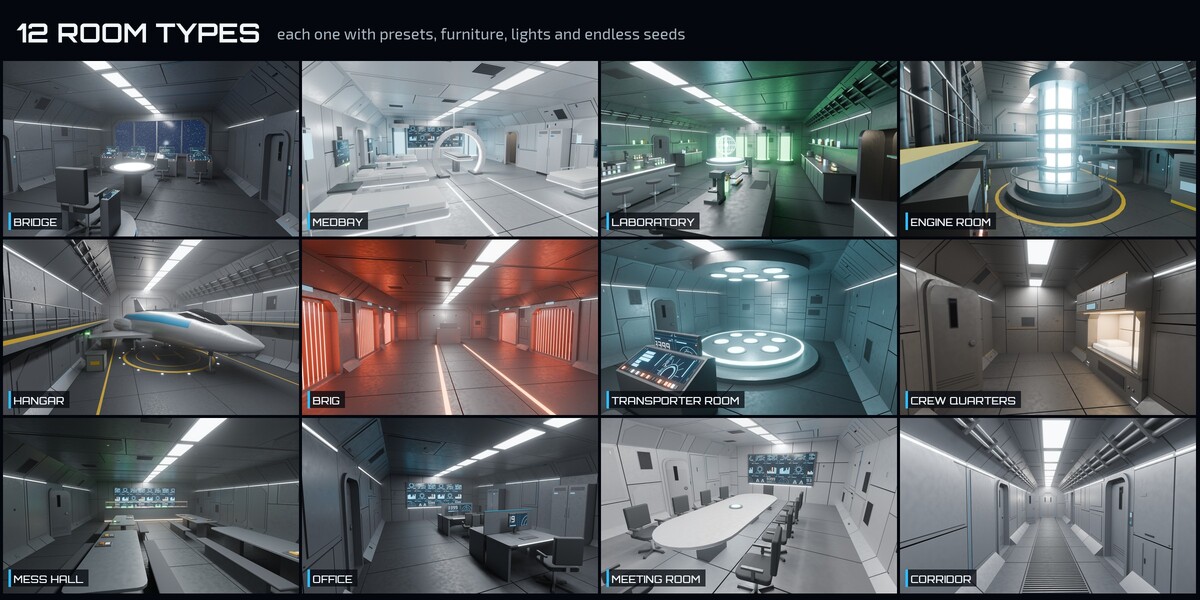
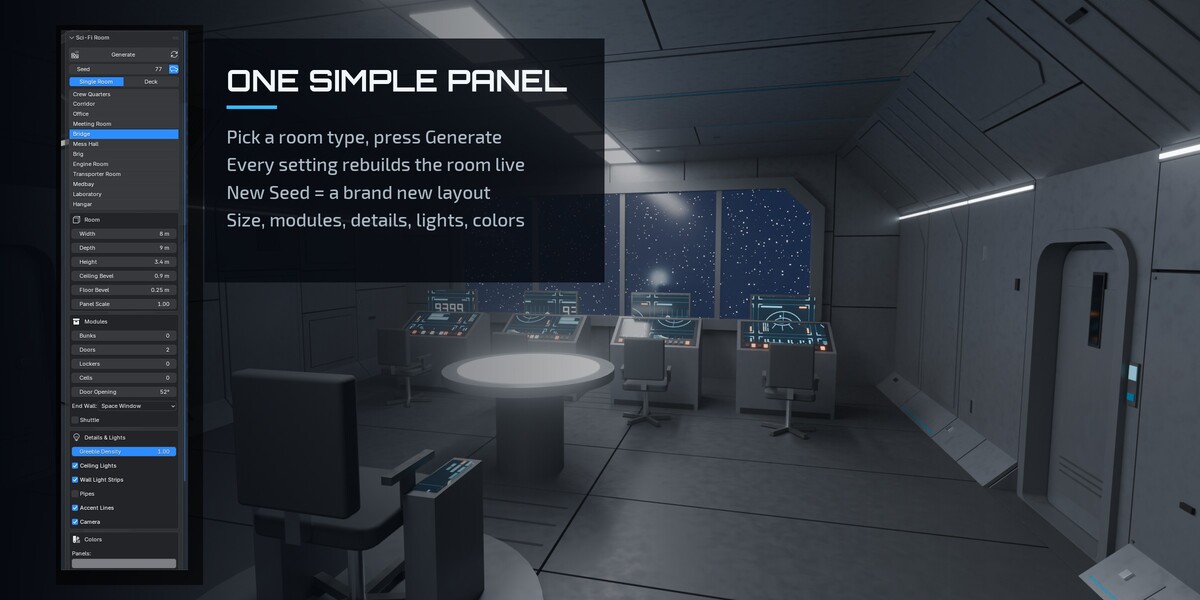
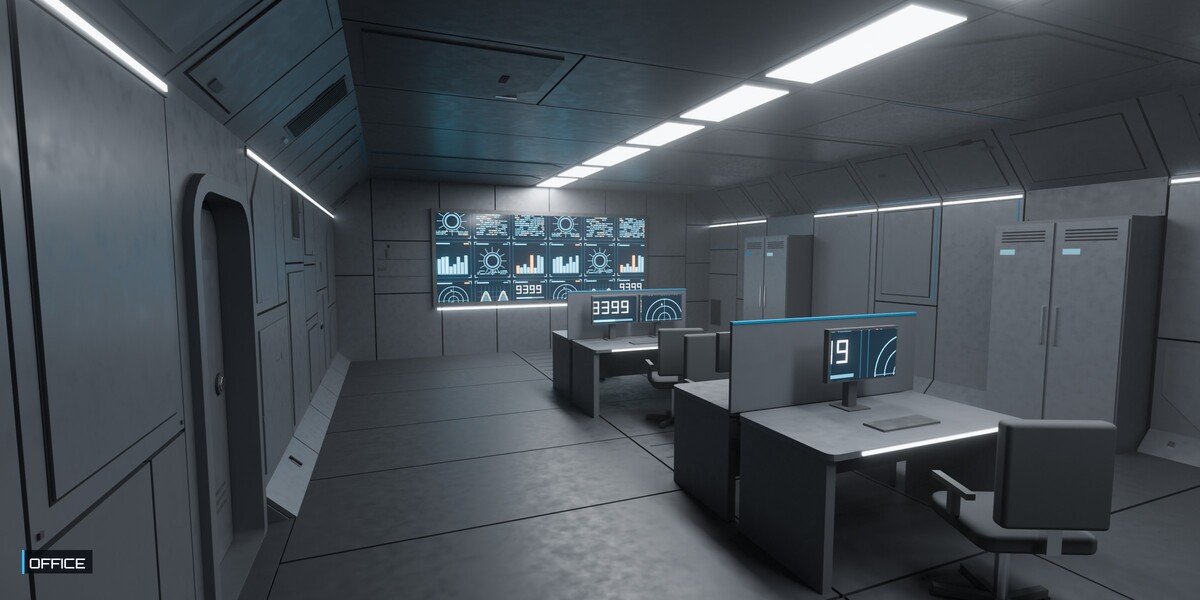
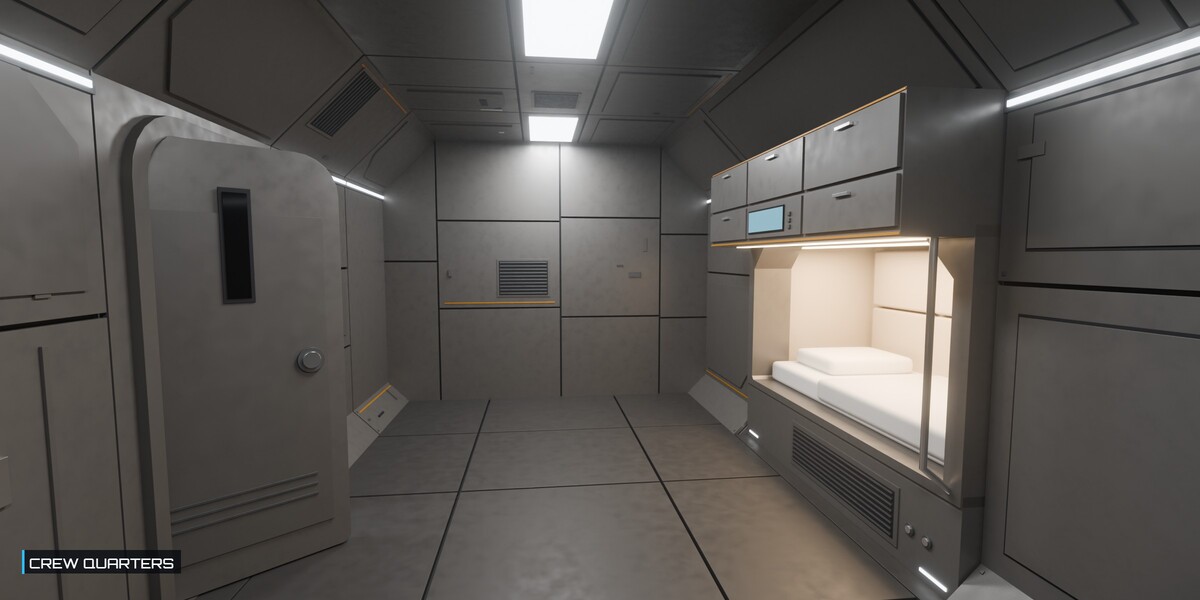
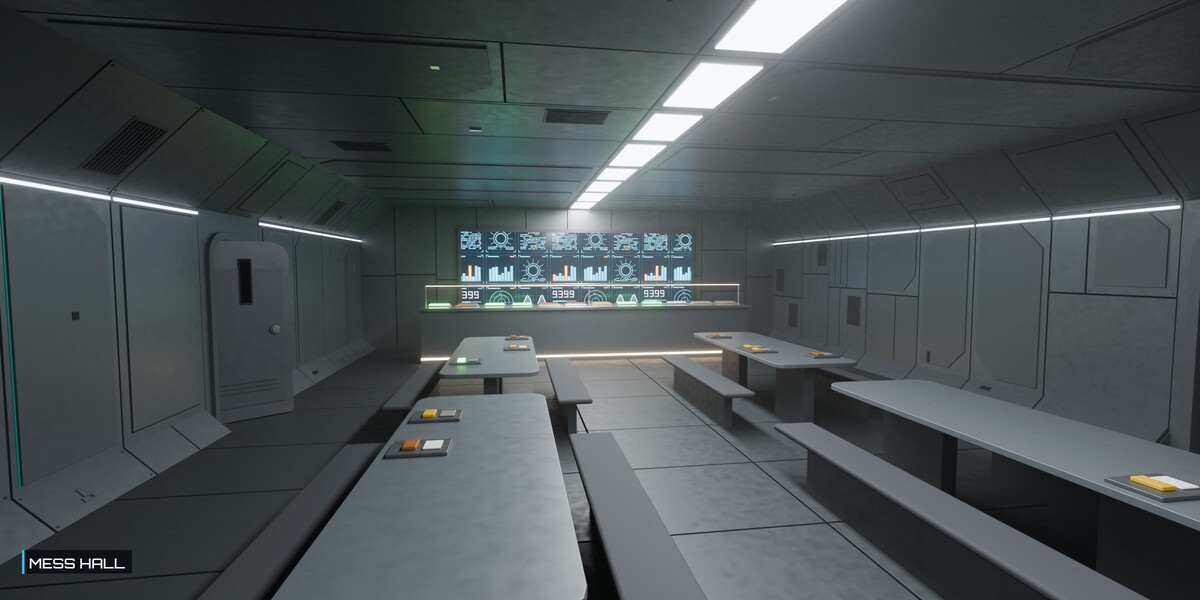
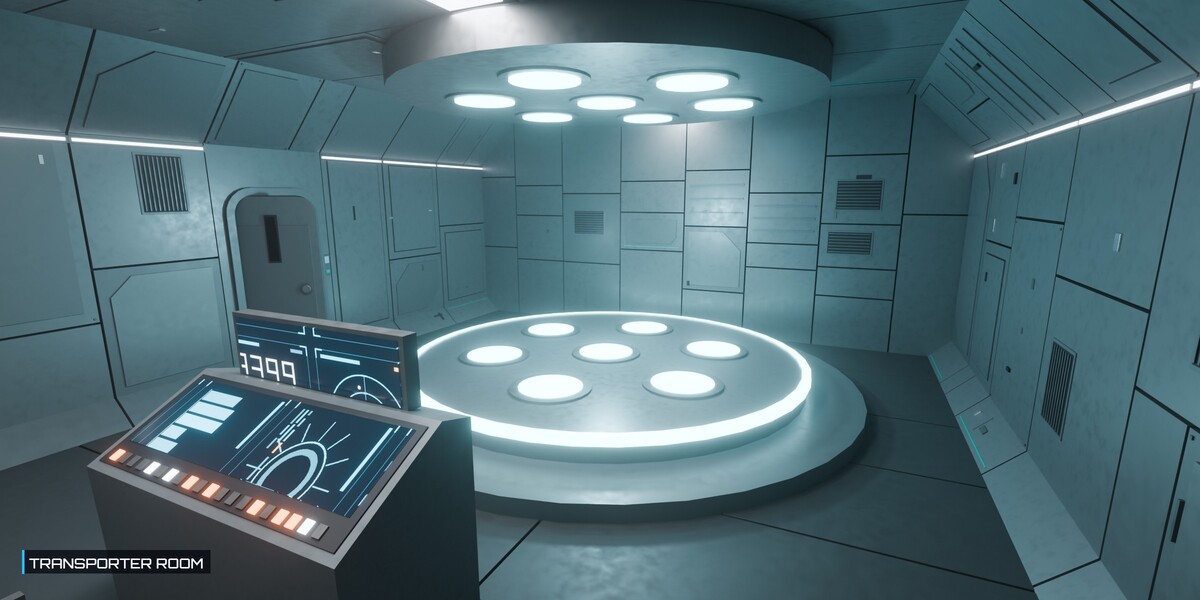
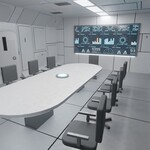
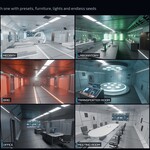
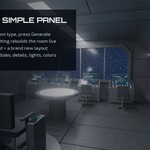
- Pick a room type and press Generate. With Live Update on (the clock icon next to Seed) every setting rebuilds the room immediately.
- New Seed (refresh icon) gives a new layout, new panel details and new furniture placement.
- Room: width, depth, height, ceiling/floor bevel, panel scale.
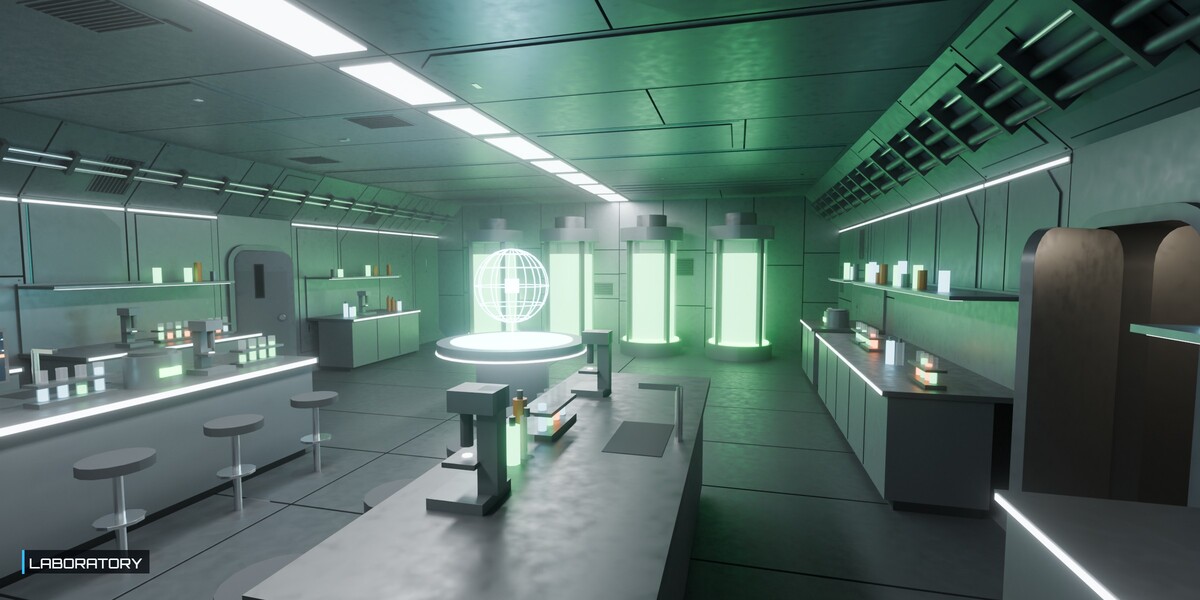
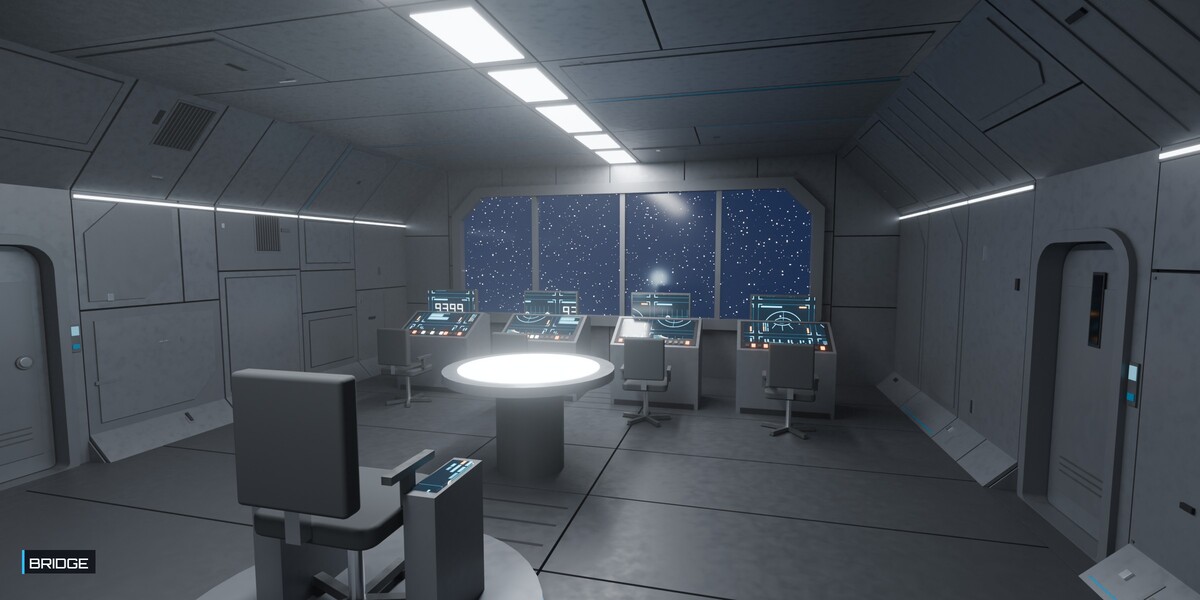
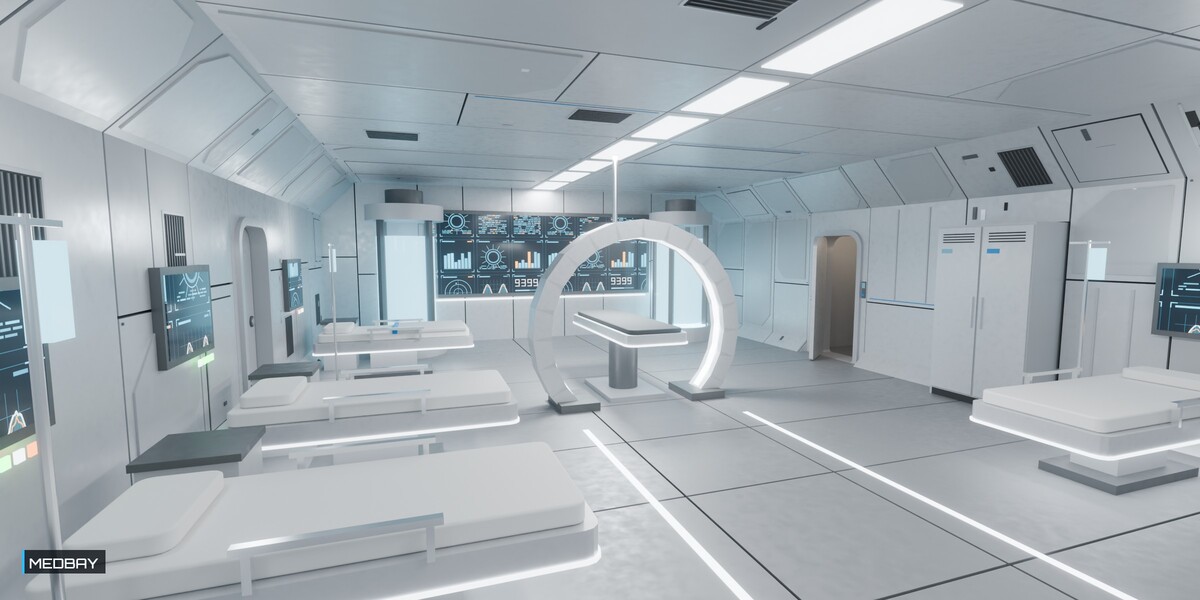
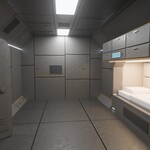
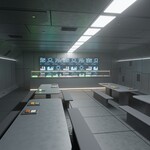
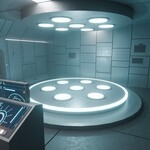
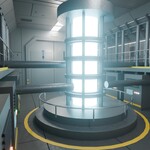
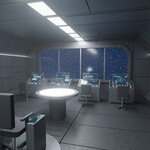
- Modules: bunks, doors, lockers, cells, door opening angle, end wall (panels, wall screen, space window, blast door), shuttle.
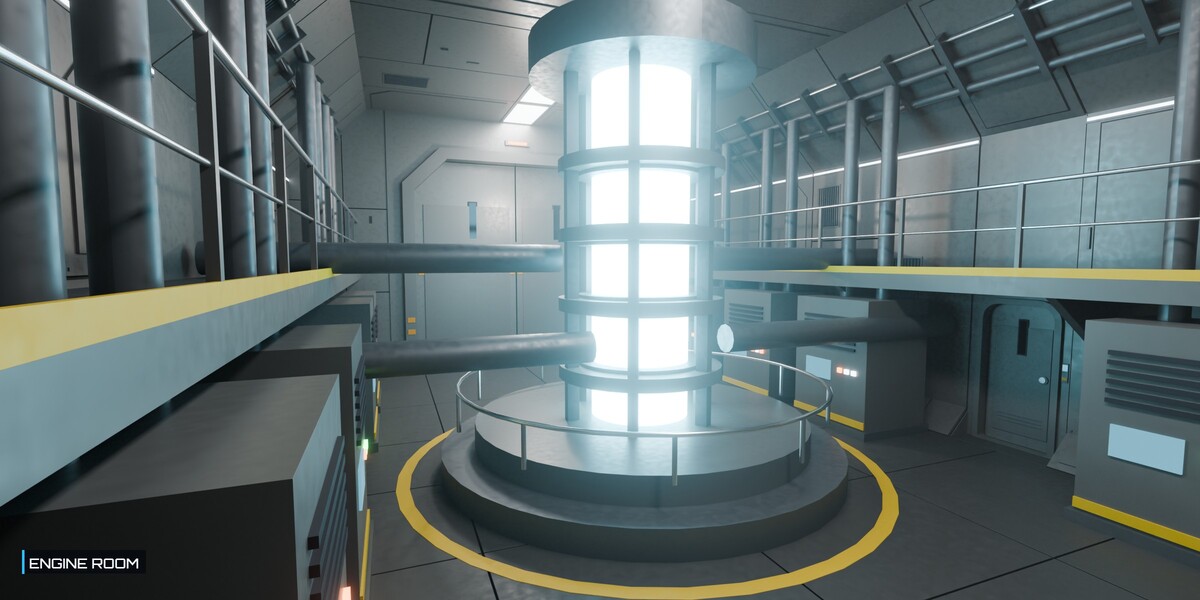
- Details & Lights: greeble density, ceiling lights, wall light strips, pipes, accent lines, camera.
- Colors: panels, accent, bunk light.
Deck
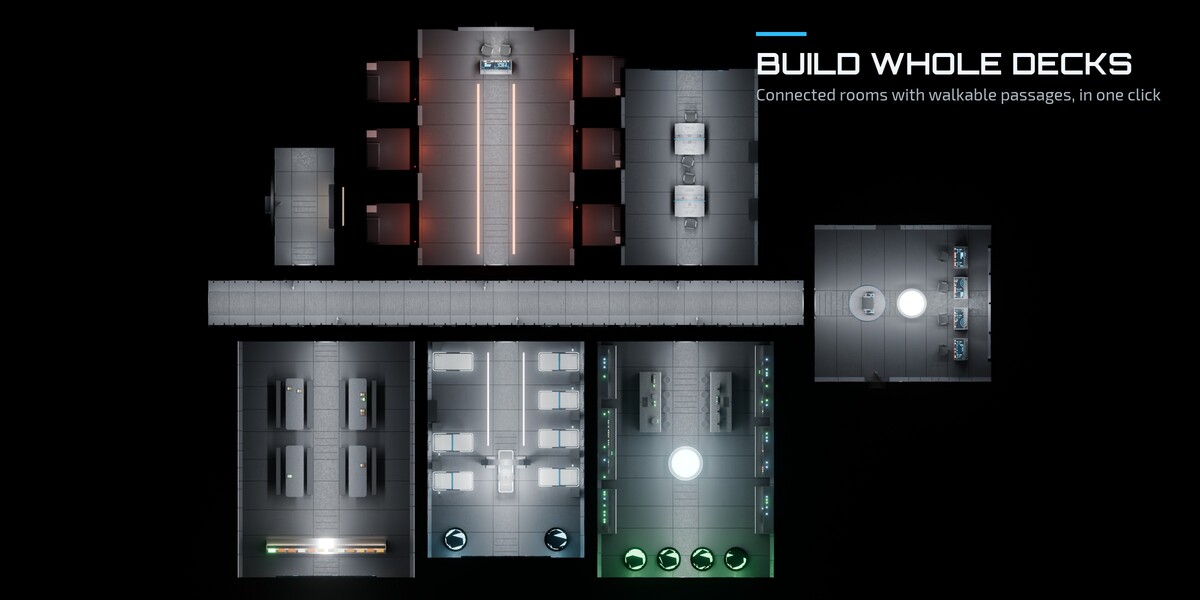
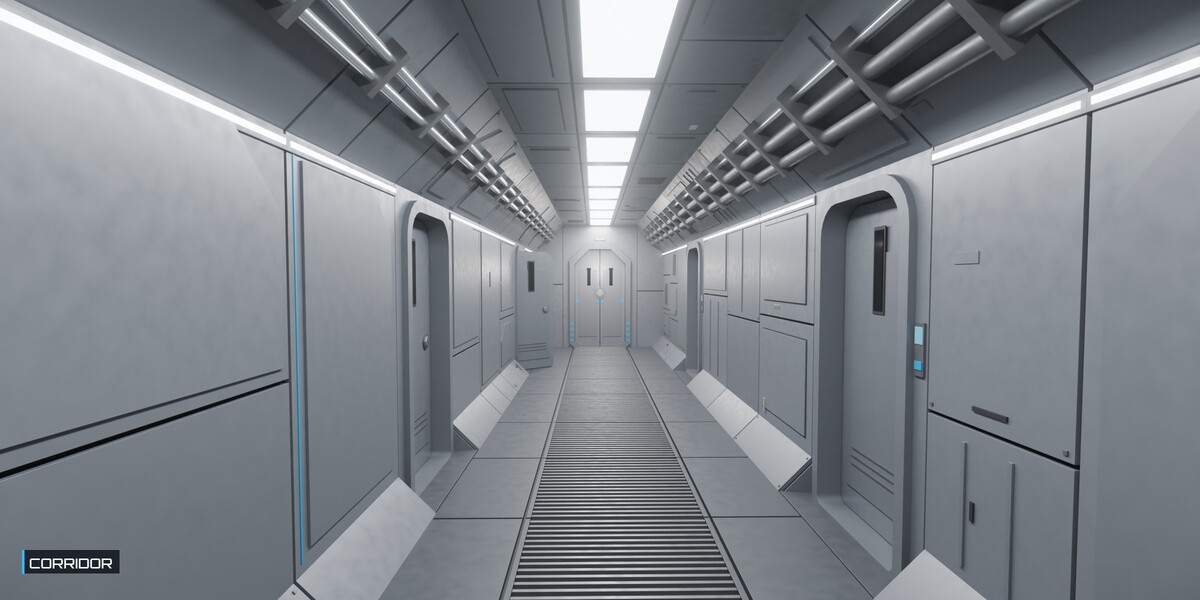
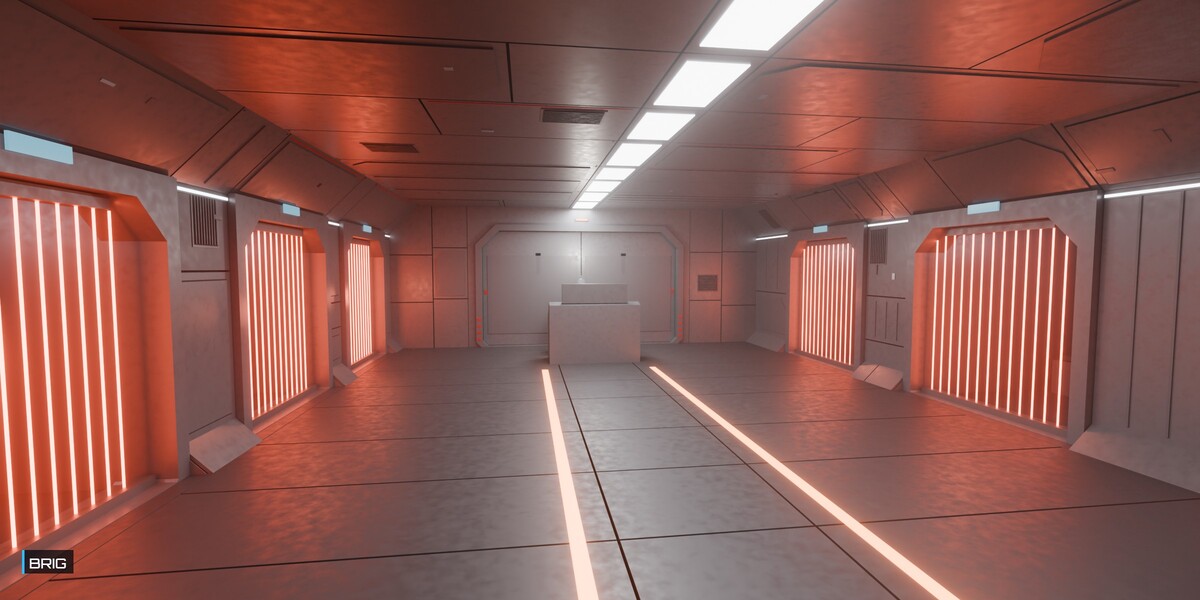
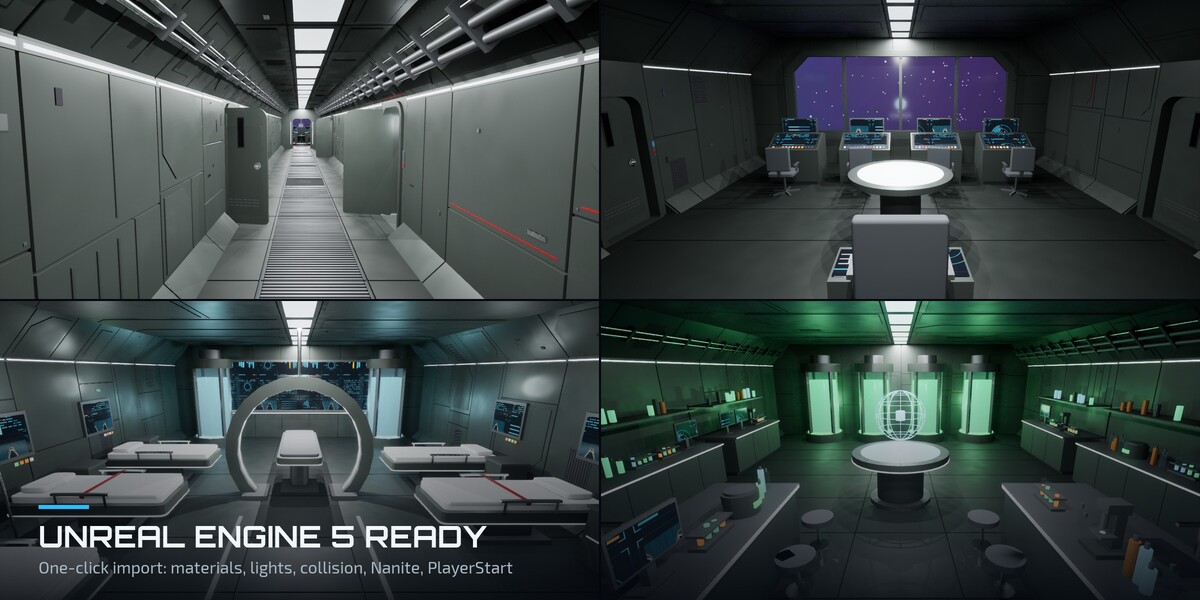
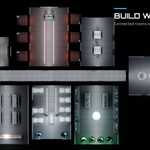
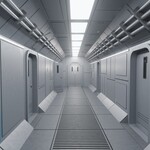
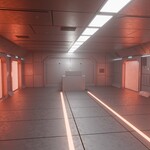
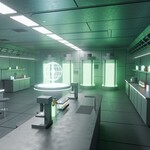
- Switch the mode to Deck: a corridor with side rooms on both sides and an optional end room.
- Choose how many side rooms, which room types can appear and the end room.
- All rooms are connected by real, walkable doorways.
Export
- Export FBX: one FBX with the whole room or deck, modifiers applied, UVs generated. "Light Intensity" scales the lights for apps that read FBX light intensity in percent (0.04 = a 25 W Blender light arrives at 100% in Cinema 4D / Maya).
- Export to Unreal: creates a package folder with one FBX per room part, textures, a manifest and import_scifi_deck.py. In Unreal (5.1+, Python Editor Script Plugin enabled) run Tools > Execute Python Script and pick import_scifi_deck.py: the deck is rebuilt in the open level with master materials and material instances, collision, Nanite, lights, a Post Process Volume and a PlayerStart. Full instructions are in README_Unreal.txt inside the exported package.
Demo scene
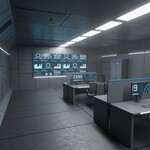
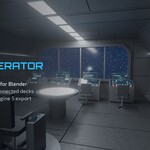
SciFi_Room_Generator_Demo.blend is a ready-made deck with camera and lights. Open it to see the result right away; with the add-on enabled you can keep editing it from the SciFi tab.
Tips
- Rooms are made of a few joined meshes per room (structure, props, glass, doors). Door leaves are separate objects with the pivot on the hinge.
- Every material is a regular Principled BSDF named SF_*: change them once and the whole room follows.
- Keep Live Update off while you change many settings on big decks, then press Generate.
Have questions about this product?
Login to message
| Published | 44 minutes ago |
| Blender Version | 4.2 - 5.2 |
| Extension Type | N/A |
| Render Engine Used | Cycles, Eevee |
| Misc Data | Uvs-Unwrapped |
| License | GPL |
Discover more products like this
procedural environment game ready scifi space station Spaceship corridor room Interior Level Design Generator Unreal Engine