 ZB3D
ZB3D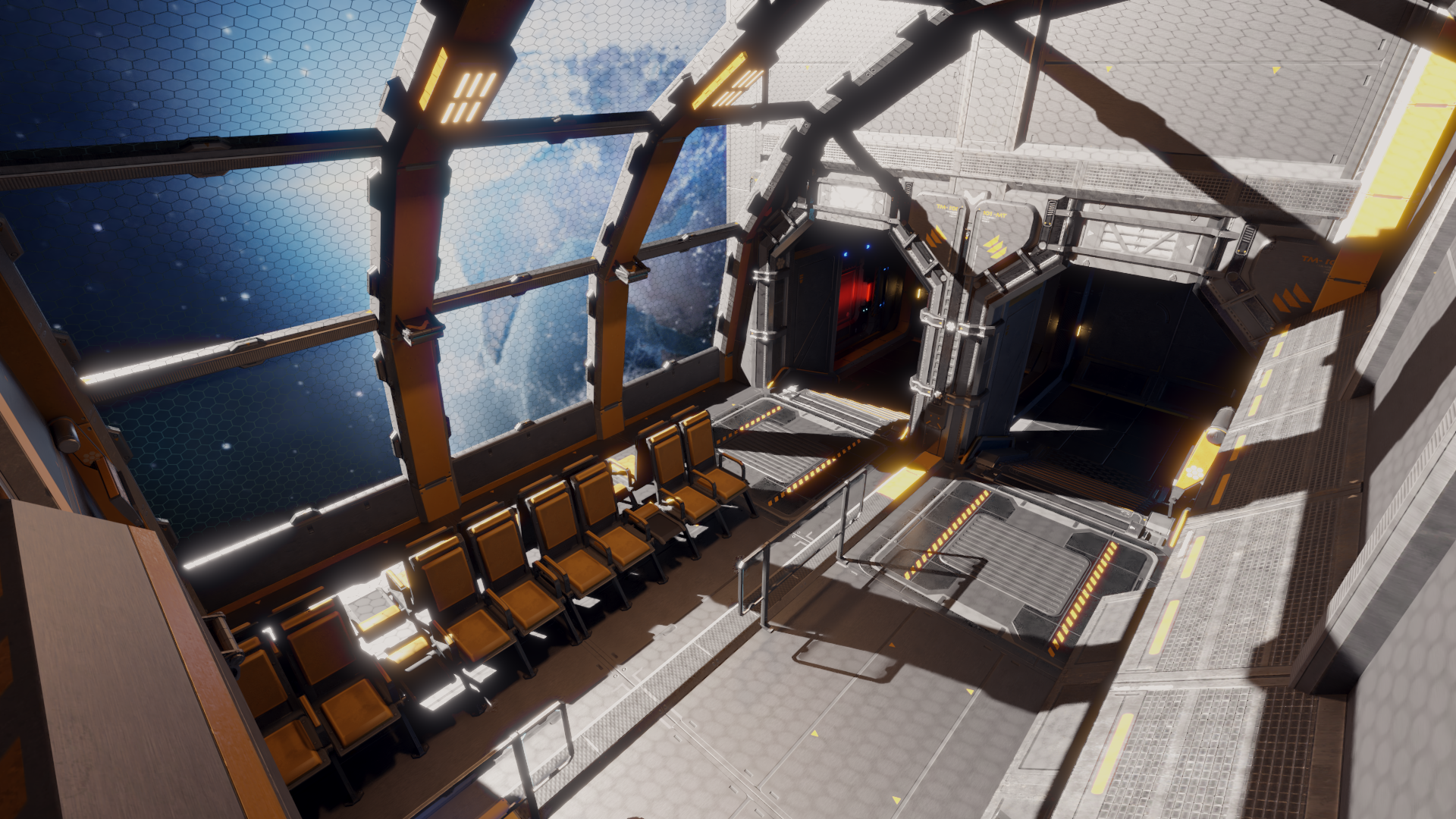
Getting started
After purchasing the station, you will want to download the "Sci Fi Space Station.zip" file. Inside you will find several folders and a few files.
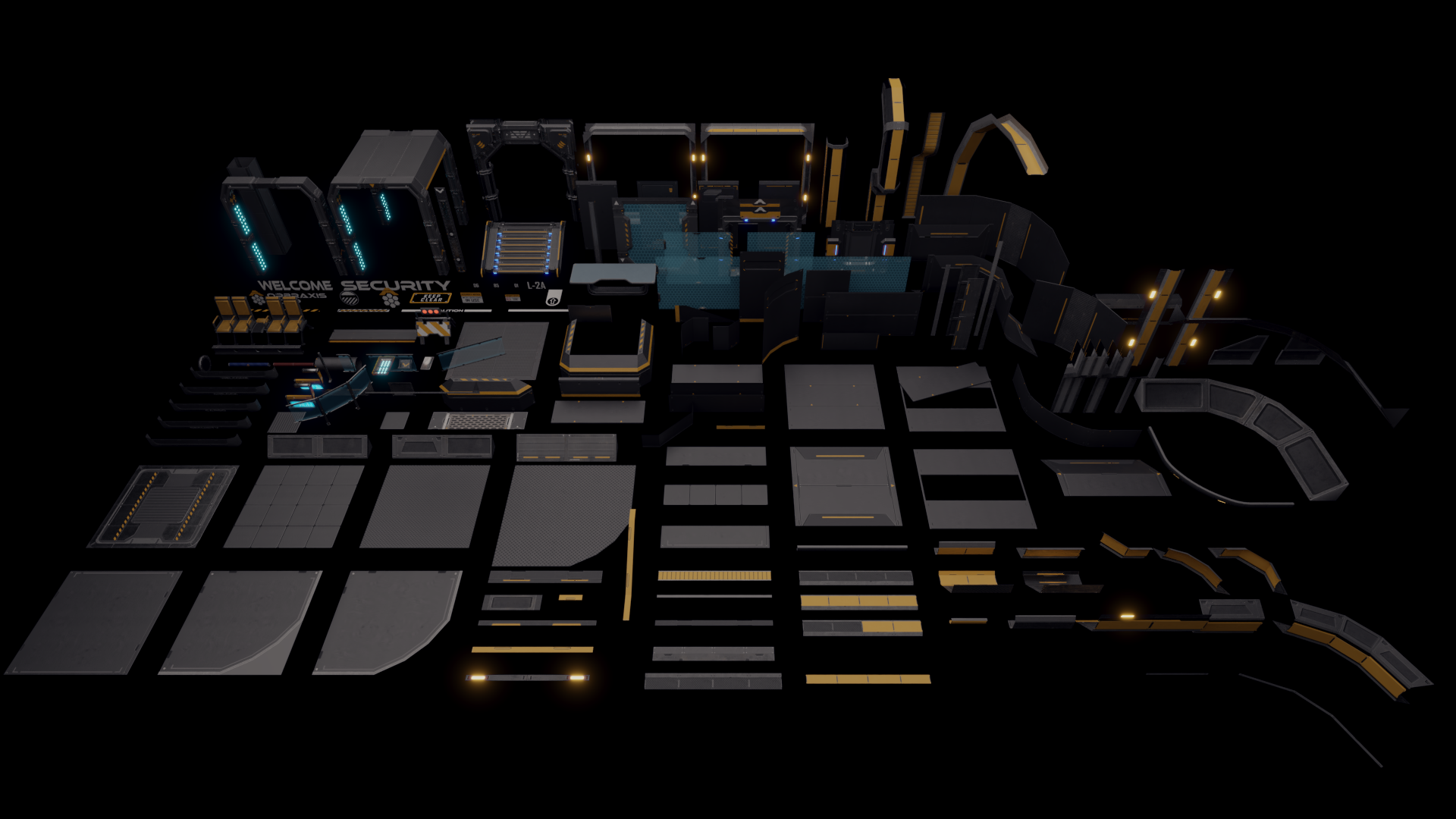
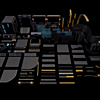
Meshes - Contains all the exported pieces of the modular kit as well as an exported demo scene in .dae format.
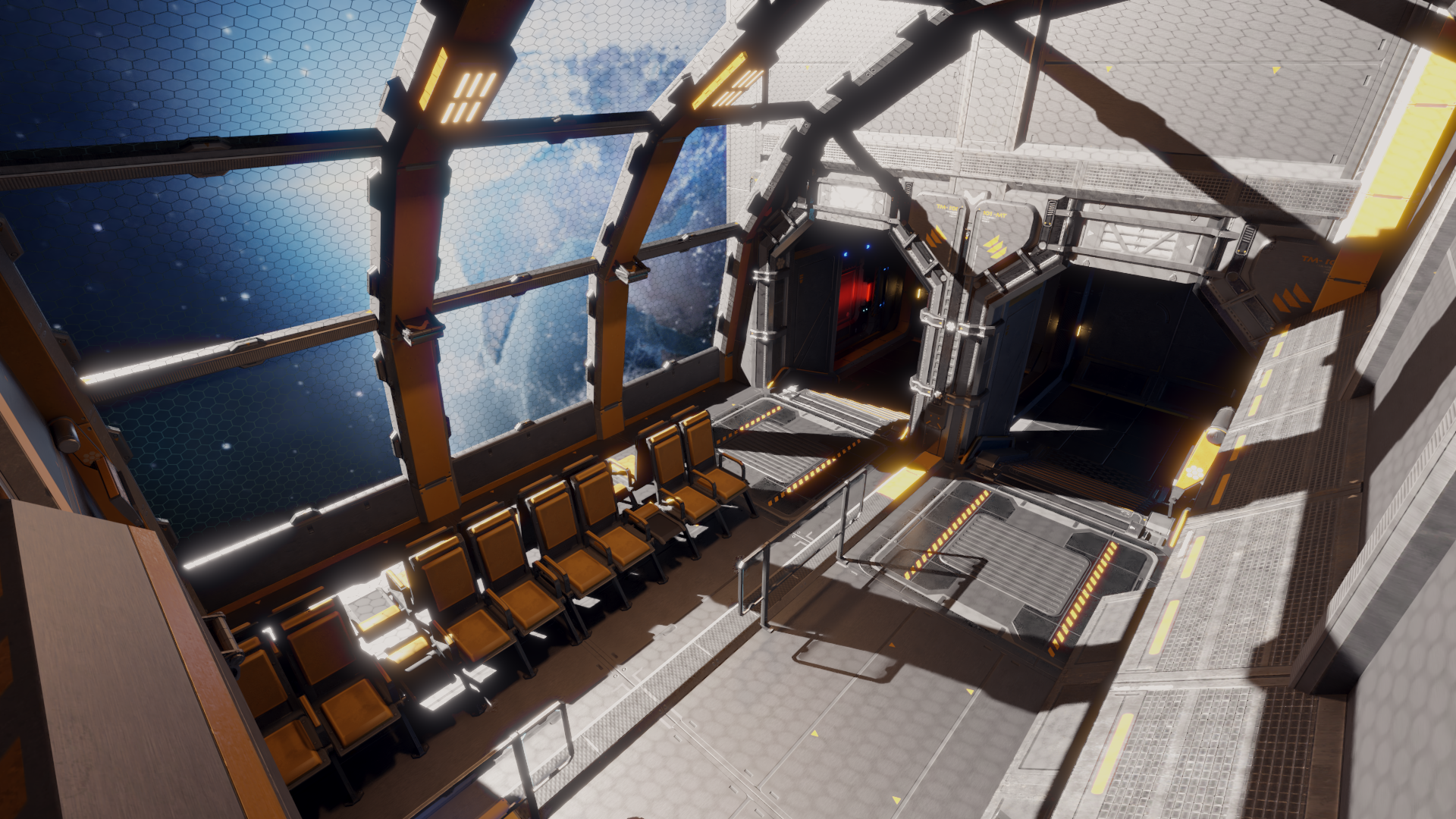
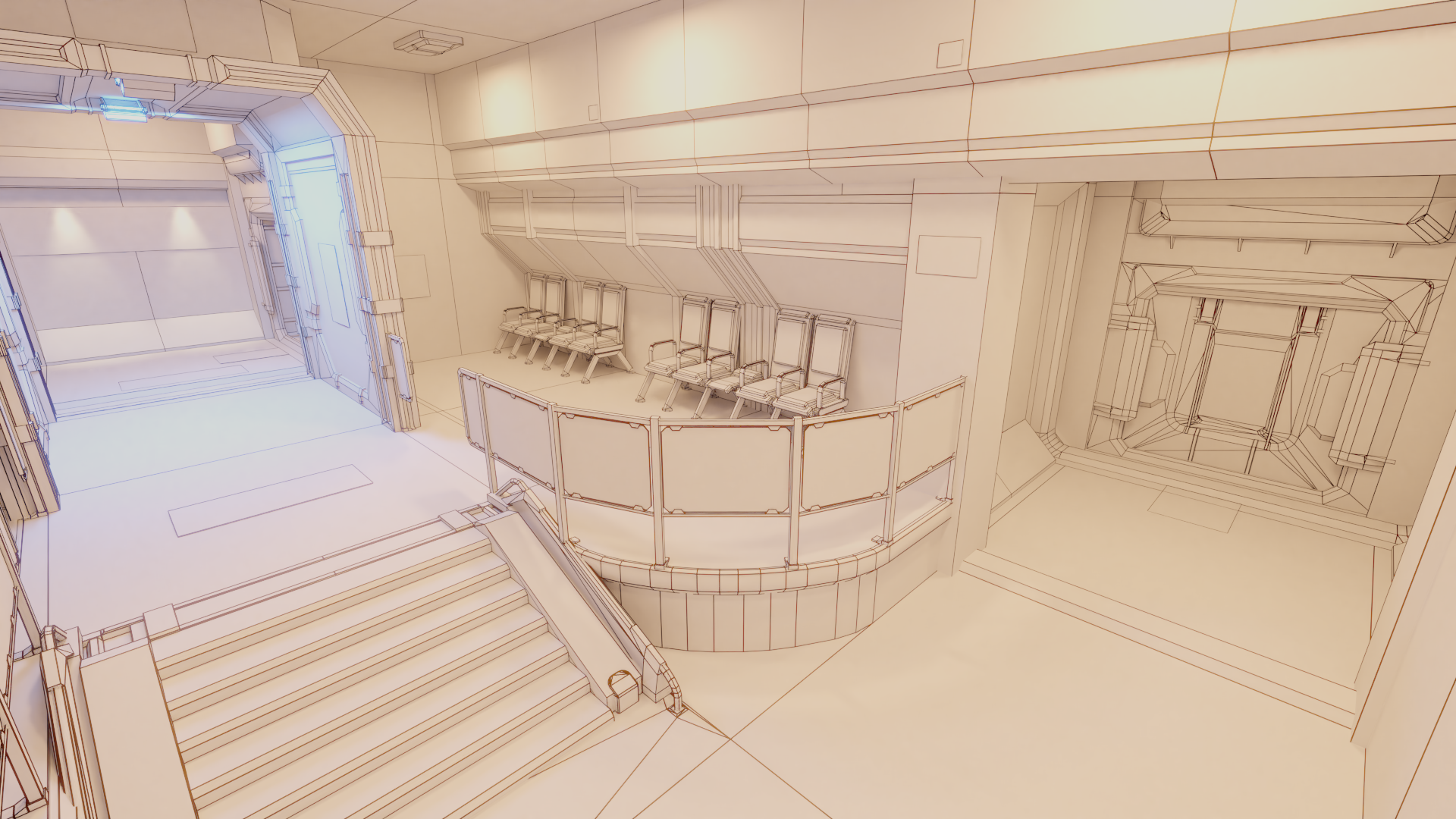
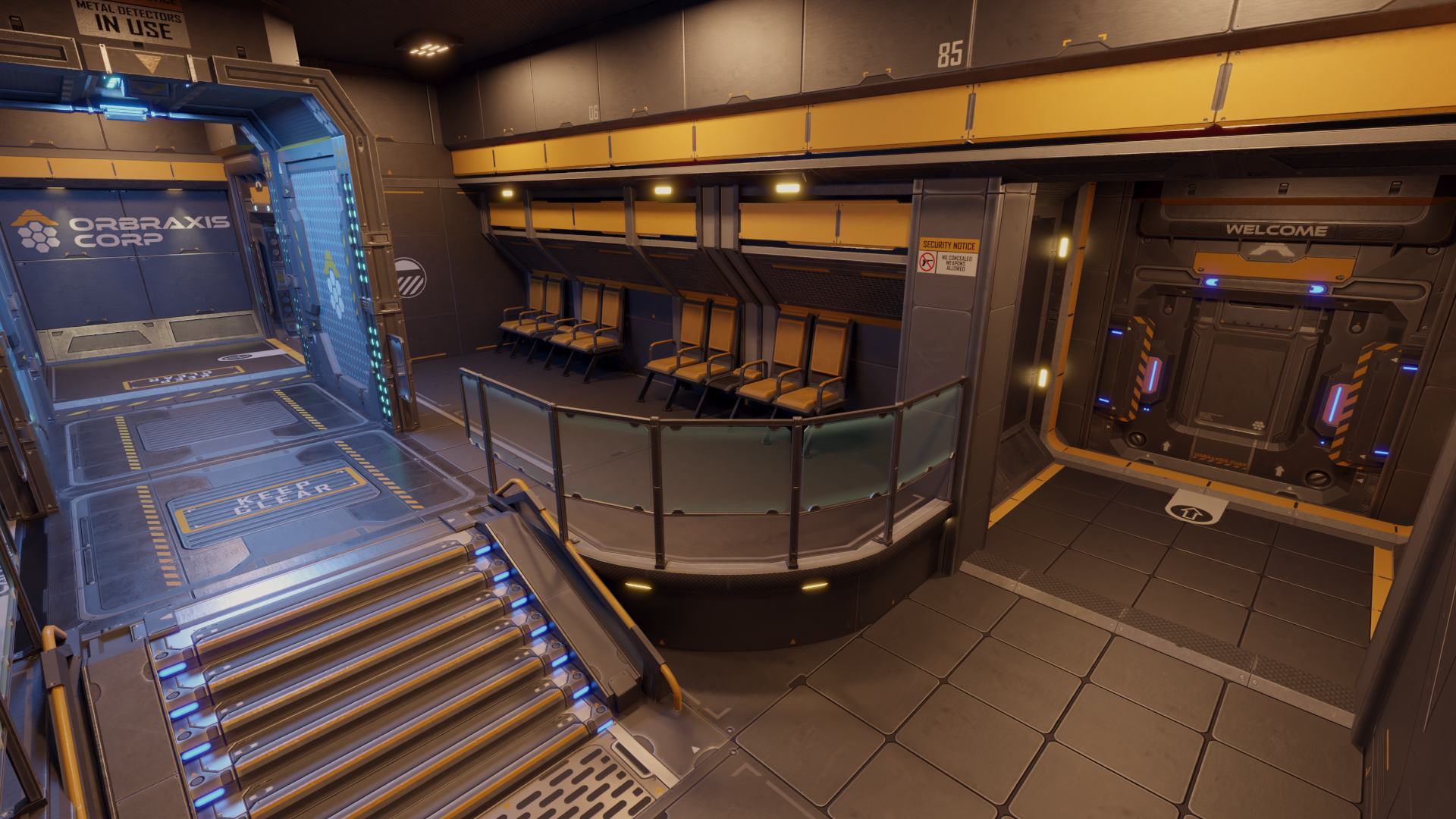
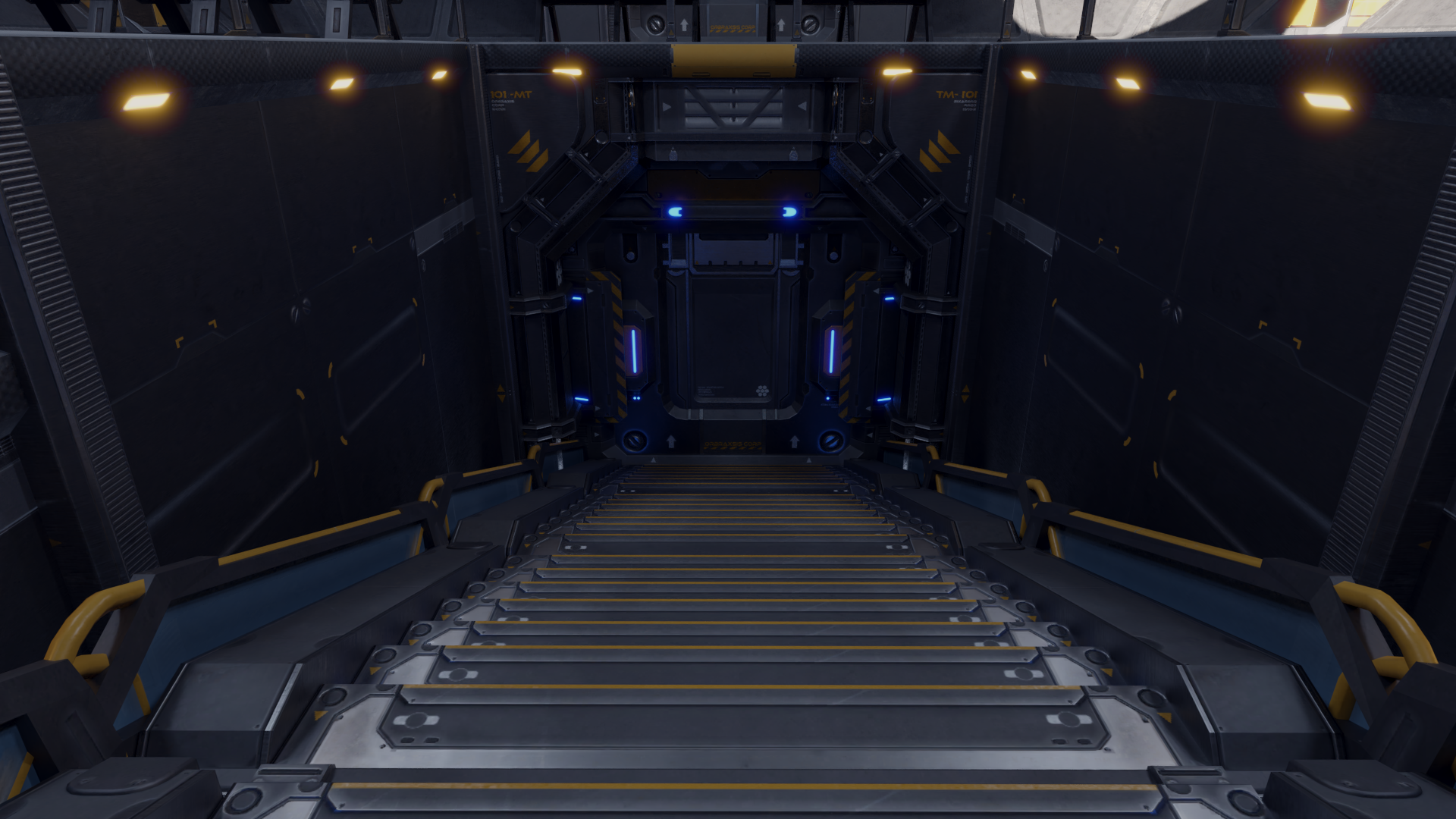
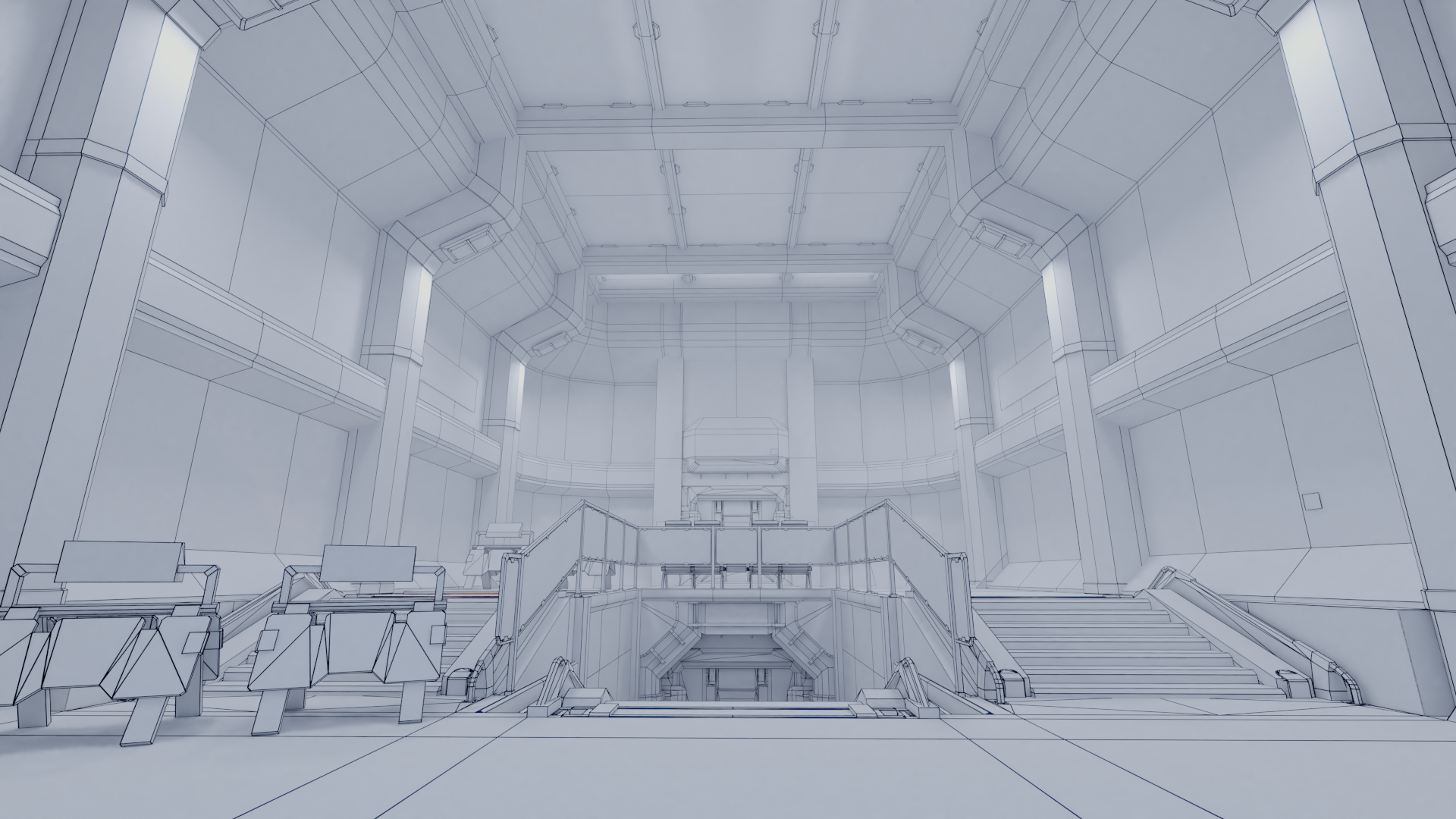
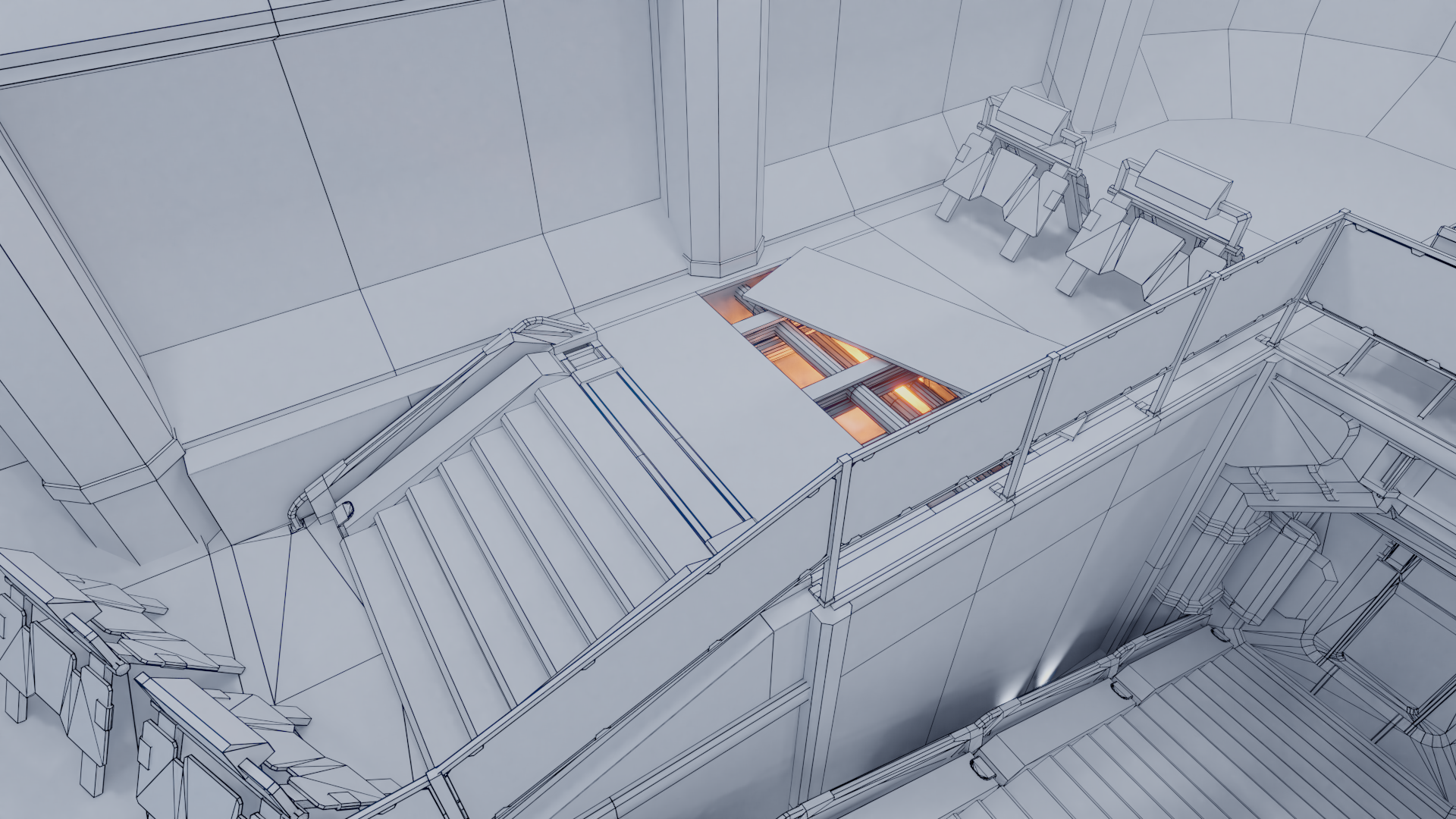
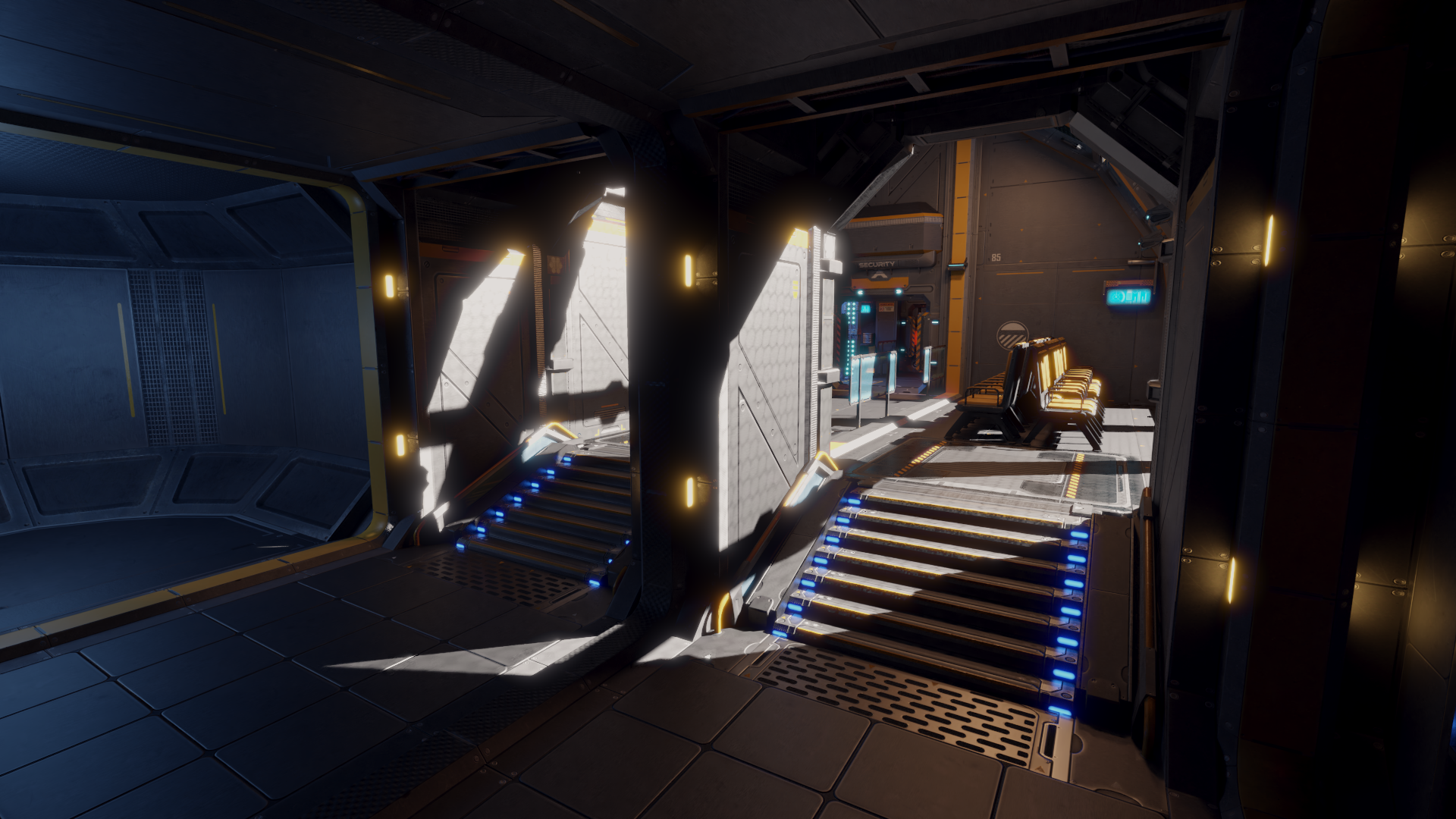
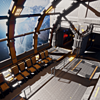
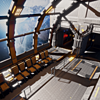
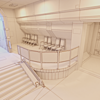
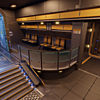
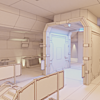
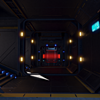
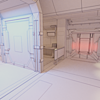
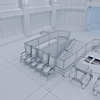
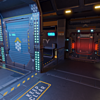
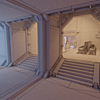
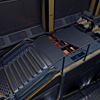
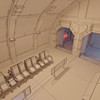
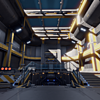
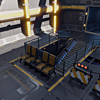
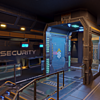
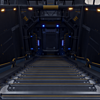
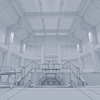
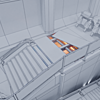
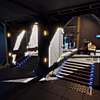
Renders - Contains all the rendered preview images found on the product page.
Textures - Contains all the textures for the environment in both PNG and DDS formats.
Sci-Fi Panels.blend - This is the Blender file of the entire project. (The scene is in several layers so be sure to check those if you can't find some of the content within this file).
File Suffixes:
_Alb = Albedo
_AO = Ambient Occlusion
_R = Roughness
_M = Metalness
_E = Emission
_N = Normal
Final Notes
In addition, sometimes the paths linking to the textures don't import correctly. This seems to be hit and miss with different computers, but is very easy to fix. So if when you import the exported models and the textures are missing, you simply need to re-assign the path to the texture either within Blender or whichever tool you are using.
Have questions about this product?
Login to message
| Published | over 7 years ago |
| Blender Version | 2.79 |
| Misc Data | UV'S Unwrapped, Manifold Mesh (Water-Tight), Low & High Resolution, Normal Mapped, Textured |
| License | Royalty Free |

Discover more products like this
unity sci fi future Kit security door base futuristic Interior medicine space medical lowpoly environment science fiction modular Spaceship hardsurface laboratory Moon Unreal Engine 4 panels spacecraft station security planet kitbash unity3d ue4 Science