 Digital DiLeo
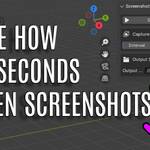

Screenshot Magic – Effortless Automated Viewport Captures
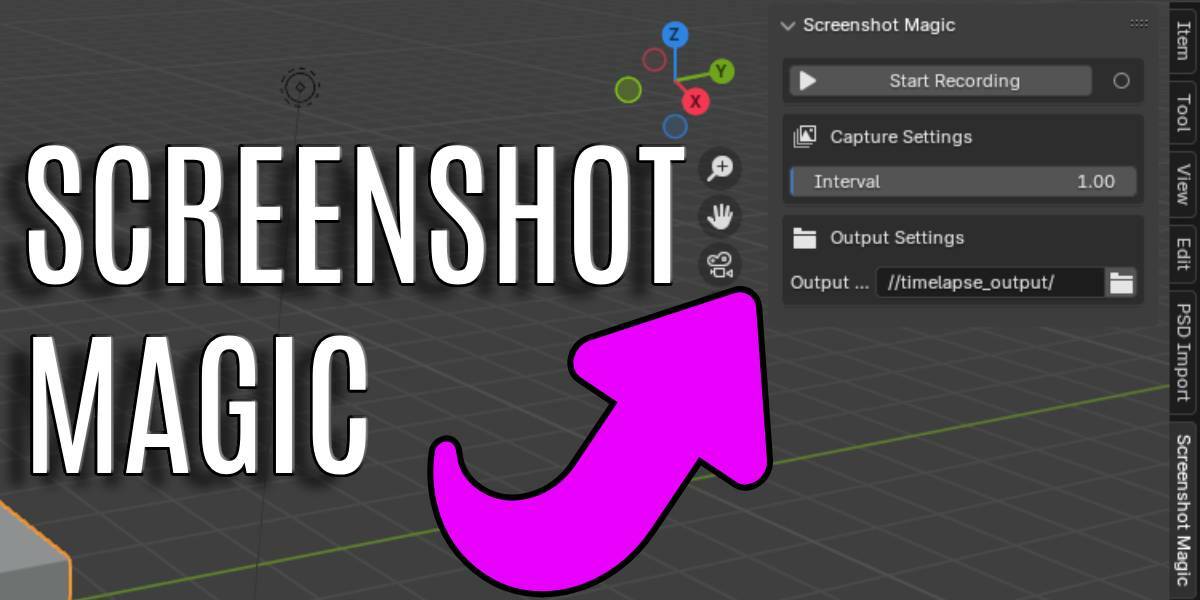
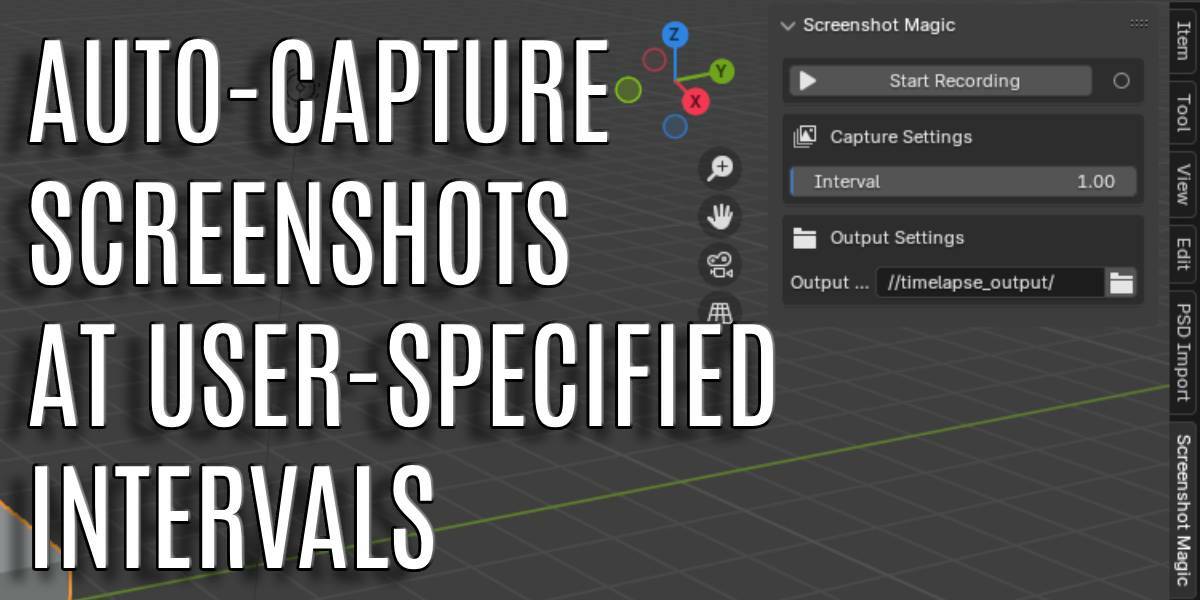
Screenshot Magic is a powerful yet lightweight Blender addon that automatically captures viewport screenshots at regular intervals, helping you track your progress, create time-lapse sequences, or document your workflow with ease.
Key Features
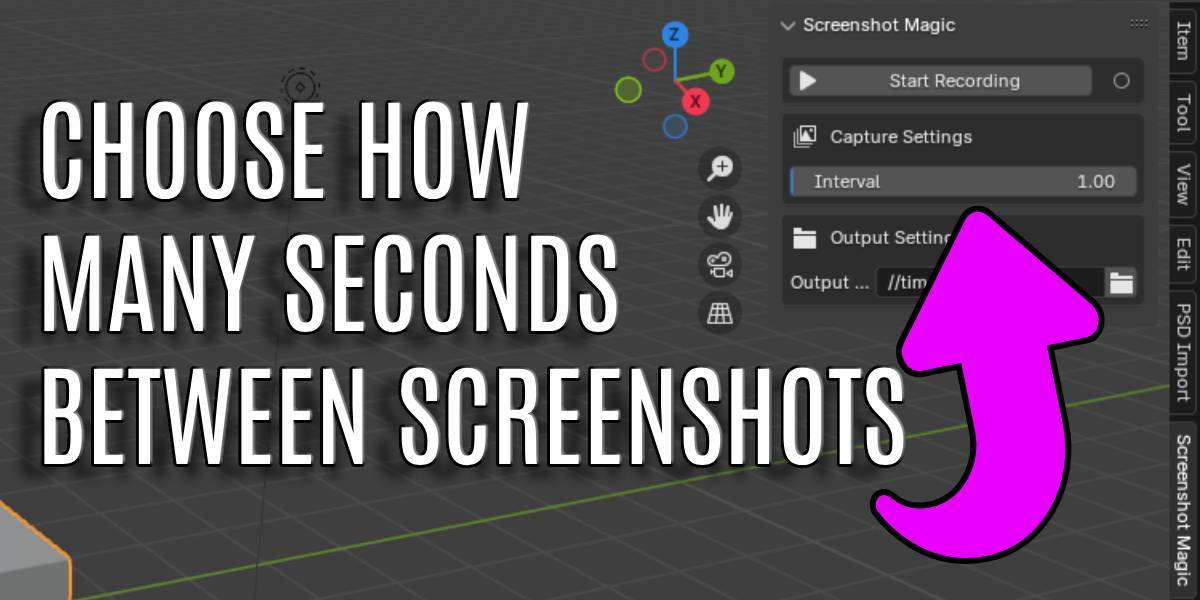
✅ Automated Screenshots – Set a custom interval, and Screenshot Magic will take screenshots without manual input.
✅ Simple Interface – Easily accessible from the Blender sidebar, with intuitive controls for seamless use.
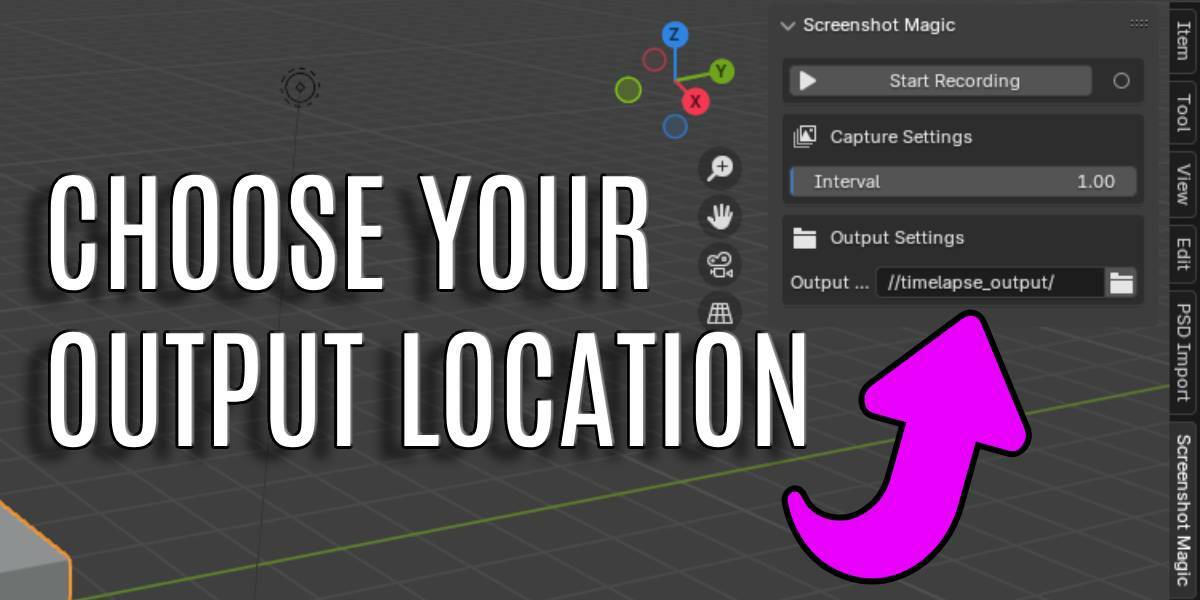
✅ Custom Output Location – Choose exactly where your screenshots are saved for better organization.
✅ Organized Storage – Screenshots are automatically saved in a structured folder system.
How It Works
- Open the Screenshot Magic panel in Blender’s 3D View sidebar.
- Set your preferred screenshot interval in seconds.
- Select an output directory for storing images.
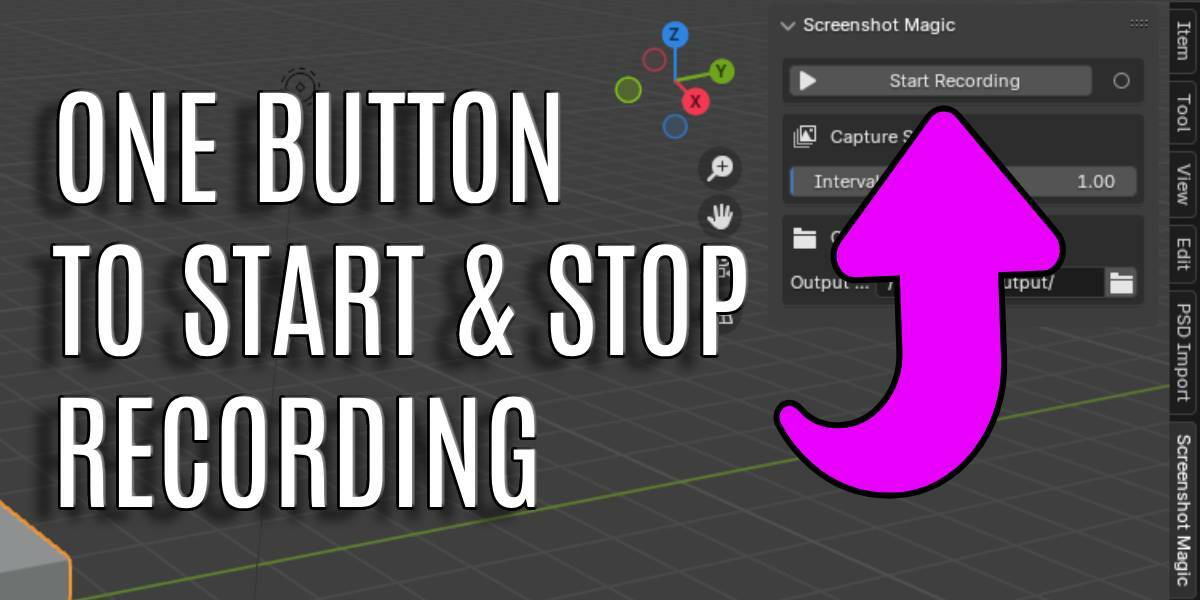
- Click Start Recording to begin automatic captures.
- Click Stop Recording whenever you're done.
Why Use Screenshot Magic?
🔹 Save Time – No need to pause your work to manually take screenshots.
🔹 Document Progress – Track your workflow effortlessly for tutorials, portfolios, or time-lapses.
🔹 Stay Organized – Screenshots are stored in a structured format for easy access.
Compatible with Blender 2.80+ and designed to integrate smoothly into any artist’s workflow. Enhance your Blender experience with Screenshot Magic today!
