 ZEG
Installation
In Blender open Edit, Preferences, Get Extensions, then use Install from Disk and pick the parchment_generator zip.
Usage
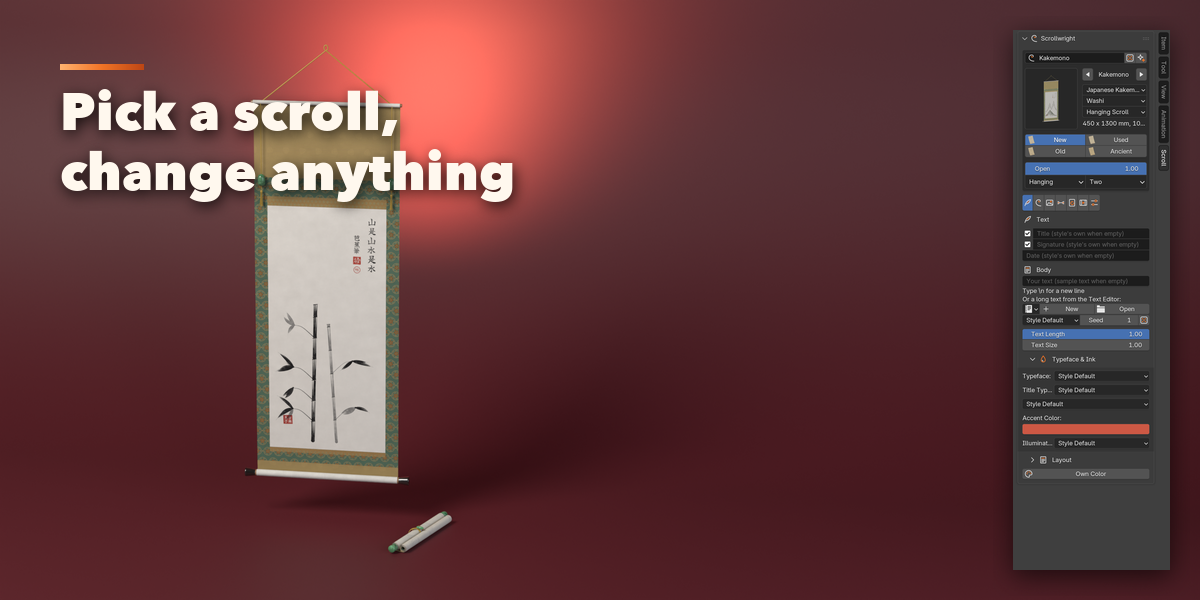
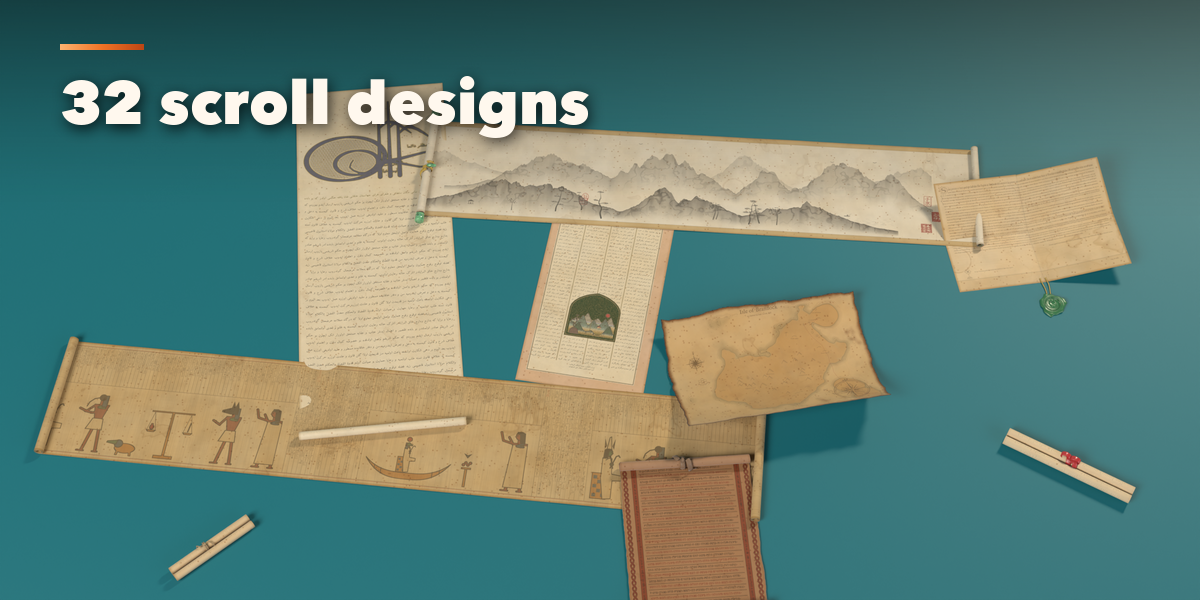
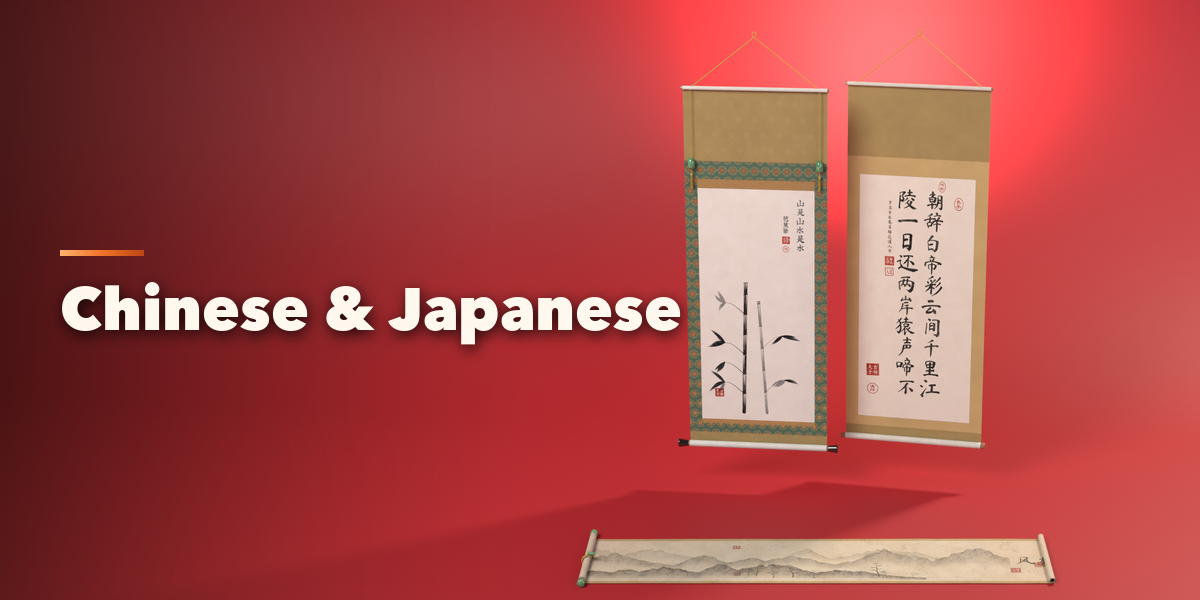
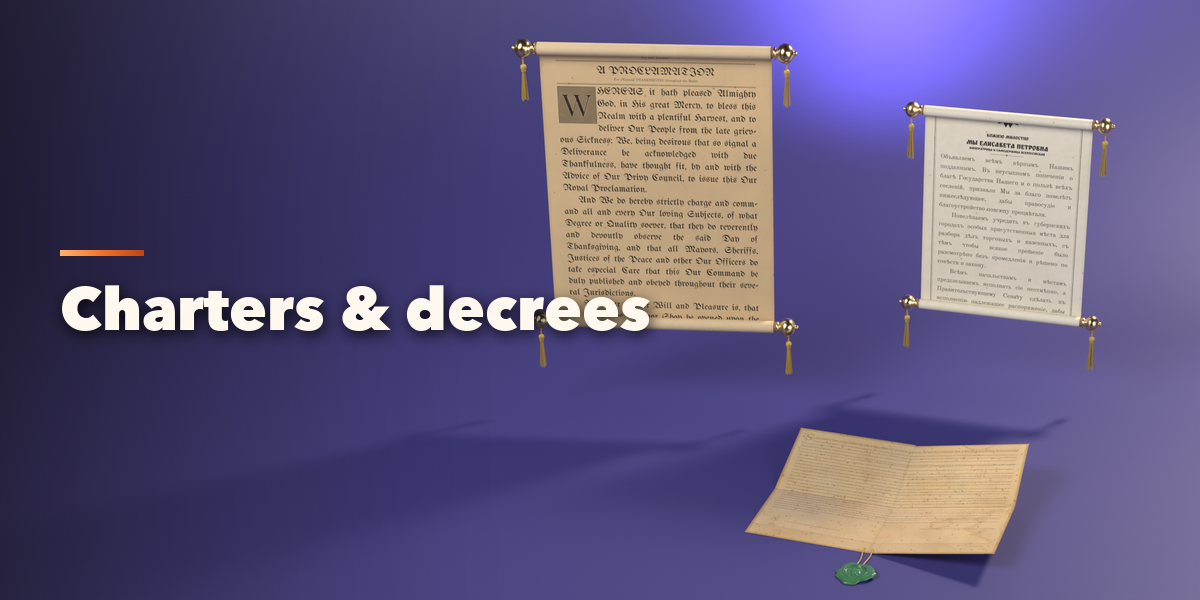
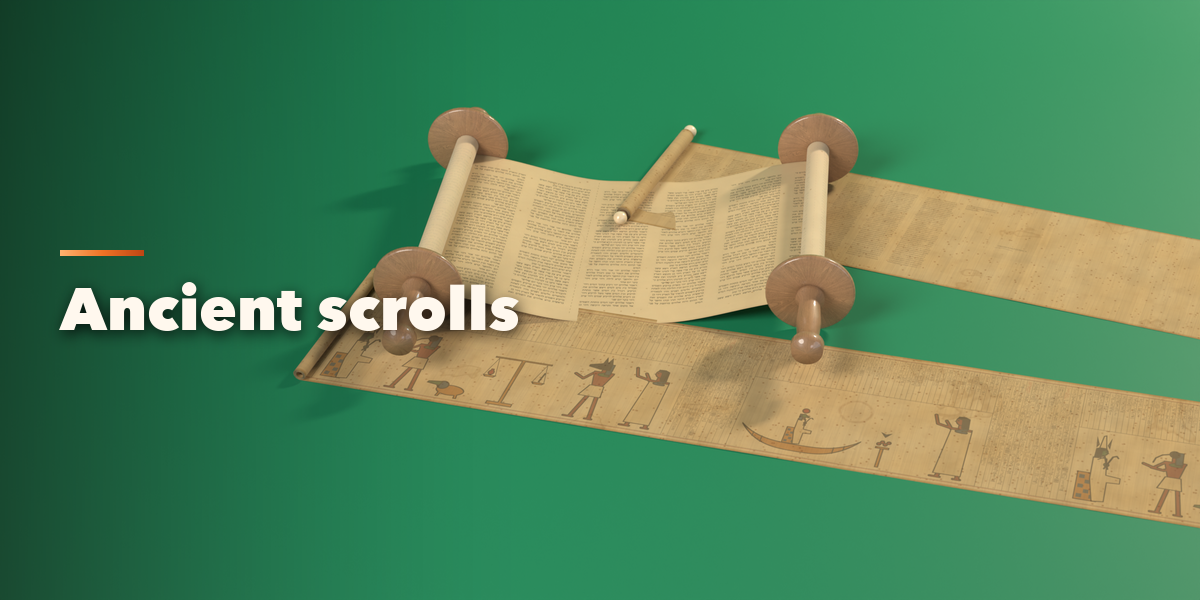
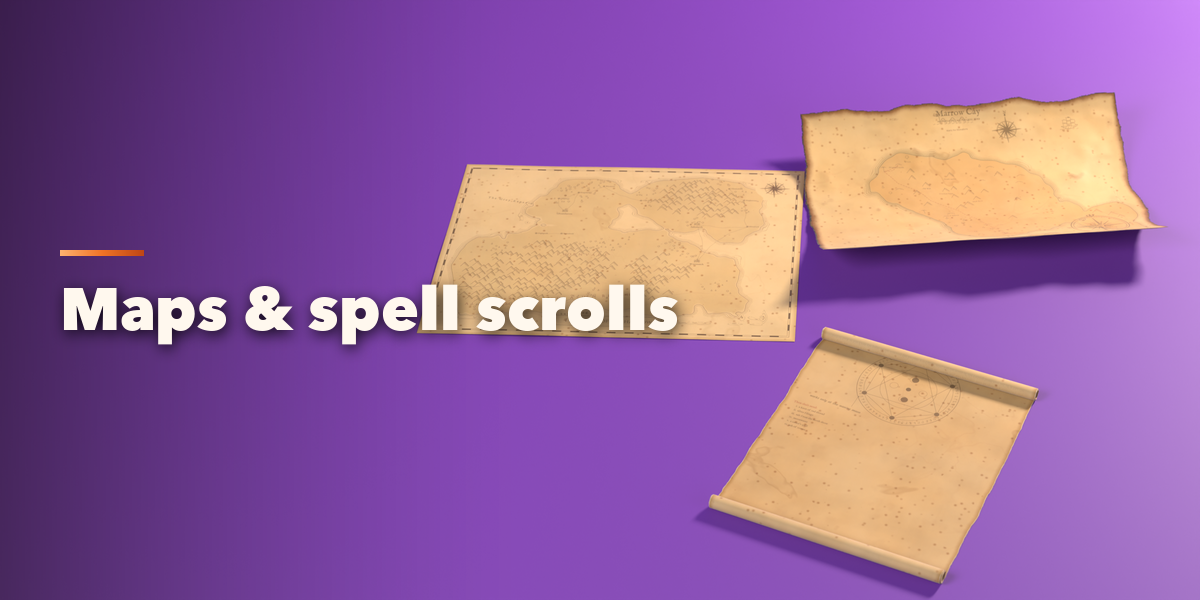
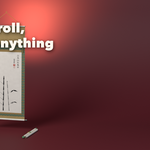
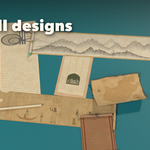
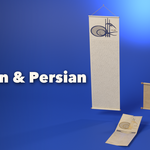
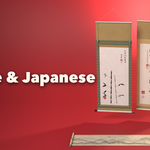
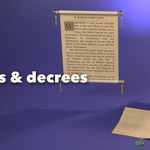
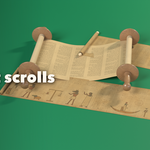
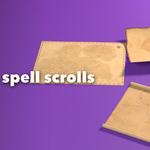
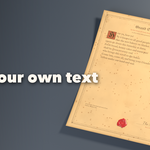
- Open the Scroll tab in the 3D viewport sidebar (N). With no scroll selected, click the picture to choose one of the 32 designs, or browse the six families, and add it at the 3D cursor. You can also use the Shift+A Add menu.
- Surprise makes a new random scroll; with a scroll selected it changes that scroll in place.
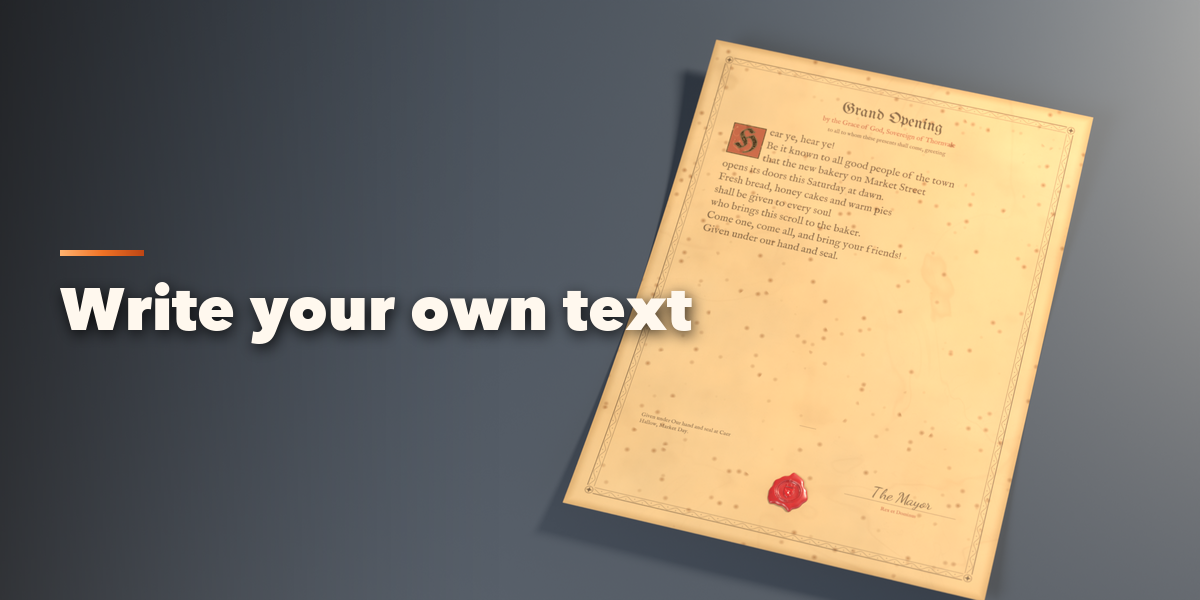
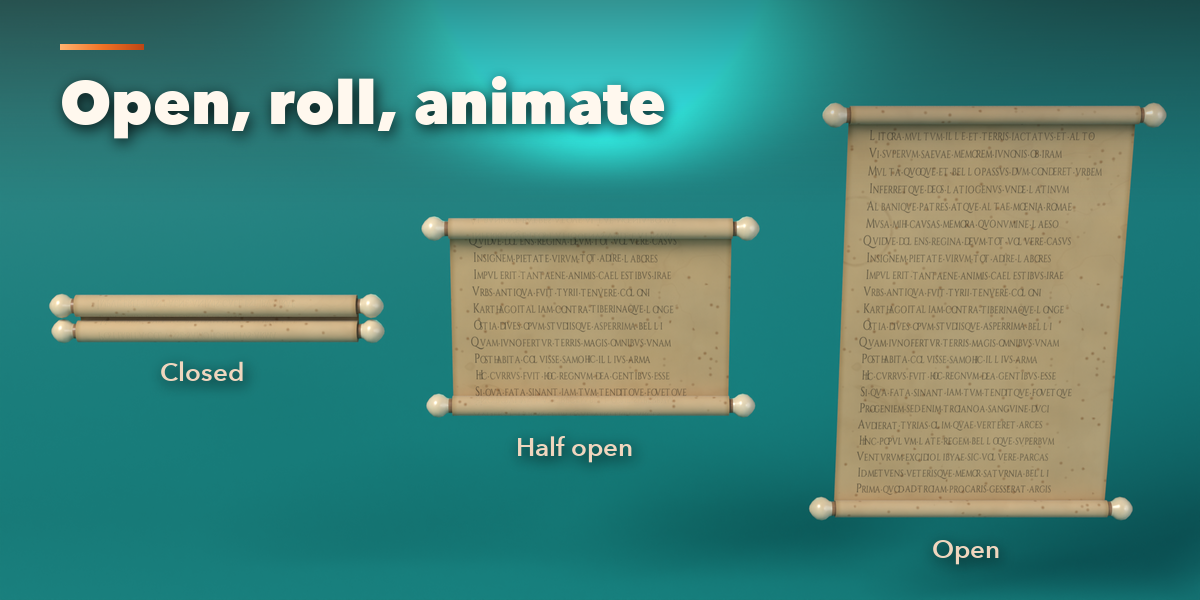
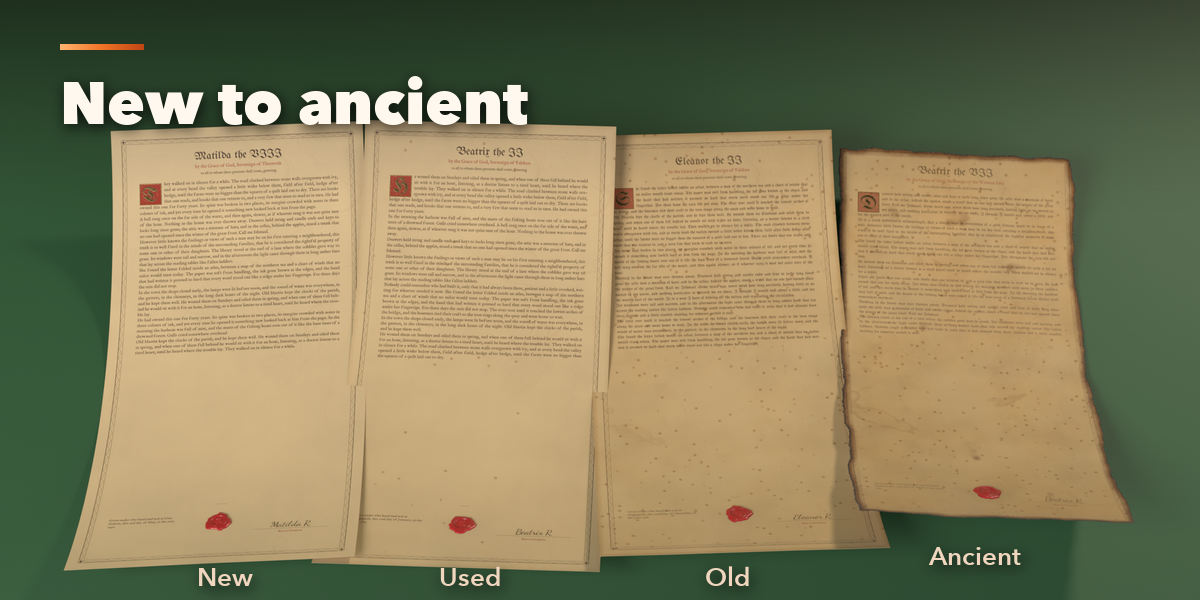
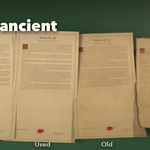
- Select the scroll to edit it. The icon tabs hold every setting: the shape and how far it is open, the text (title, signature, date, body, font and language), pictures and seals, the rollers, cords, ties and seals, the paper and its condition, and the animations.
- For long text, write it in Blender's Text Editor and pick that text block in the Text tab.
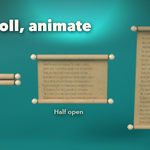
- Animate: choose an animation such as Unroll, Ink Reveal or Burn Away and click Animate. The open amount can also be keyframed by hand.
Text and picture edits repaint at once in a quick preview and sharpen a moment later; renders and saves always use the full resolution.
Have questions about this product?
Login to message
| Blender Extension Compatible | Yes |
| Published | 41 minutes ago |
| Blender Version | 4.2 - 5.2 |
| Extension Type | Add-on |
| Render Engine Used | Cycles, Eevee |
| License | GPL |
