Sculpt Bridge Tool
 Nodes Interactive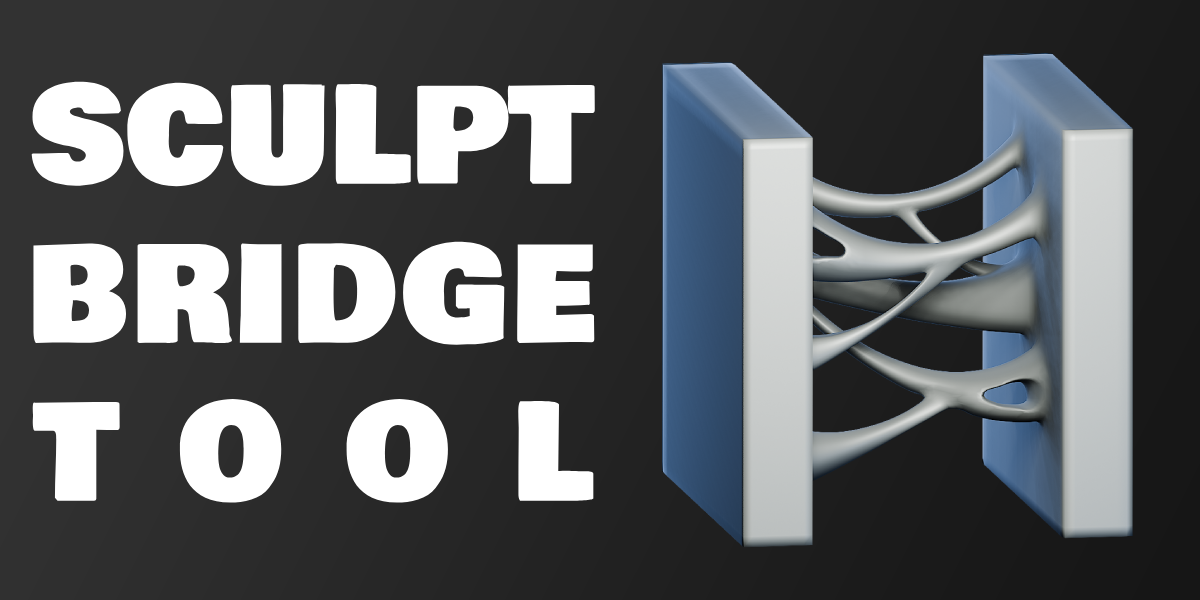


How to use
Step 1:
Create a folder and drop SculptBridgeTool.blend into it.
Step 2:
Set the folder containing SculptBridgeTool.blend as your asset library in Blender's Preferences->File Paths->Asset Libraries.

Once set up you'll find two new operators under unassigned tools icon.
*sometimes Blender needs to reboot for those tools to appear at first install*

After painting two facesets on a mesh choose either Bridge Tool or Punch Hole to bridge them together. In bottom left corner additonal options for the tool will appear:

It's recommended to use Symmetrize operator before using Symmetry option in Bridge Tool. It can be found in Sculpt Mode > Tool > Symmetry Panel

Watch the features walkthrough video here:
https://youtu.be/oroNqiHY7Ww
-
$4.99
Support for the creator! Fully featured product. For personal and commercial use.
-
$2.99
Support for the creator! Fully featured product. For personal and commercial use.
-
$0
Fully featured product. For personal and commercial use.
Have questions about this product?
Login to message
| Sales | 50+ |
| Downloads | 17000+ |
| Rating | 26 ratings |
| Published | over 2 years ago |
| Blender Version | 4.0 - 5.2 |
| License | Royalty Free |