 CG Guides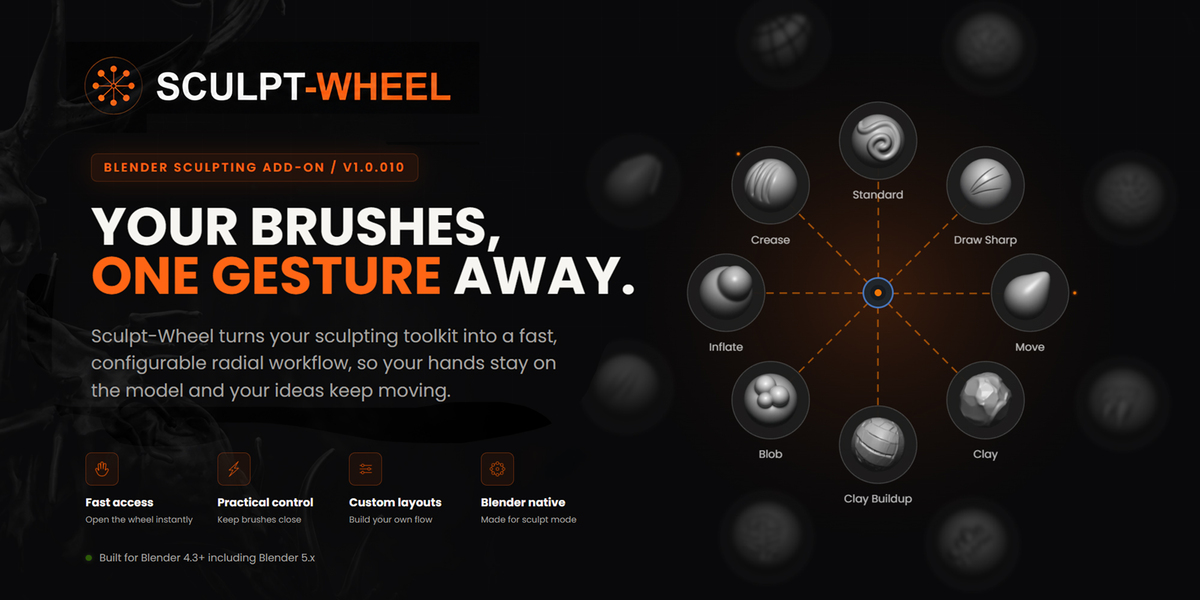


Sculpt-Wheel
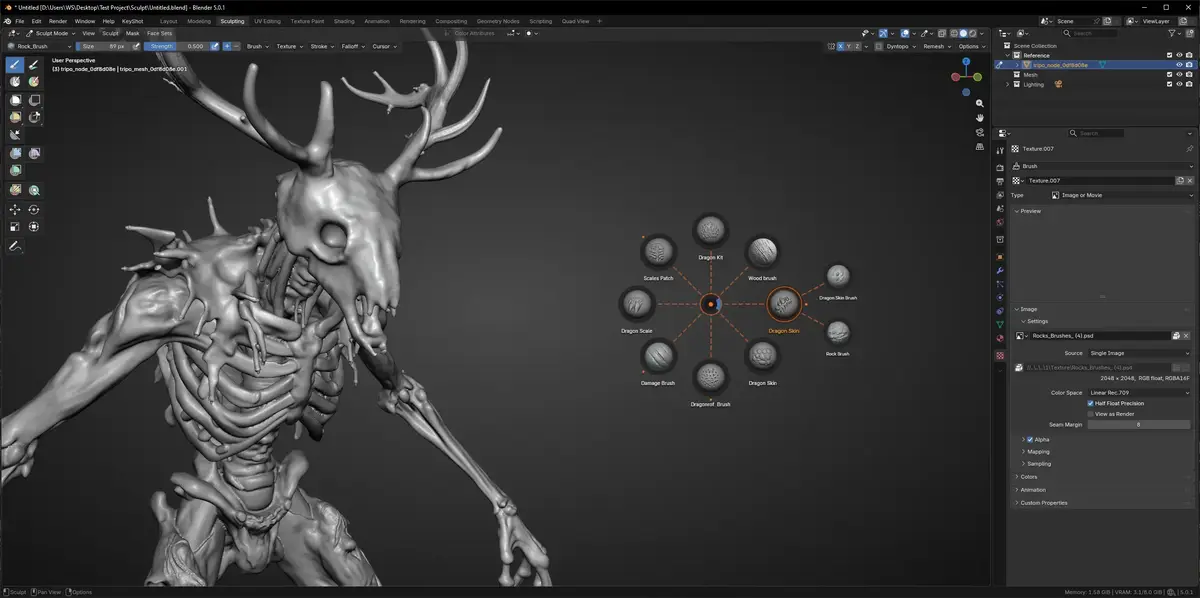
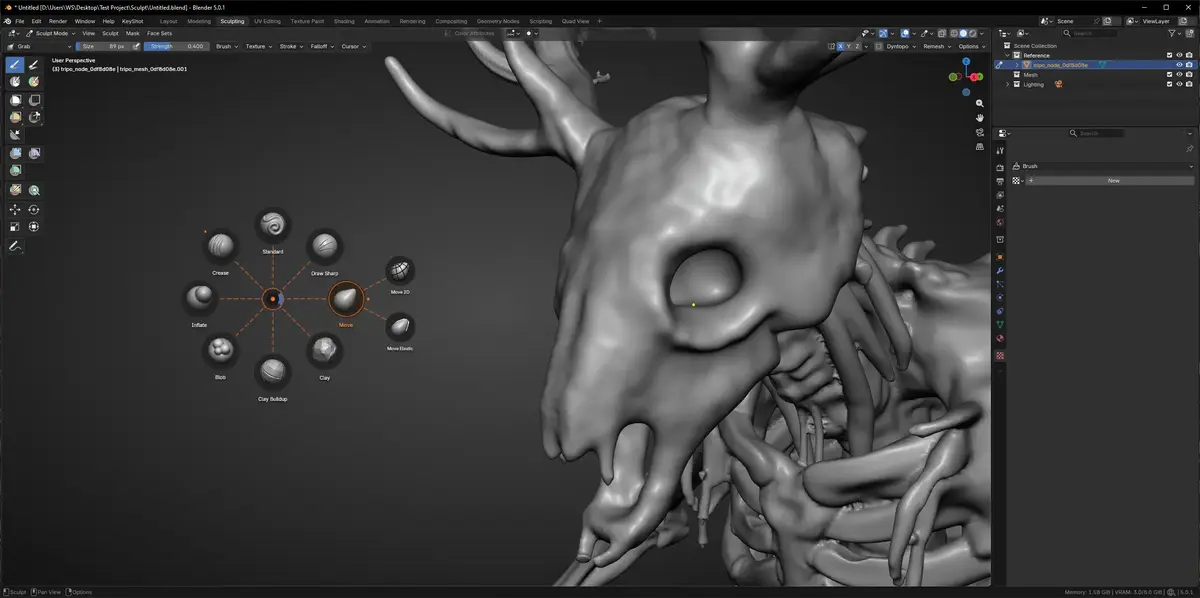
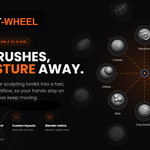
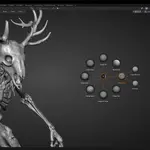
Sculpt-Wheel is a fast and customizable radial menu for Blender sculpting. It gives you quick access to your favorite sculpt brushes, tools, presets, and imported brushes without searching through menus.
Installation
- Download the Sculpt-Wheel-1.0.010.zip file.
- Open Blender and go to Edit > Preferences > Add-ons.
- Click the dropdown arrow and select Install from Disk.
- Select the downloaded ZIP file and install it.
- Enable the Sculpt-Wheel add-on.
How to Open the Wheel
Press and hold Space in the 3D Viewport to open the Sculpt-Wheel.
Presets and Customization
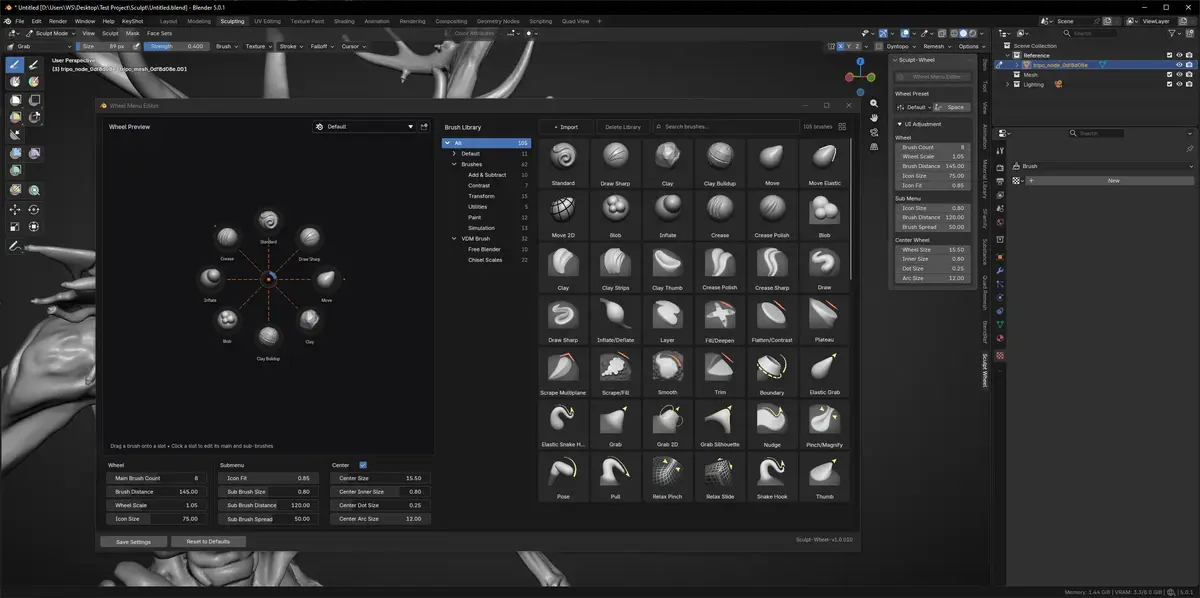
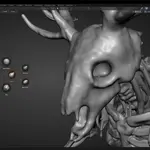
Sculpt-Wheel includes a ready-to-use Default preset. You can customize wheel slots and assign your preferred sculpting brushes and tools from the add-on settings.
Imported Brushes
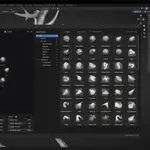
Imported sculpt brushes can be added to your Blender asset library and accessed through the wheel. Make sure the relevant asset library is available in Blender before using imported brushes.
Compatibility
Sculpt-Wheel supports Blender 4.3 and newer versions. It has been tested with Blender 5.0.1 and Blender 5.2.0 LTS.
Support
If you experience any issues, please contact us through the Superhive messaging system and include your Blender version and a clear description of the problem.
Have questions about this product?
Login to message
| Blender Extension Compatible | Yes |
| Published | 2 months ago |
| Blender Version | 4.3 - 5.2 |
| Extension Type | Add-on |
| Render Engine Used | Cycles |
| License | GPL |
Discover more products like this
presets sculpt brush brush manager radial-menu sculpting Workflow blender addon interface