VK Gamedev
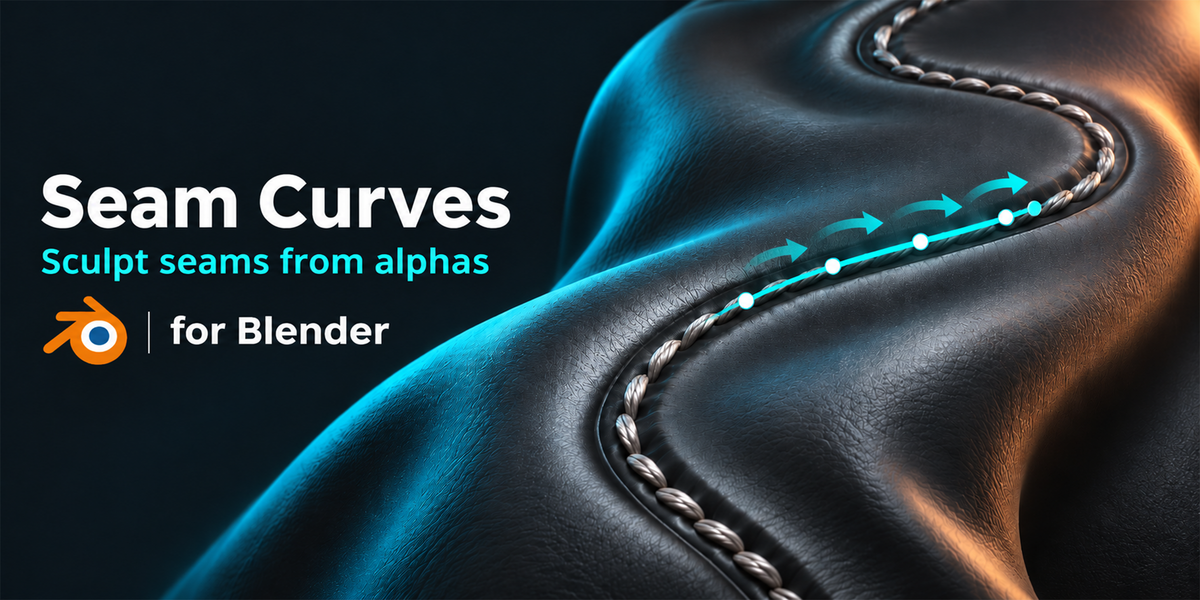
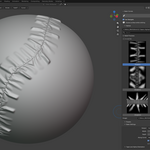
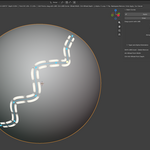
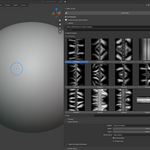
Seam Curves
Sculpt seams, stitches and folds from alphas
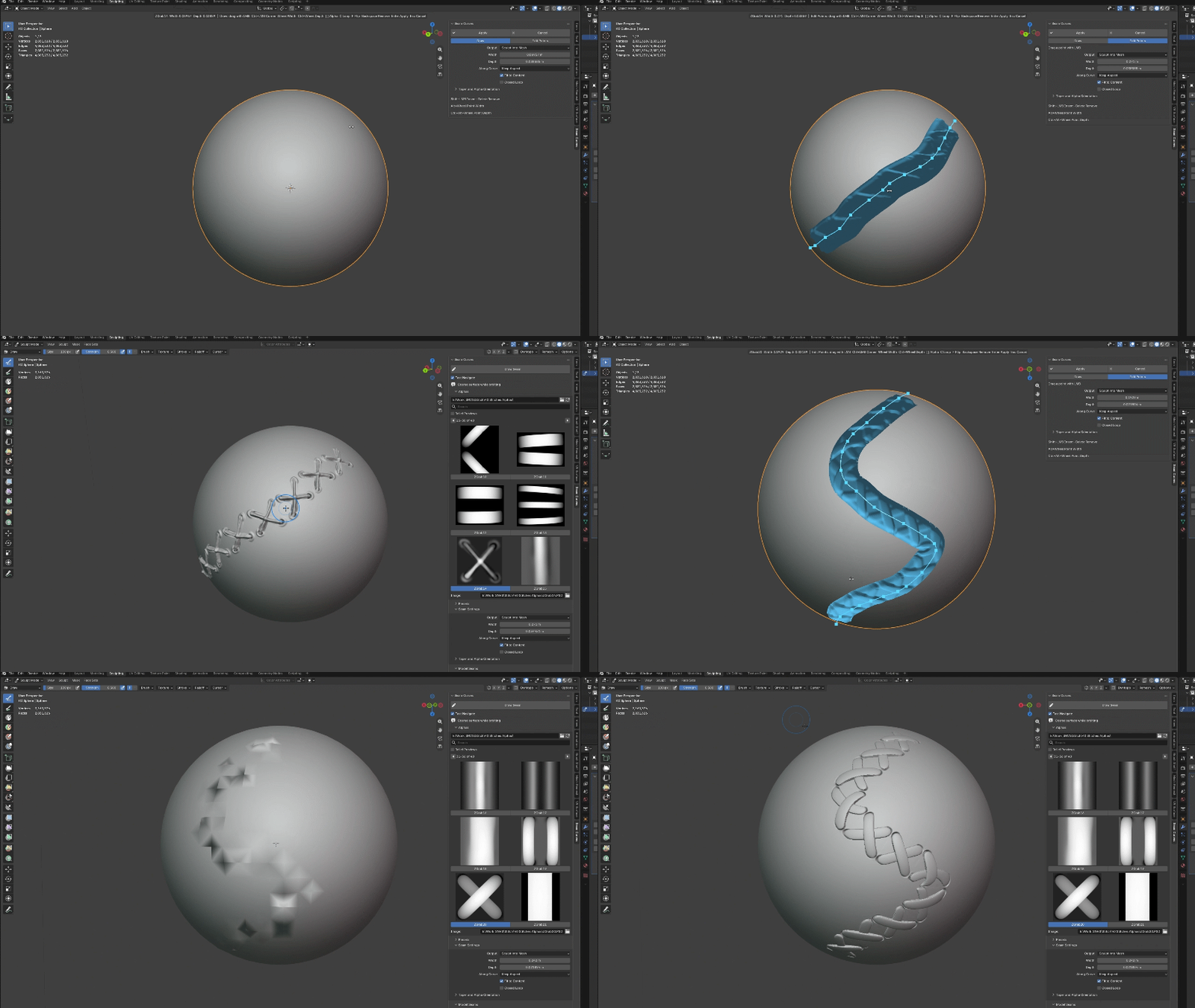
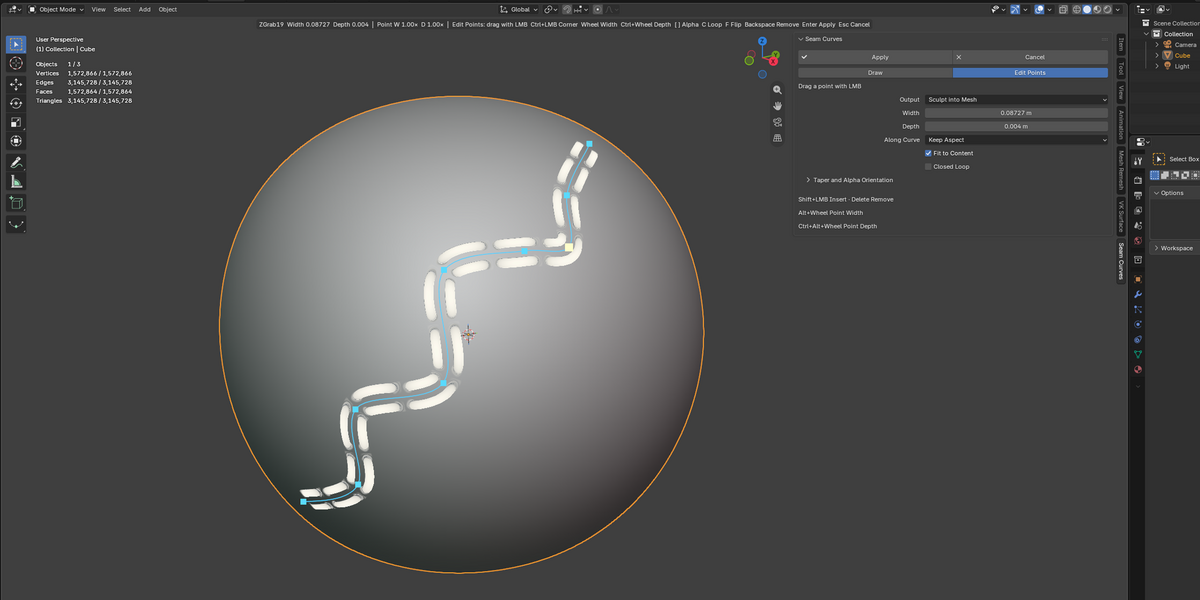
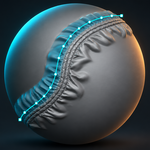
Draw a path directly on a mesh. See the alpha on the surface as you move points, then apply the relief to the model or create a separate seam ribbon.
Draw Seam → Edit Points → Apply
Seam Curves in action
Follow the full workflow from selecting an alpha to refining and applying a seam in Blender.
See the pattern while you edit
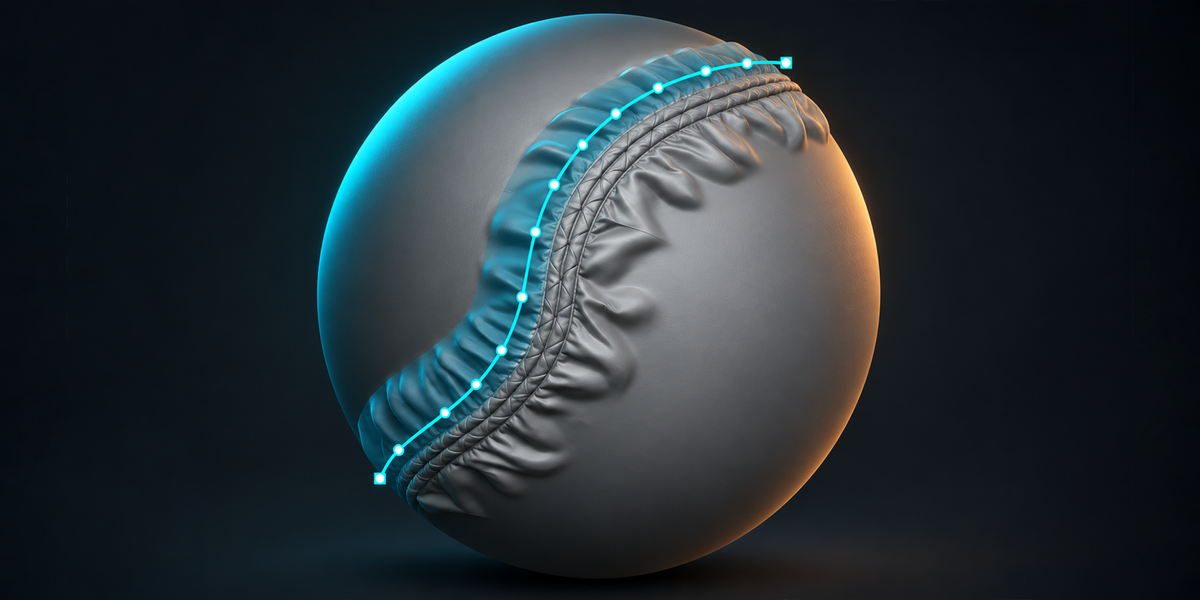
The 1.4.8 preview shows stitches, folds and recesses while the path is still editable. Neutral areas stay transparent so you can see where the relief blends into the surface.
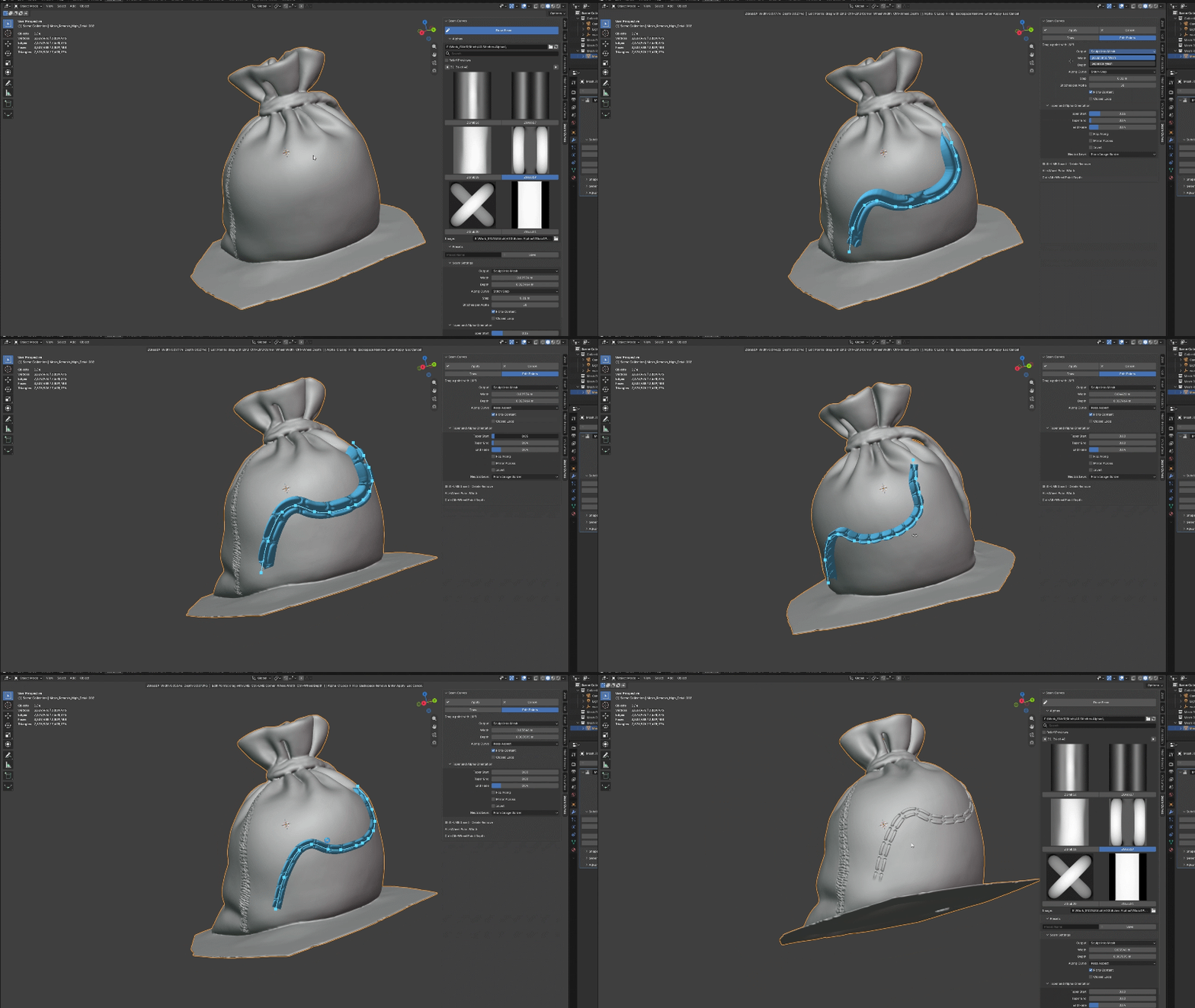
Edit a seam across the folds of a cloth bag.
Place the path
Draw freehand or place sharp points. Move, insert and remove control points directly on the mesh.
Shape the relief
Adjust width and depth across the seam or at one point. Taper open ends or close a loop around a cuff.
Inspect another angle
Orbit or zoom with the draft open, then return to the point you want to refine.
Two ways to apply a seam
Both modes start with the same editable path and live preview.
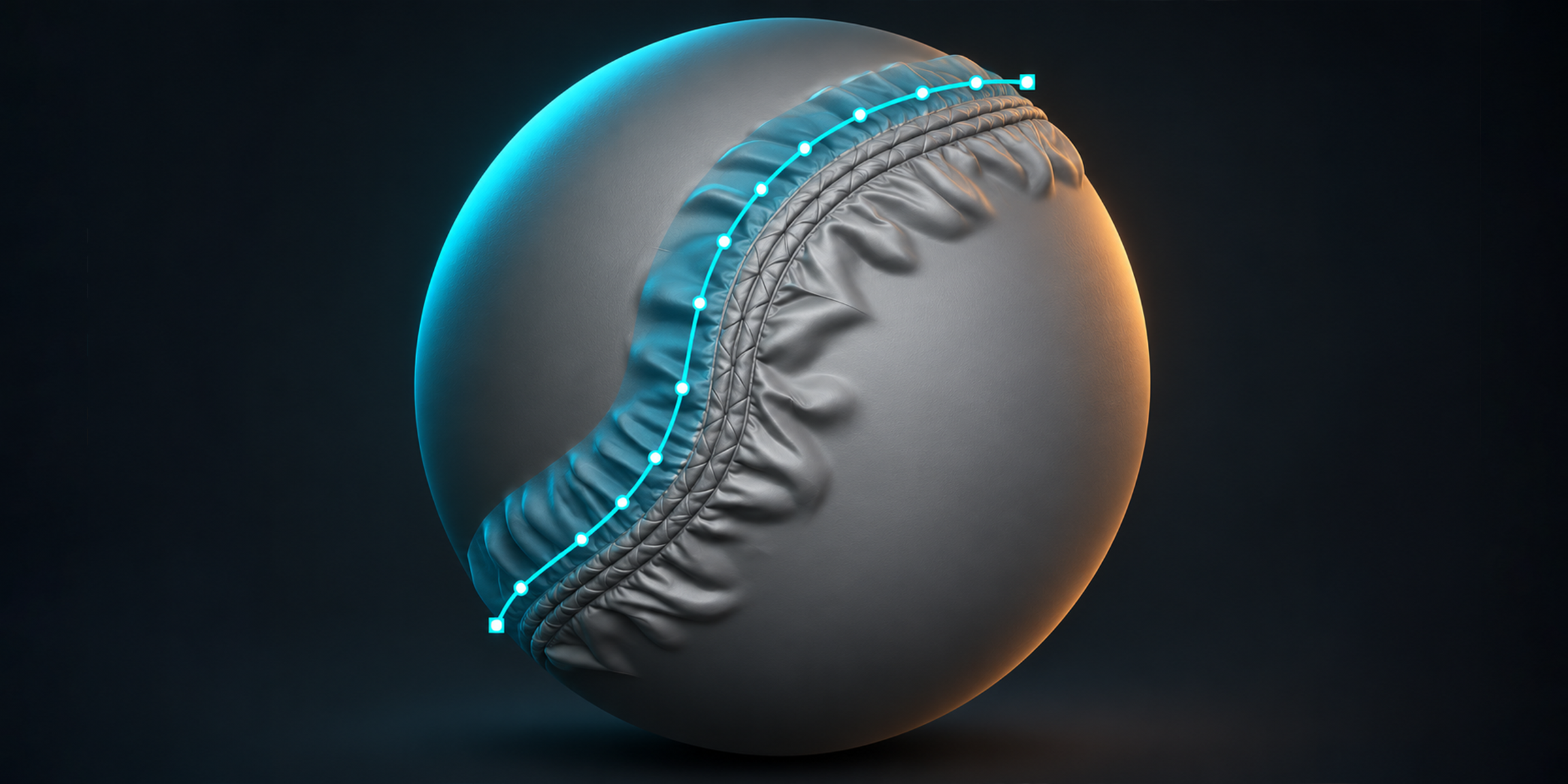
Sculpt into Mesh
The default mode raises and carves the model’s own vertices. Continue sculpting on the same mesh. Fine patterns benefit from a dense surface or supported Multires setup.
Separate Mesh
Create a quad ribbon with UVs and its own resolution. Assign a dedicated thread material or use the ribbon to add detail to a coarse base mesh.
200+ alphas for seams and folds
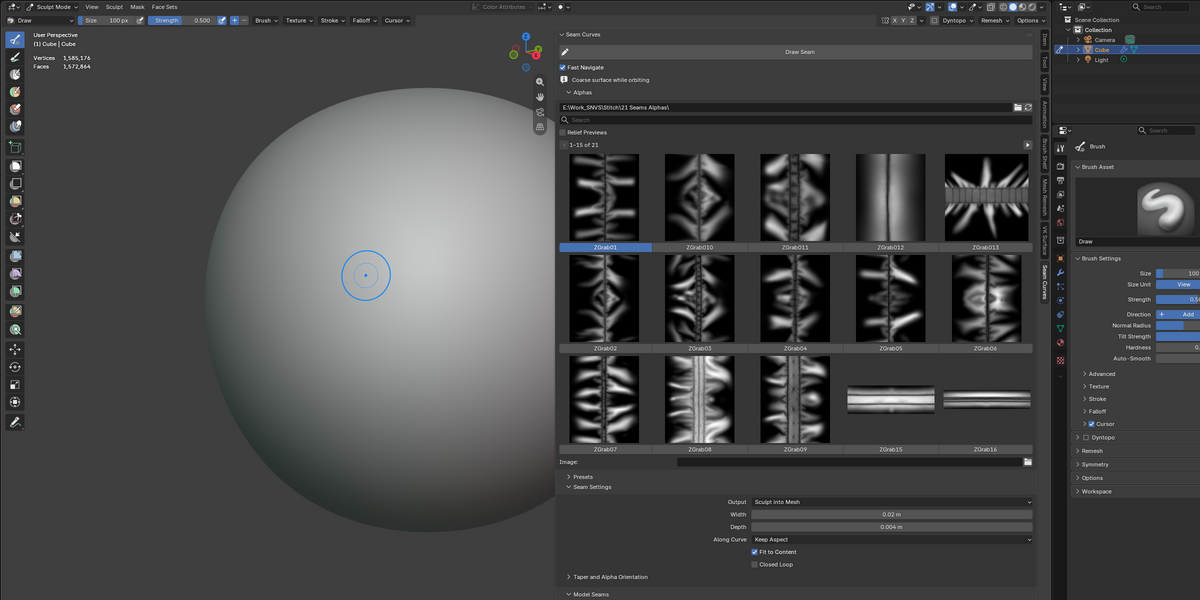
Use the included patterns for fabric, leather, bags and props, or browse your own folders of grayscale height maps.
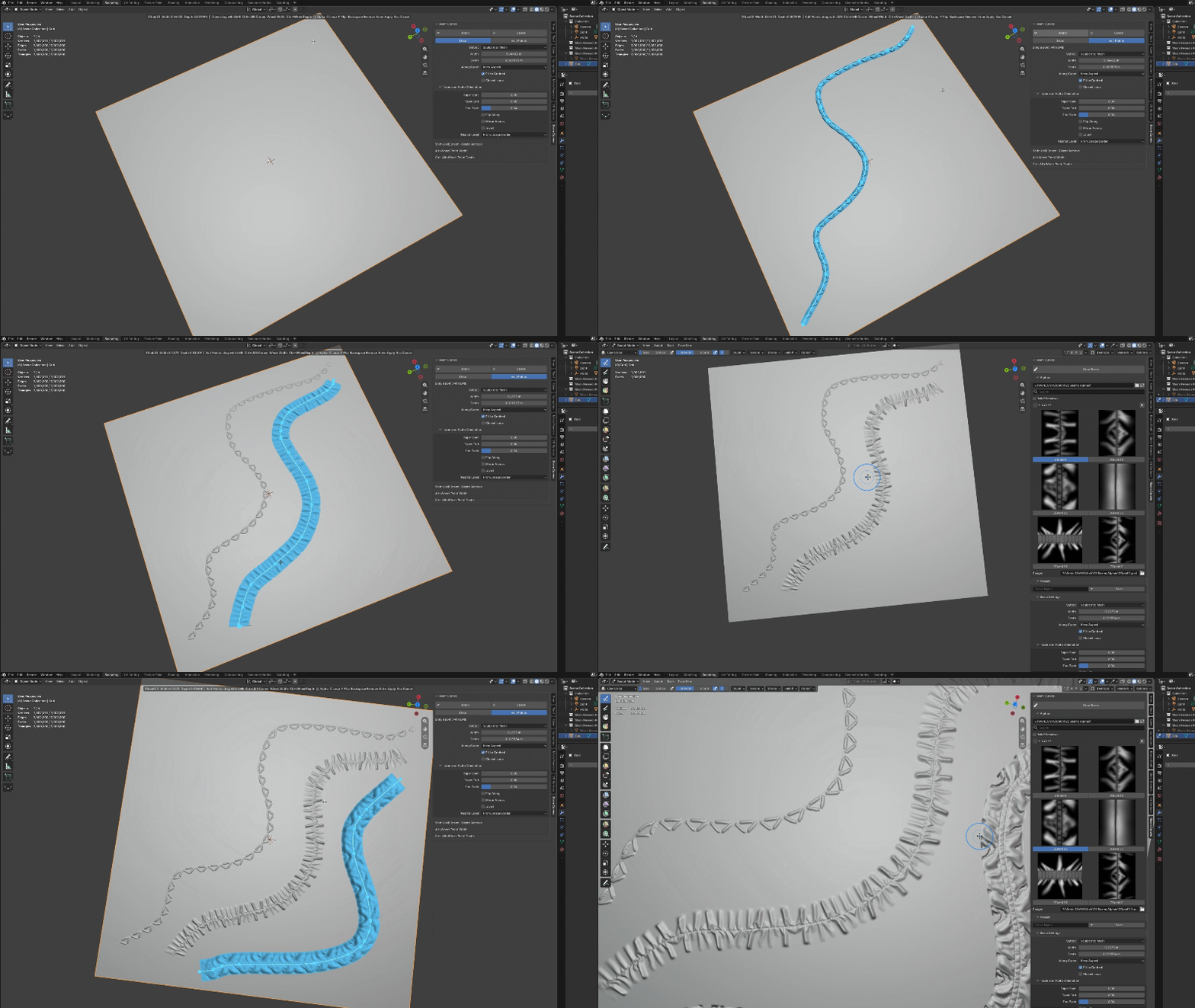
12 dedicated groove alphas
16-bit TIFF height maps, 2048 × 4096 pixels, for V-cuts, rounded channels, slots, waves and cracks.
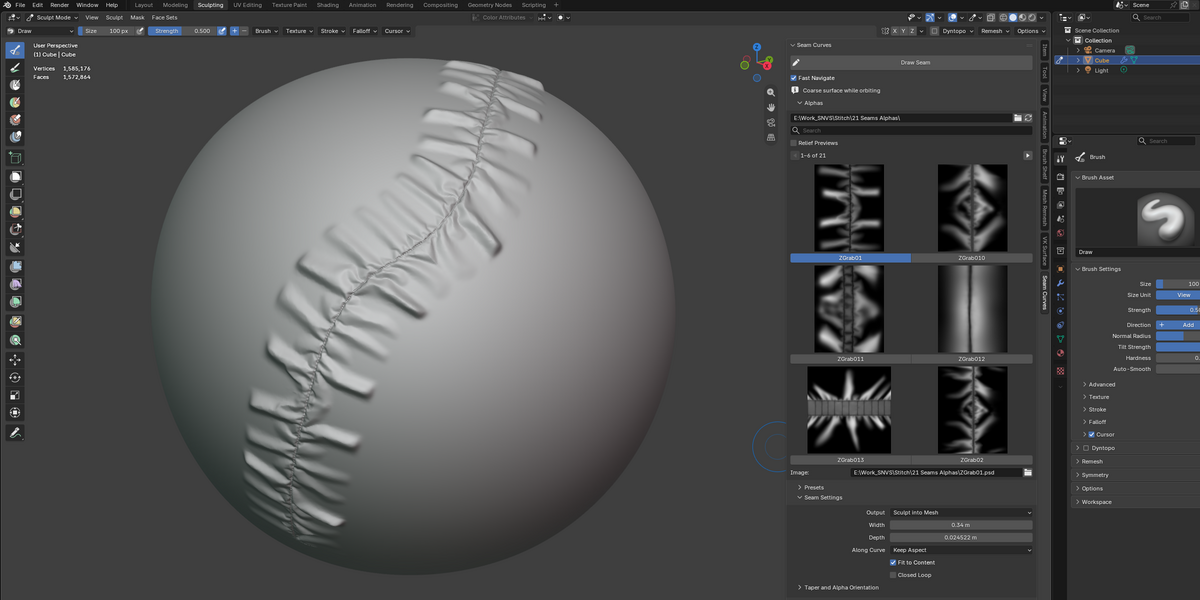
A visual alpha browser
Search by filename, turn on side-lit Relief Previews and widen the sidebar for more thumbnail columns.
Fit the pattern to the curve
Choose how the alpha repeats before you apply. For saved seams, Model Seams → Edit reopens the path for another pass.
Repeat at the alpha’s original proportions. This is the default.
Set an even distance between stitches.
Fit a chosen number of copies along the path.
Place one copy from the start of the seam to the end.
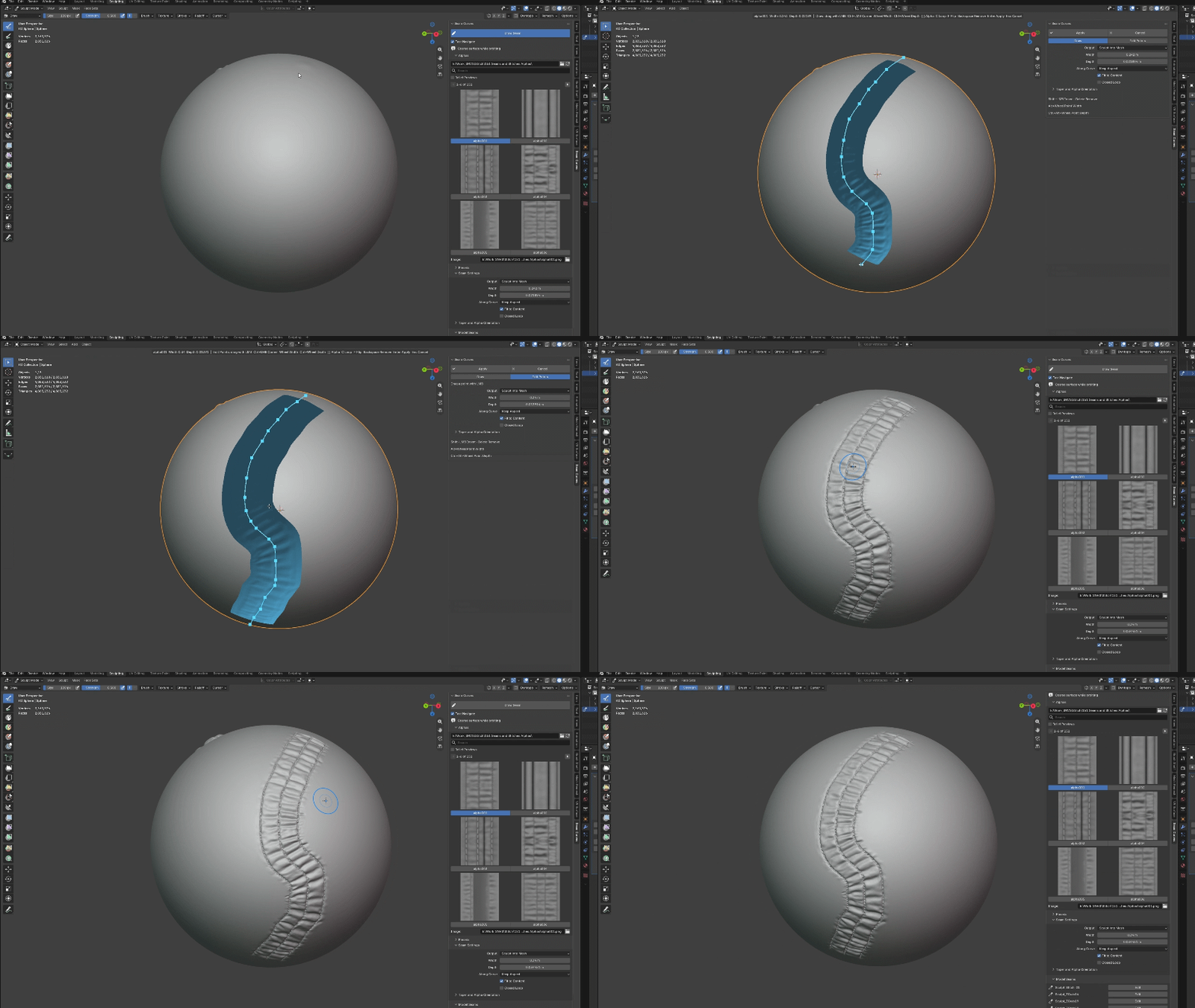
Try different alphas on a curved surface.
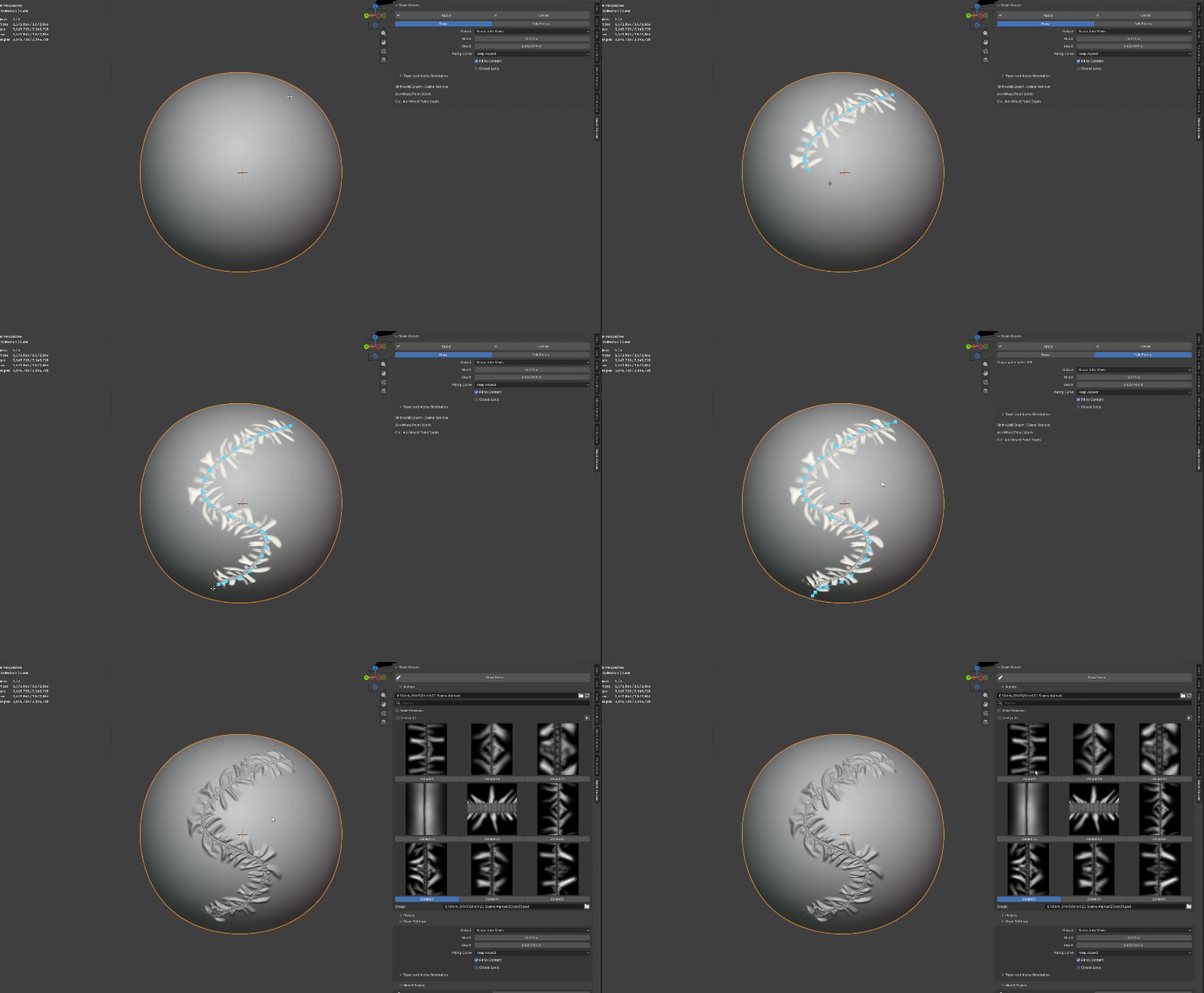
Draw a freehand path and apply the stitches.
Installation and what’s included
Inside the download
- Seam Curves 1.4.8 installable ZIP with Python source
- 300+ seam and fold alphas and 12 dedicated groove maps
- Illustrated English PDF with shortcuts and troubleshooting
Start in Blender
- Open Preferences → Get Extensions → Install from Disk and choose the extension ZIP.
- Select a mesh and open N → Seam Curves.
- Choose an alpha folder, then click Draw Seam.
Sculpt into Mesh Use a local editable mesh without shape keys, with either a plain mesh or a single enabled Multires modifier with packed displacement. Preserve topology and the level count to edit applied sculpt seams later.
Also from VK Gamedev
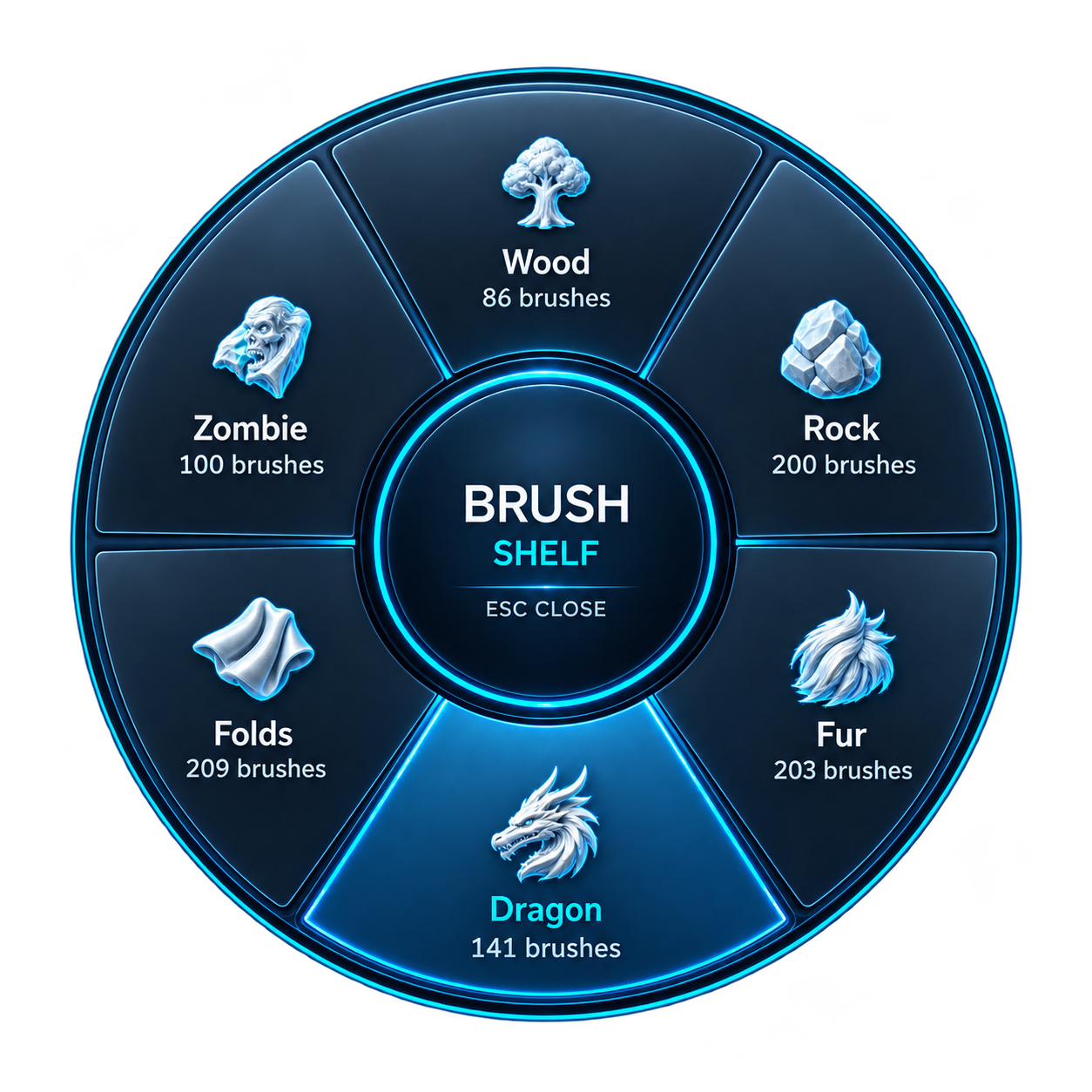
Brush Shelf
Press Q in Sculpt Mode to open a radial menu for your brushes. Browse visual categories, bring your own brush assets and keep favorites close while refining folds and surface details.
939 sculpt brushes · 6 brush packs · Blender 4.5+
View Brush Shelf on Superhive