 blenderVfxMaster
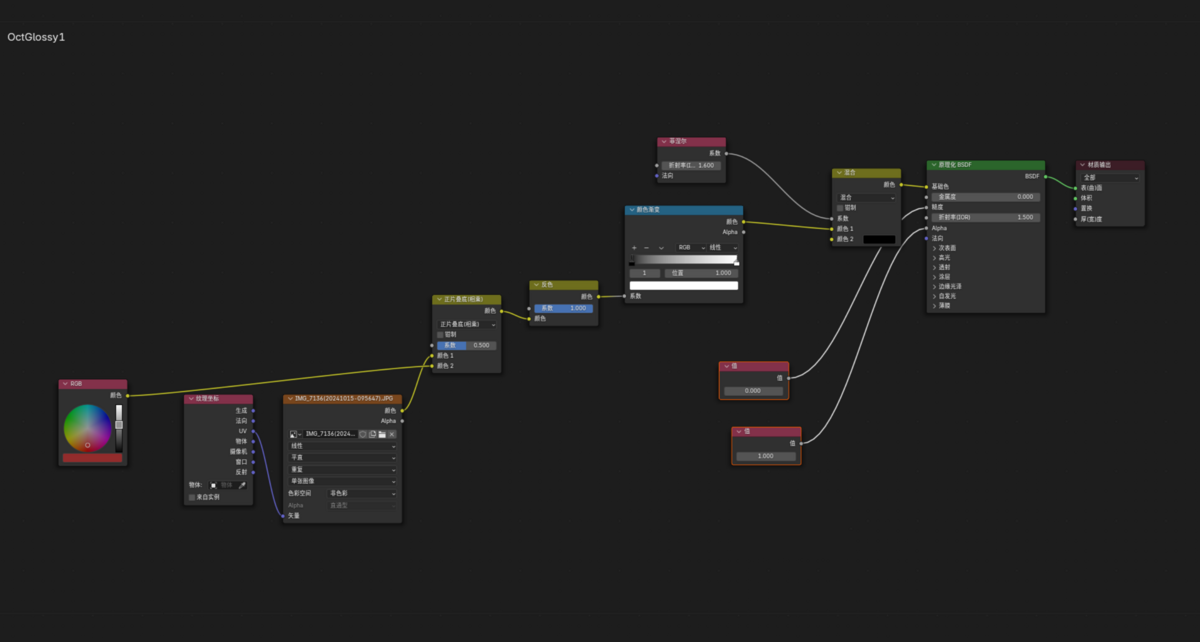
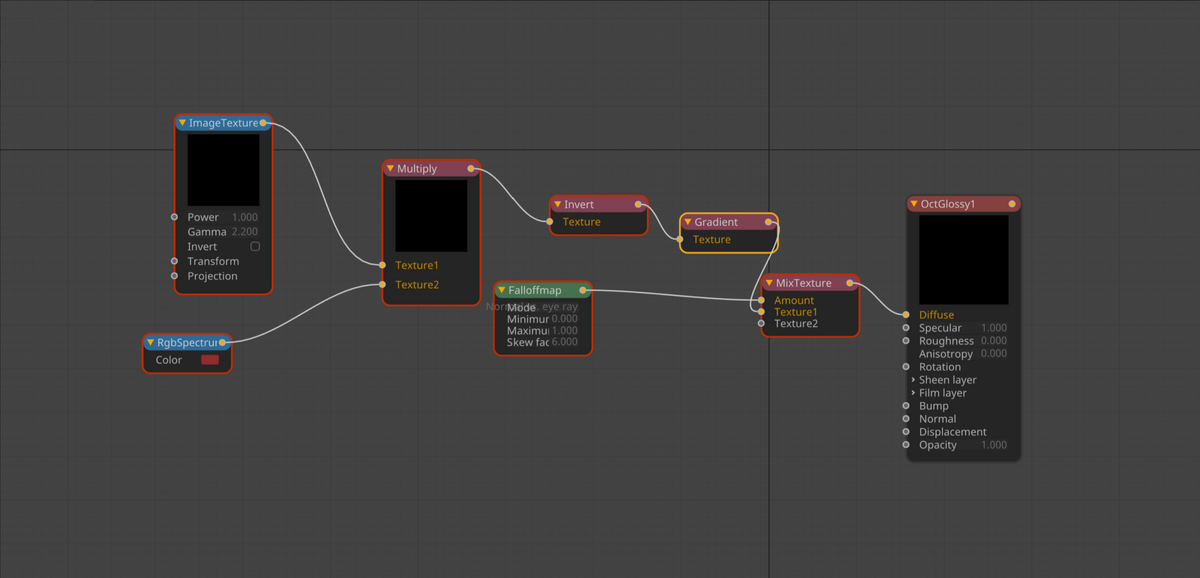
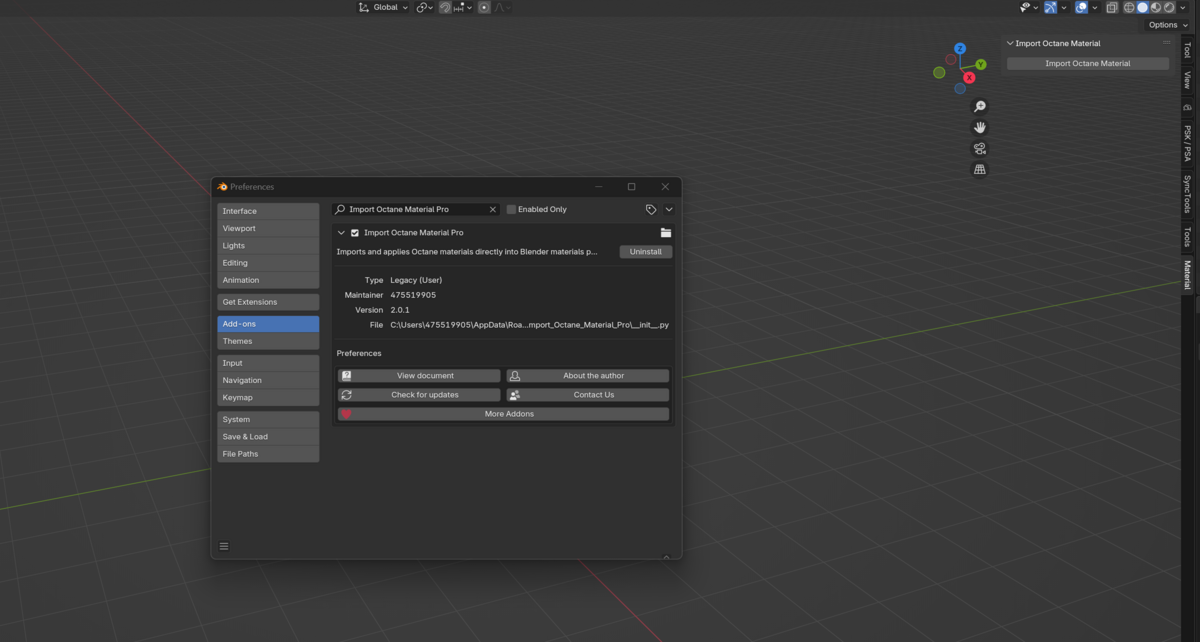
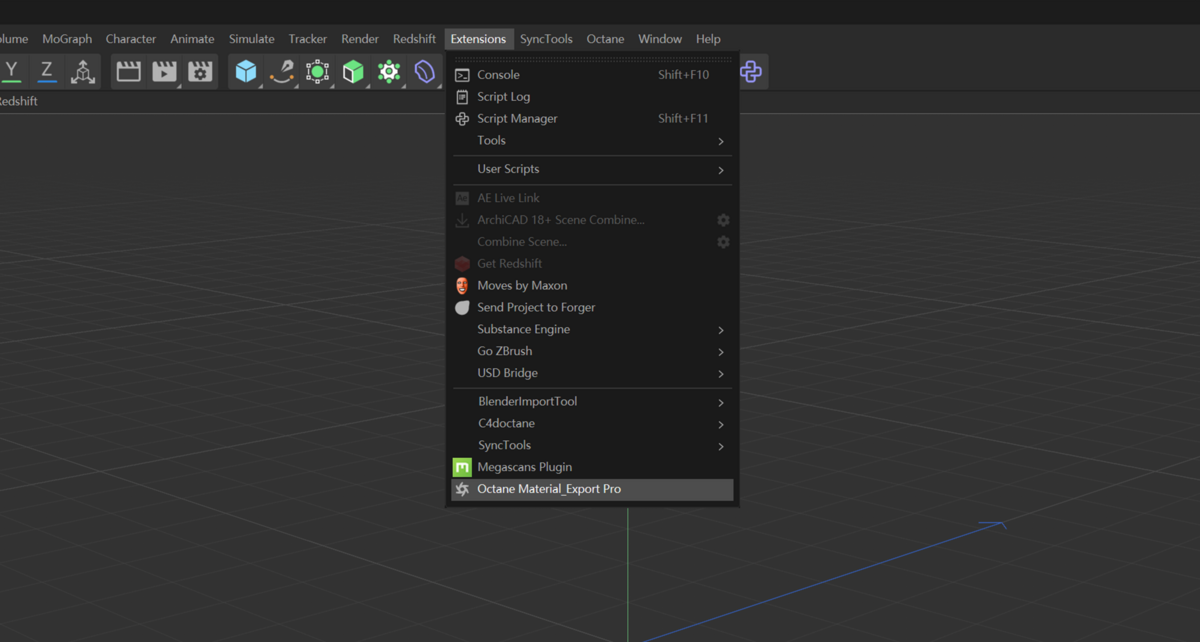
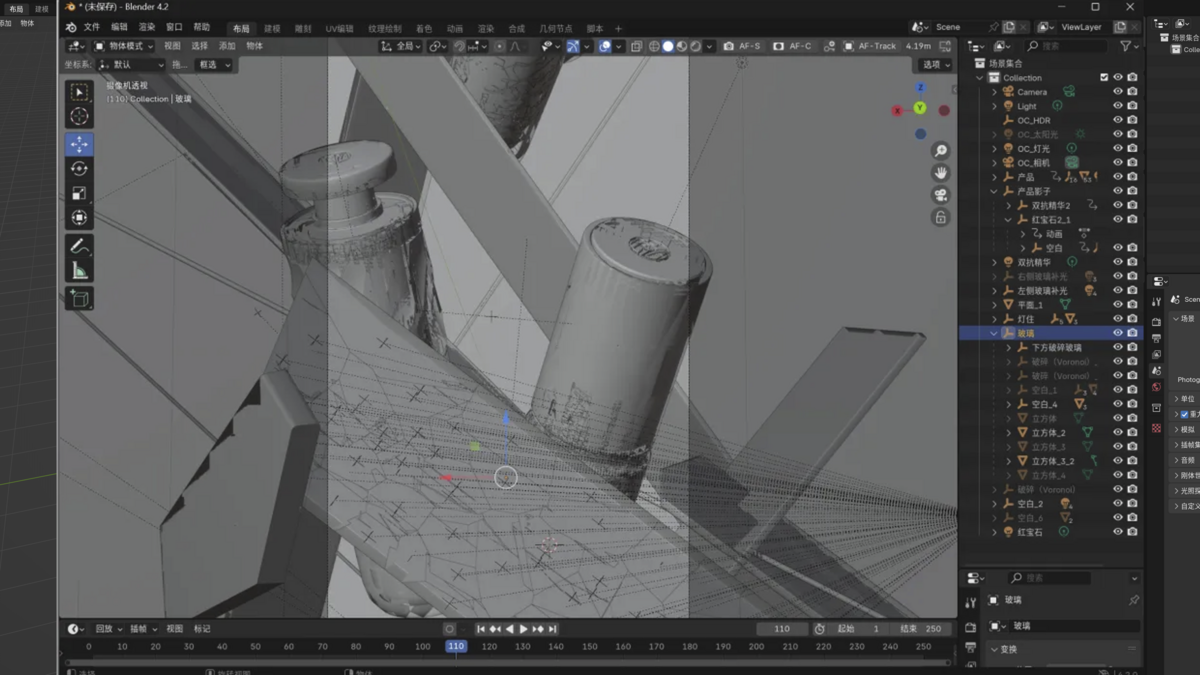

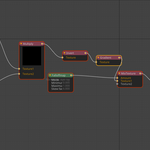
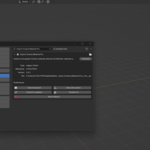
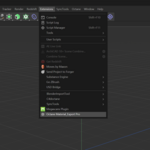
Say goodbye to repetitive work! Import Octane Material Pro helps you instantly import Octane materials into Blender!
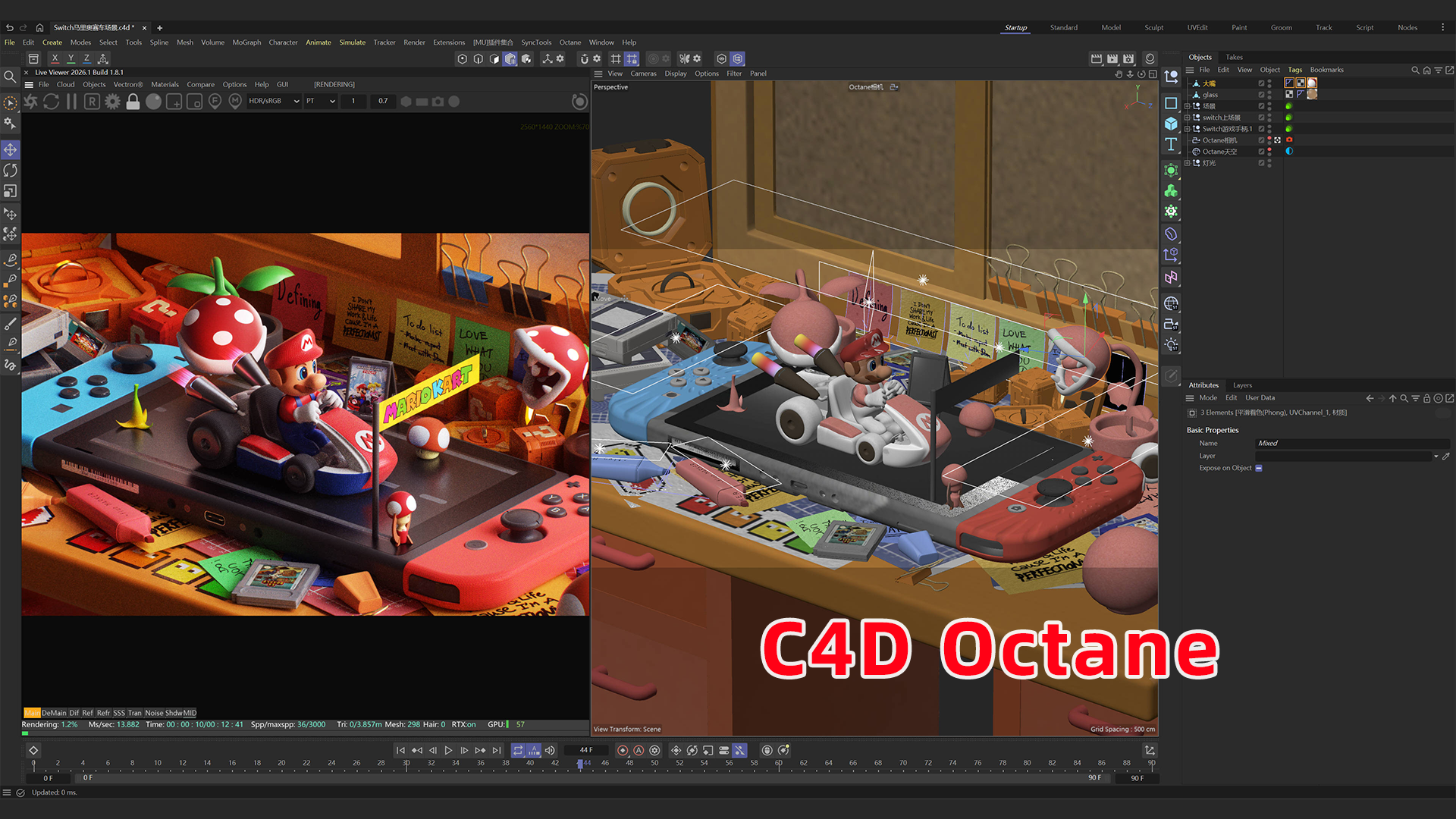
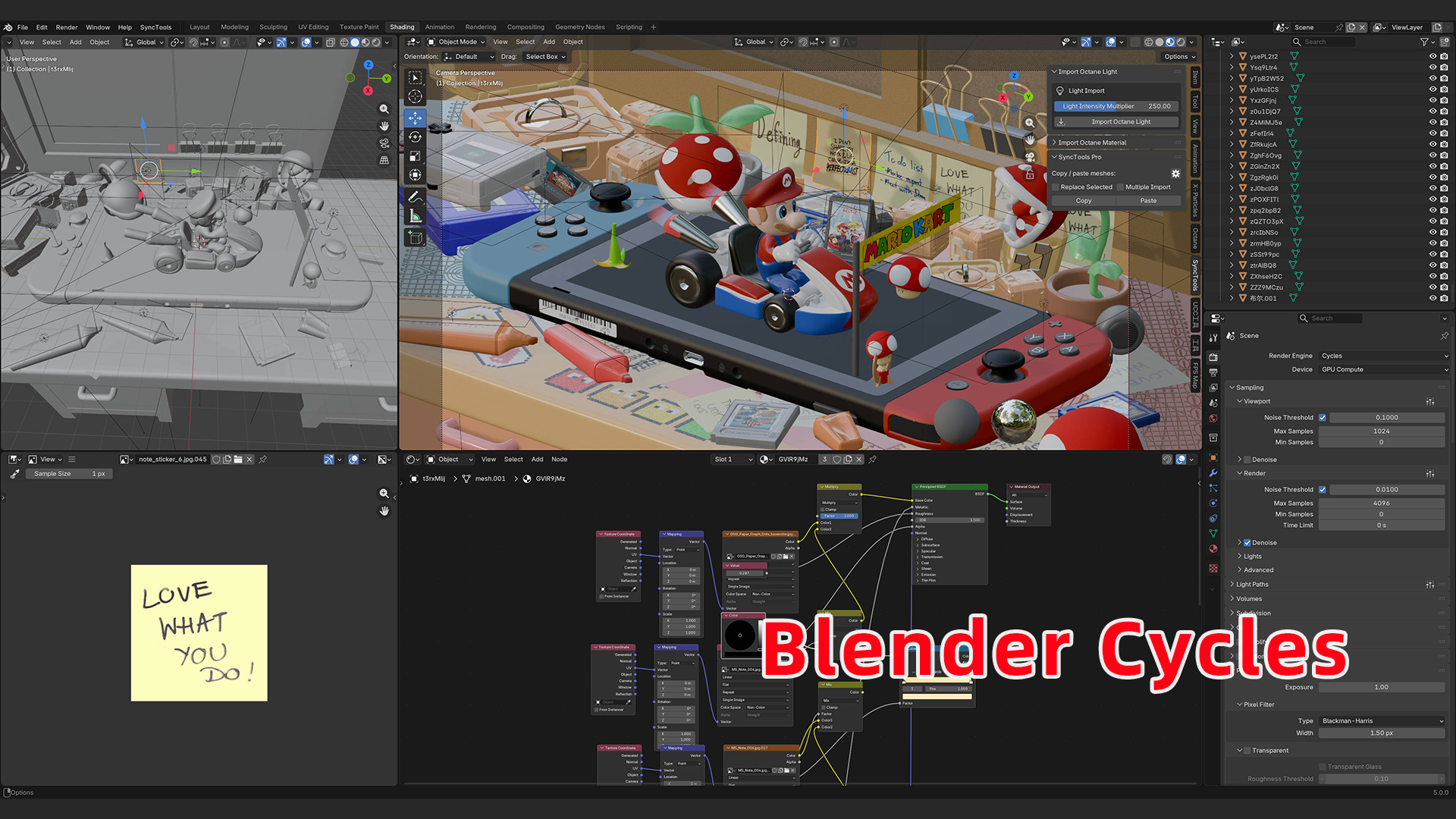
Stop Wasting Time Rebuilding Materials
Are you tired of the tedious, time-consuming process of manually recreating your Cinema 4D Octane materials in Blender Cycles?
Do you wish you could seamlessly transfer your high-quality C4D assets into Blender without losing hours to node-wrangling and troubleshooting?
The cross-platform workflow between C4D/Octane and Blender presents significant challenges, especially with material conversion. Manually translating complex node setups, ensuring PBR accuracy, and matching visual fidelity is often frustrating and error-prone.
Introducing Import Octane Material Pro – Your Ultimate Solution!
This powerful and intelligent Blender addon bridges the gap between C4D/Octane and Blender Cycles. It automates material conversion, intelligently mapping Octane’s core properties and shader networks to Cycles equivalents, preserving your artistic vision and saving you valuable creative time.
🎁 Special Promotion!
Buy SyncTools now — and receive Import Octane Material Pro for FREE!
Take your cross-platform 3D workflow to the next level.
When you purchase SyncTools, you’ll get Import Octane Material Pro as a bonus gift — no extra cost!
✅ Seamless asset transfer with SyncTools
✅ Instant material conversion with Import Octane Material Pro
✅ Save hours of manual work
✅ Maximize your creative freedom
Limited-time offer — don’t miss out!
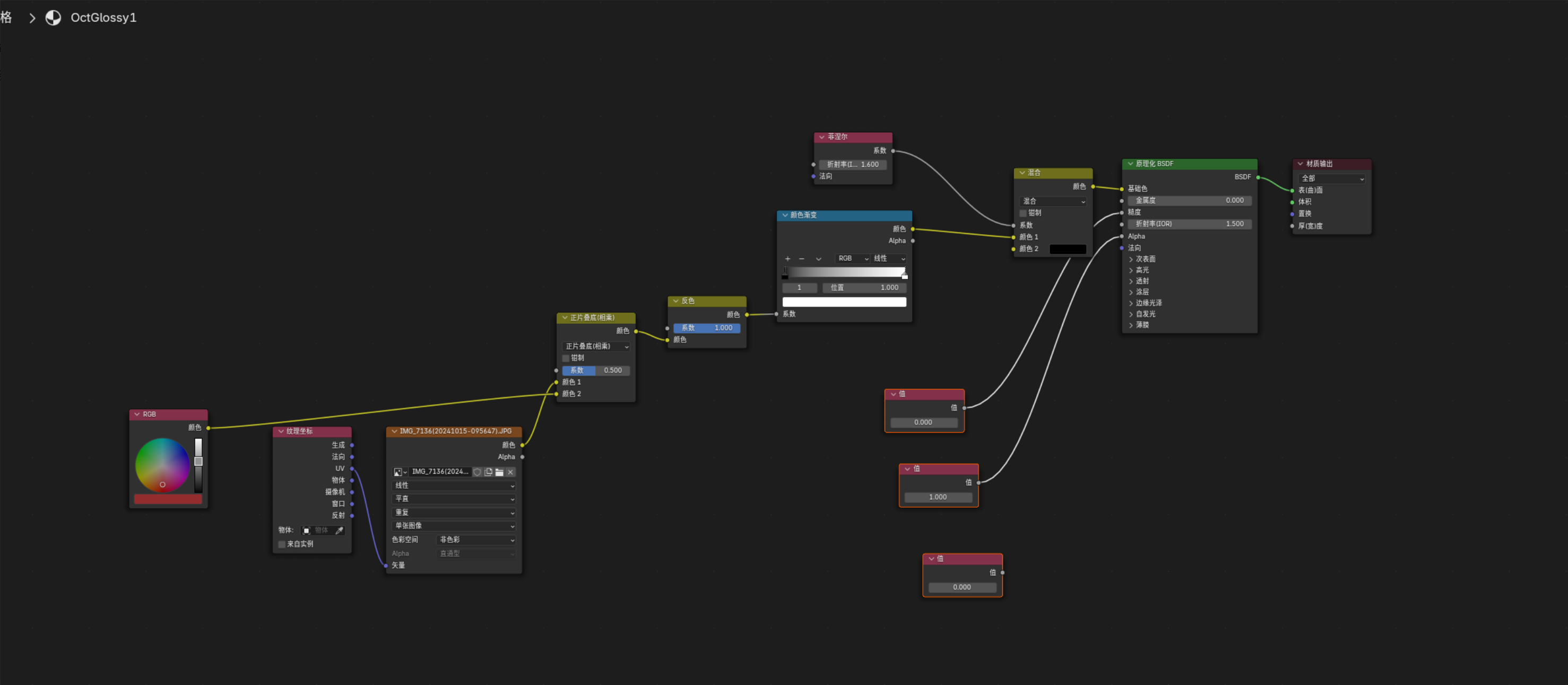
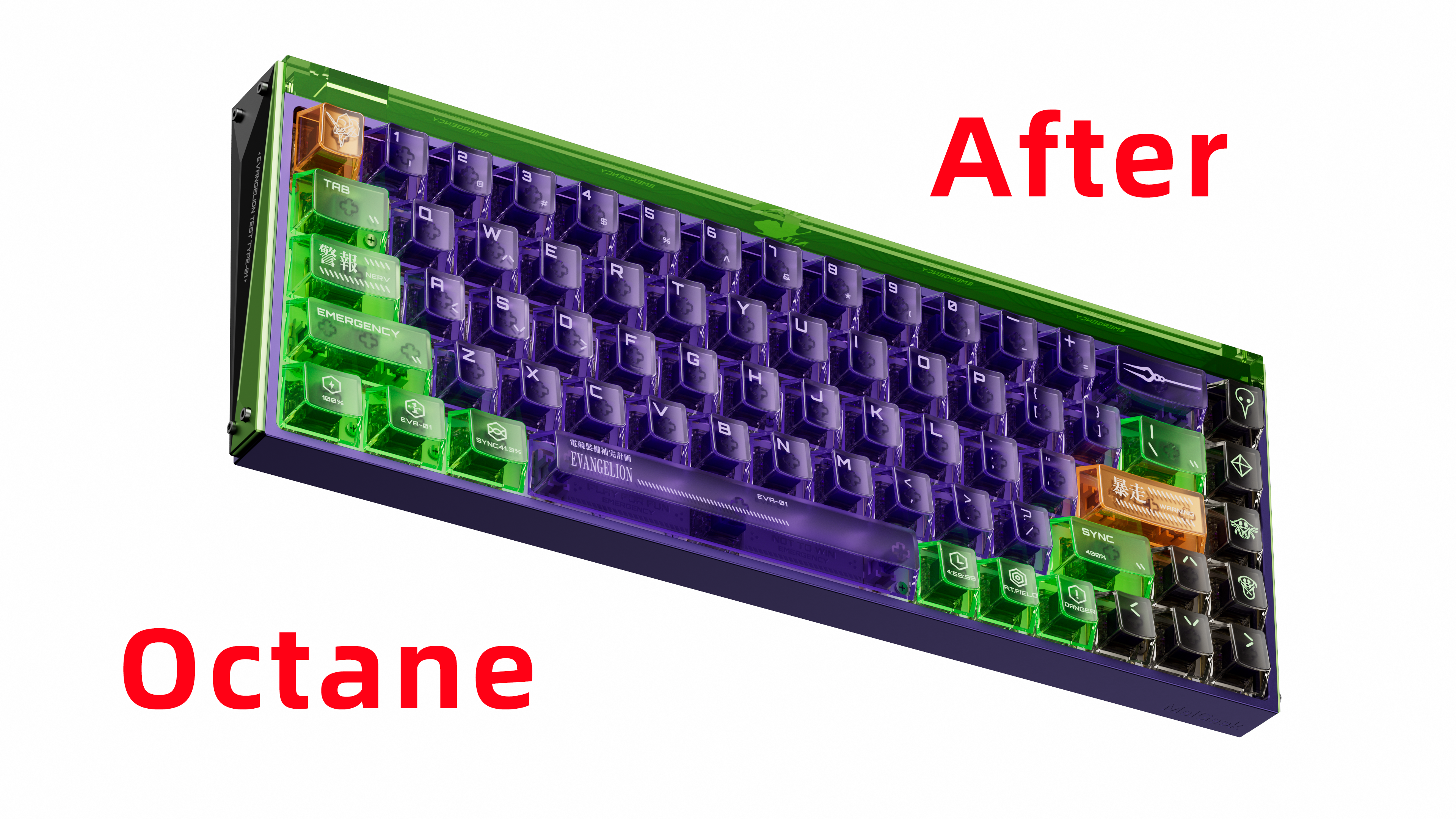
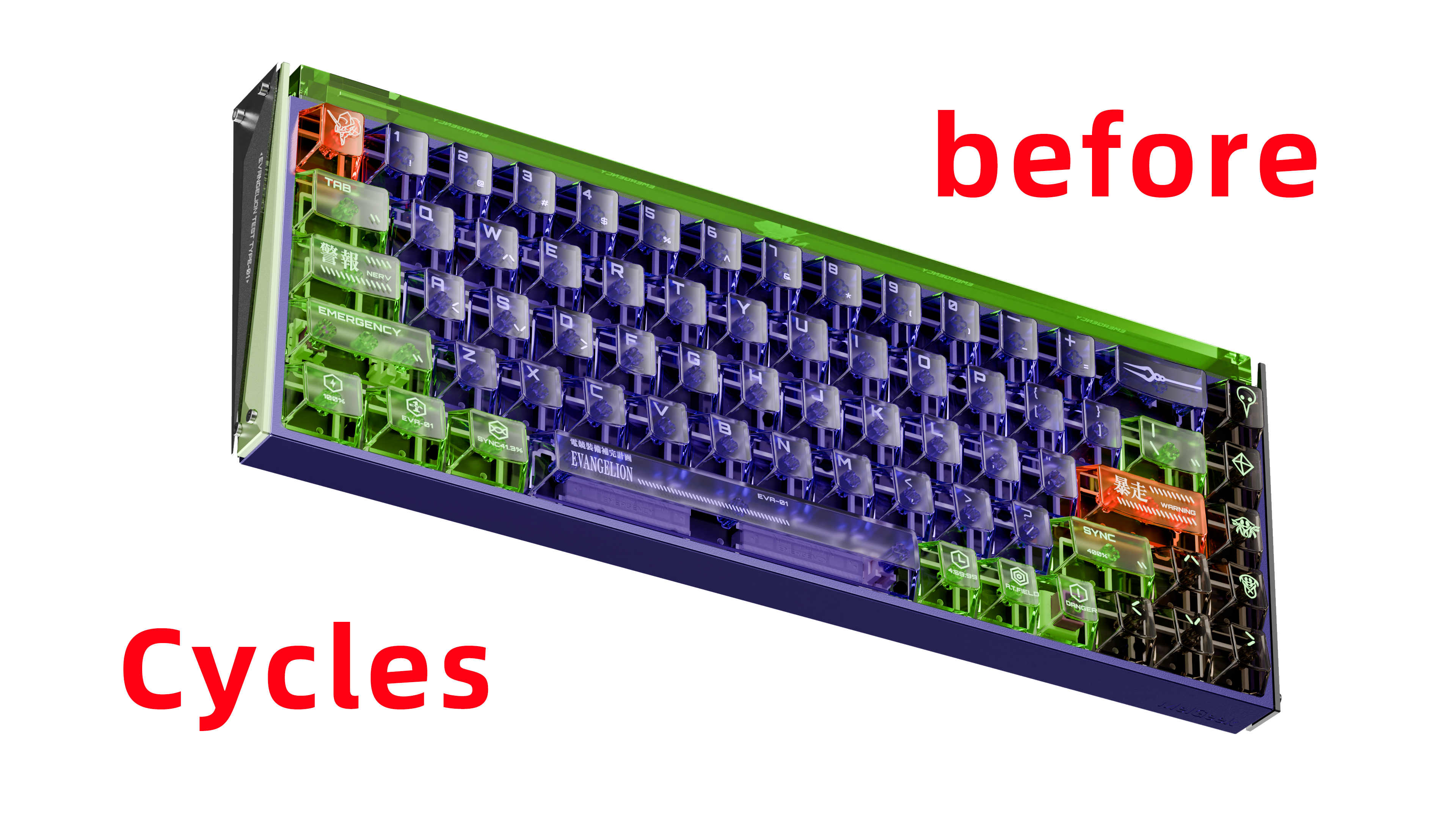
Core Value
✅ Save HOURS of tedious manual work.
✅ Focus on what truly matters – your creativity!
Unlock Seamless Workflows: Key Advantages & Features
-
Accelerate Your Pipeline: Drastically reduce material setup time when migrating C4D projects or assets to Blender.
-
Preserve Artistic Intent: Faithfully translate the original look and feel of Octane materials.
-
Eliminate PBR Errors: Automatic color space handling prevents common texture issues.
-
Focus on Creativity: Spend more time creating, less time troubleshooting nodes.
-
Artist-Friendly: Intuitive, easy-to-use interface — no coding required.
Deep Dive into Features
Core Material Type Conversion
-
Supports key Octane materials: Universal, Glossy, Metallic, Specular,Diffuse
-
Converts intelligently into Blender's Principled BSDF node.
Smart PBR Channel Mapping
Automatically connects:
| Octane Channel | Blender Input |
|---|---|
| Albedo / Diffuse→ | Base Color |
| Roughness→ | Roughness |
| Metallic→ | Metallic |
| Normal→ | Normal (via Normal Map node) |
| Bump→ | Normal (via Bump node) |
| Emission→ | Emission Color & Strength |
| Opacity→ | Alpha |
| Transmission→ | Transmission & Base Color |
| IOR→ | IOR |
| Displacement→ | Material Output > Displacement |
Color Space is auto-detected and assigned (sRGB or Non-Color) — ensuring PBR correctness!
Common Shader Node Conversion
-
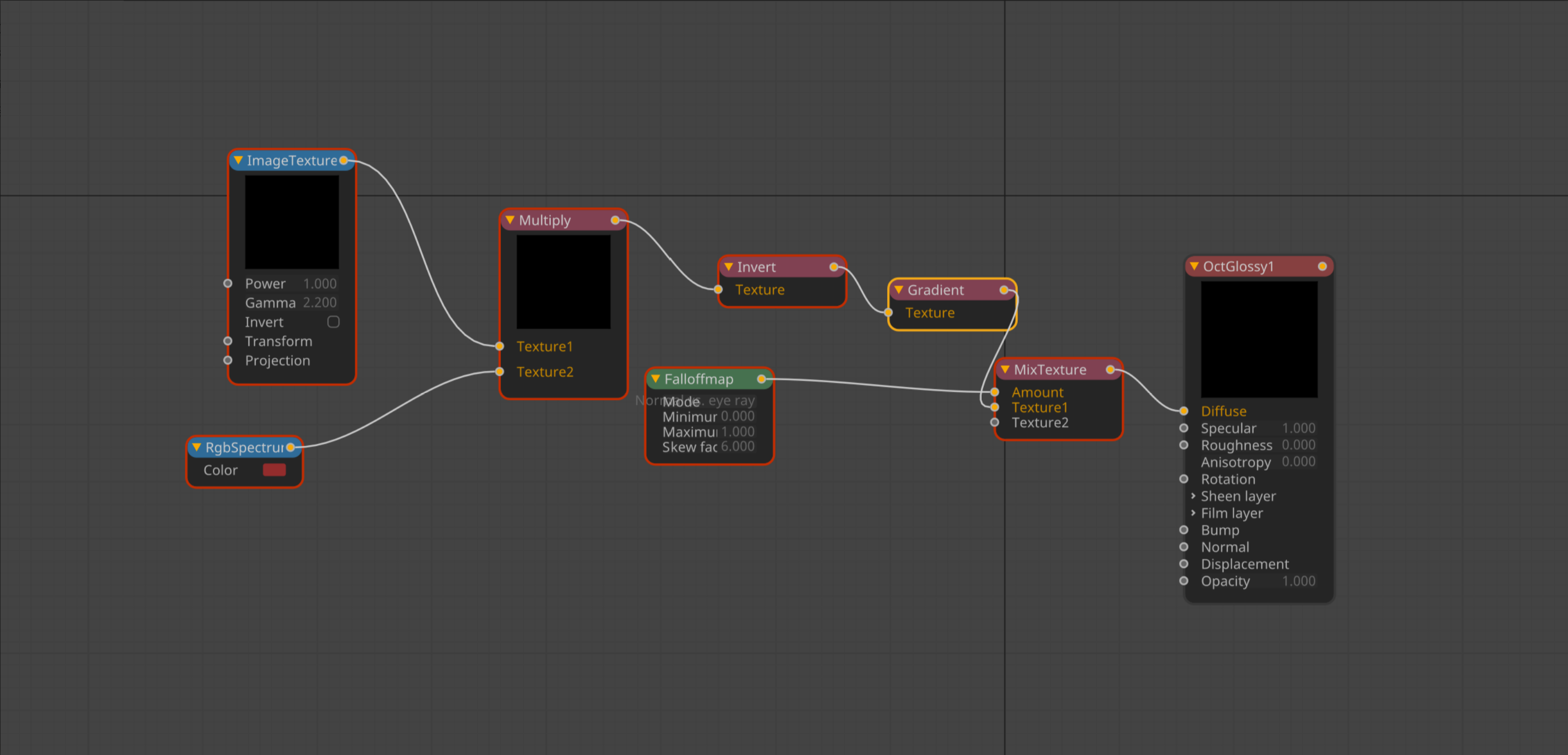
Supports Octane nodes like Image Texture, RGB Color, Noise, Mix, Multiply, Invert, Color Correction, Transform, and more.
-
Where possible, procedural nodes are converted into Cycles equivalents or recommend baking.
Displacement Support
-
Connects Octane displacement maps to Blender’s displacement system.
-
Requires correct subdivision and material settings in Blender for proper display.
Optional: SyncTools Integration
-
If you own SyncTools, you can Copy-Paste directly from C4D to Blender for an even faster workflow.
Technical Deep Dive: Conversion Mapping Tables
Octane Material Type → Cycles Node Mapping

Octane Channel → Blender BSDF Input

Common Octane Node → Blender Node

Simple Steps: Workflow Guide
Standard FBX Workflow
-
Finalize Octane materials in C4D.
-
Export FBX file from C4D.
-
Import FBX into Blender.
-
Select imported objects, open the Import Octane Material Pro panel, and click "Import Octane Material".
-
Verify results, make small adjustments if necessary.
Accelerated Workflow with SyncTools
-
Ensure SyncTools is running in both C4D and Blender.
-
Copy selected assets in C4D.
-
Paste directly into Blender.
-
Materials are instantly imported and converted.
Important Considerations
-
Perfect 1:1 Match Not Guaranteed: Due to engine differences, slight variations may occur.
-
Complex Materials May Need Tweaks: Especially those with heavy procedural setups.
-
Recommended: Bake complex procedural textures for maximum visual accuracy.
-
Supported Blender Versions: 2.93 → 4.3+
-
Included: Companion C4D Exporter Script
-
Future Updates: Included and ongoing!
Stop Fighting Nodes, Start Creating!
Are you ready to reclaim hours of creative time and streamline your C4D to Blender workflow?
Get Import Octane Material Pro today — and focus on what you do best: creating amazing art!
✅ Invest in efficiency.
✅ Invest in your creativity.