Seamline
 Oculis Studio


Seamline 1.0 documentation
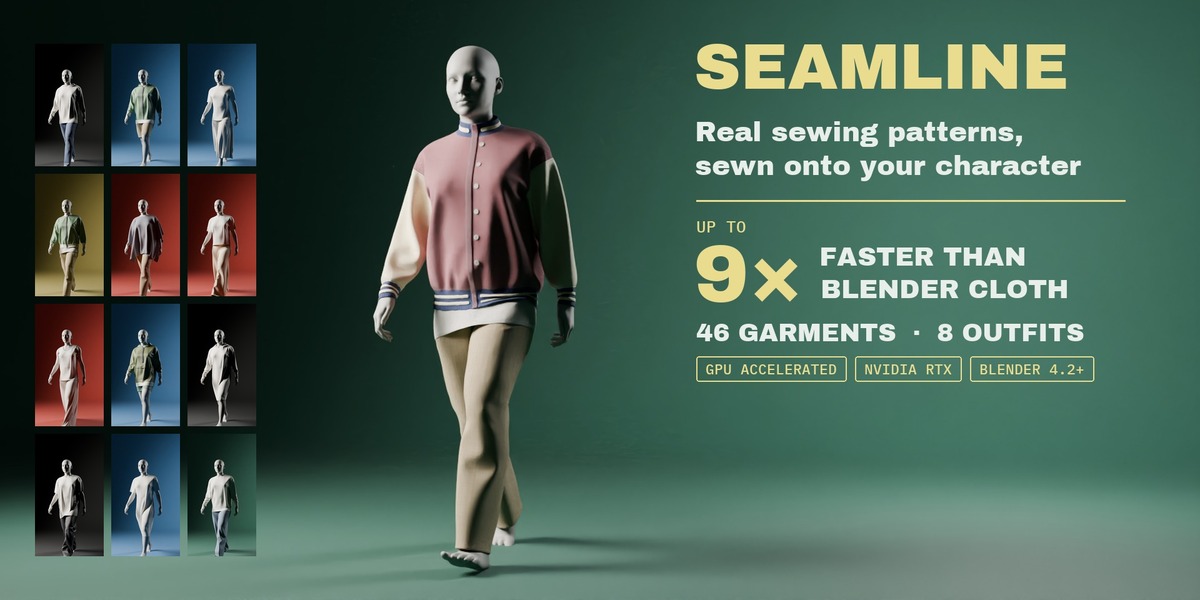
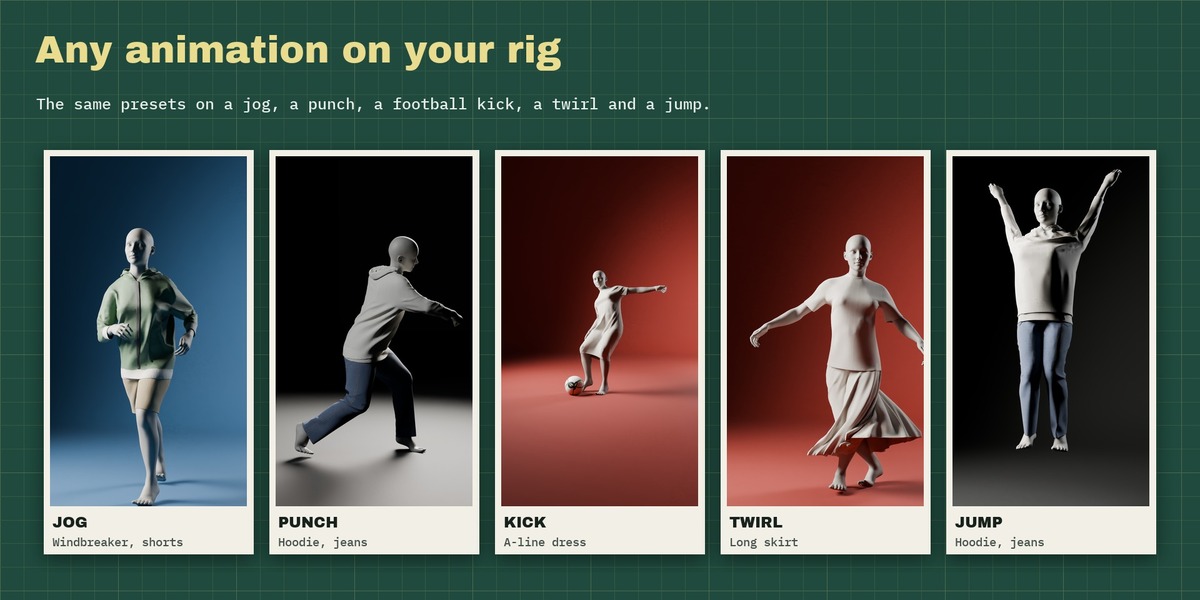
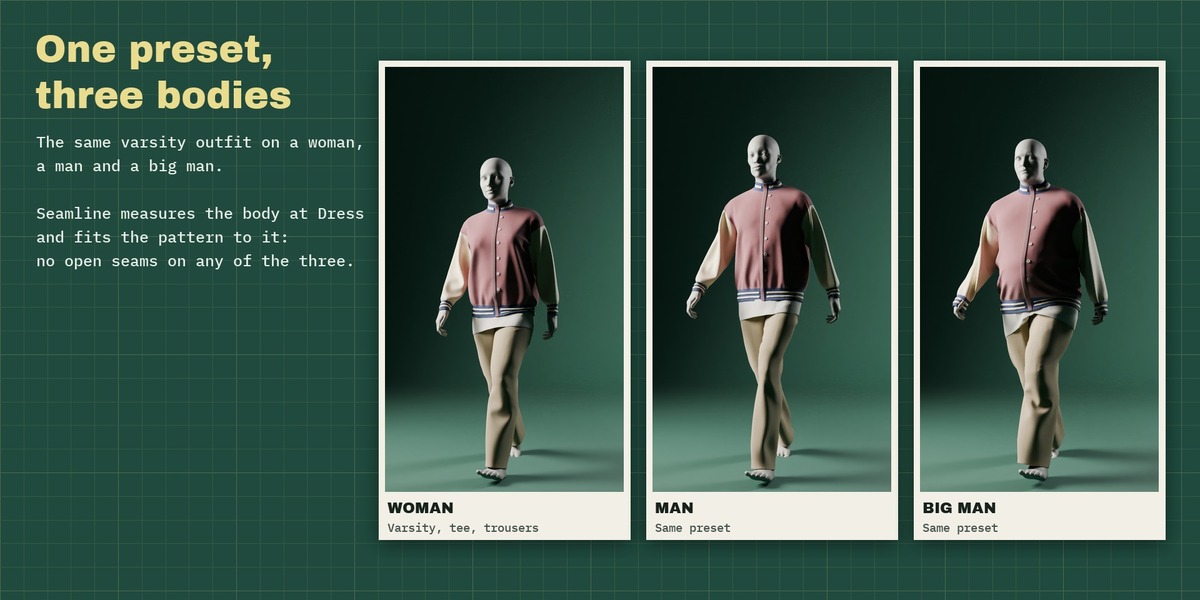
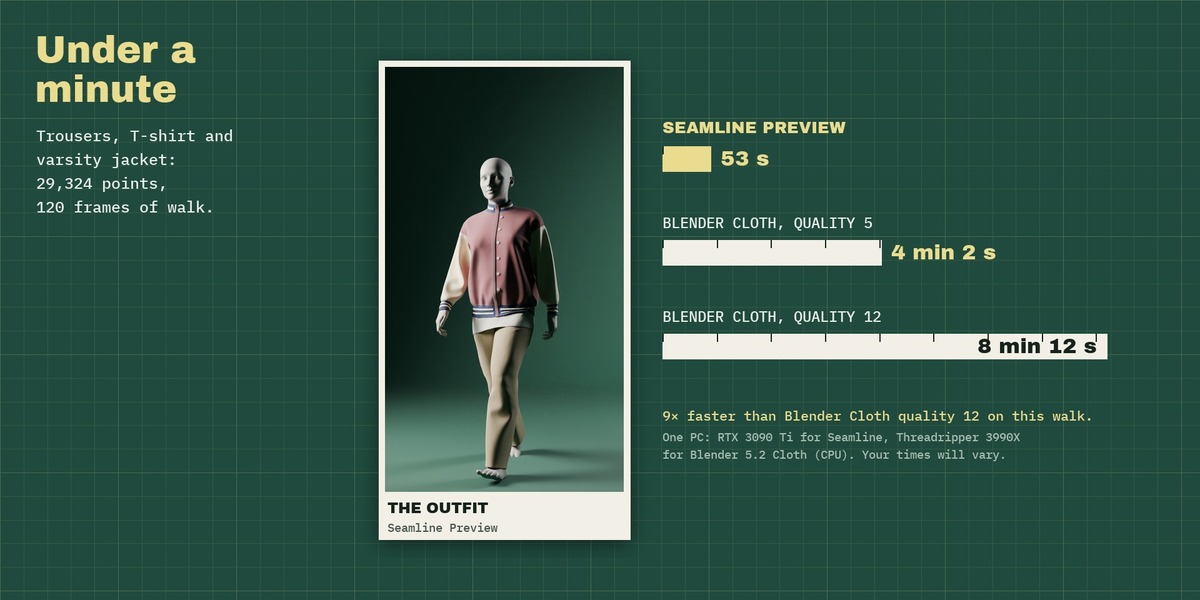
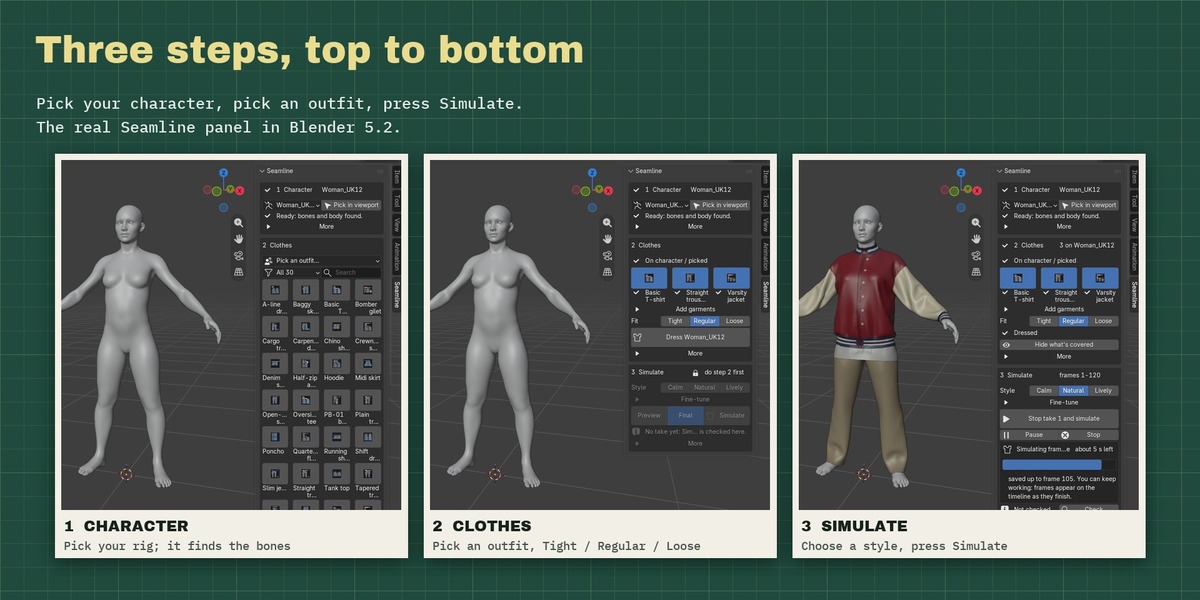
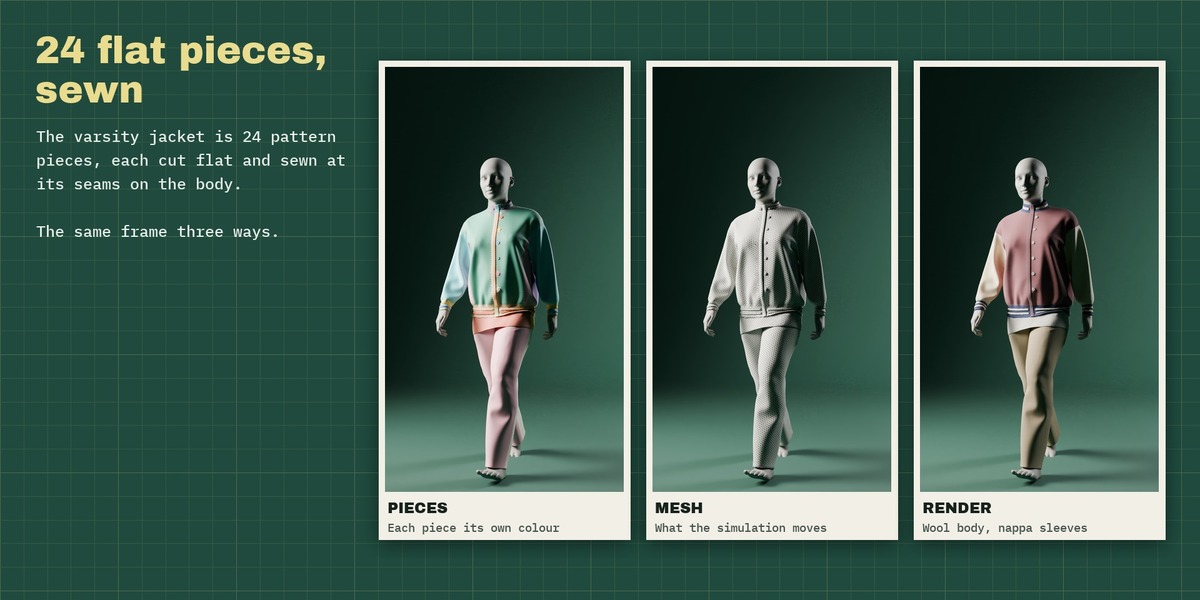
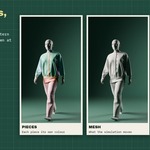
Seamline sews real sewing patterns onto your animated character in Blender and simulates the cloth on your NVIDIA card. Everything is in the Seamline tab of the 3D viewport sidebar (press N).
Install
- You need Windows 64-bit, Blender 5.2 or newer, and an NVIDIA RTX 20 series card or newer with driver 580 or newer.
- In Blender: Edit, Preferences, Get Extensions, the small arrow at the top right, Install from Disk, and pick the Seamline zip. Do not unzip it.
One download from NVIDIA, once
Seamline runs on NVIDIA Warp, which is not inside the zip. Press Install runtime (in the Seamline panel, or Edit, Preferences, Add-ons, Seamline) and it downloads NVIDIA's official Warp 1.19.0 from PyPI: 135 MB, about 330 MB on disk. Turn on Allow Online Access first (Preferences, System, Network). No internet on that PC? Download warp_lang-1.19.0-py3-none-win_amd64.whl from pypi.org/project/warp-lang/1.19.0 on another computer and press Install from file.
A few seconds after Seamline is switched on it checks your computer. If anything fails, a red line at the top of the panel says what to do; Open details shows the full check.
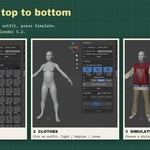
The three steps
Adjust the fit with the rings
Select a dressed garment and a ring appears at every sleeve end, leg end and hem. Pull a ring along the arm or leg to change the length, or away from it to change the width. The new shape is drawn in yellow with the millimetres beside the ring; let go and the garment is refitted. Ctrl gives 5 mm steps, Shift fine steps, right mouse or Esc cancels. The same values are sliders under Clothes, More.

The look
- Style: Natural is the default. Calm smooths wrinkles and holds hems. Lively lets the cloth swing freely.
- Follow body, Wrinkles and Hold shape fine-tune one garment; the brush beside each paints it onto parts of the garment.
- Fabric: every garment comes in its own measured fabric; you can swap it under Simulate.
Import a pattern from CLO or Marvelous
Export the sewn garment as OBJ with the avatar off and Unified UV Coordinates off. Press Import pattern... under Clothes and choose the file. The pieces come from the pattern UVs and the seams from where the pieces meet; the garment appears in your Wardrobe, ready to Dress.
If something is wrong
- Card busy or not found: Edit, Preferences, Seamline, press Check install and do what the red line says.
- Blender stutters while it simulates: your one NVIDIA card is also drawing the screen. That is normal; with two cards Seamline uses the other one.
- A cuff, sleeve, hem or leg is not where you want it: pull its ring.
- The cloth looks wrong: open Simulate, More, Review. Go jumps to the worst frame, and Fix repairs most of it.
Windows and NVIDIA only; AMD, Intel and Mac cards cannot run the simulation. Tops are worn untucked and jackets closed in 1.0. Seamline is GPL-3.0-or-later. It does not include NVIDIA Warp: Install runtime downloads NVIDIA's own release under Warp's licences.
Have questions about this product?
Login to message
| Blender Extension Compatible | Yes |
| Published | about 24 hours ago |
| Blender Version | 4.2 - 5.3 |
| Extension Type | Add-on |
| Render Engine Used | Cycles, Eevee |
| License | GPL |
Discover more products like this
cloth simulation fashion outfit GPU cloth cloth sim garment sewing-pattern clothing nvidia character clothing clothes cloth