 MendWorks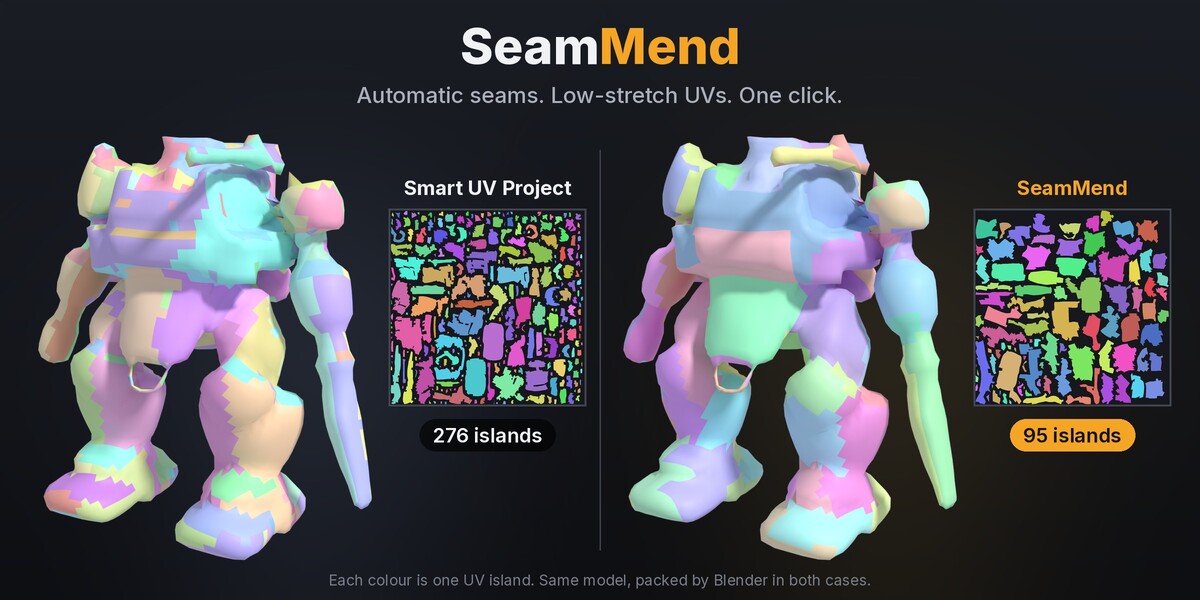
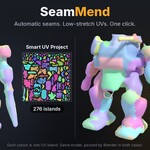
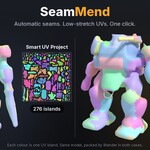
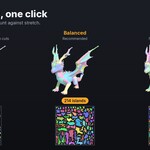
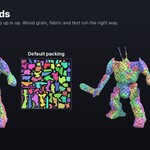
Automatic seams and low-stretch UVs in one click
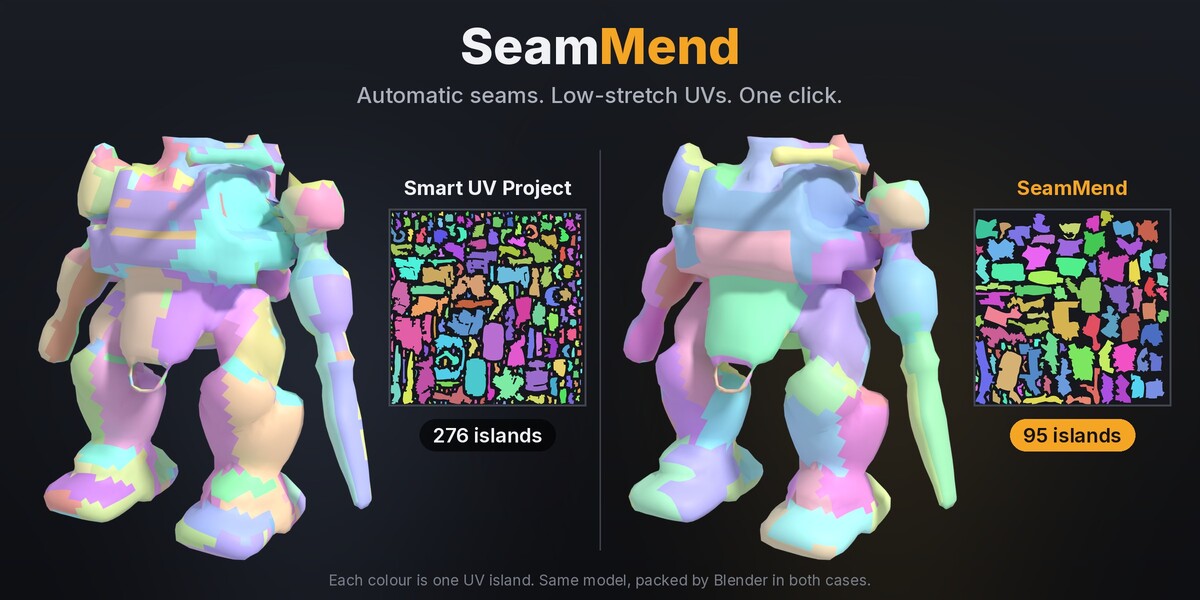
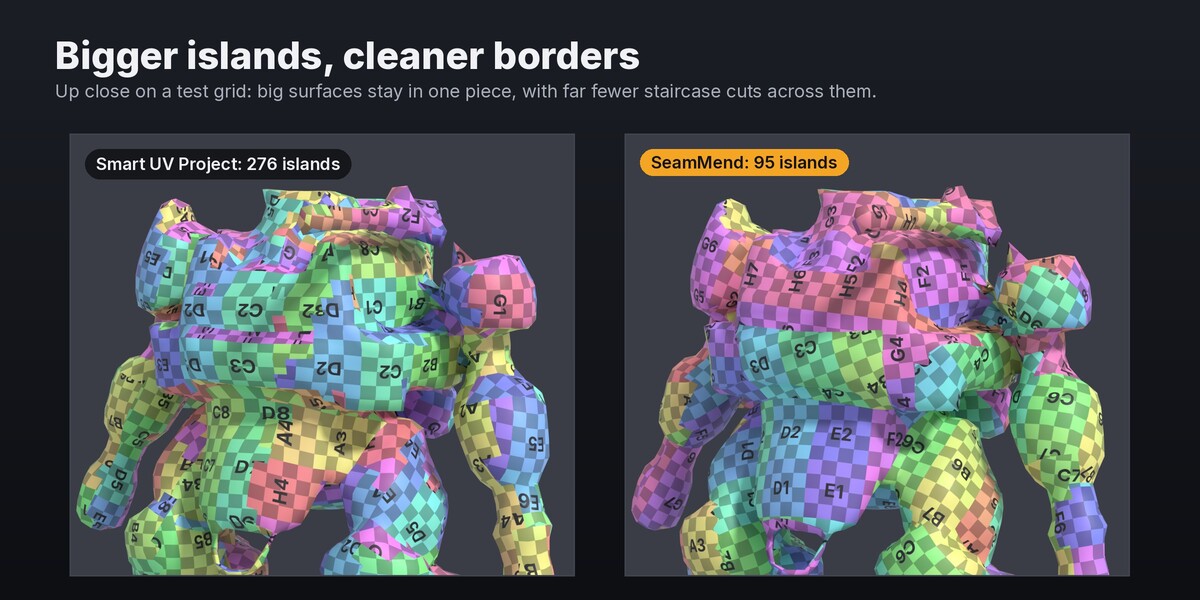
Smart UV Project is quick, but it chops your model into hundreds of tiny islands and still stretches the texture. Marking seams by hand gives better results, but it takes ages on anything detailed.
SeamMend places the seams for you, unwraps, and packs. Select your model, press Auto Unwrap, and you're done.
How it works
- Finds natural cut lines. SeamMend grows islands across smooth areas and puts seams on hard edges and in creases, where they're hardest to see.
- Checks every island for stretch. Each island is test-unwrapped and measured. If one stretches too much, SeamMend re-cuts it. You get large islands that still lie flat.
- Straightens and packs. Jagged island borders get smoothed, and every island gets the same texel density. Then everything is packed into the 0–1 square.
Measured, not guessed
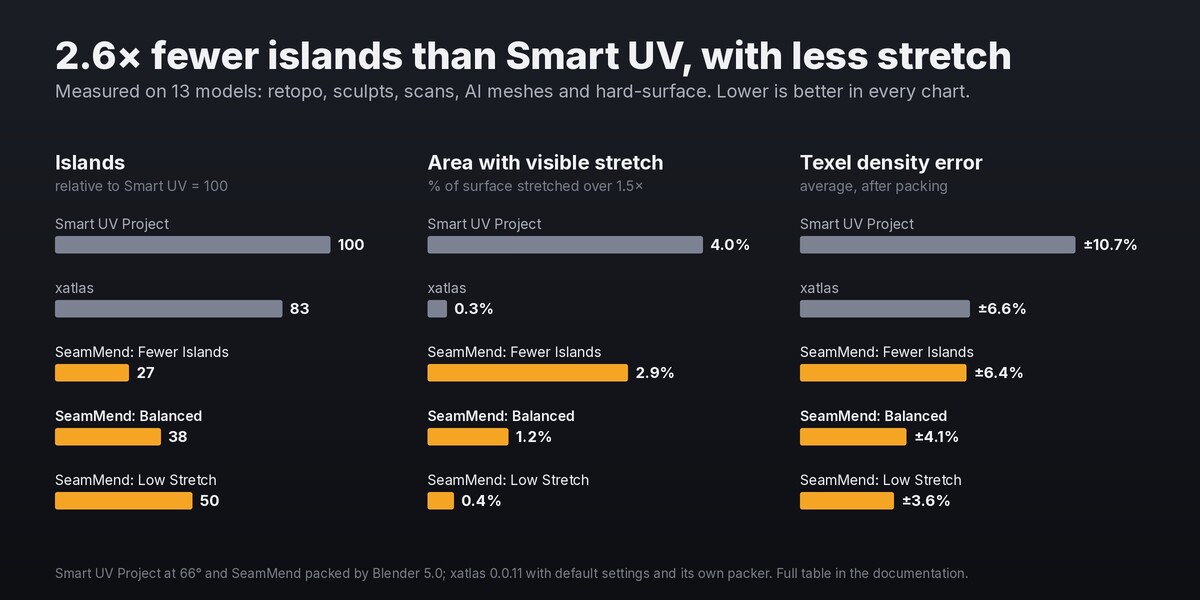
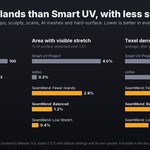
I tested SeamMend against Smart UV Project and xatlas (the open-source unwrapper used by Godot and many other tools) on 13 models: retopologized characters, sculpts, scans, AI-generated meshes and hard-surface props. With the default Balanced mode:
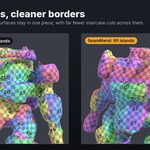
- 2.6× fewer islands than Smart UV Project, and 2.2× fewer than xatlas
- 3.4× less visibly stretched area than Smart UV Project (1.2% vs 4.0% of the surface)
- More even texel density: ±4.1% average error, vs ±10.7% for Smart UV Project and ±6.6% for xatlas
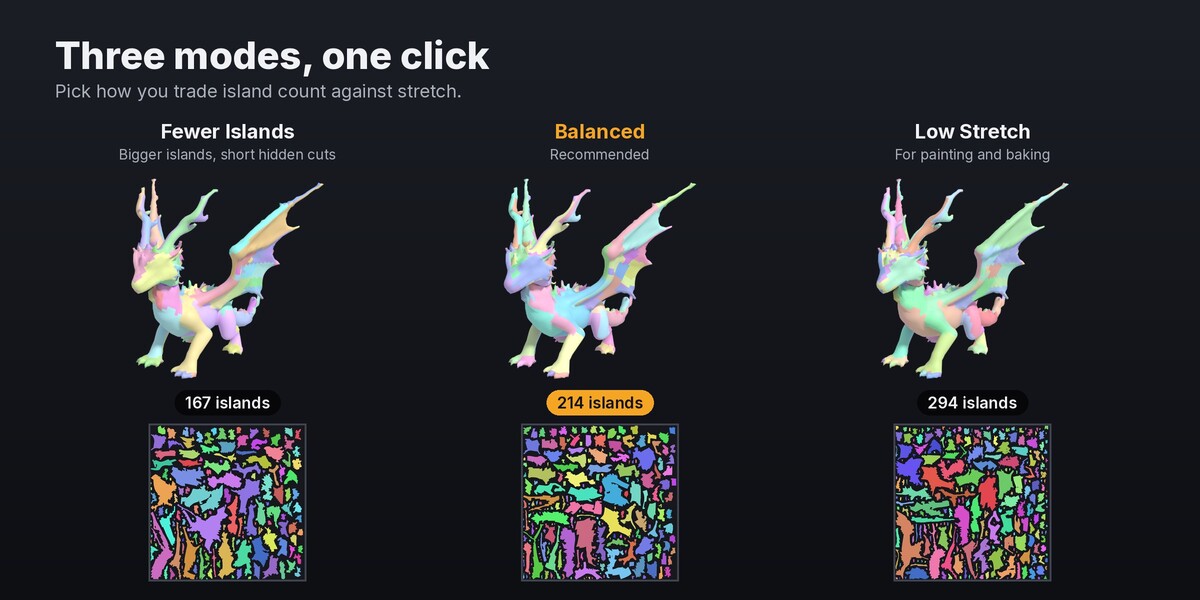
Need even fewer islands? Fewer Islands mode gives 3.7× fewer than Smart UV and still stretches less. Doing detailed texture painting or baking? Low Stretch mode keeps visible stretch to 0.4% of the surface, about the same as xatlas (0.3%), with 1.7× fewer islands.
Features
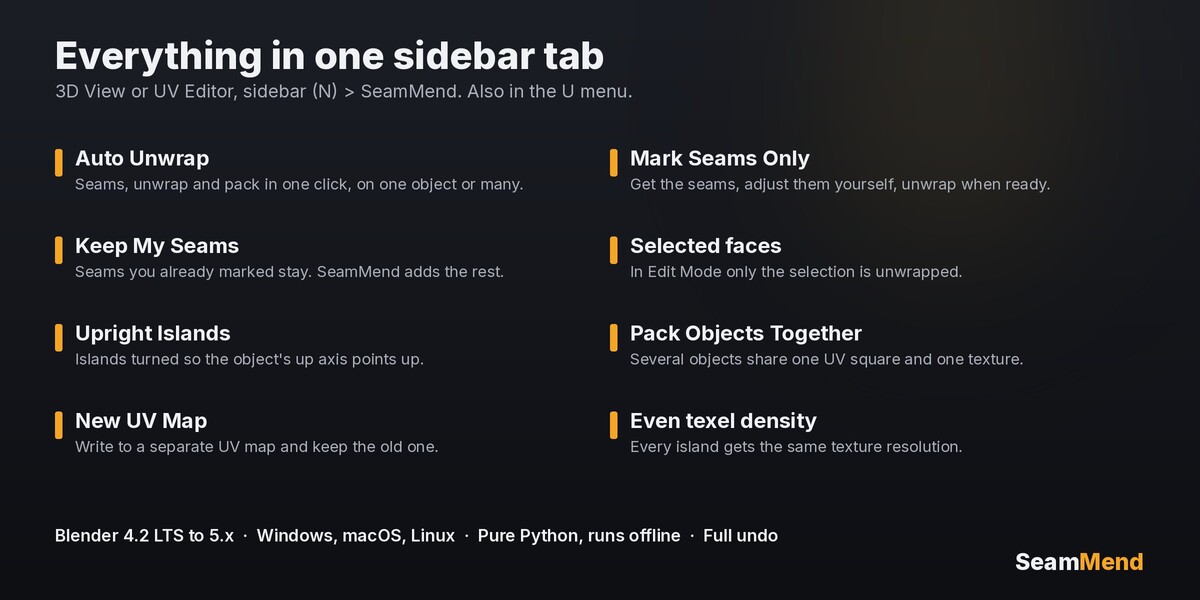
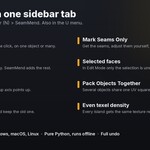
- Auto Unwrap one object or many at once
- Three modes: Fewer Islands, Balanced, Low Stretch
- Mark Seams Only: get the seams, tweak them, and unwrap when you're ready
- Keep My Seams: seams you already marked stay, and SeamMend adds the rest
- Selected faces: in Edit Mode, only the selection is unwrapped
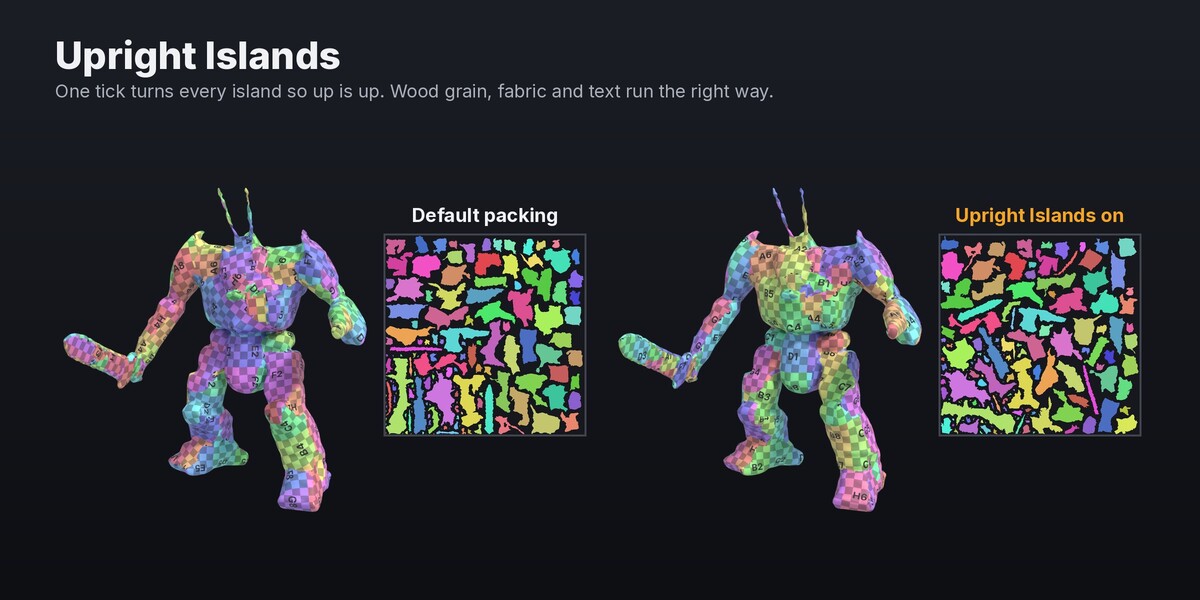
- Upright Islands: islands are turned so up is up, for wood grain, fabric and text
- Pack Objects Together: several objects share one UV square and one texture
- New UV Map: write the result to a separate UV map and keep your old one
- Cut at Sharp Edges, packing margin and rotation options
- Find it in the 3D View or UV Editor sidebar (N › SeamMend) and in the U menu. Full undo.
Honest limits
- It's automatic, not an artist. On a hero character you'll still want to move a seam or two, and Mark Seams Only makes that easy.
- Dense, highly detailed meshes (fur, chainmail, 30k-triangle sculpts) still produce hundreds of islands, just far fewer than Smart UV. For those, unwrap a retopologized version if you can.
- No UDIM tiles, symmetry mirroring or island stacking yet.
- Speed: a few seconds for a typical game asset. A 30,000-triangle model takes around 5–10 seconds, and a 120,000-face model under a minute.
Requirements
- Blender 4.2 LTS or newer (tested on 4.2 and 5.0)
- Windows, macOS and Linux. Pure Python, nothing to compile.
- Runs fully offline. No account and no GPU needed.
Install
- Download seammend-1.0.0.zip. Don't unzip it.
- In Blender: Edit → Preferences → Get Extensions → ⌄ menu (top right) → Install from Disk…, then pick the zip. (Or drag the zip into Blender.)
- Press N in the 3D View and open the SeamMend tab.
Got a model that unwraps badly? Message me through Superhive. Real-world problem models are how SeamMend gets better.
From MendWorks, the maker of QuadMend.