 GabrielMoro


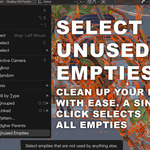
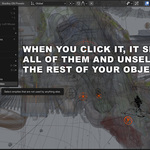
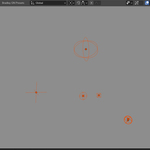
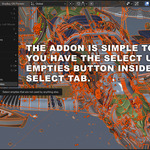
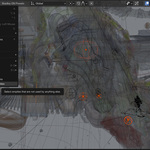
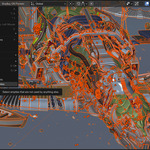
Select Unused Empties helps you quickly find empties that are safe to delete.
It selects empties that:
- Have no children
- Are not used as parents
- Are not referenced by constraints or modifiers
- Are not used by drivers
- Are not used as a camera DOF focus object
How to use
In the 3D Viewport, go to Select → Select Unused Empties
The addon selects the unused empties in your current View Layer
Delete, move to a cleanup collection, or review them
Happy cleaning! Feel free to reach out with any questions.