Select Similar Free Coupon Available!!!
 Baraka Film


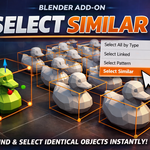
How to Use
-
Make sure you are in Object Mode.
-
Select one mesh object in the scene (this will be the reference object).
-
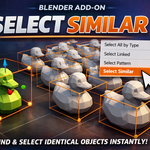
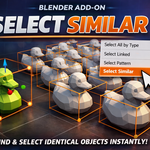
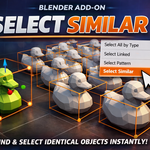
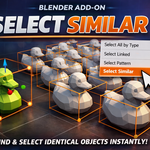
Go to the Top Menu → Select → Select Similar.
-
The addon will automatically select all objects in the scene that have identical mesh geometry.
-
Objects with the same polygon count but different shapes will not be selected.
$1
Have questions about this product?
Login to message
| Dev Fund Contributor | |
| Published | 9 months ago |
| Blender Version | 4.0 - 5.0 |
| Extension Type | N/A |
| License | GPL |
