 ZEG
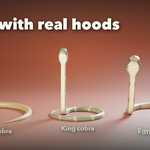
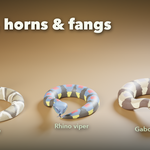
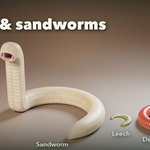
Installation
In Blender open Edit, Preferences, Get Extensions, then use Install from Disk and pick the zip.
Usage
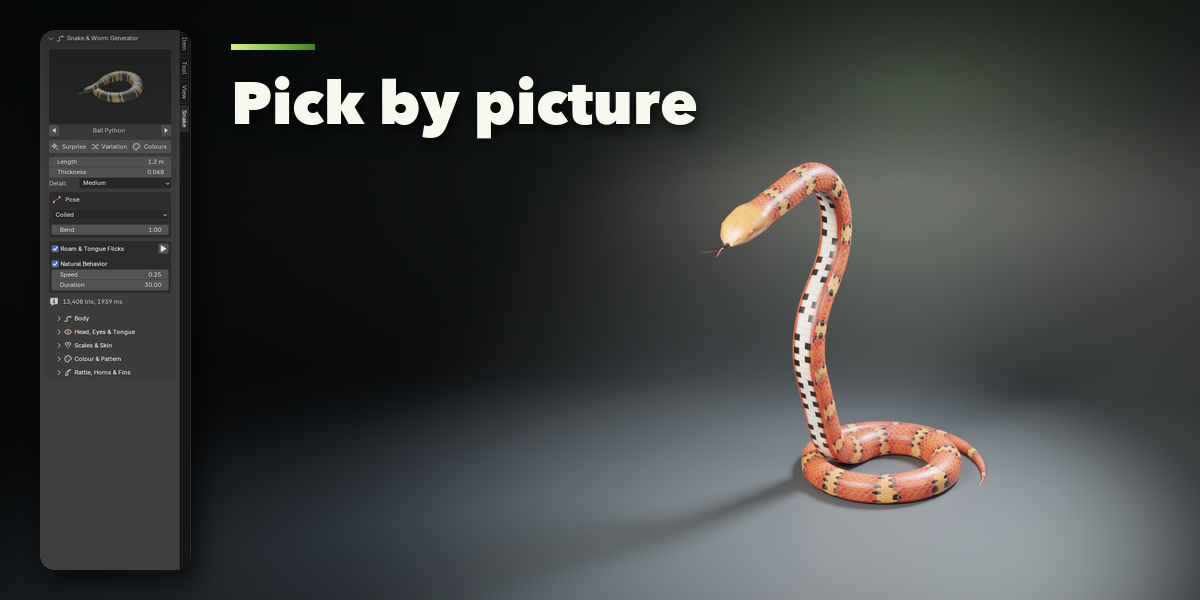
- Open the sidebar (N) and the Snake tab, or use Shift+A, Snakes & Worms.
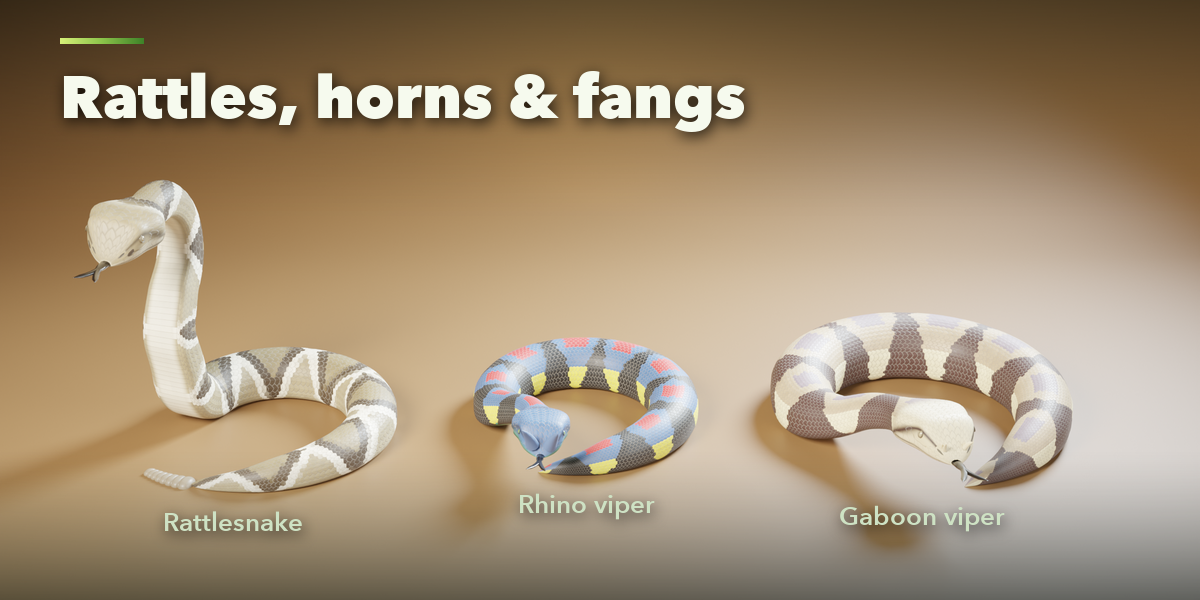
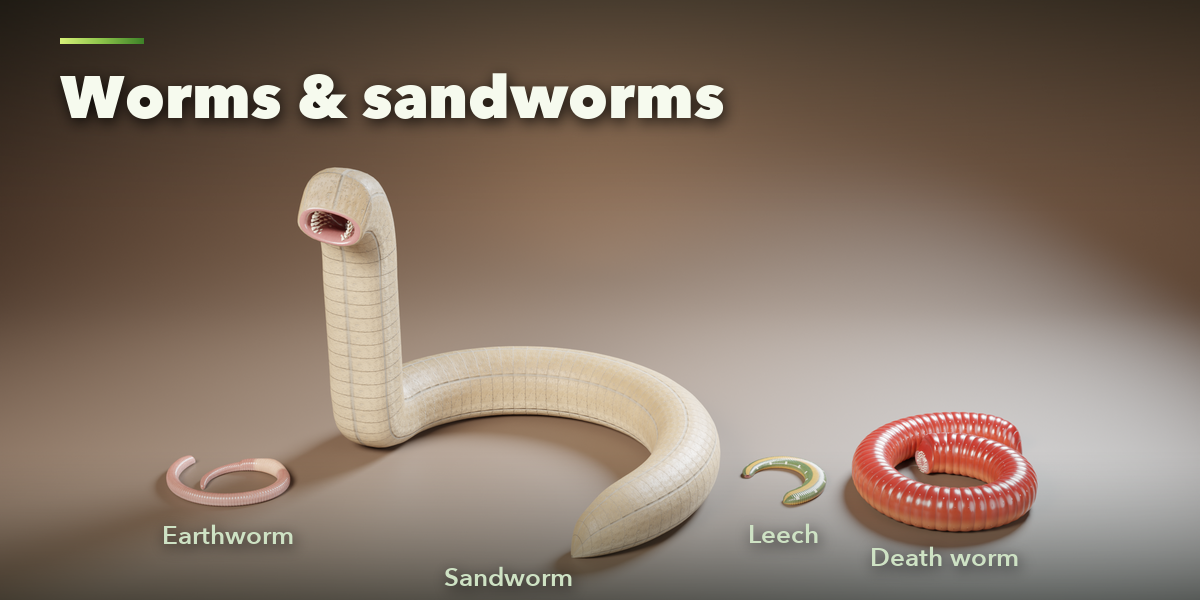
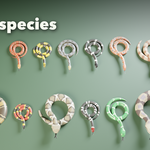
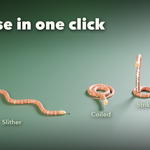
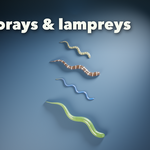
- Click the picture to choose a species, then press Add at Cursor. To lay it along your own path, select a curve first and press Add Along Selected Curve.
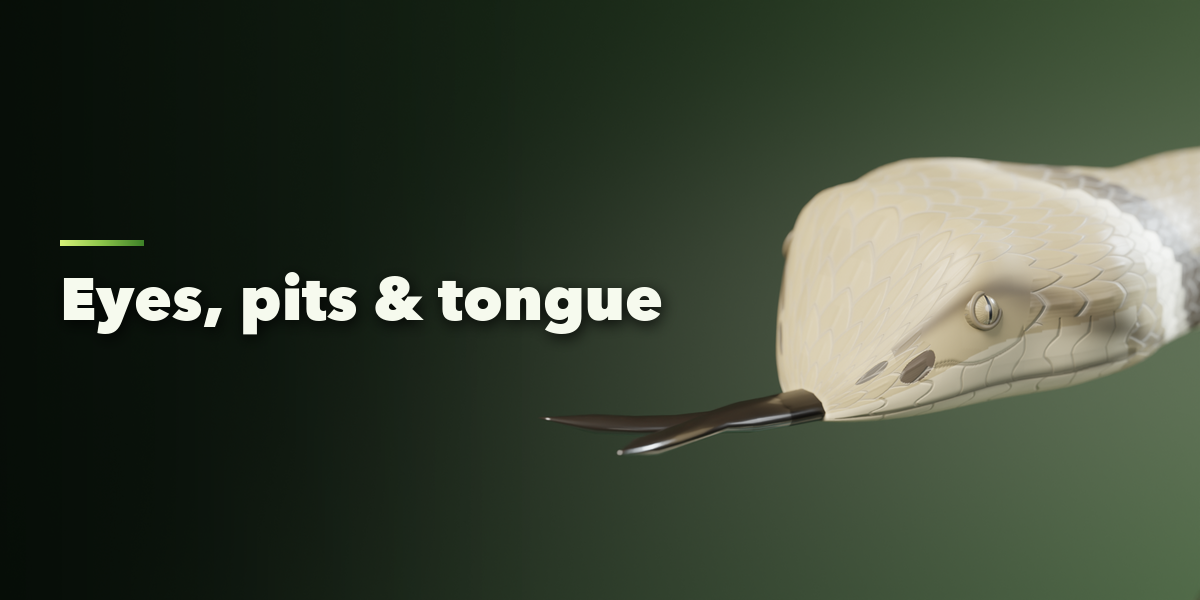
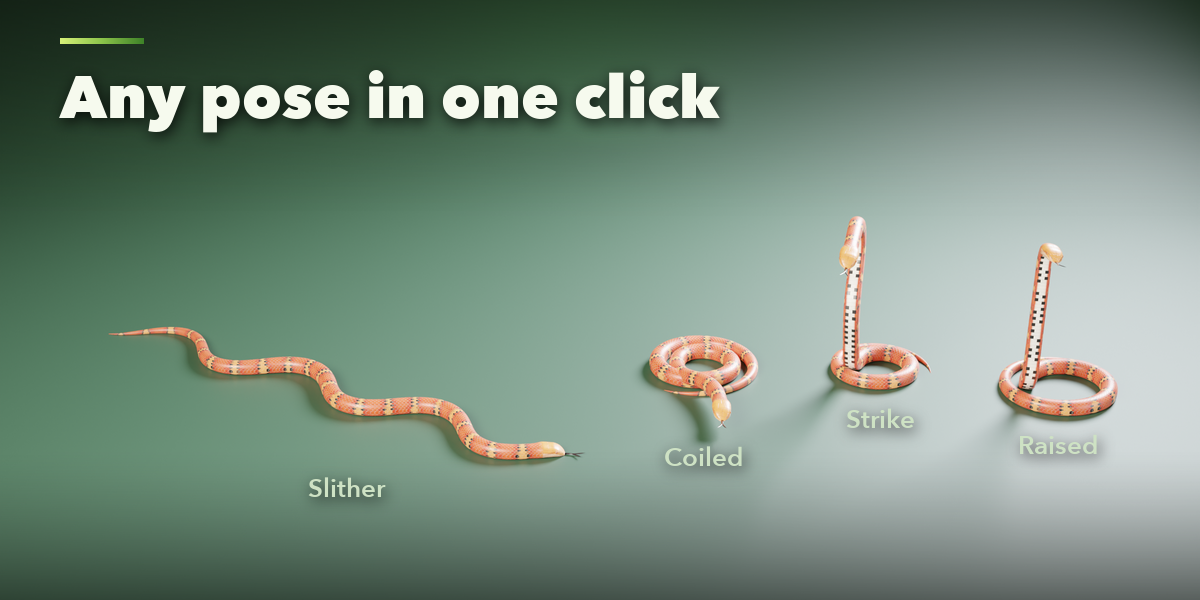
- Change length, thickness and pose at the top; head, scales, colours, rattle, horns and fins are in the sub-panels below.
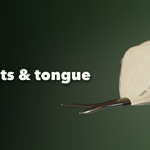
- Tick Slither & Tongue Flicks and press play to animate it. Choose the Slither pose to make it travel along the path.
- Press Surprise, Variation or Colours for a new animal. Select the snake and press Tab to edit its path by hand.
Have questions about this product?
Login to message
| Blender Extension Compatible | Yes |
| Published | 34 minutes ago |
| Blender Version | 4.2 - 5.2 |
| Extension Type | Add-on |
| Render Engine Used | Cycles, Eevee |
| License | GPL |

Discover more products like this
Cobra creature worm reptile snake animation animal snake-generator procedural Rattlesnake eel Python