ShadeFix: Clean Anime Face Shading in One Click
 Meshwright
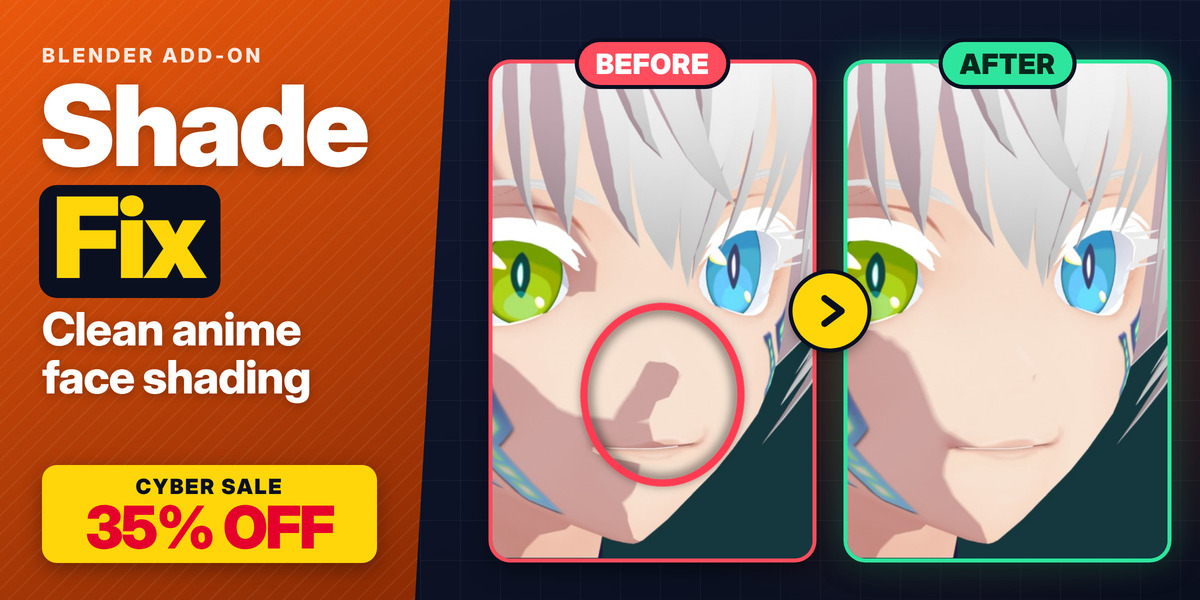
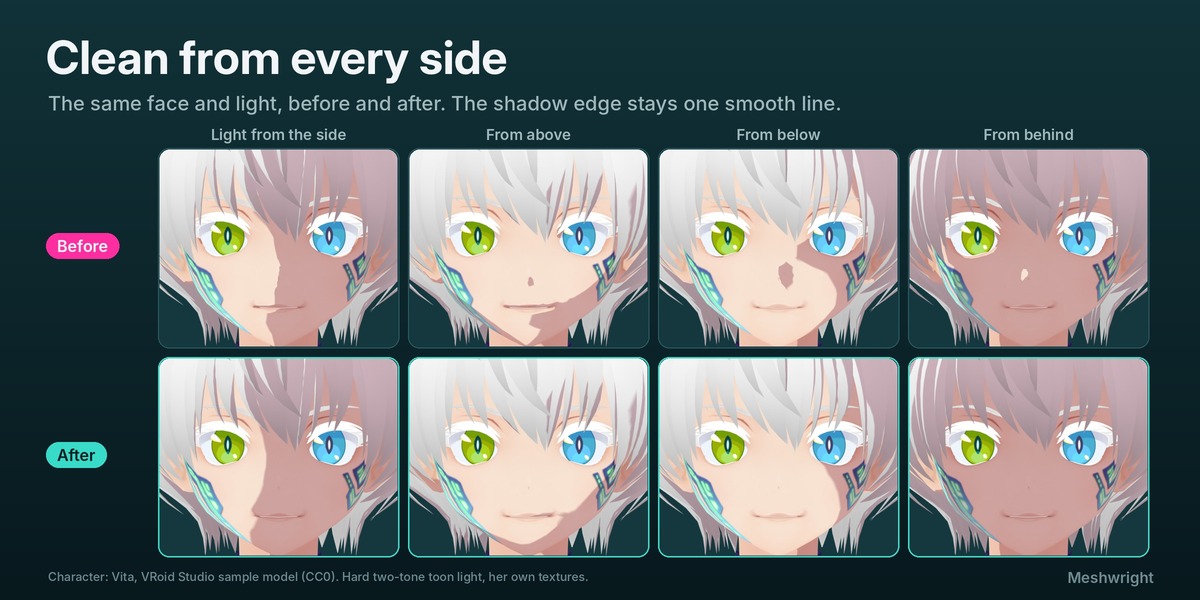
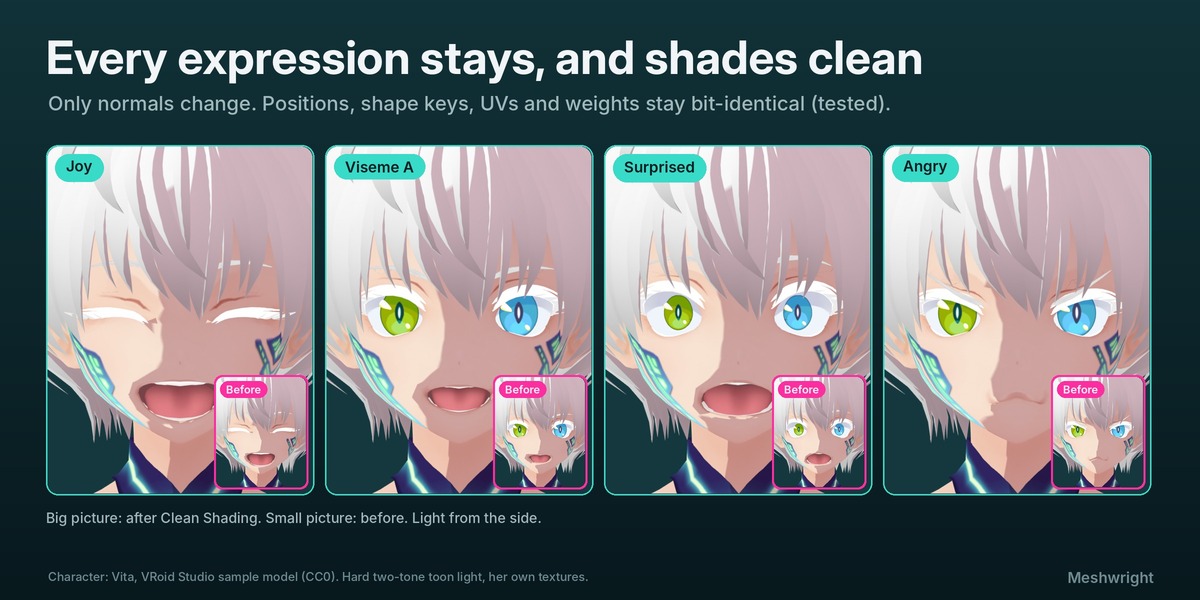
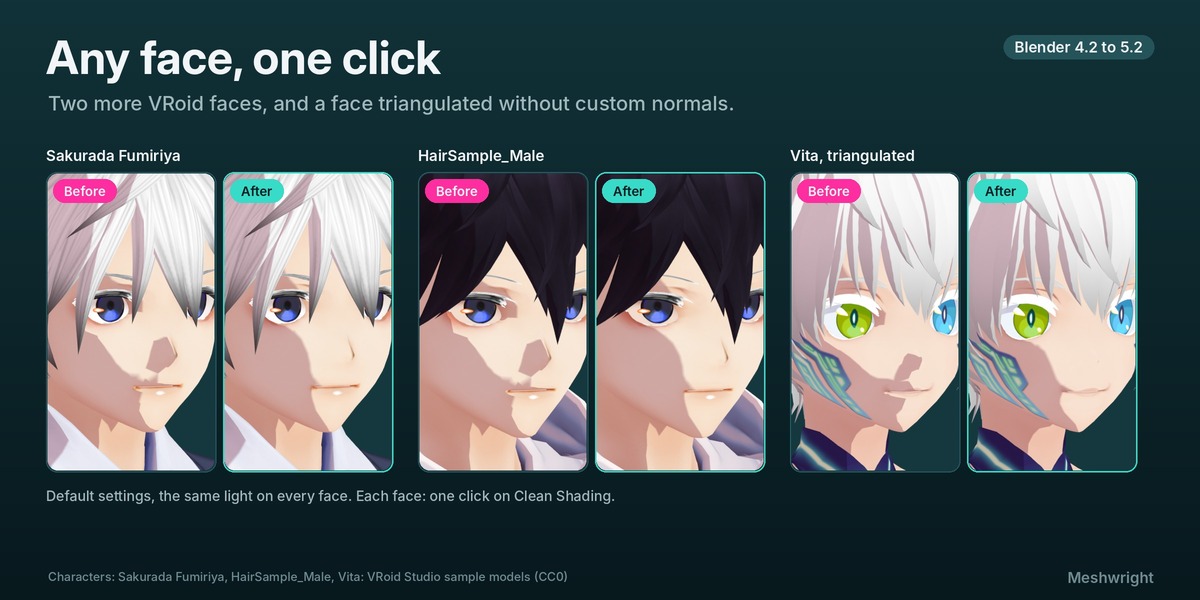
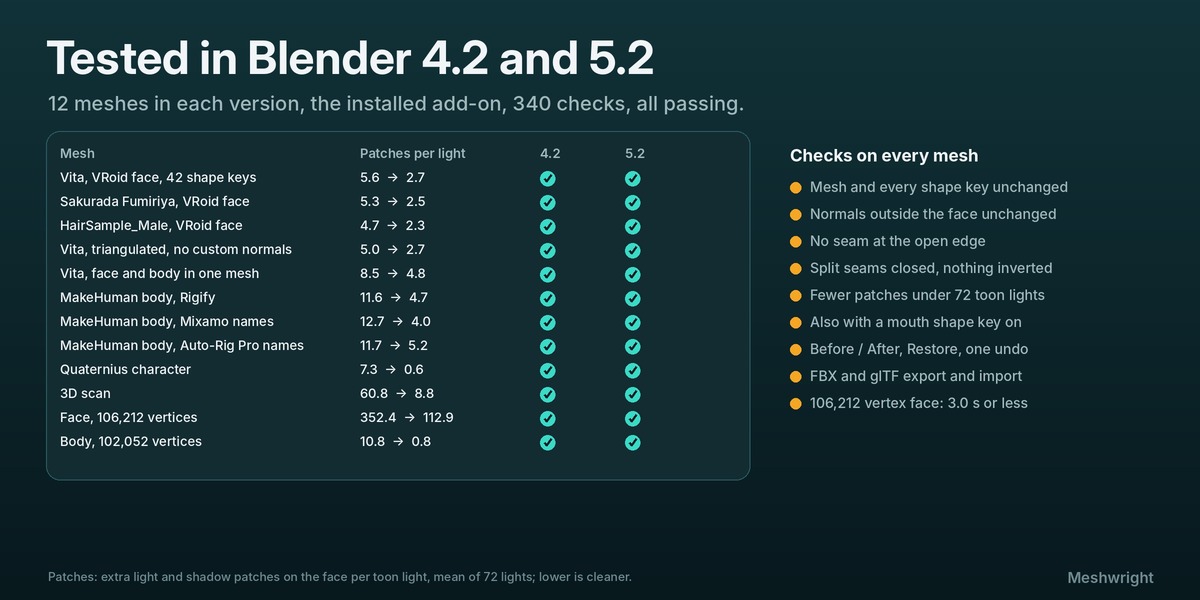
Install: Edit > Preferences > Get Extensions > arrow menu (top right) > Install from Disk > shadefix-1.0.0.zip. Blender 4.2 or newer. Nothing else is installed or downloaded.
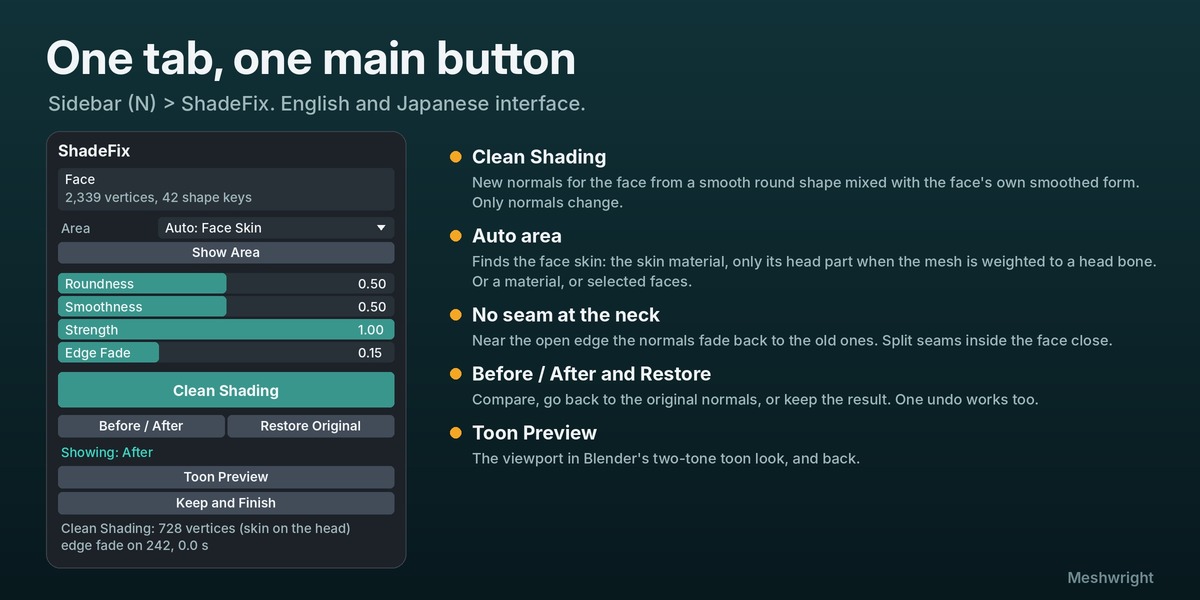
Clean Shading
- Select the mesh that holds the face and make it the active object.
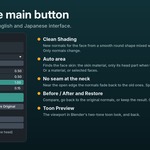
- Area: Auto (Face Skin) finds the skin material, and only its head part when the mesh is weighted to a head bone. Material uses every face of one material. Selected Faces uses the faces you selected in Edit Mode. Show Area selects the faces that will change.
- Press Clean Shading. The panel shows how many vertices changed.
- Toon Preview shows the viewport in Solid mode with Blender's toon matcap; press it again to go back.
Settings
- Roundness (0.5): how much the face shades like a round shape. 0 follows the face's own smoothed form.
- Smoothness (0.5): how much of the small forms (nose, lips, eye sockets) the shading ignores.
- Strength (1.0): mix of the new normals with the old ones.
- Edge Fade (0.15): near the open edge of the area (neck, face rim) the normals fade back to the old ones over this share of the face's size, so there is no seam.
Before / After, Restore Original, Keep and Finish
ShadeFix keeps a copy of the original normals inside the mesh. Before / After switches between the original and the result. Restore Original puts the original back and removes the copy. Keep and Finish keeps the result and removes the copy. Running Clean Shading again always starts from the original. If the mesh's topology changes (vertices added or removed), the copy no longer fits: Before / After and Restore are then off, and the next Clean Shading keeps the current normals as the new original.
Notes
- The faces of the area are set to smooth shading (custom normals need it). Restore Original puts the old setting back.
- In Unity, keep the model's Normals import setting on Import (the default) so the new normals are used.
- Hair shadows on the face come from the hair mesh, not from the face's normals; ShadeFix does not change them.
Have questions about this product?
Login to message
| Blender Extension Compatible | Yes |
| Published | 1 day ago |
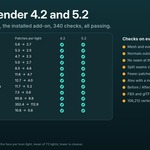
| Blender Version | 4.2 - 5.2 |
| Extension Type | Add-on |
| License | GPL |