 ZEG
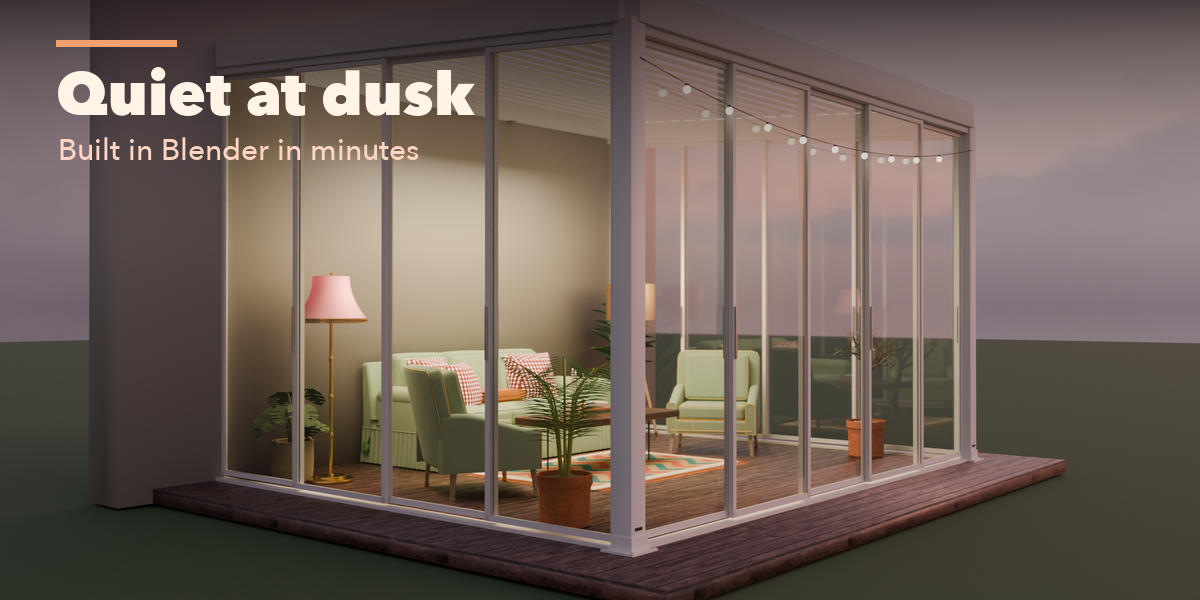
Installation
In Blender open Edit, Preferences, Get Extensions, then use Install from Disk and pick the zip.
Usage
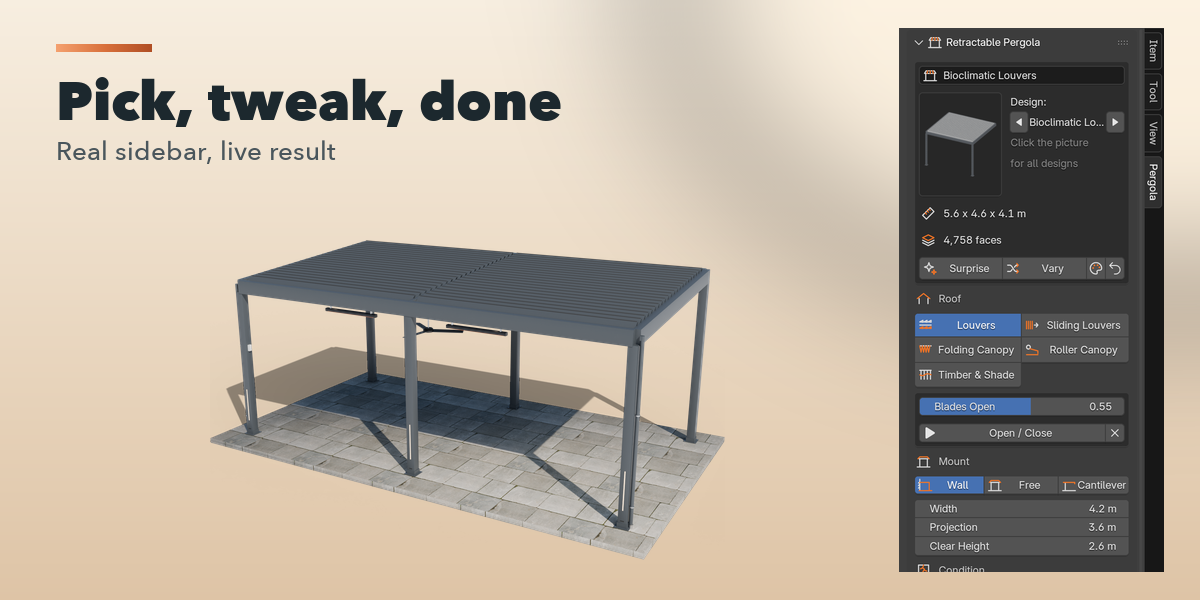
- Open the sidebar (N) and the Pergola tab, or use Add, Mesh, Retractable Pergola.
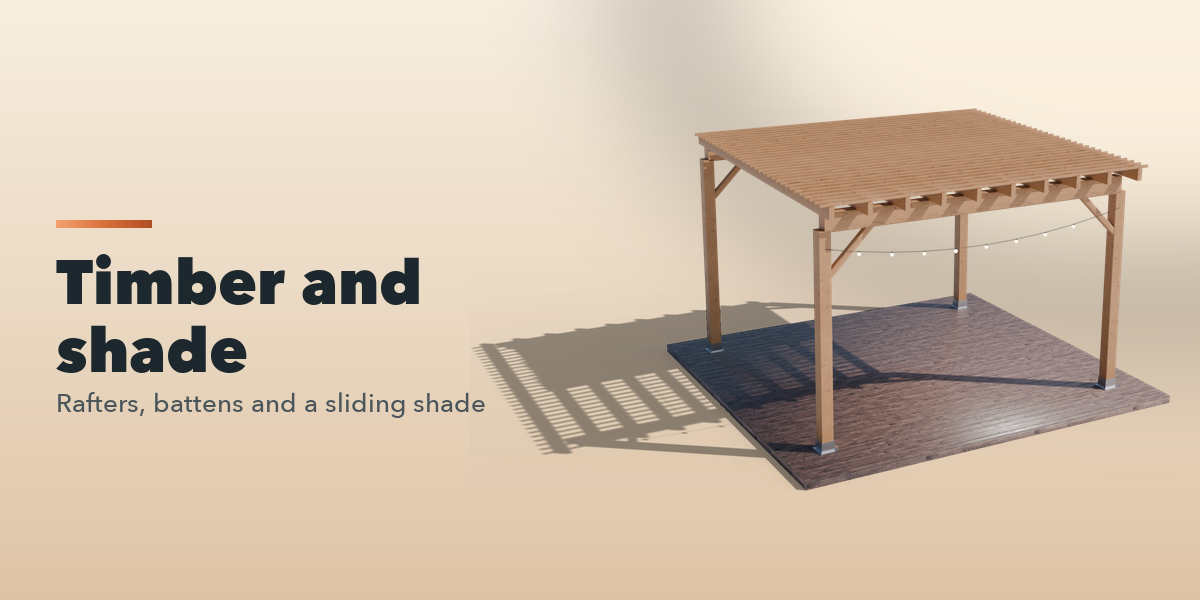
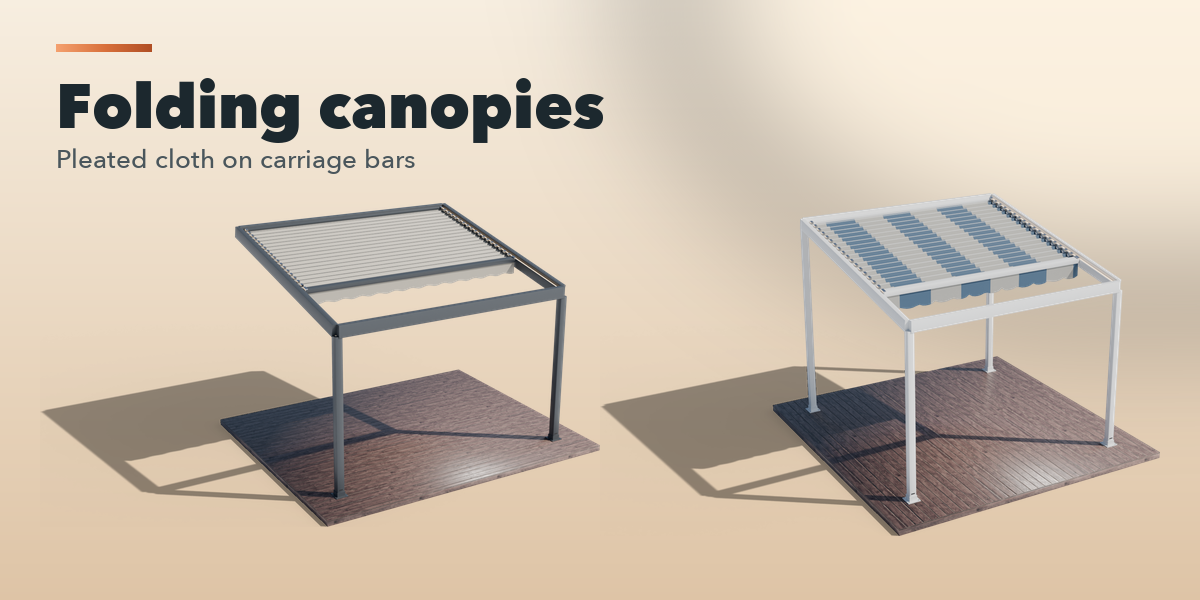
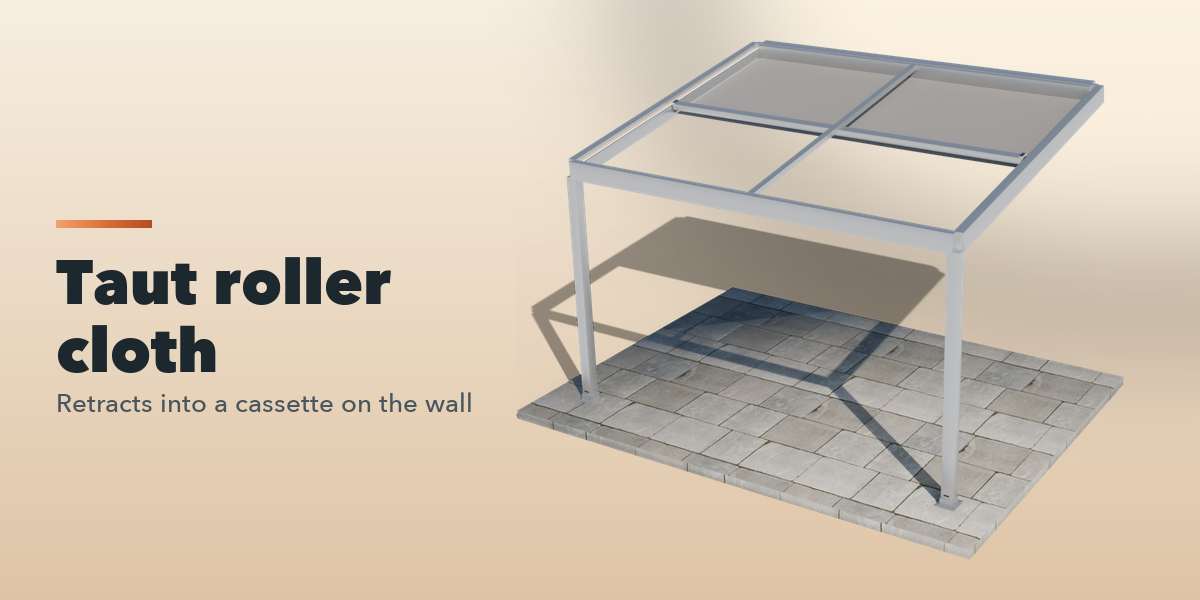
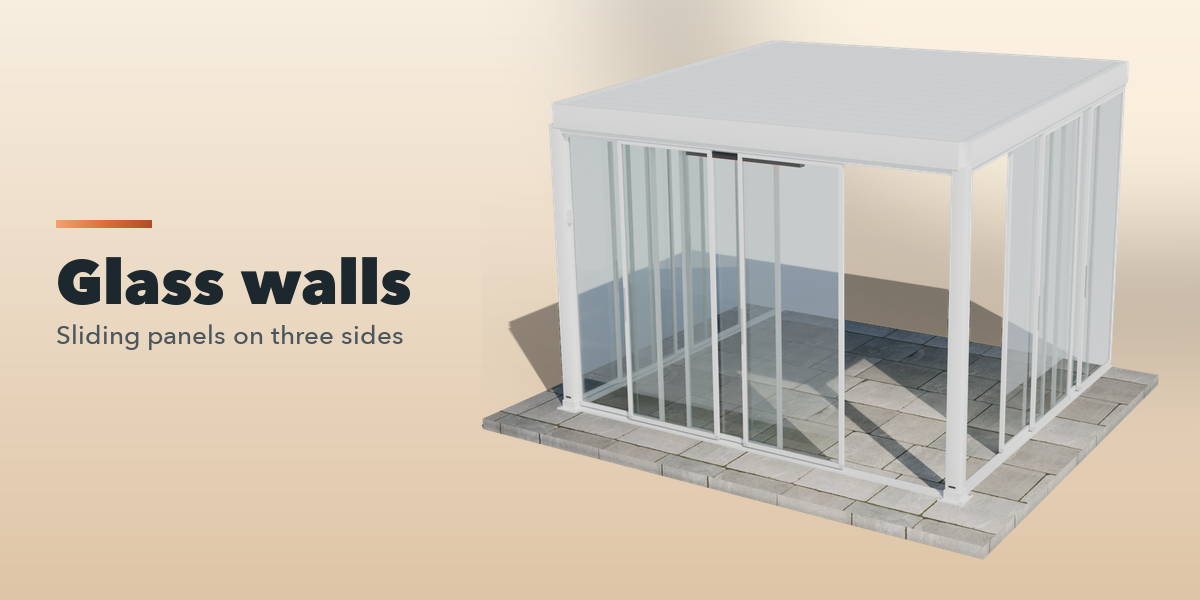
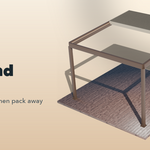
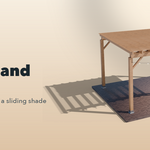
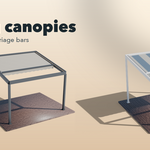
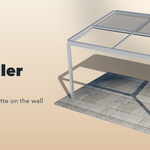
- Pick a design in the gallery and press Add Pergola, or press Surprise Me.
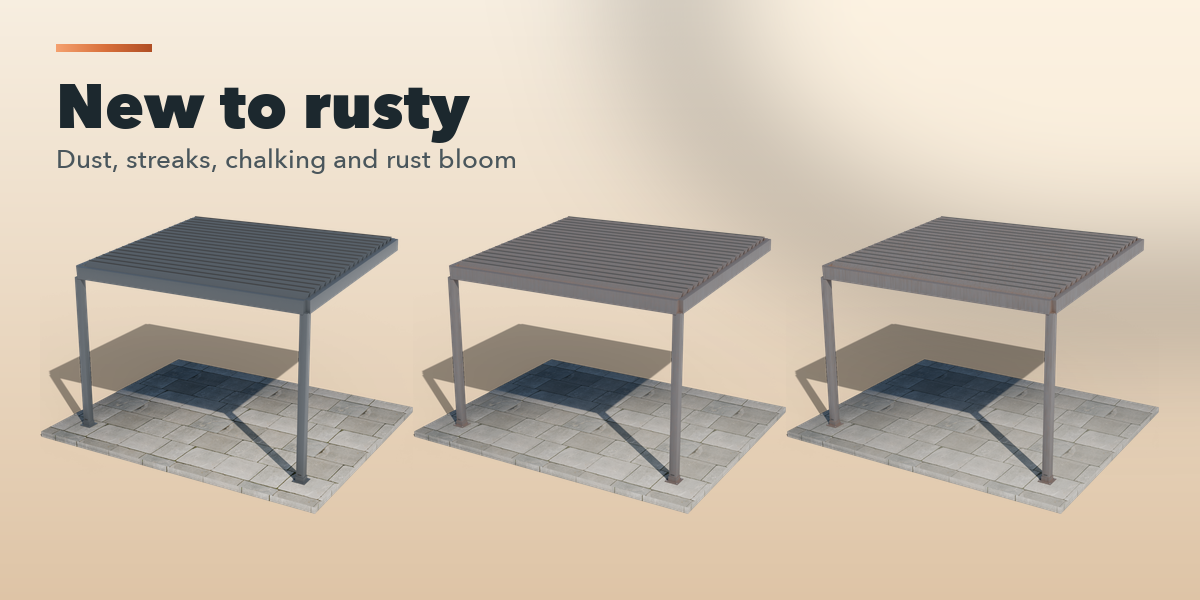
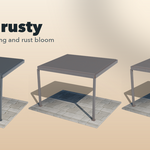
- Choose the roof system, mount, size, condition and colors on the first page.
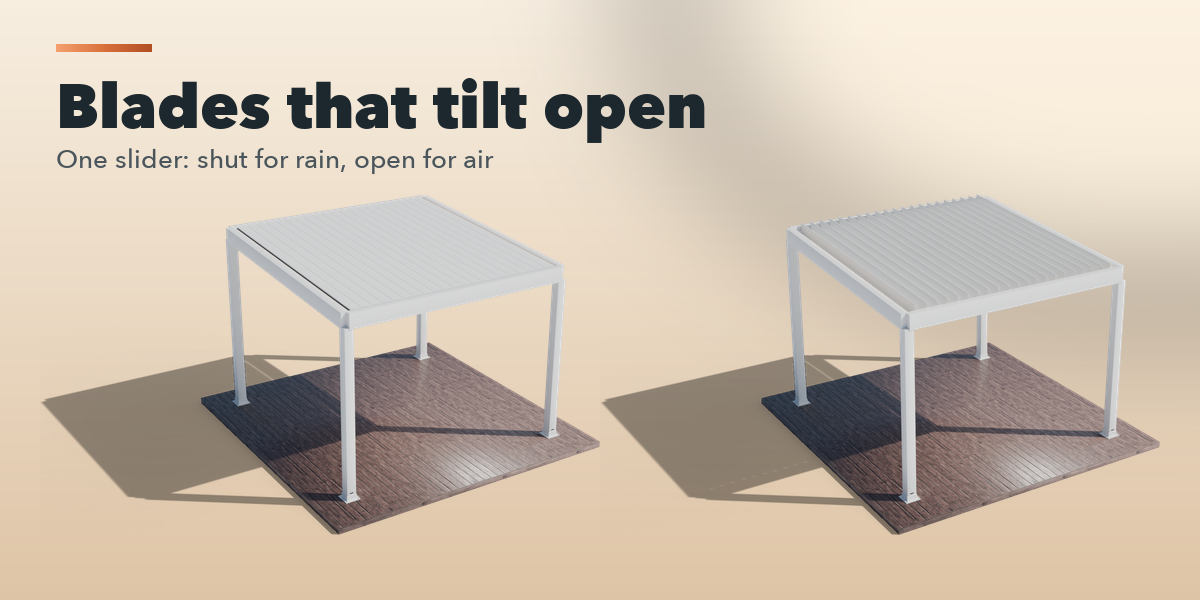
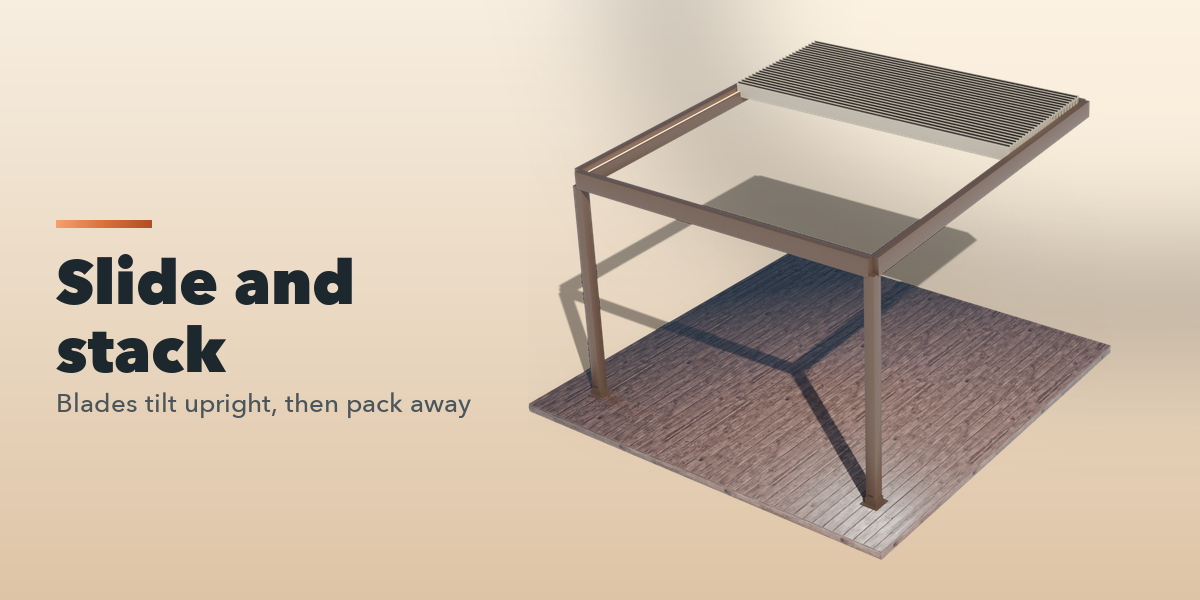
- Drag the Open slider, or press Open / Close to keyframe it.
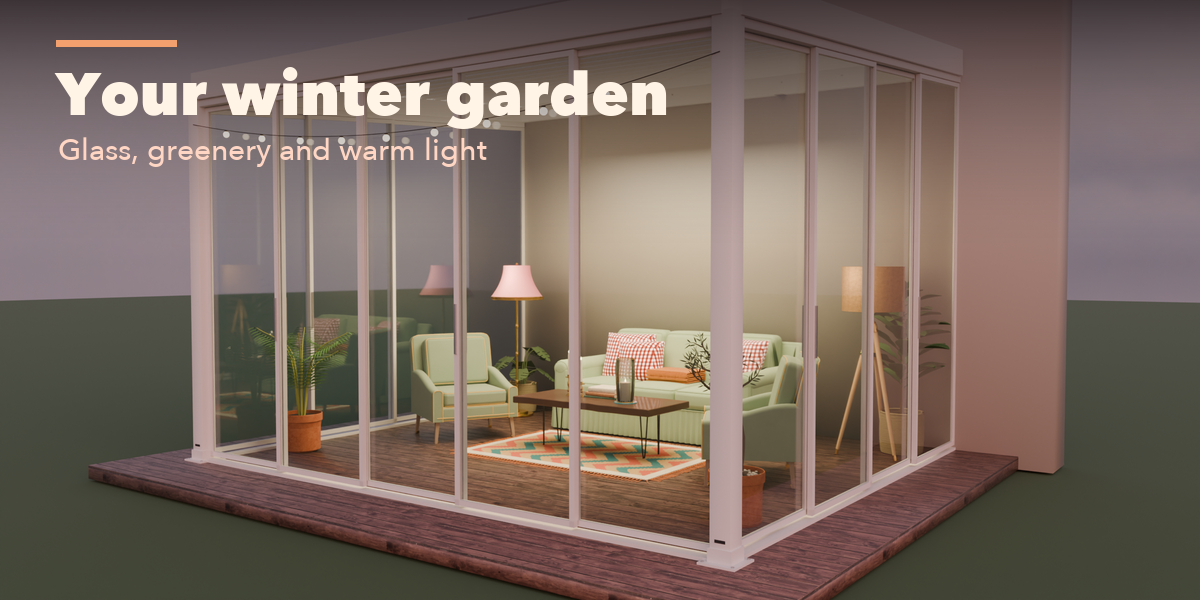
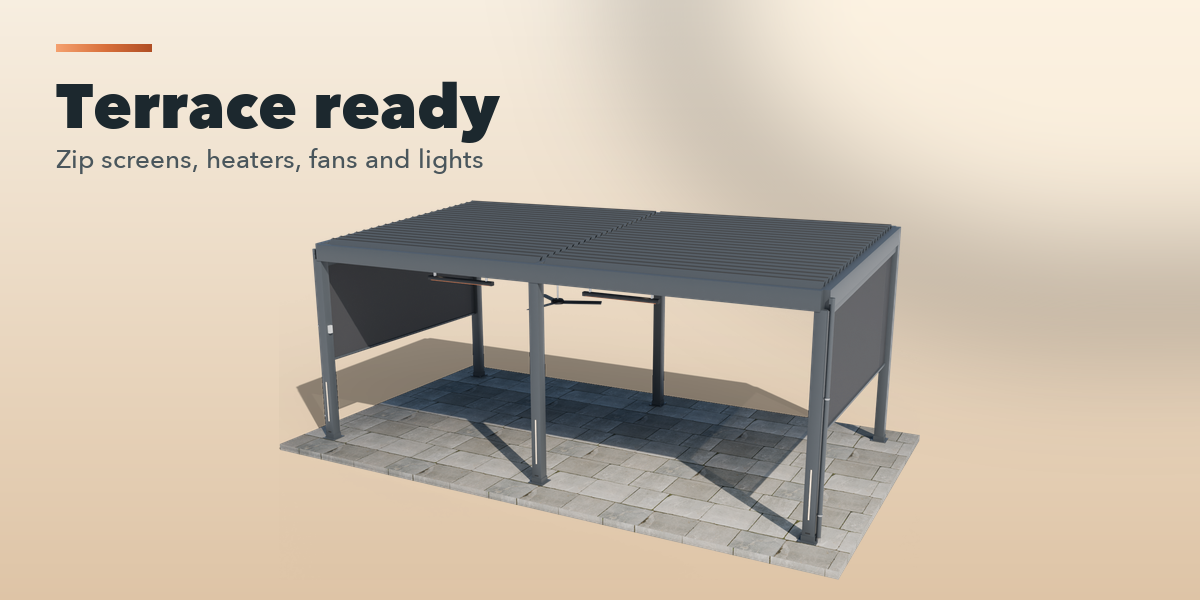
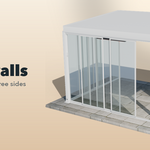
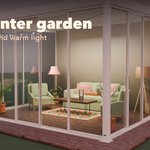
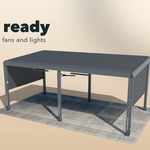
- Open the Sides, Lights and Comfort panels for screens, glass, heaters and lights.
Convert to Meshes turns the pergola into plain objects for export.
Have questions about this product?
Login to message
| Blender Extension Compatible | Yes |
| Published | about 5 hours ago |
| Blender Version | 4.2 - 5.2 |
| Extension Type | Add-on |
| Render Engine Used | Cycles, Eevee |
| License | GPL |

Discover more products like this
awning terrace louvers pergola canopy Hospitality architecture procedural Generator patio outdoor bioclimatic