 Foraii studio
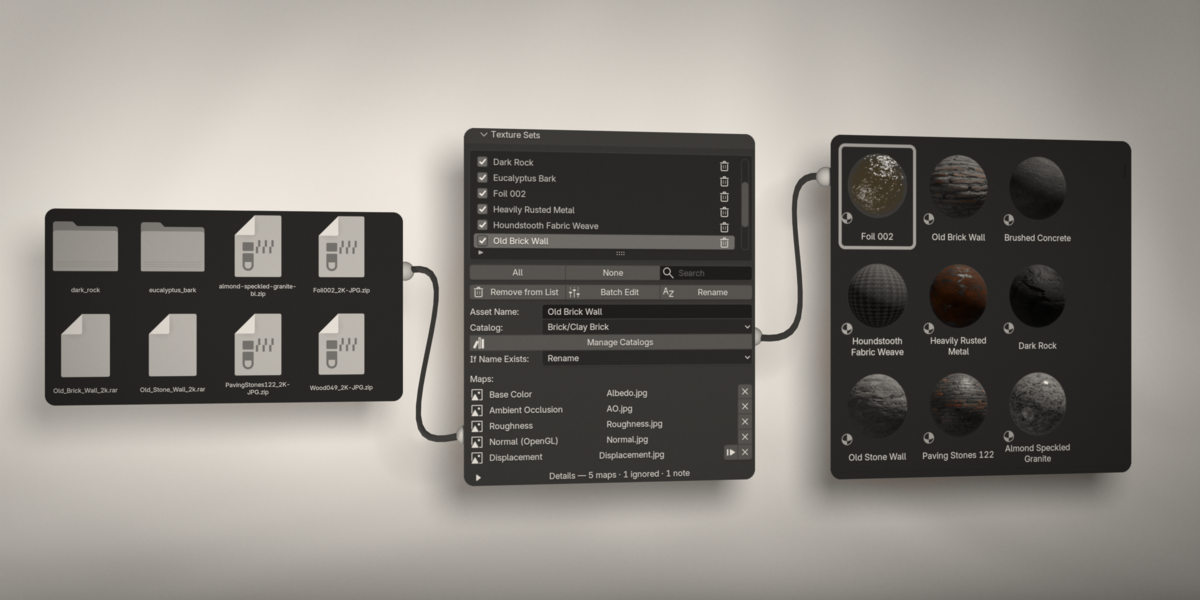
Turn texture folders into a ready-to-use material library.
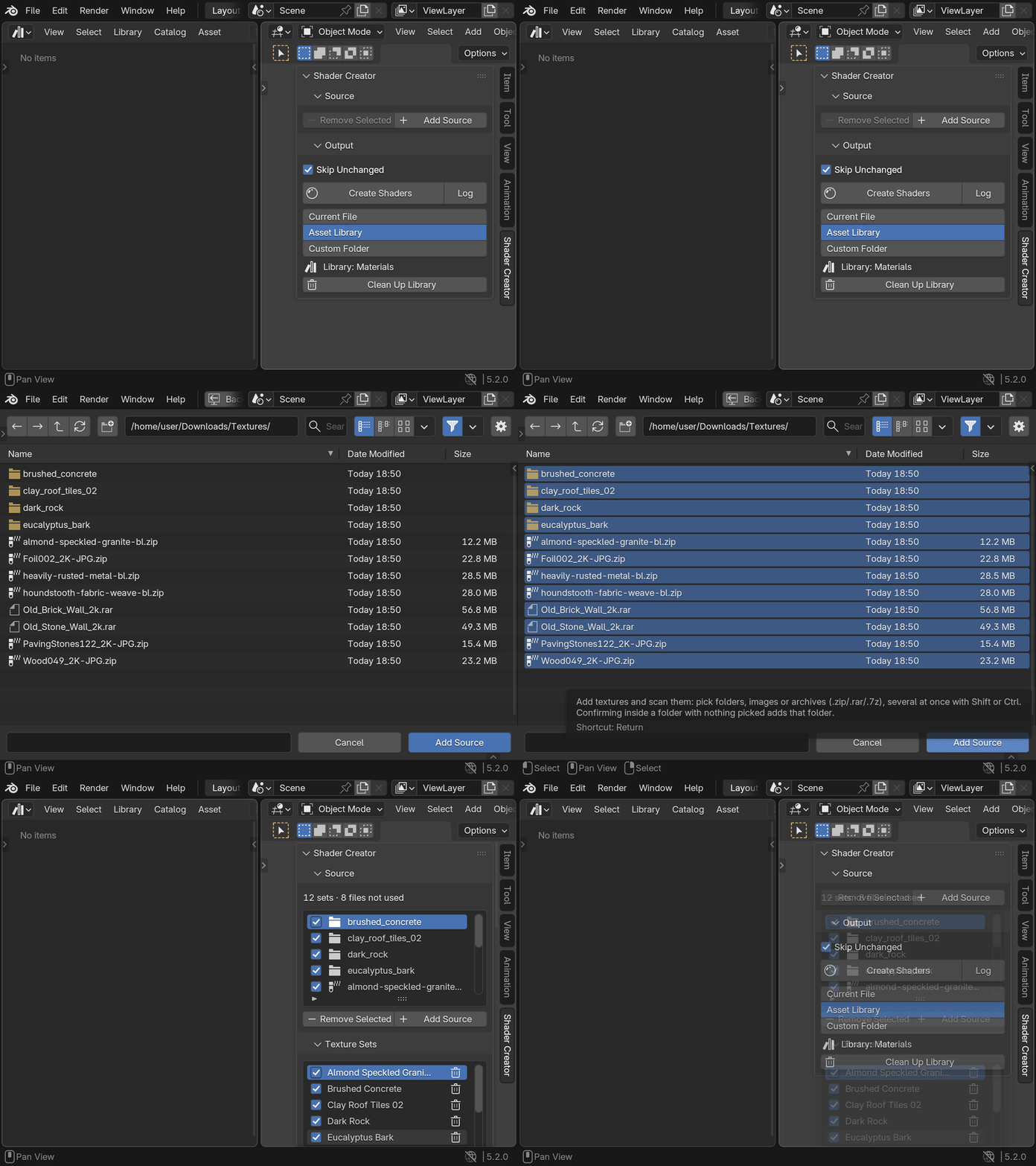
1Add a source
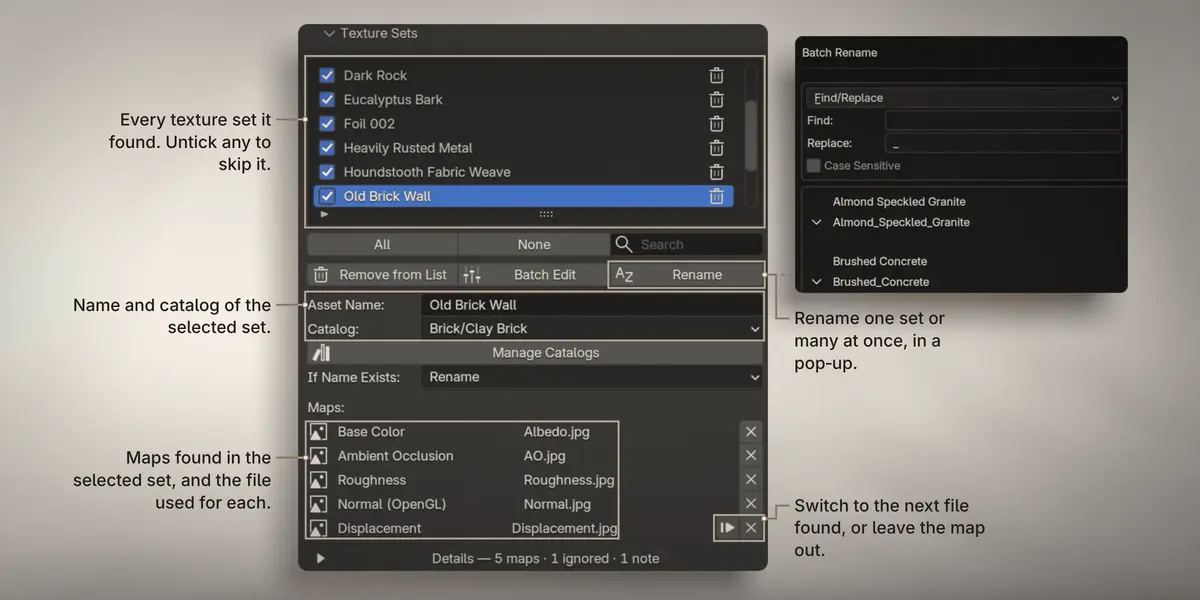
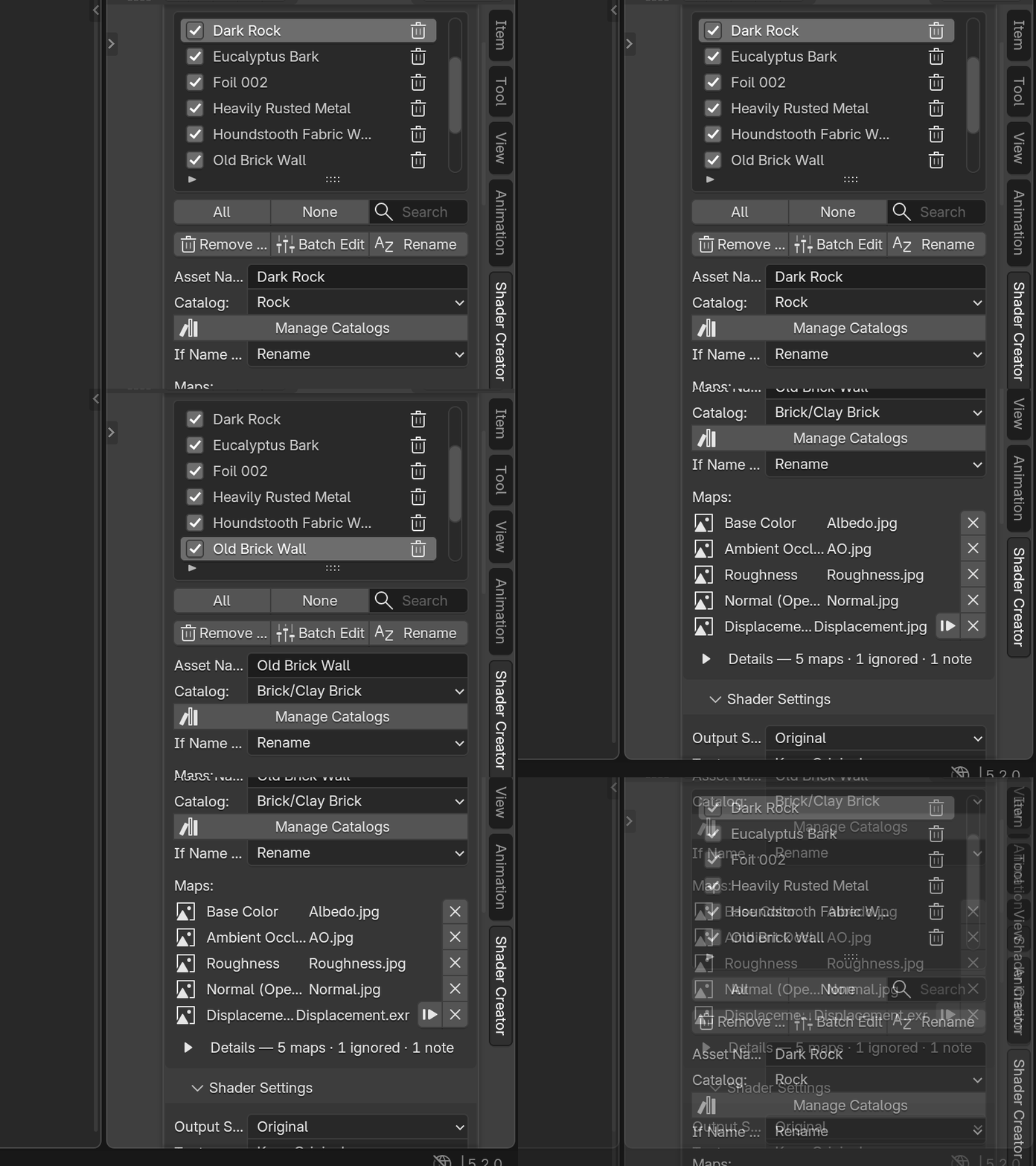
2Check the maps
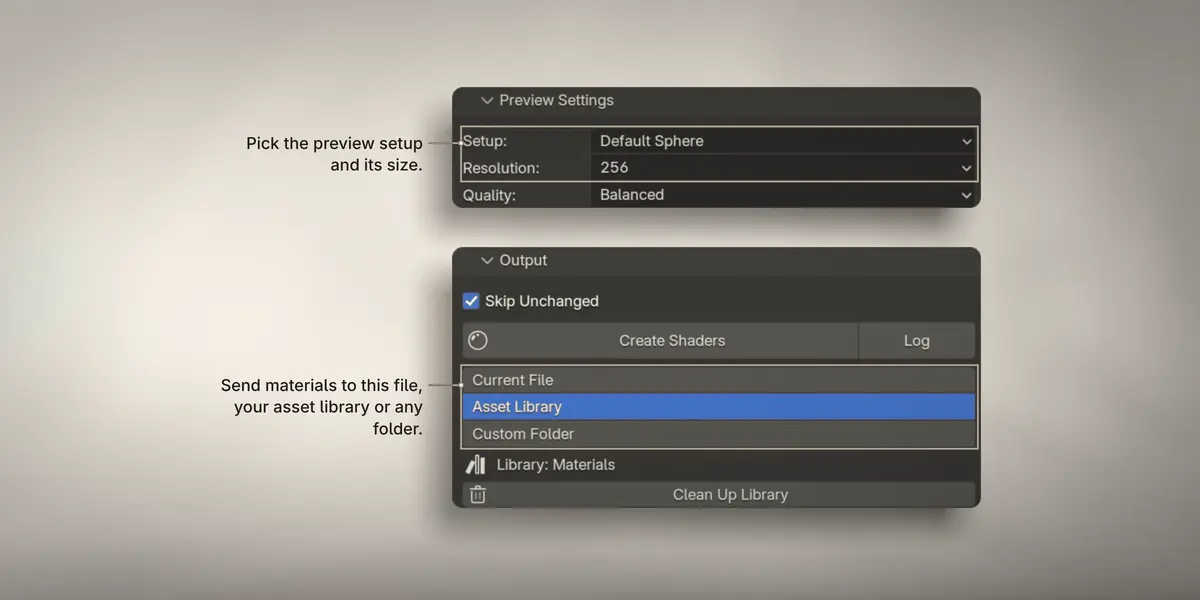
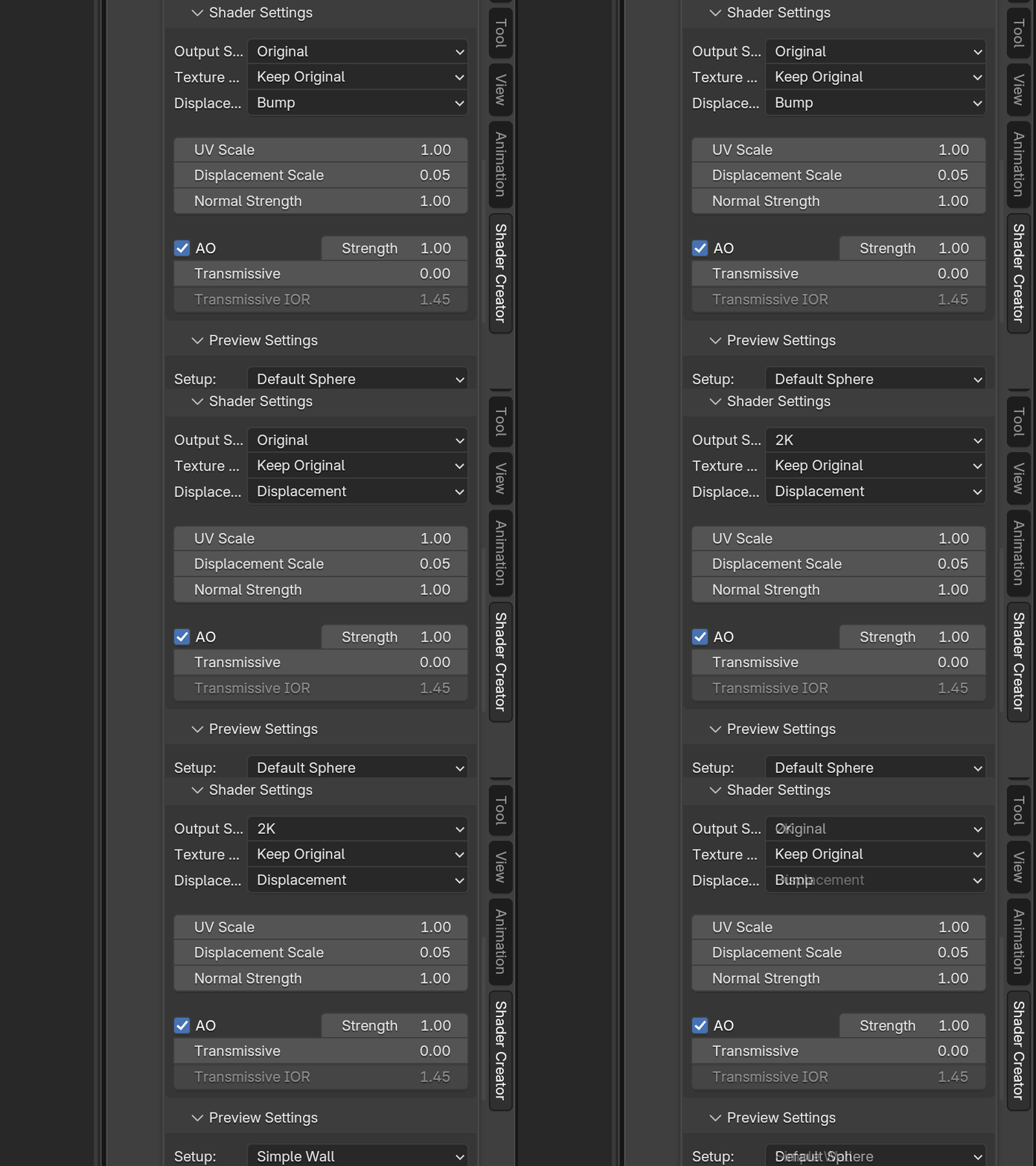
3Pick your settings
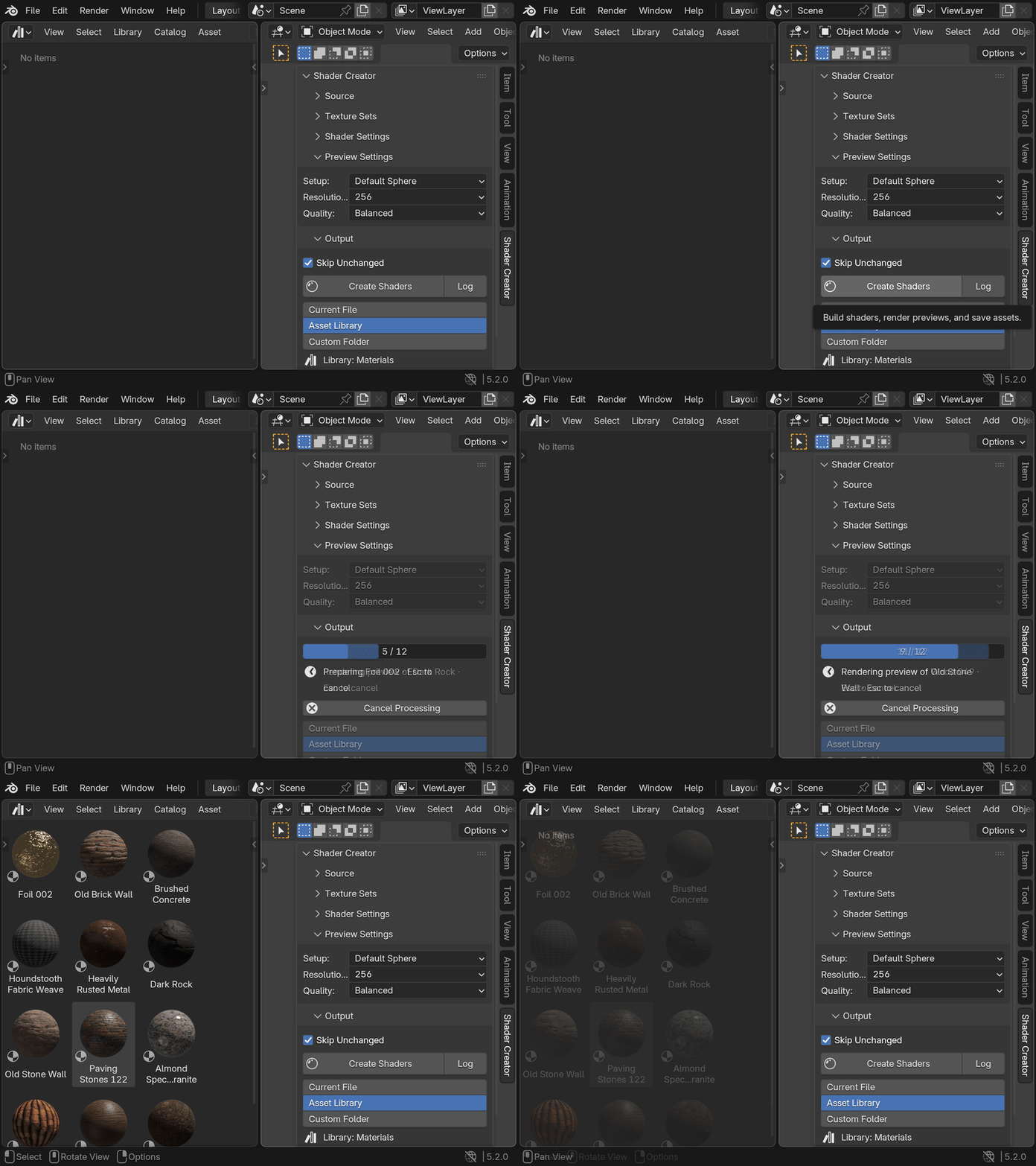
4Press Create


By hand vs with Shader Creator
| For each texture set | By hand | With Shader Creator |
|---|---|---|
| Unpack the download | You | Read from the archive |
| Add each image and wire it | You, one by one | Done |
| Set color or data per map | You | Done |
| Normal, bump or displacement | You | Done, your pick |
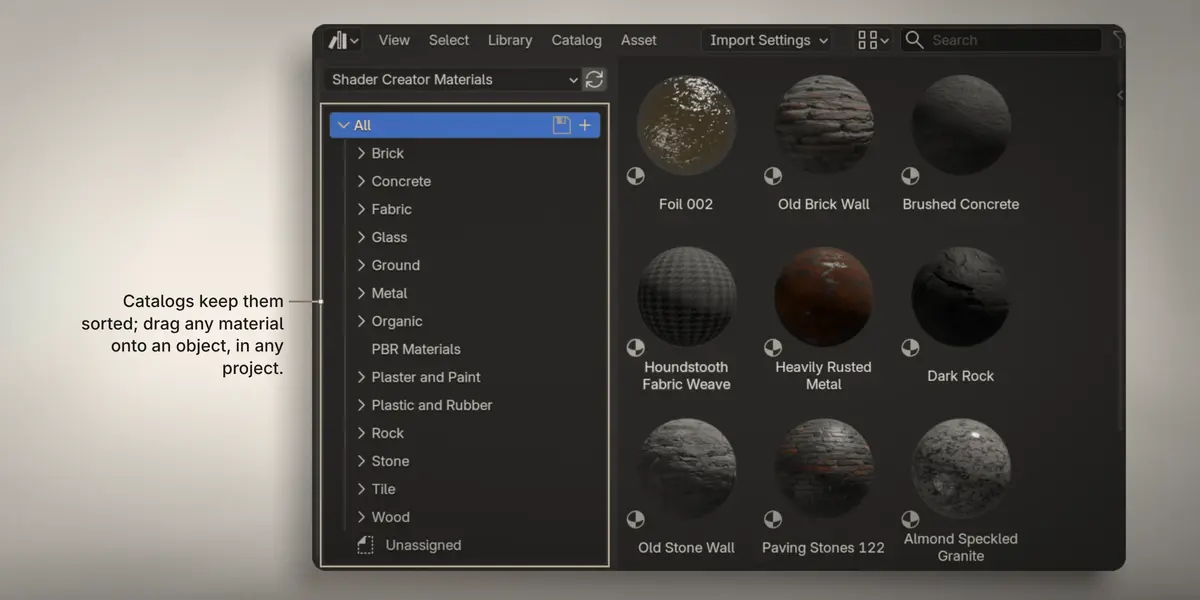
| Mark as asset, catalog, preview | You | Done |
| The next set | Start again | All sets in one run |
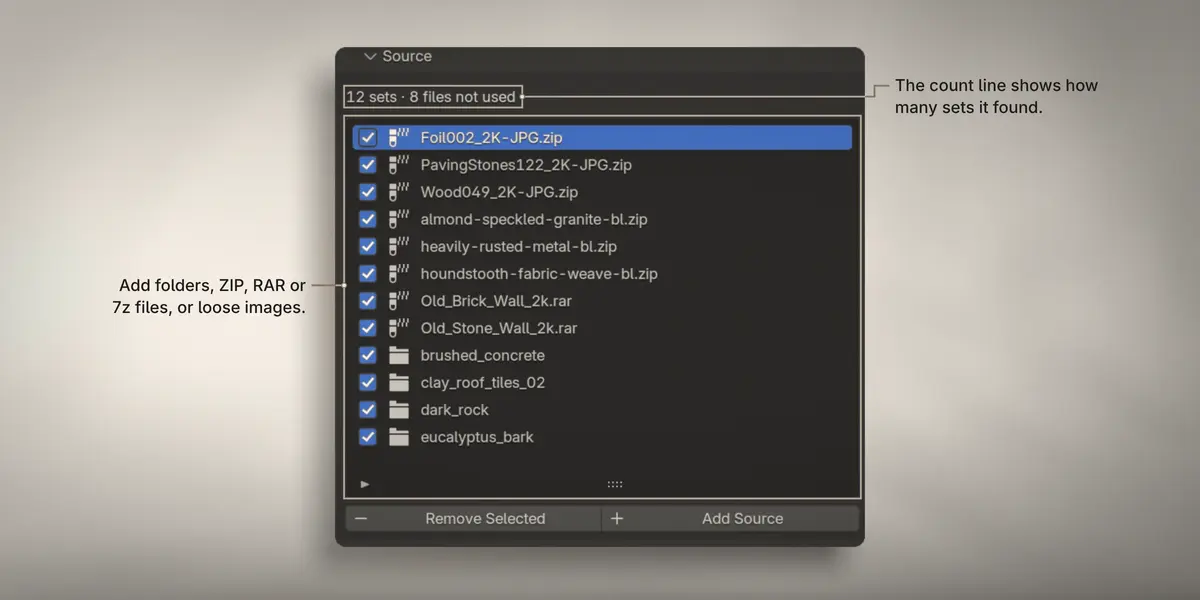
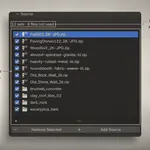
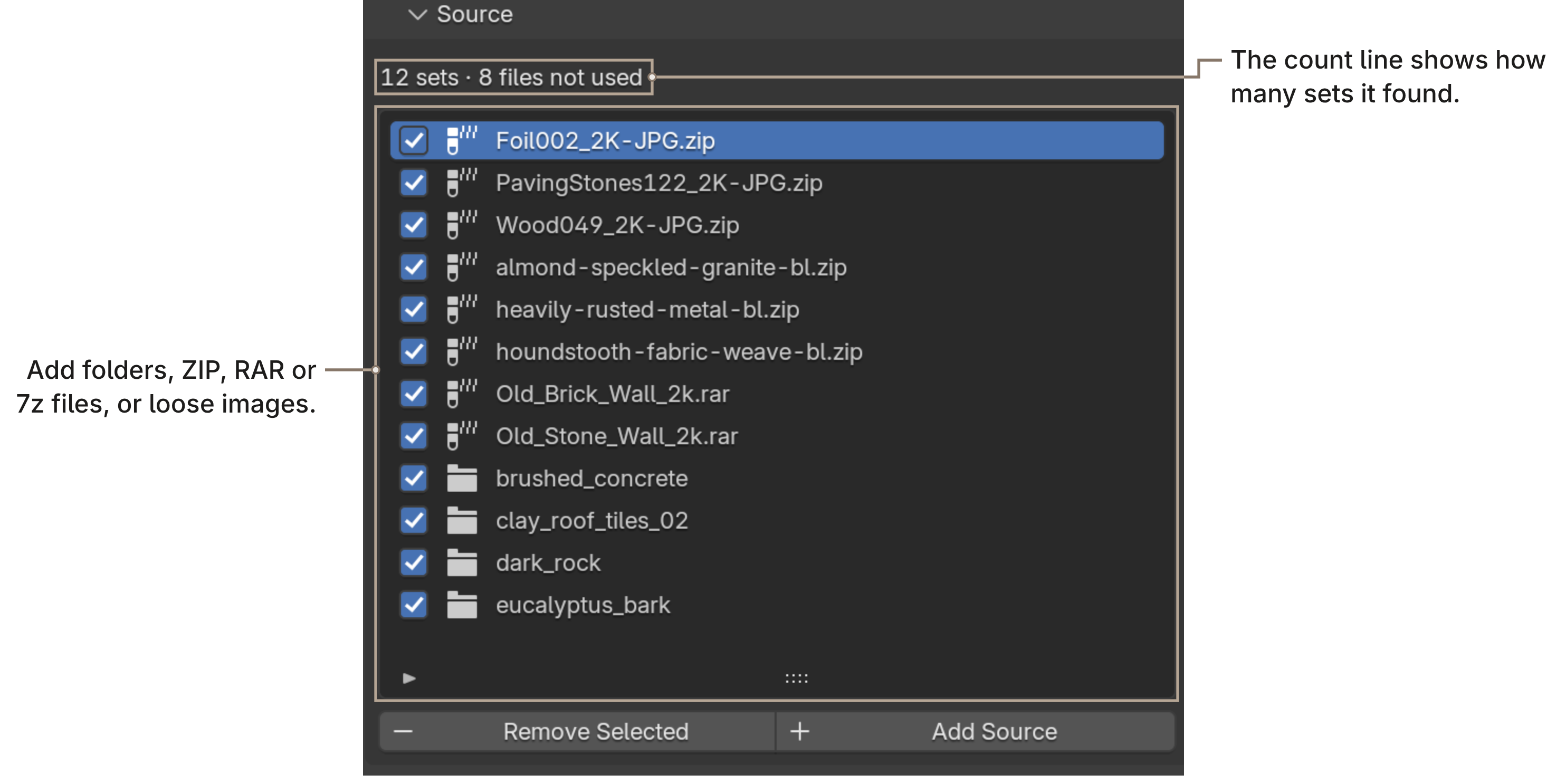
Source
Add anything you downloaded.
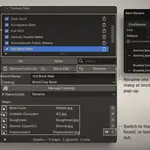
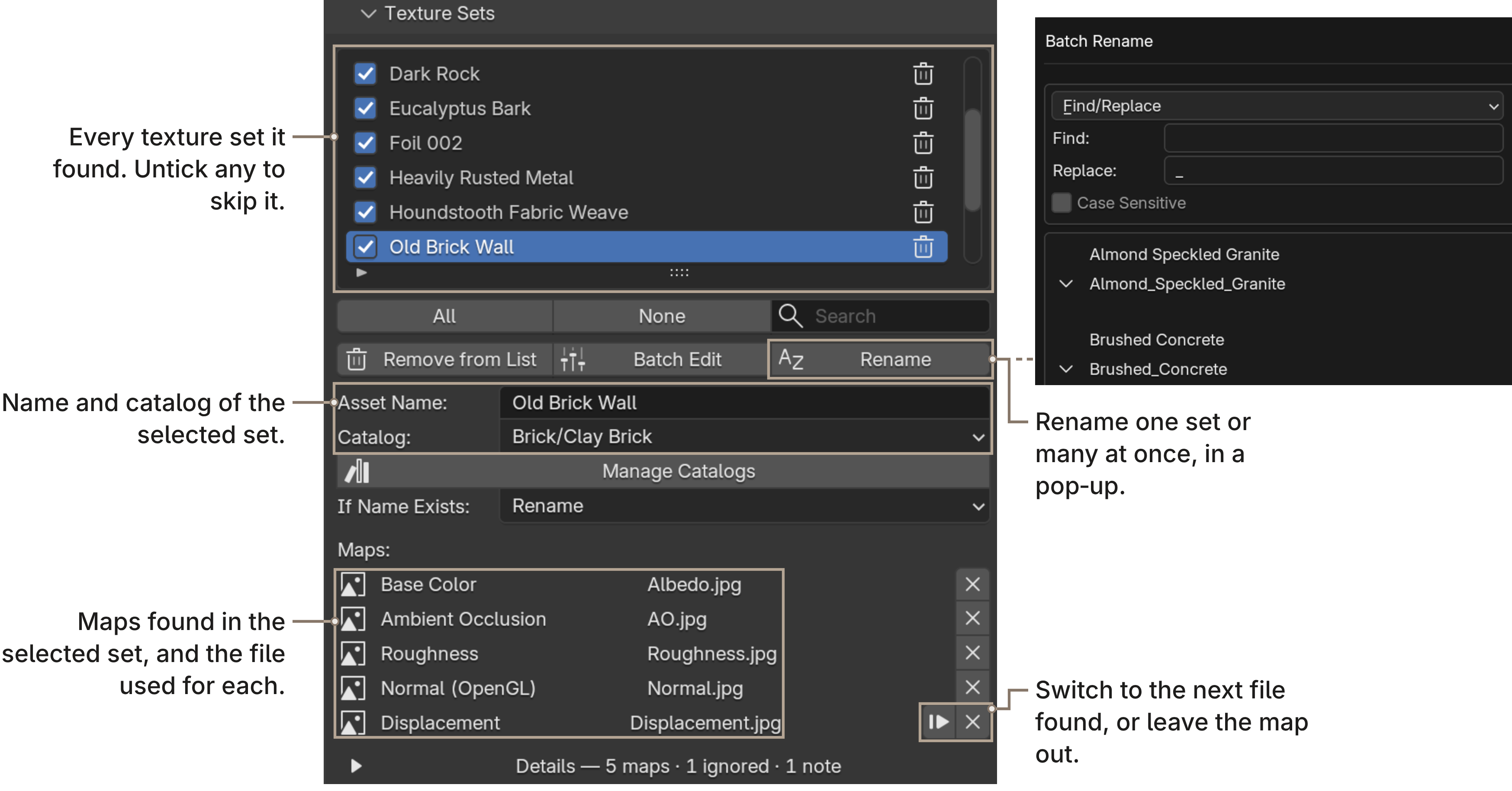
Texture Sets
Every set it found, with the maps it picked for each. Rename, re-catalog or swap a file before you create.
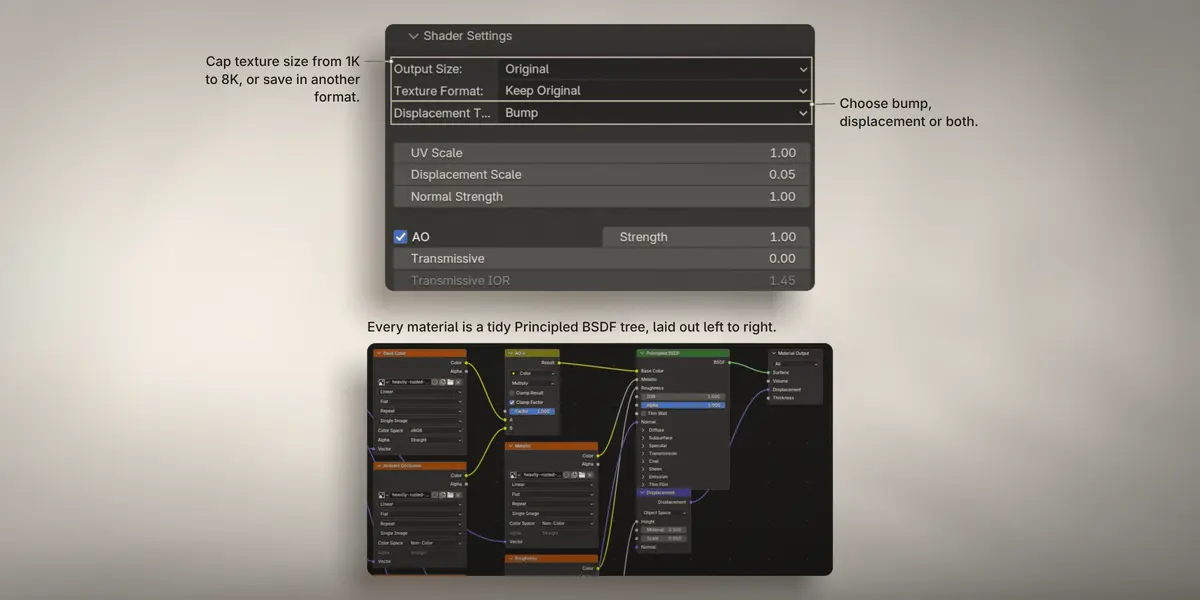
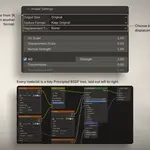
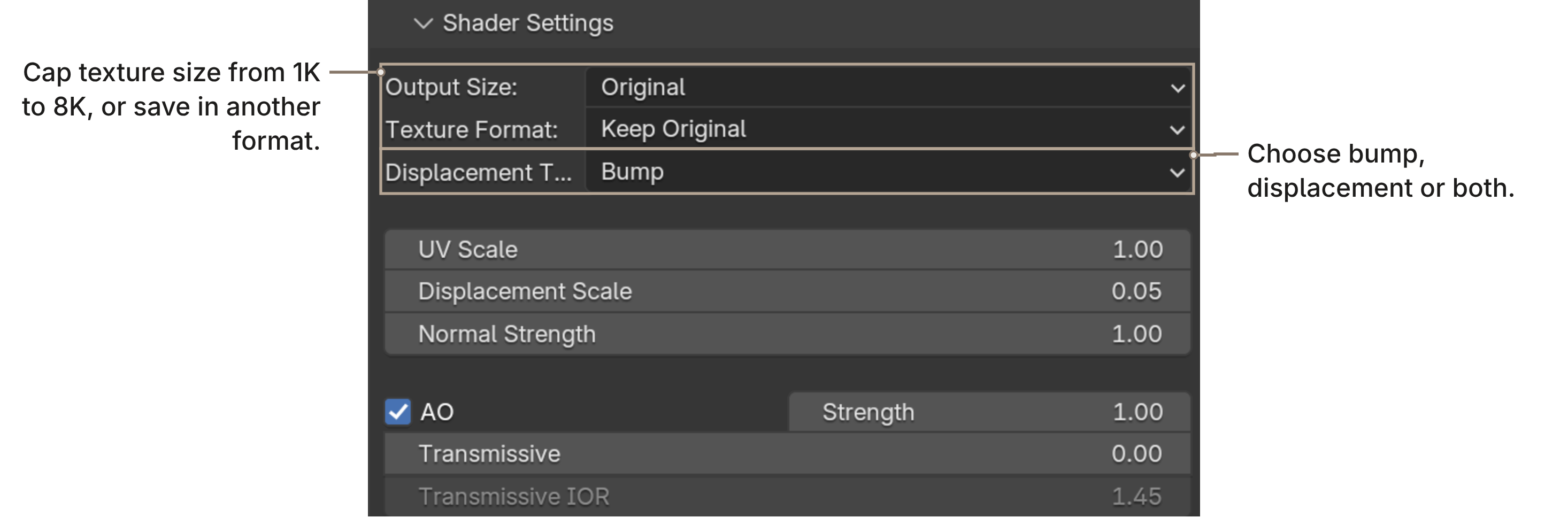
Shader Settings
A clean node tree, every time.
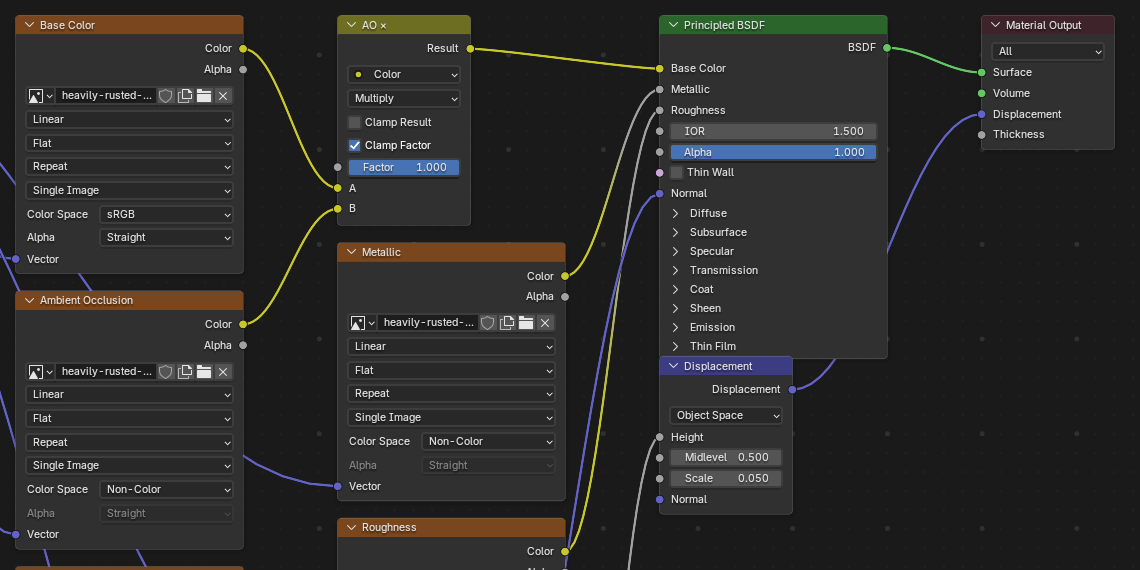
Every material is a tidy Principled BSDF tree, laid out left to right.
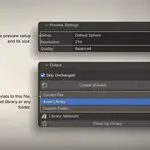
Preview Settings
A preview for every material. Previews render in Cycles, on your GPU.

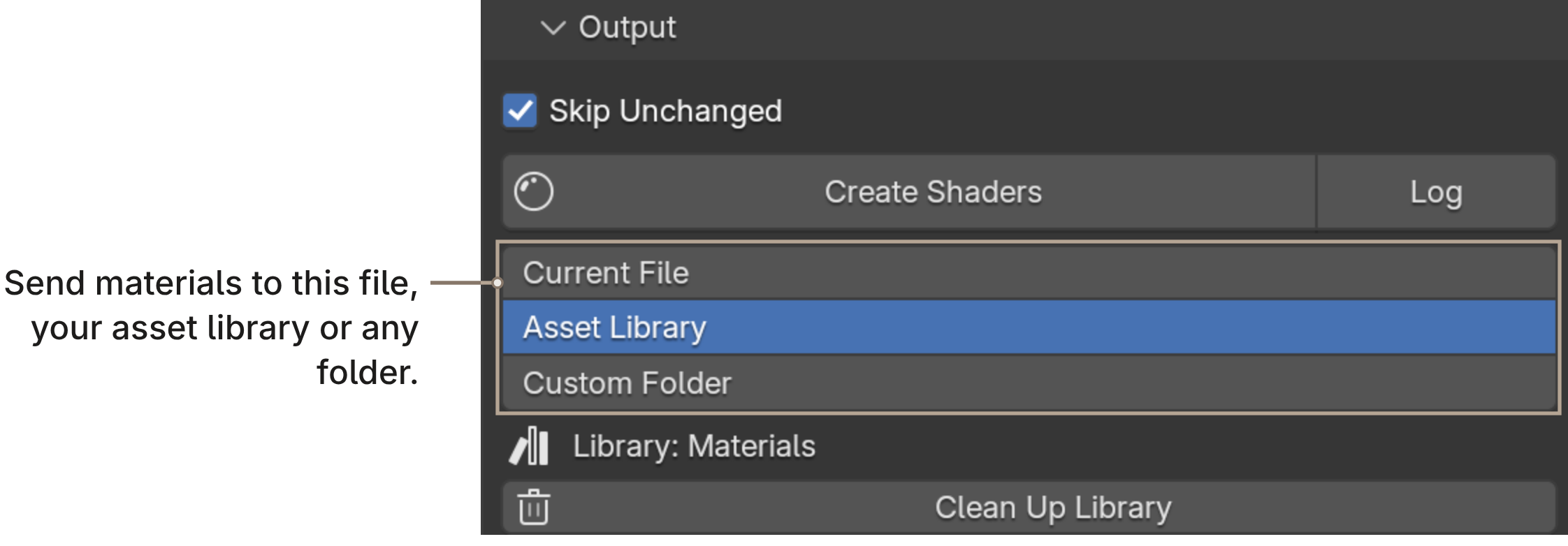
Output
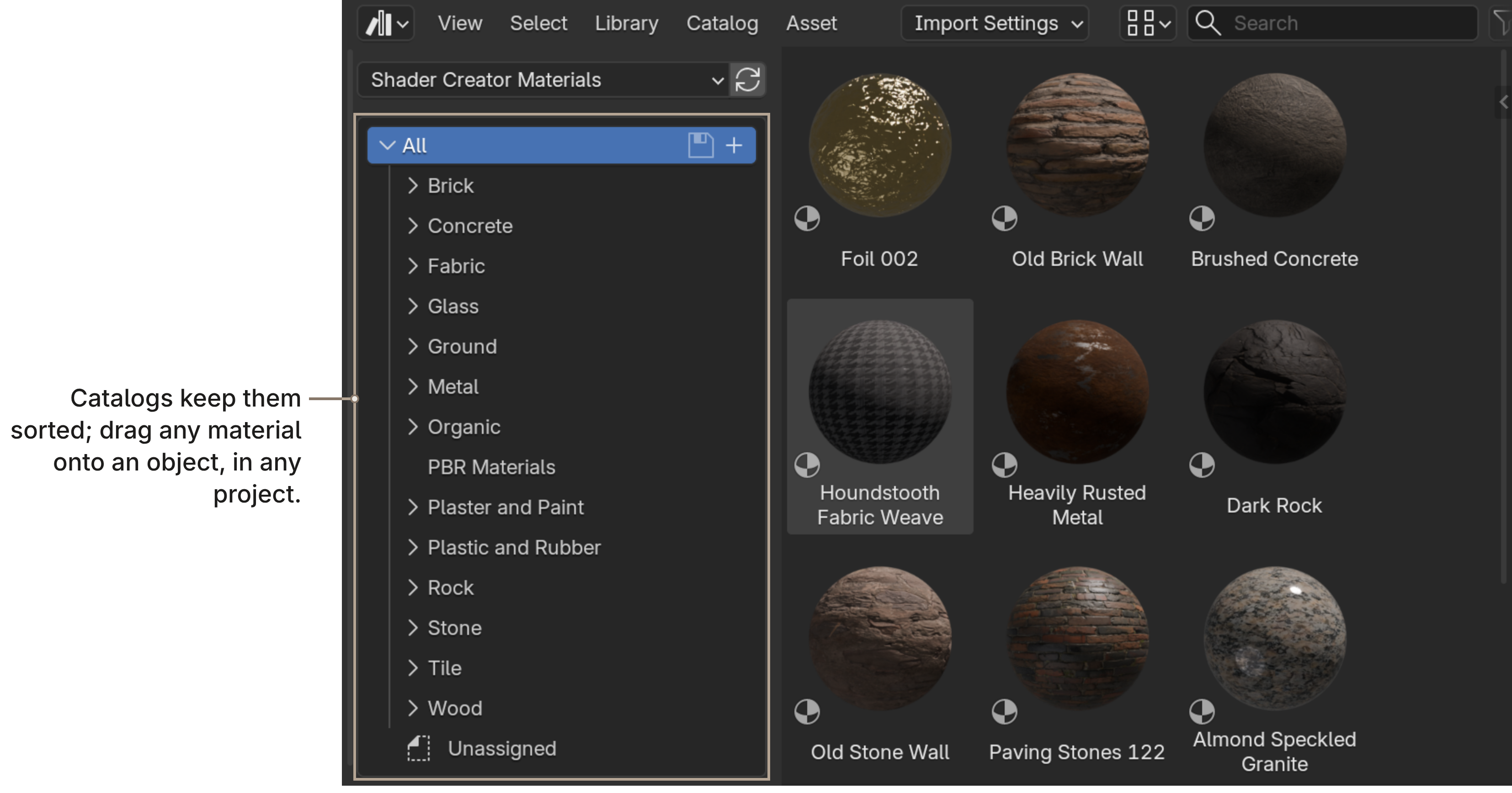
Straight into your library.
What you get
- The Shader Creator extension.
- A guide (PDF) with every feature.
- 12 months of updates and support, renewable at half price.
- Support through SuperHive messages.
Shader Creator is not affiliated with or endorsed by Poliigon, ambientCG or the Blender Foundation.

