Shader Pack Architectural Visualisation - Vol. 3
 argentum3d.com

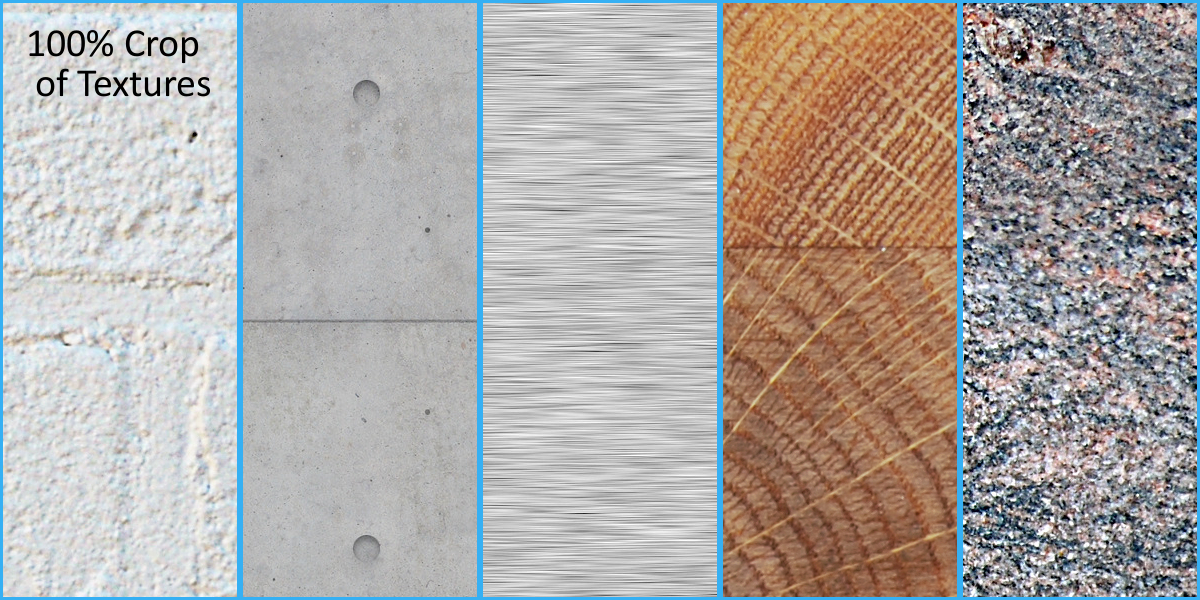


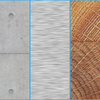
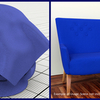
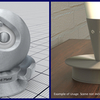
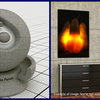

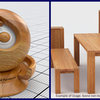
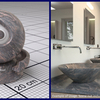
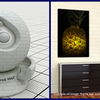
The 10 Page Documentation comes along with the Shader Pack Blend File, but you can also download the Documentation here: Documentation Shader Pack Vol.3 For Inserting a Material into your Scene simply Choose "File --> Append"" Then Choose the given Shader Pack Blend File. Then Choose your Material. All Material Names are self explanatory. Please note that some Shader need an UV Unwrapped Model (See Blender Wiki for more Information). You can also open the given Blend File, it contains seven Shader Balls, each named and linked to the Material listed above.
Have questions about this product?
Login to message
| Sales | 100+ |
| Dev Fund Contributor | |
| Published | about 11 years ago |
| Blender Version | 2.7x |
| Render Engine Used | Cycles |
| License | Creative Commons |
Discover more products like this
architectural Visualisazion brick Silver bfcm20 spring19 chrome bfcm18 cotton texture fall18 spring18 Node summer20 Concrete Exposed cyber16 Shader bconf16 cloth stone fabric Material visualisation bfcm17 brushed wall cyber15 bcon19 spring21 Anisotropic metal bcon17 anniversary wood dev-fund Panel granite pack