 SMOUSE






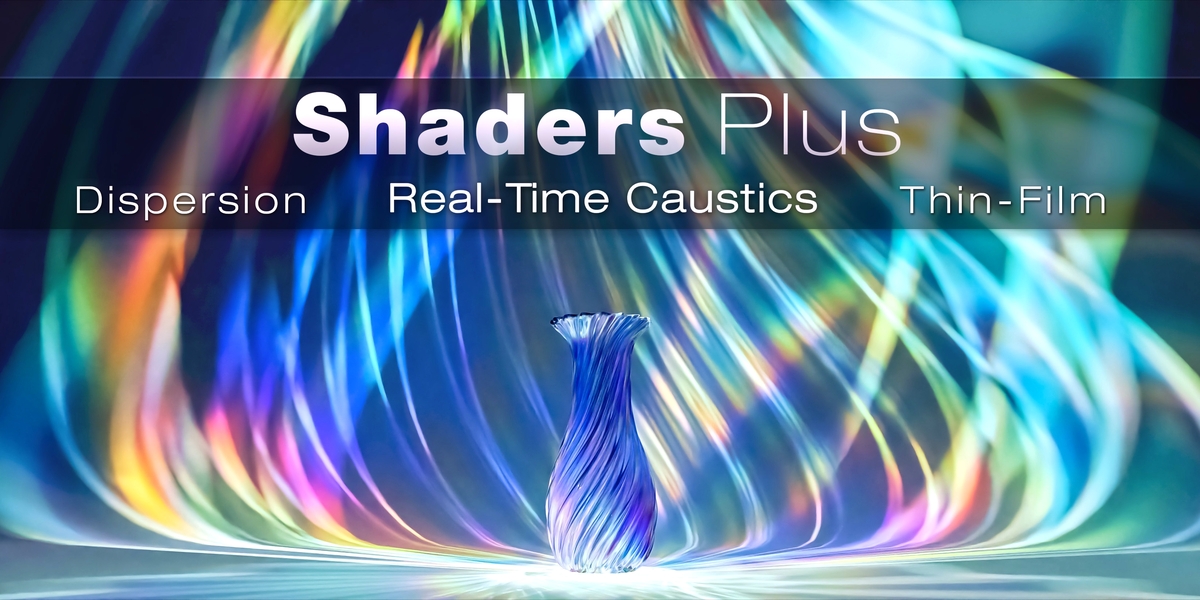
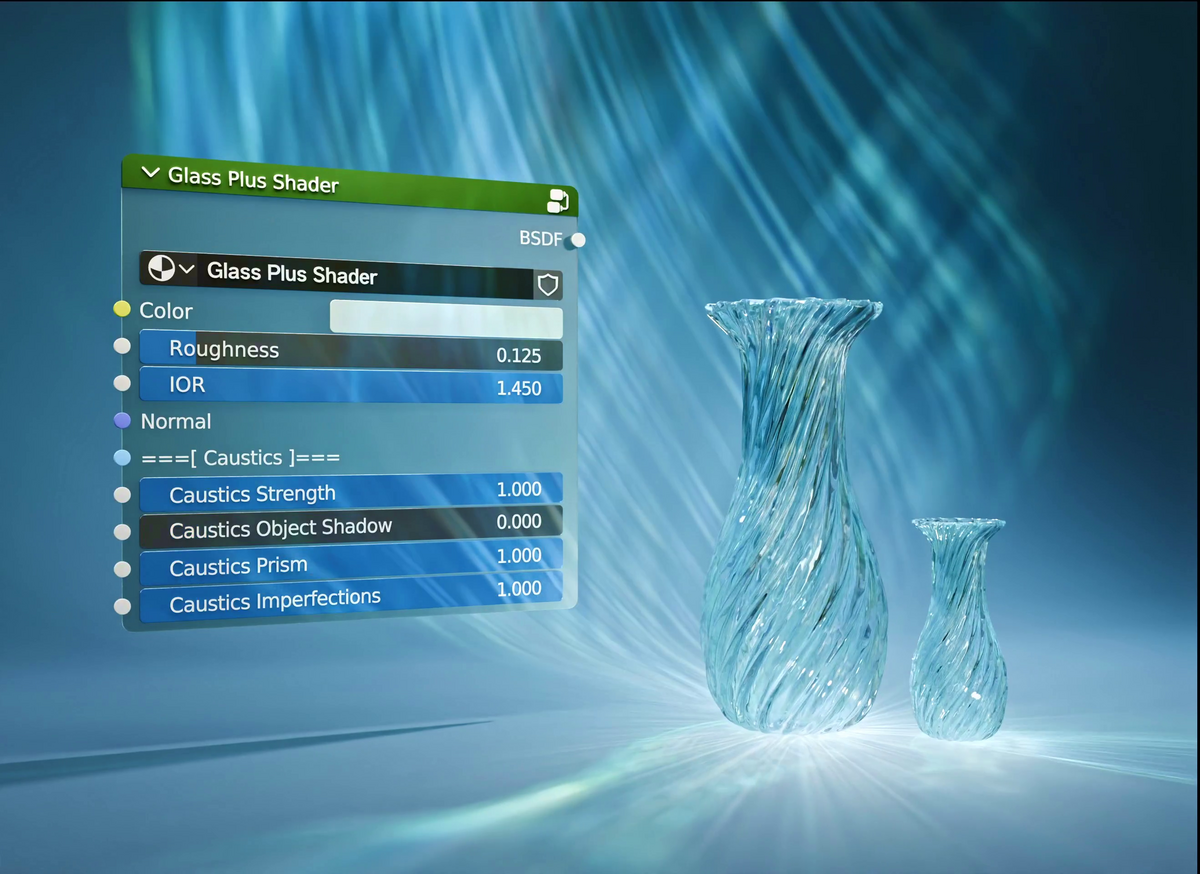
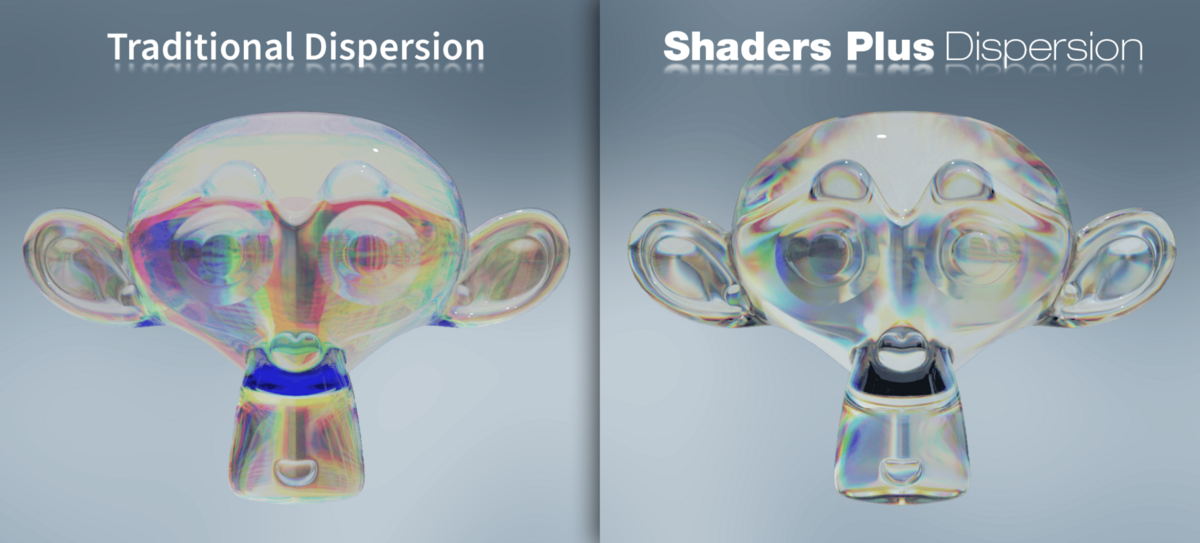
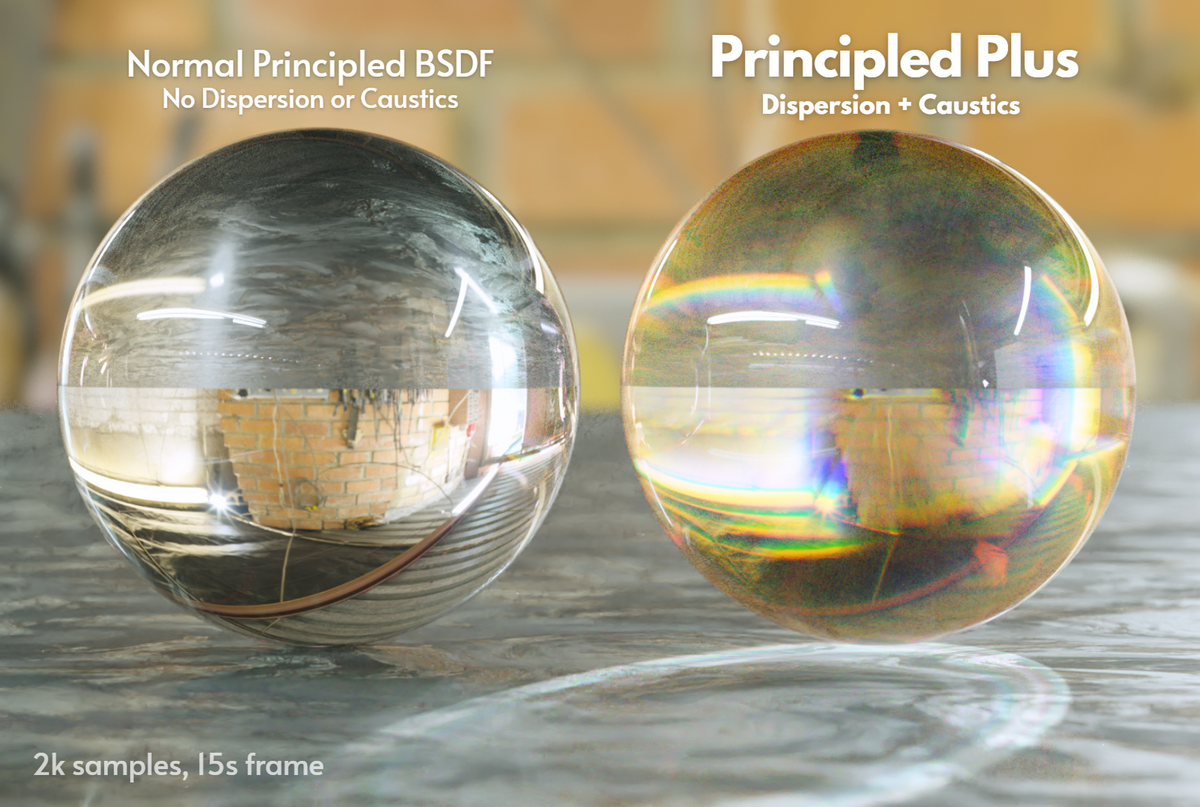
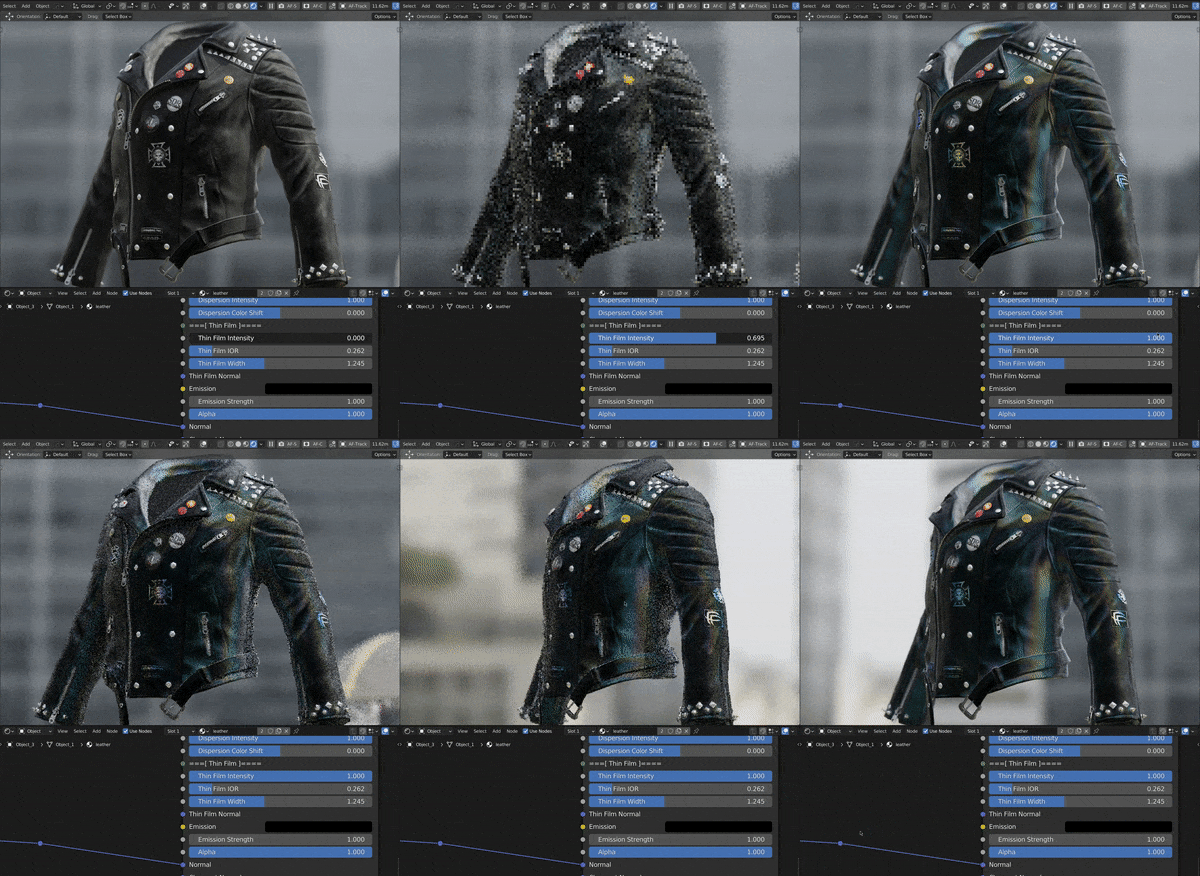
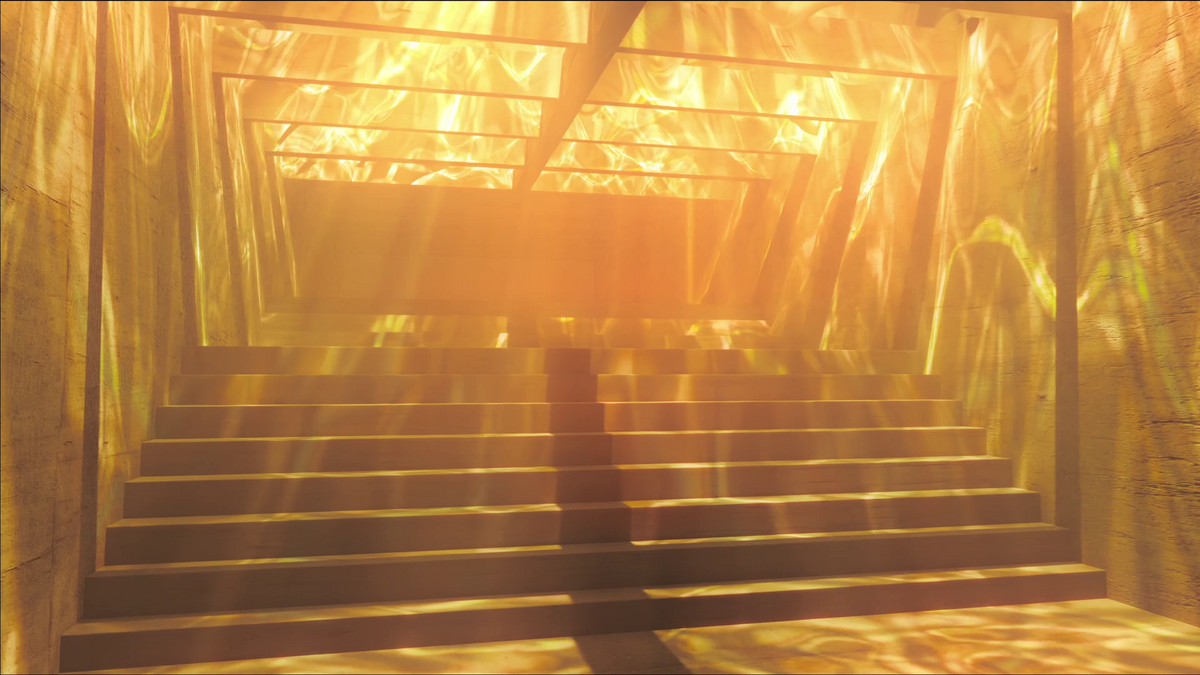
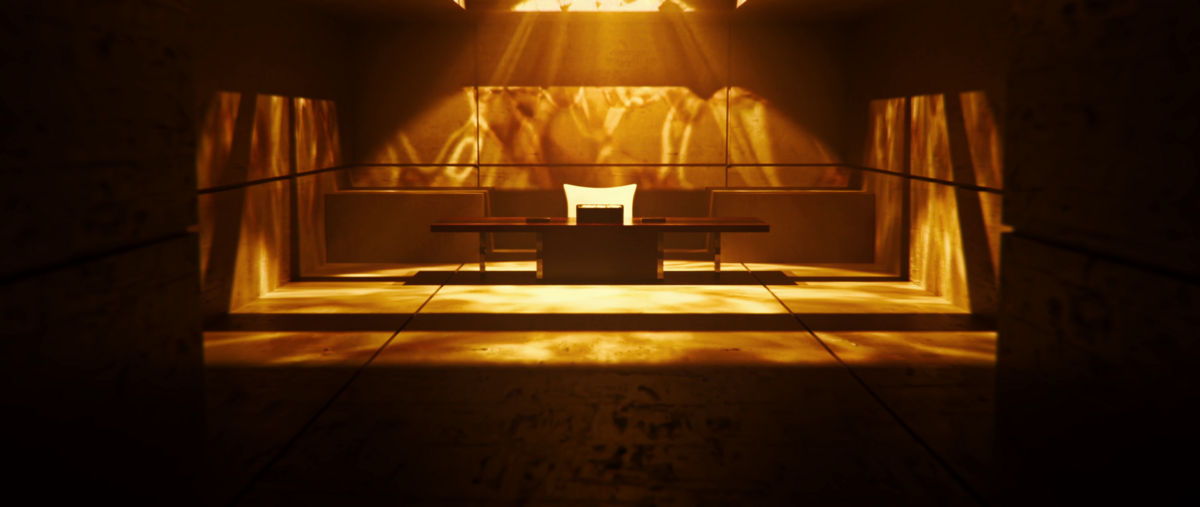
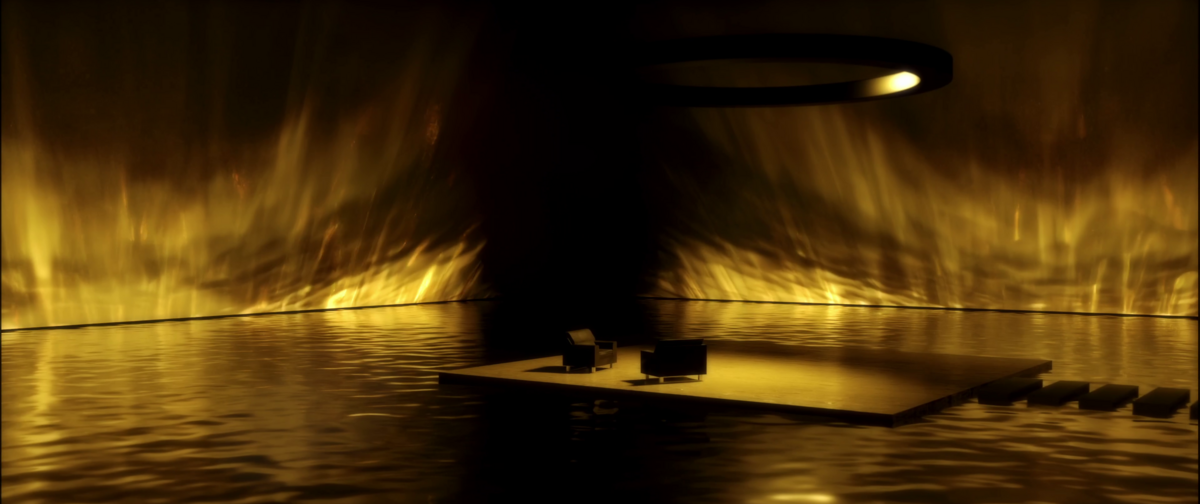
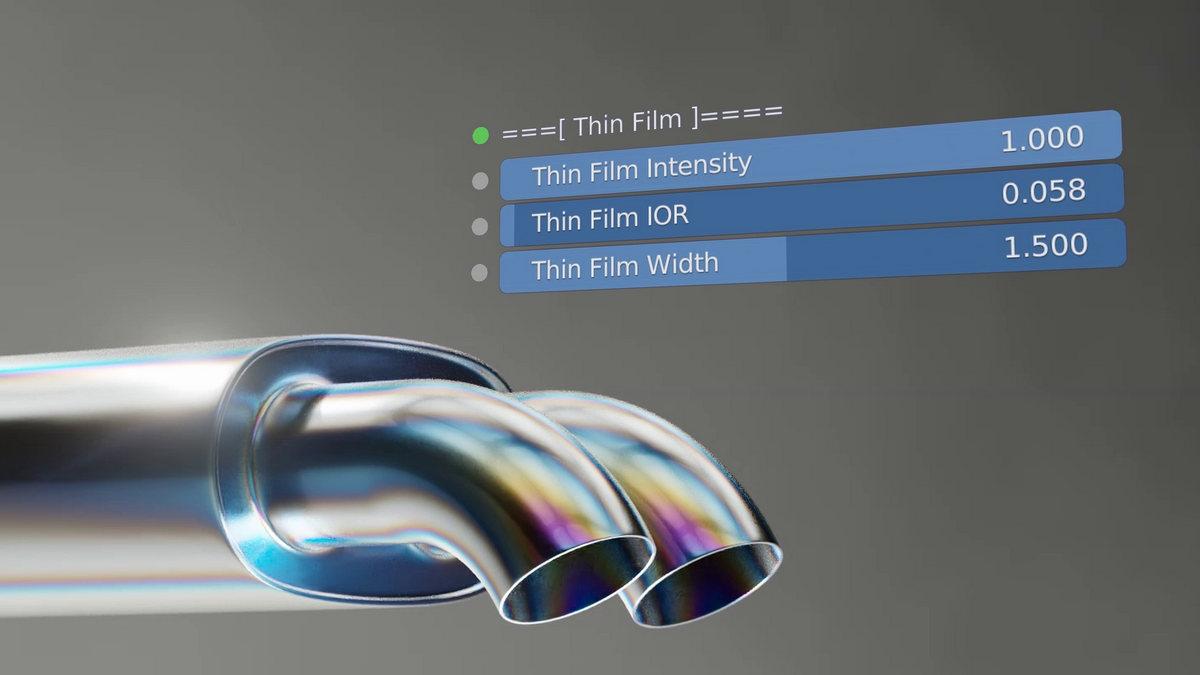
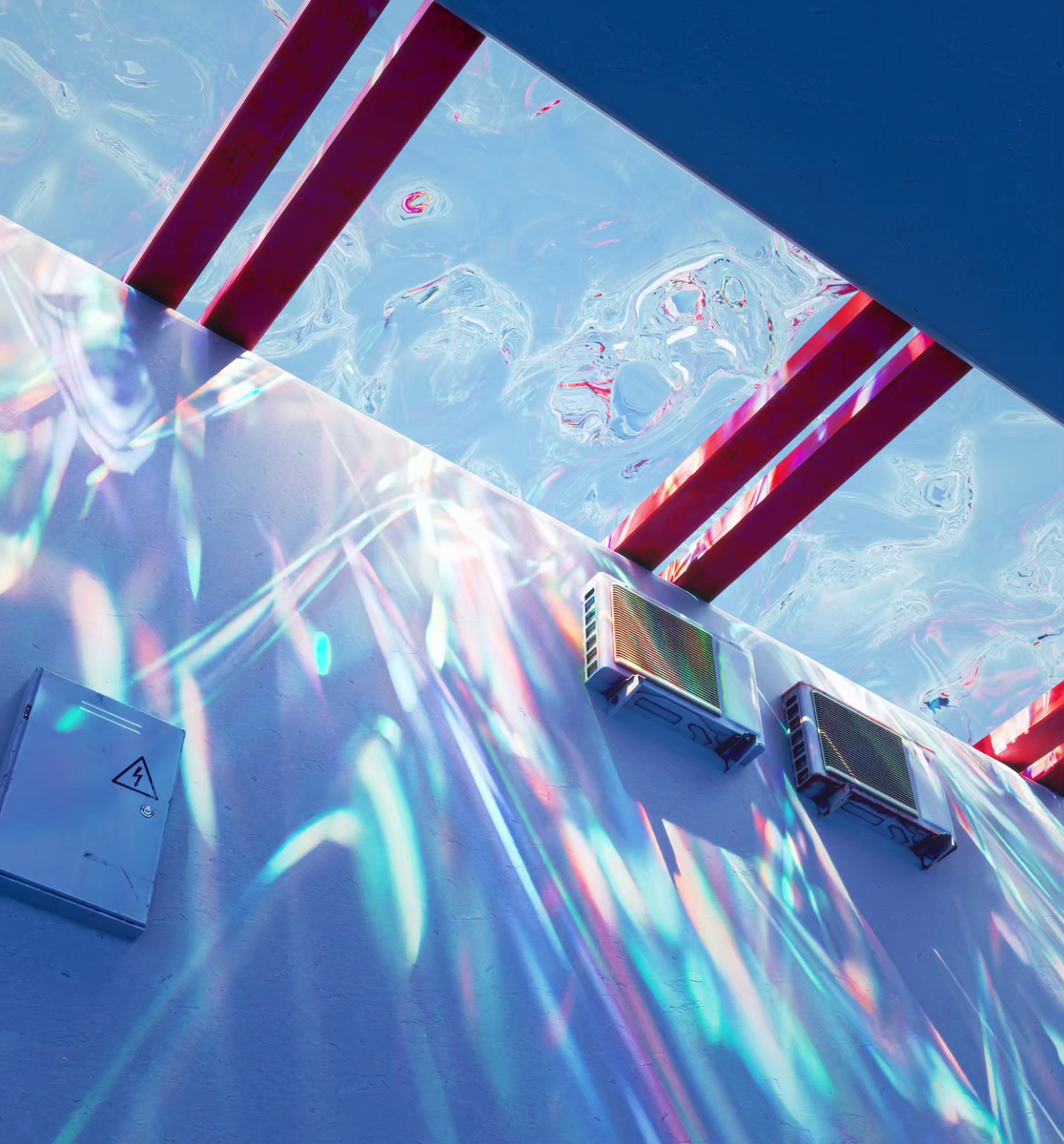








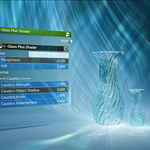
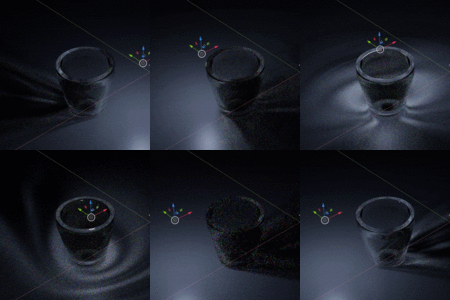
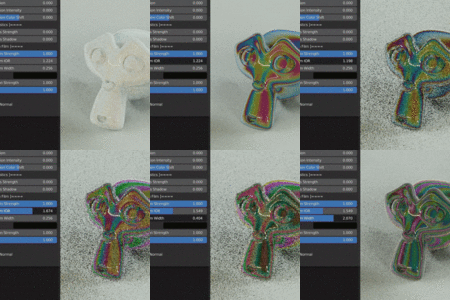


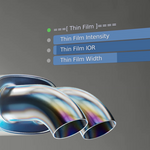
Shaders Plus Installation: Click and Drag the Shaders Plus zip file into your Blender viewport. Install as extension, and then Edit > Preferences > Save Preferences.
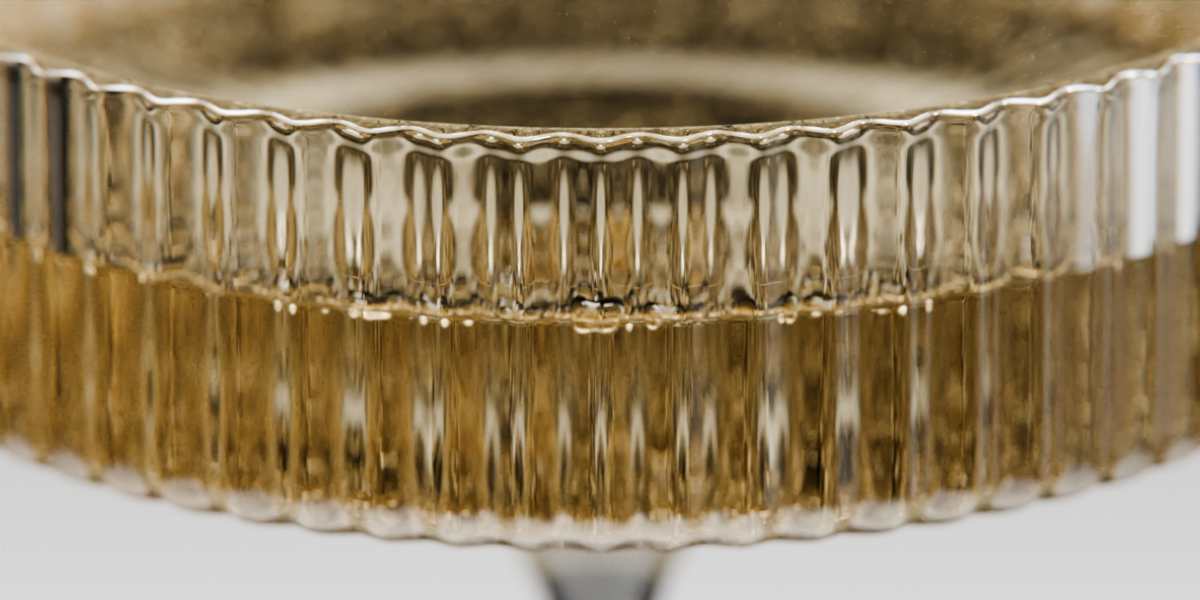
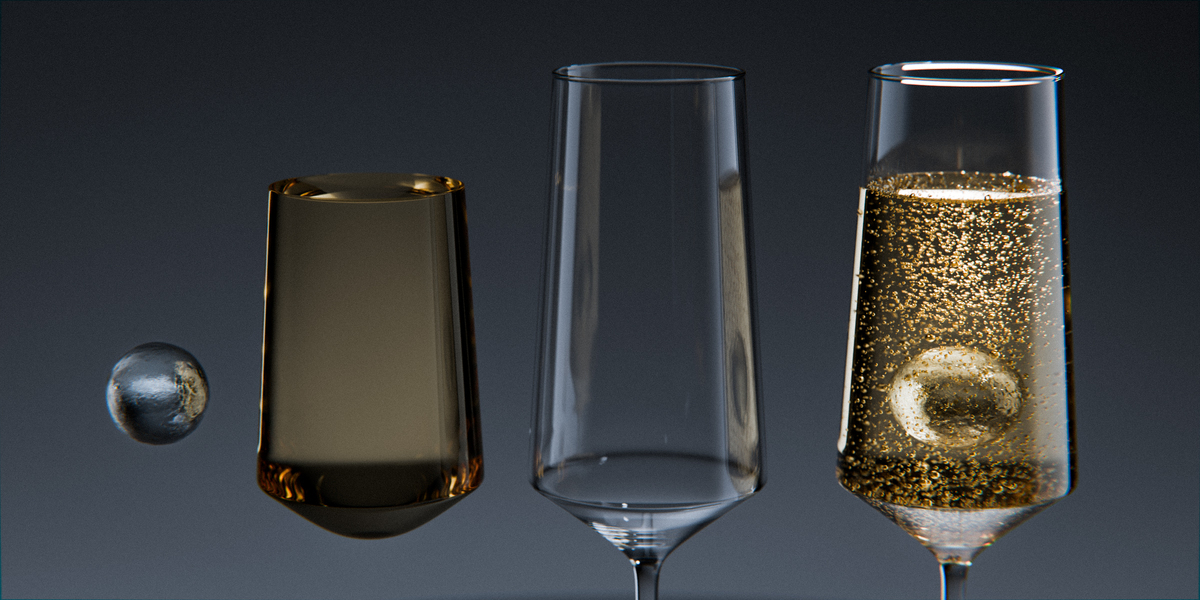
Glassware Asset Pack Installation: Unzip the file || Blender > Edit > Preferences > File Paths > + Button > locate & select the newly unzipped file > Save Preferences.
To edit polygons and shaders of the Glassware, select the asset object (with the collection thumbnail), and apply the function "Make Instance Real"
-
$65
Have questions about this product?
Login to message
| Sales | 20+ |
| Dev Fund Contributor | |
| Published | over 1 year ago |
| Blender Version | 3.6 - 4.5 |
| Render Engine Used | Cycles |
| License | Royalty Free |
Discover more products like this
caustics shadersplus smouse Glass glass shader glassware churchgreenstudio smouse_cg shaders plus