 Guilherme
Can I use multiple High Poly objects?
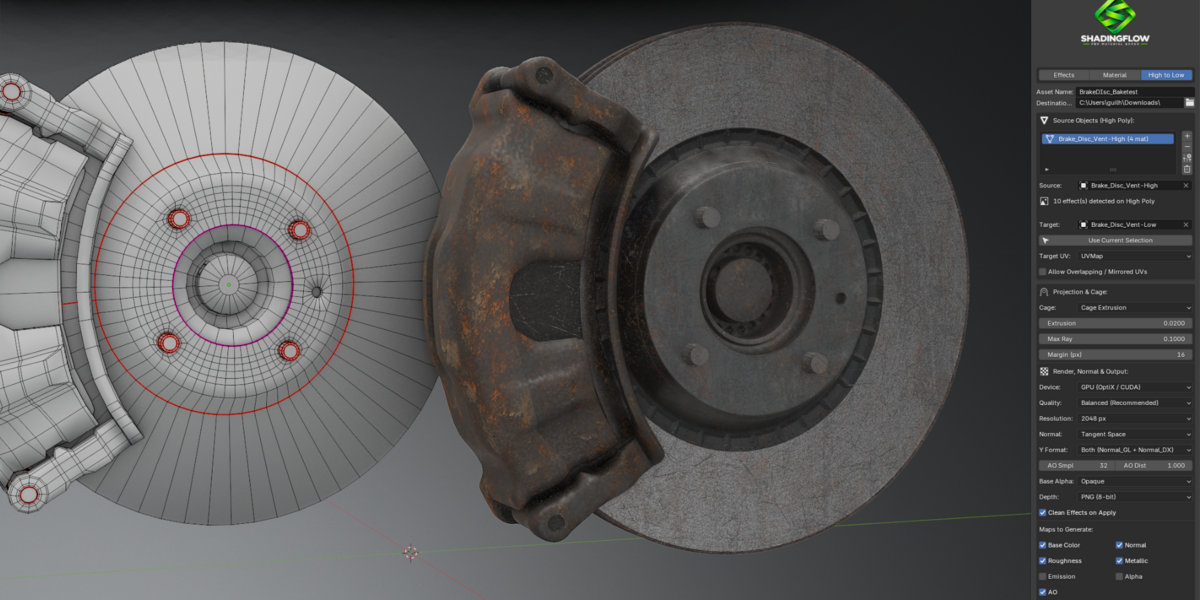
Yes. You can add multiple mesh objects to the High Poly source list.
What is the High to Low workflow?
It transfers surface details and material information from one or more High Poly objects onto a Low Poly target using Cycles projection baking.
Will baking immediately replace my original material?
No. ShadingFlow provides a review stage where you can preview the result, save textures only or discard the pending operation before confirming Final Apply.
Which texture maps can I generate?
Base Color, Normal, Roughness, Metallic, Ambient Occlusion (AO), Emission and Alpha.
What is the difference between Selected Material and Whole Object?
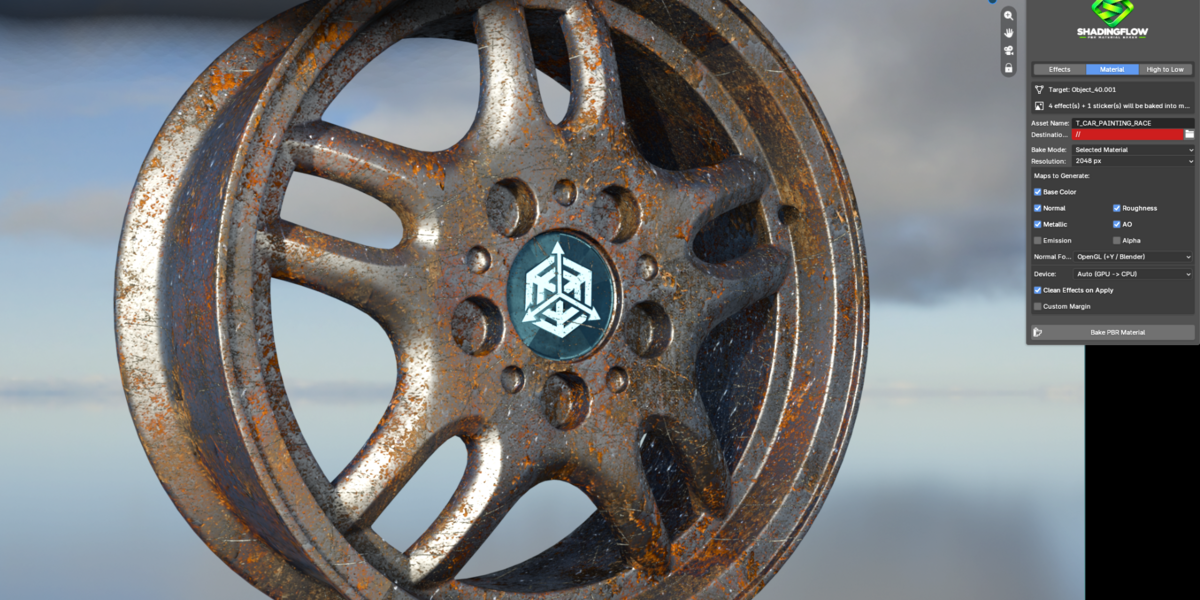
Selected Material processes only the material assigned to the active material slot.
Whole Object evaluates the materials assigned to the object's faces and consolidates them into a single PBR material.
What is the Material baking workflow?
It converts an existing material into conventional PBR texture maps, allowing complex procedural materials and layered effects to be used through standard texture-based materials.
Where can I find ShadingFlow after installation?
Open the 3D Viewport, press N to open the Sidebar and select the ShadingFlow tab.
Who is ShadingFlow designed for?
ShadingFlow is designed for 3D artists, environment artists, prop artists and anyone who wants to create detailed materials and prepare assets for real-time rendering.
What is Sticker Placer?
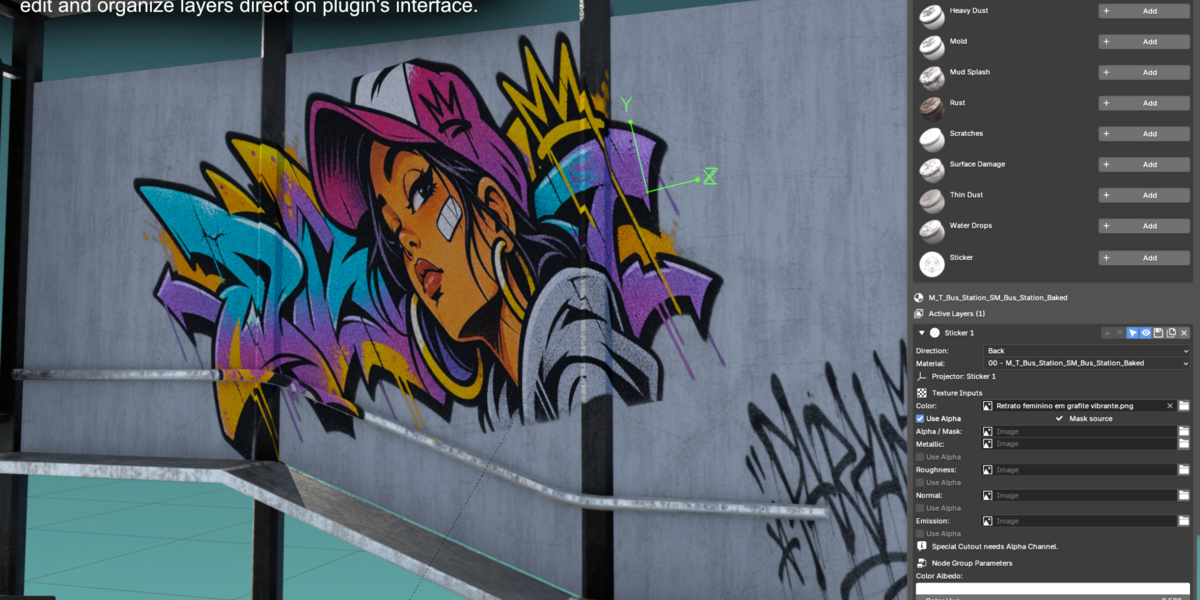
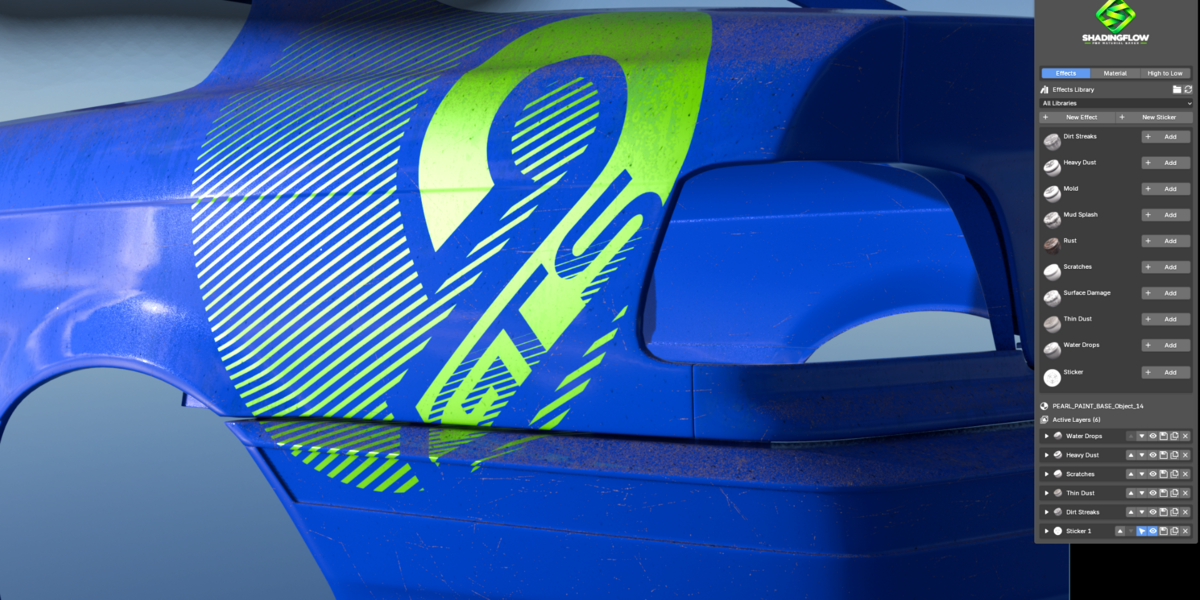
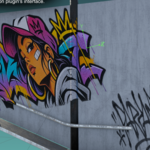
Sticker Placer allows you to project images and decals directly onto a mesh using a dedicated projection Empty. It is suitable for logos, labels, graphics, markings and other surface details.
Will adding an effect modify other objects sharing the same material?
ShadingFlow automatically creates an isolated material copy when necessary, preventing unintended modifications to other objects sharing the original material.
Can I combine multiple effects on the same material?
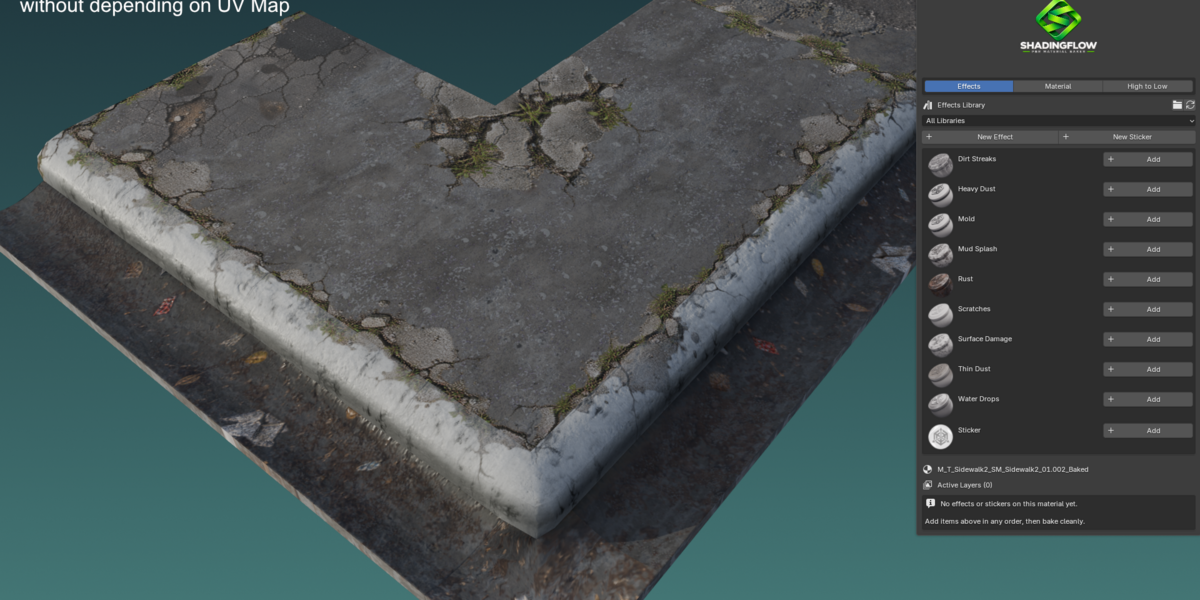
Yes. Effects can be combined, duplicated, reordered, enabled or disabled through the unified Active Layers system.
How do I install ShadingFlow?
Download the ZIP package and install it through Blender Preferences → Add-ons → Install from Disk. Do not extract the ZIP file before installation.
Does ShadingFlow require programming or node editing knowledge?
No. ShadingFlow provides a visual interface for adding and managing material effects, stickers and baking operations without manually constructing complex shader networks.
What is ShadingFlow?
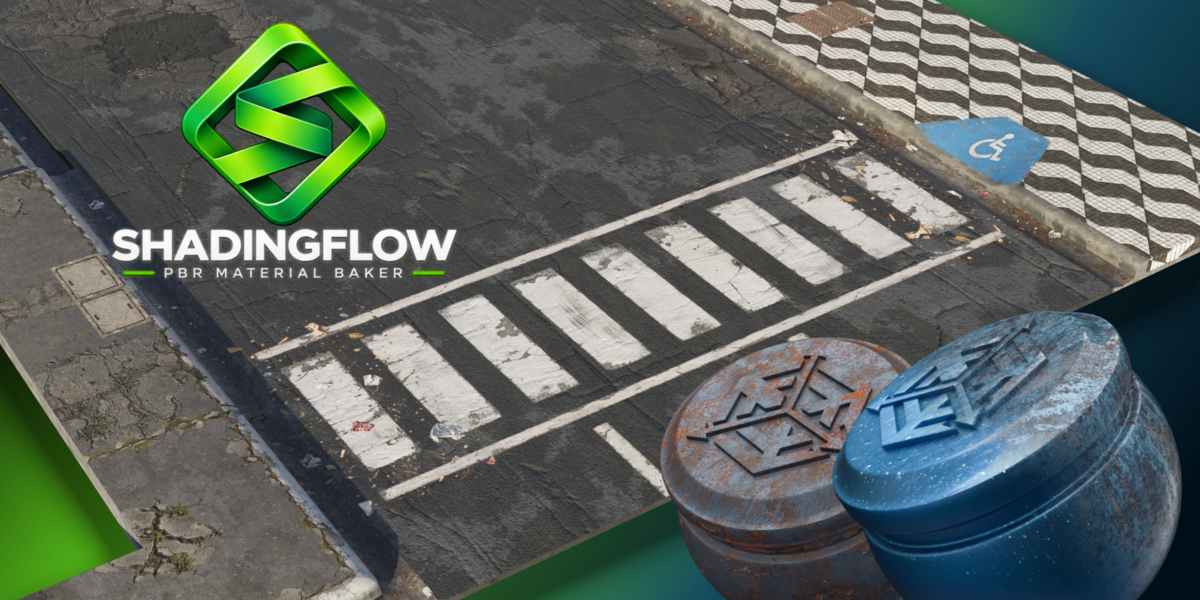
ShadingFlow is a material creation and PBR baking toolkit for Blender. It combines procedural material effects, projected stickers and automated baking workflows into a single interface.
Have questions about this product?
Login to message
| Published | 1 day ago |
| Blender Version | 4.5 - 5.2 |
| Extension Type | N/A |
| Render Engine Used | Cycles, Eevee |
| License | GPL |
Discover more products like this
Shader bake 3d-high-poly asset 4k-pbr-shaders substance effect sticker 3d_low_poly rendering Material