Shapekey Assist
 AmberLight101
How the ShapeKey Assist Addon Works:
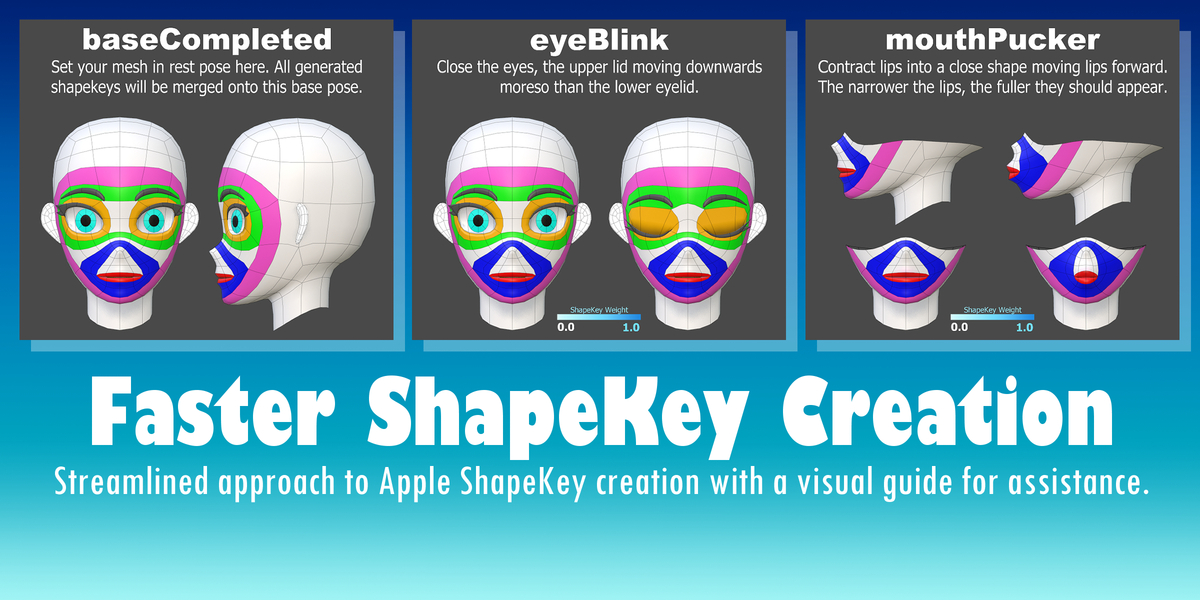
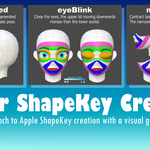
Instead of users having to create all 52 Apple ARKit Shapekeys from stratch, they only need to pose their selected character using whatever method they are comfortable with (shapekeys, lattices, armature, etc.) on the timeline 35 times following the provided visual guide.
The "Import ShapeKey Reference Plane" button creates a mesh plane that dynamically updates its texture according to the cursor's position on the timeline, acting both as a visual reference for the user and indicator of what shape key(s) will be generated this frame.
The vertex groups, "ASK-face.L" and "ASK-face.R", are used to restricted shapekey influence for respective left and right movements of a symmetrical expression.
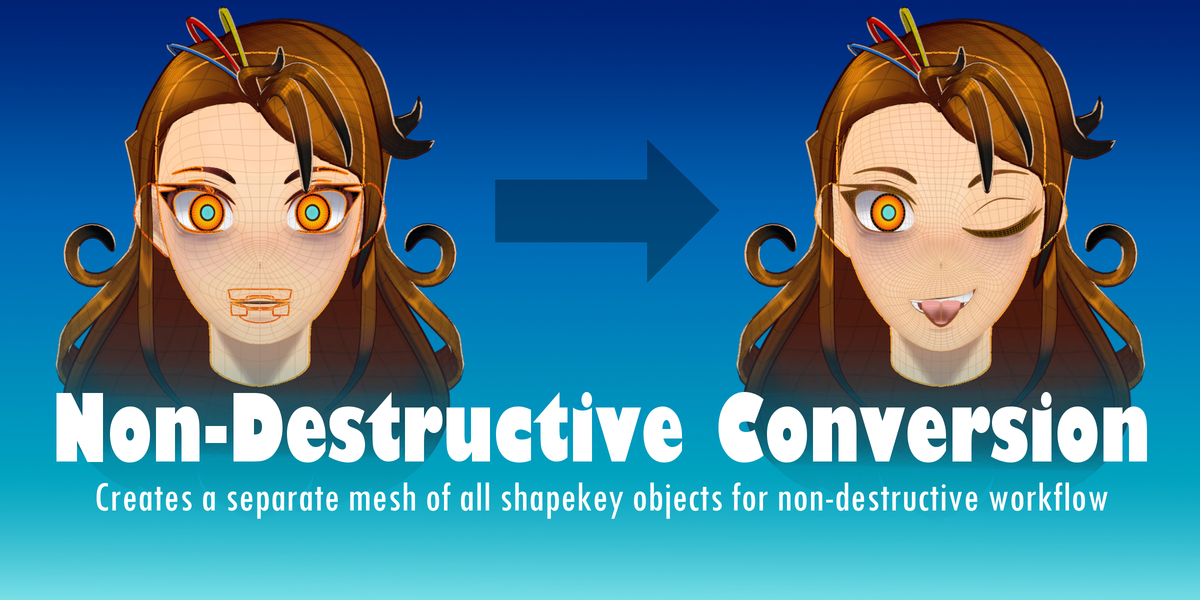
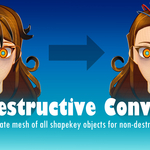
The "Create Apple ShapeKeys" button creates a duplicate mesh called "baseCompleted" that converts all poses and keyframes of the original selected meshes into the 52 AppleShape Keys with proper naming convention, allowing for a non-destructive workflow.
The "Set Reference Plane" button creates a plane that acts as the point of origin for the later generated debugger bars.
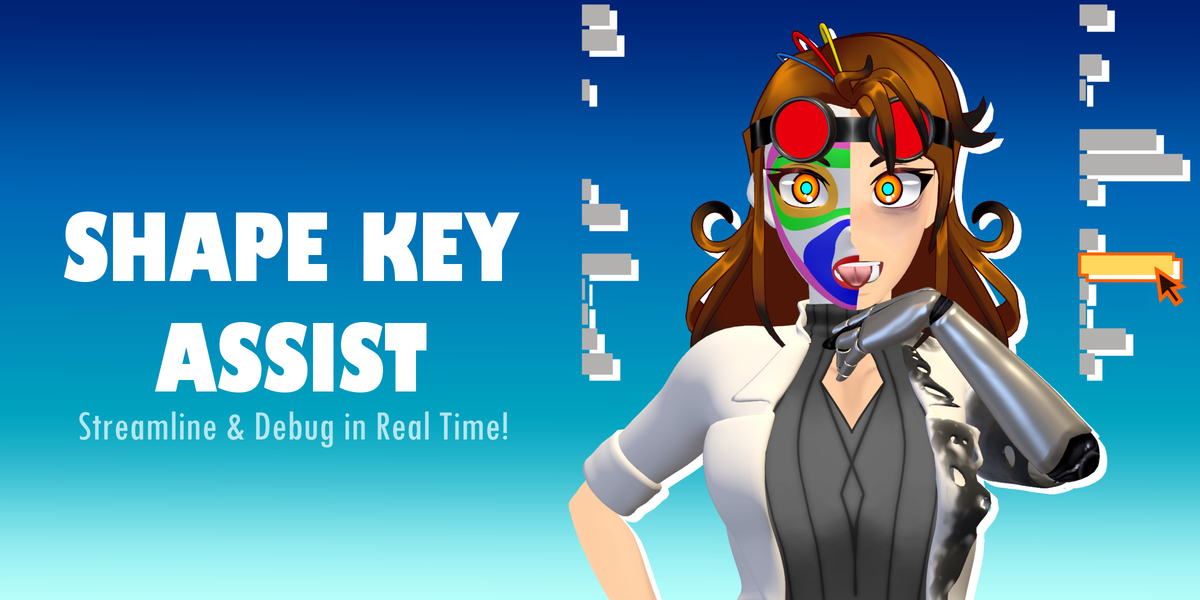
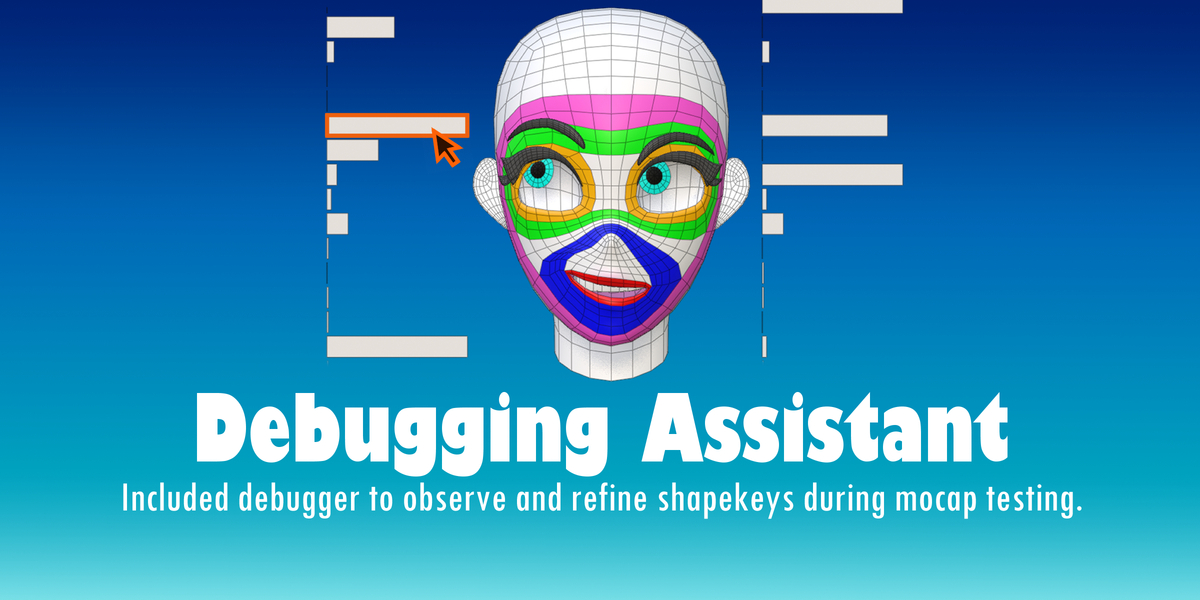
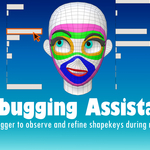
The "Create Debugging Bars" creates a series of mesh bars - one for each shapekey of the selected mesh object (Default being baseCompleted) to represent shapekey influence change in real time.
The "Start Debugging" button begins the double click modal monitor that allows users to enter and edit shapekeys as the shapekeys are tested through 3rd party software such as iFacialMocap and FaceMotion3D.
The "Reset ShapeKeys" button sets all shape keys back to zero.
Have questions about this product?
Login to message
| Blender Extension Compatible | Yes |
| Sales | 10+ |
| Published | over 1 year ago |
| Blender Version | 4.4, 4.3, 4.2 |
| Extension Type | Add-on |
| License | Mit |
Discover more products like this
52 blendshapes 52ARshapekeys apple-shape-keys ARKit apple-shapekeys 52shapekeys VTuber vtubing Blender ArKit Helper facialcapture