 DanilGOE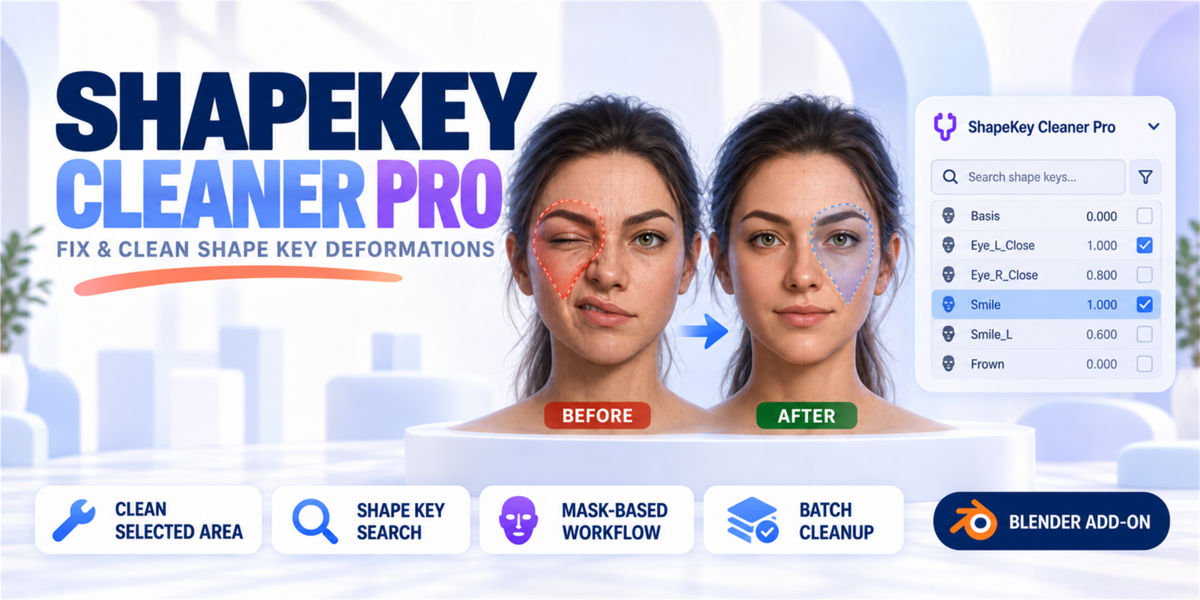


ShapeKey Cleaner Pro – Documentation
Overview
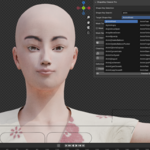
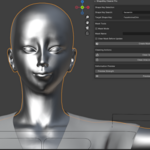
ShapeKey Cleaner Pro is a professional Blender addon for fixing and cleaning unwanted shape key deformations in complex character rigs.
It allows you to precisely remove shape key influence on specific areas of your mesh and restore them back to the Basis shape, without manually editing vertices or recreating shape keys.
This tool is designed for real production workflows involving:
-
facial rigs
-
visemes / phonemes
-
corrective shape keys
-
character customization systems
-
game-ready characters
Installation
-
Download the addon file:
shapekey_cleaner_pro_addon.py -
In Blender go to:
Edit → Preferences → Add-ons → Install… -
Select the file and click Install
-
Enable the addon in the list
-
Open the addon panel in:
3D Viewport → N-panel → ShapeKey Cleaner Pro
Basic Workflow
Clean Selected Area
-
Select a mesh object with shape keys
-
Switch to Edit Mode
-
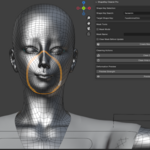
Select the vertices you want to clean
-
Choose a shape key in Target Shape Key
-
Click Clean Selected Area
Selected vertices will be restored to the Basis shape for that shape key.
Mask Workflow (Vertex Groups)
Create Mask from Selection
Masks allow you to reuse the same area across multiple shape keys.
-
Select vertices in Edit Mode
-
Enter a name in Mask Name
-
Click Create Mask from Selection
Now you can enable Mask Mode and clean the same region on any shape key.
Batch Cleanup
Clean Area on ALL Shape Keys
This mode removes deformation on the selected area (or mask) across all shape keys at once.
This is especially useful for:
-
fixing broken facial regions
-
cleaning large viseme libraries
-
correcting stylized character rigs
Deformation Preview
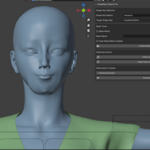
Use Preview Strength and Preview Shape Key to preview deformation before applying cleanup.
Typical Use Cases
-
Remove smile influence from eyelids
-
Fix viseme shapes affecting jaw and lips
-
Clean corrective shapes after retopology
-
Restore broken face regions after sculpt edits
-
Manage large character morph systems
Requirements
-
Blender 3.0 or higher
-
Mesh object with shape keys
Notes
-
All operations fully support Blender Undo
-
Works with both vertex selection and vertex groups
-
Non-destructive: only modifies selected shape key data
-
Designed for professional character pipelines
Why ShapeKey Cleaner Pro?
Blender does not provide a native tool for localized shape key cleanup.
ShapeKey Cleaner Pro fills this gap with a production-ready solution used in real character workflows.
It saves hours of manual work when dealing with complex rigs and large shape key libraries.
-
$4.99
For 1 individual user. Includes all features and content.
-
$9.98
For 1 user working for a business or client. Includes all features and content.
-
$19.96
For up to 10 users in one studio or company. Includes all features and content.
Have questions about this product?
Login to message
| Sales | 10 |
| Published | 8 months ago |
| Blender Version | 3.0 - 5.0 |
| Extension Type | N/A |
| Render Engine Used | Cycles |
| License | GPL |
Discover more products like this
clean shapekey character s game dev Morphs addon blendshapes facial rig shape keys animation cleanblendshpae rigging visemes