 Kaif.3D



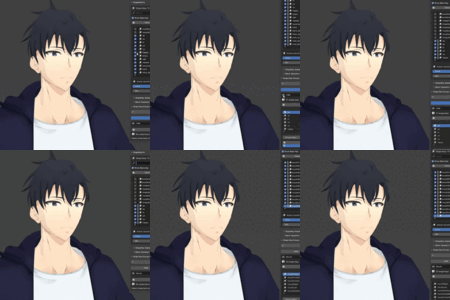
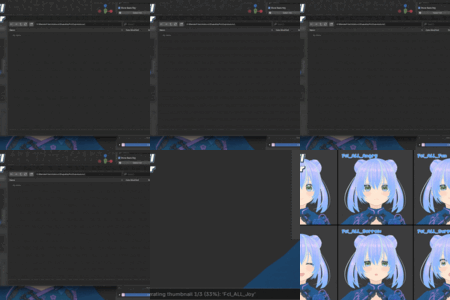
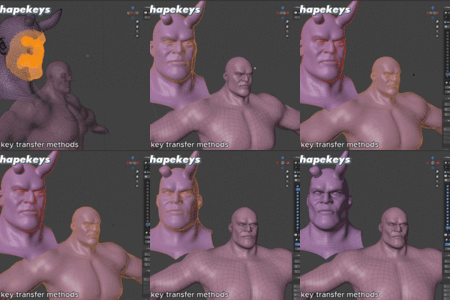

SHAPEKEYPRO
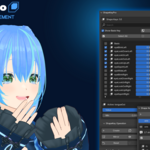
Professional Shape Key Management
Revolutionary workflow for Blender
artists
|
⚡ Batch Processing
|
🎯 Smart Groups
|
✨ Visual Tools
|
|
10X
Faster
Batch operations |
NEW
Release
Cutting-edge tools |
100s
Shape Keys
Manage complex |
Revolutionary Features
Designed for professionals who demand excellence
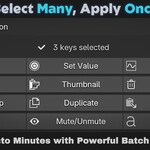
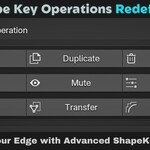
🚀 Advanced Batch Operations
Transform your workflow with industrial-strength batch processing. Handle hundreds of shape keys in seconds with precision control.
|
▸ Blend/Merge ▸ Batch Rename ▸ Value Gradients ▸ Batch Delete |
▸ Batch Duplicate ▸ Mirror/Flip ▸ Batch Reset ▸ Mute/Unmute |
📊 Advanced FilteringPowerful search with real-time results and complex criteria combinations for precise shape key management. |
🎨 Thumbnail GeneratorCreate professional documentation with customizable thumbnails and tile sheets for your shape keys. |
🔄 Smart TransferFour intelligent transfer methods with automatic topology analysis and scale compensation. |
👥 Group ManagementOrganize shape keys with color-coded groups and master controls for efficient workflow. |
🪞 Advanced MirrorMirror across any axis with directional control, smart naming, topology-based matching, and selected vertices |
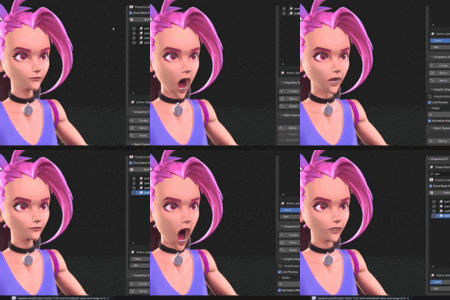
⚡ Live AmplifyPush shape keys beyond limits with real-time preview, creating exaggerated expressions from subtle deformations. |
Professional Toolkit
Transform Your Workflow
Experience the difference professional tools make
|
😔
Without ShapeKeyPro ⛔
Manual key-by-key editing 🚫
No batch operations ❌
Limited organization tools ⏰
Hours wasted on repetitive tasks 👁️🗨️
No visual preview tools "Spending 80% of time on tedious tasks" |
VS
|
🚀
With ShapeKeyPro ✅
Powerful batch processing ✅
Advanced filtering & search ✅
Visual group management ✅
10x faster workflow ✅
Thumbnail Generator "Focus on creativity, not repetitive tasks" |
|
~5 hours per complex object |
→
|
~30 mins with ShapeKeyPro |
Changelog
Latest updates and improvements
Version 1.0.1 - July 29, 2025
- ▸ Compatibility: Now supports Blender versions 3.6.0 and up
- ▸ Bug Fix: Shift+Create now works properly when in Edit mode
- ▸ Bug Fix: Amplify no longer applies changes automatically when entering Edit mode
Ready to Revolutionize Your Workflow?
Join the next generation of Blender professionals
ShapeKeyPro - Professional Shape Key Management
© 2025 - Designed for Blender Professionals