 Yain Vieyra
Note: Newest Version 3.0.9 updated for Blender 5.x.x
Introduction
Shift Render Slot is an addon that allows you to shift Render Slots at any time when rendering images.
Its purpose is to automatically shift the Render Slots when taking multiple shots, or when doing test renders and comparing the results.
Often you need new renders not to overwrite previous ones, or you just forget to shift the slots before rendering, resulting in the loss of the last rendered image. This addon makes it easier for your workflow since it will automatically take care of that step.
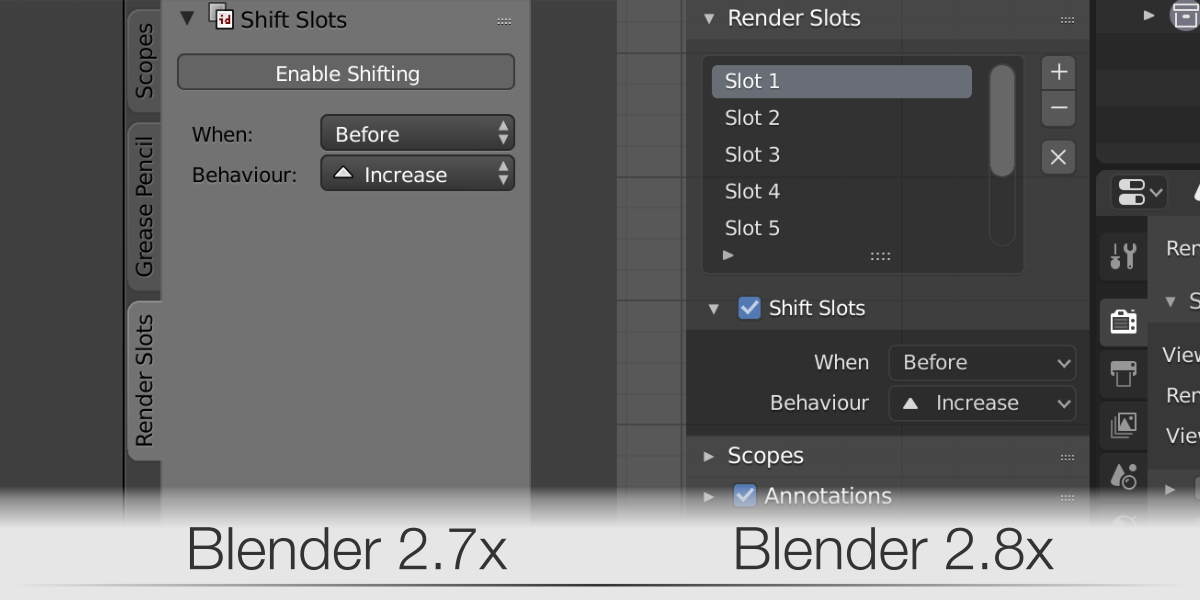
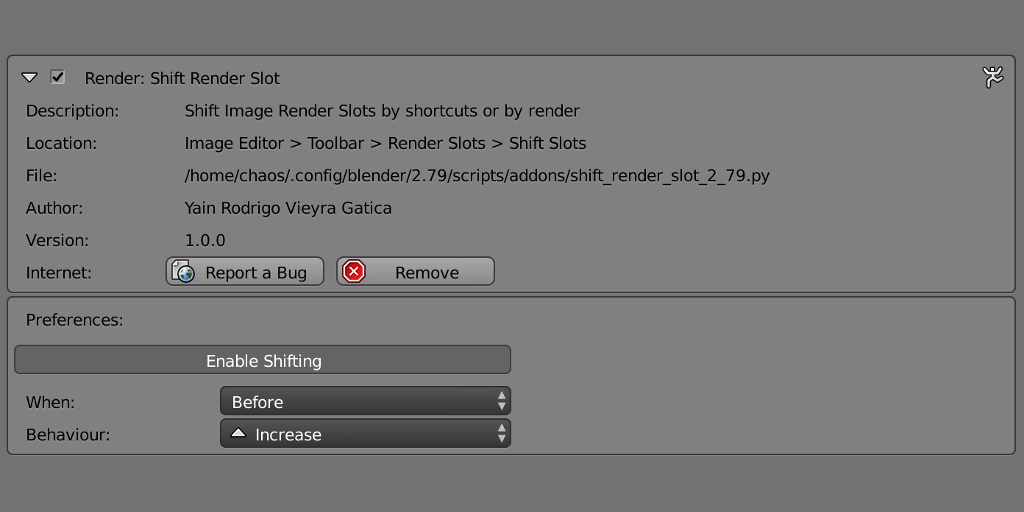
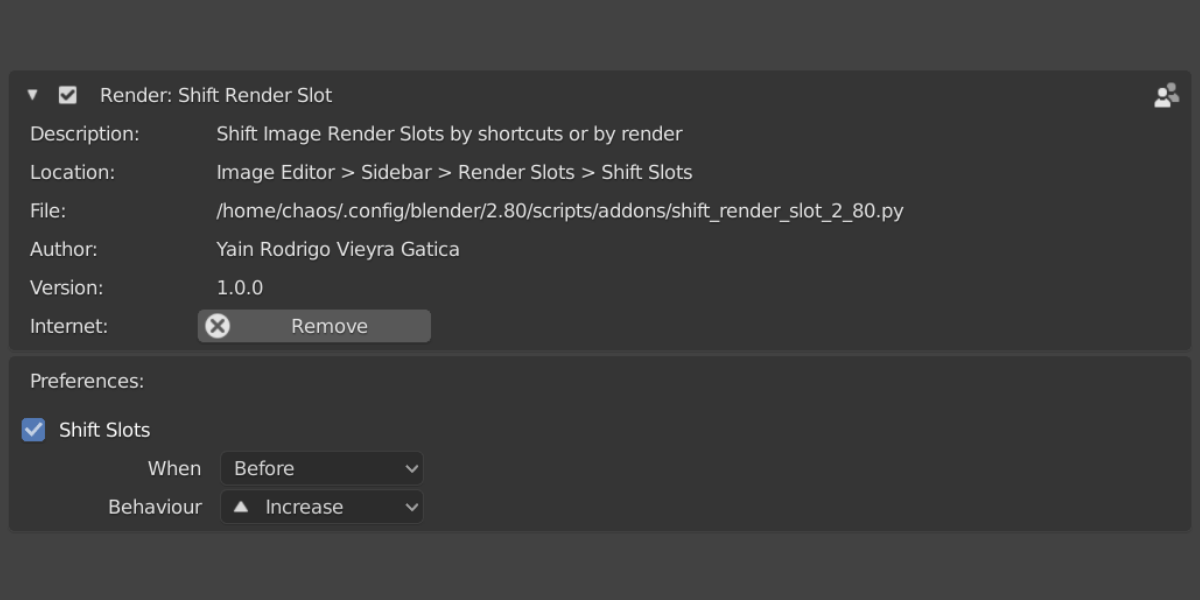
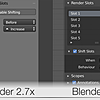
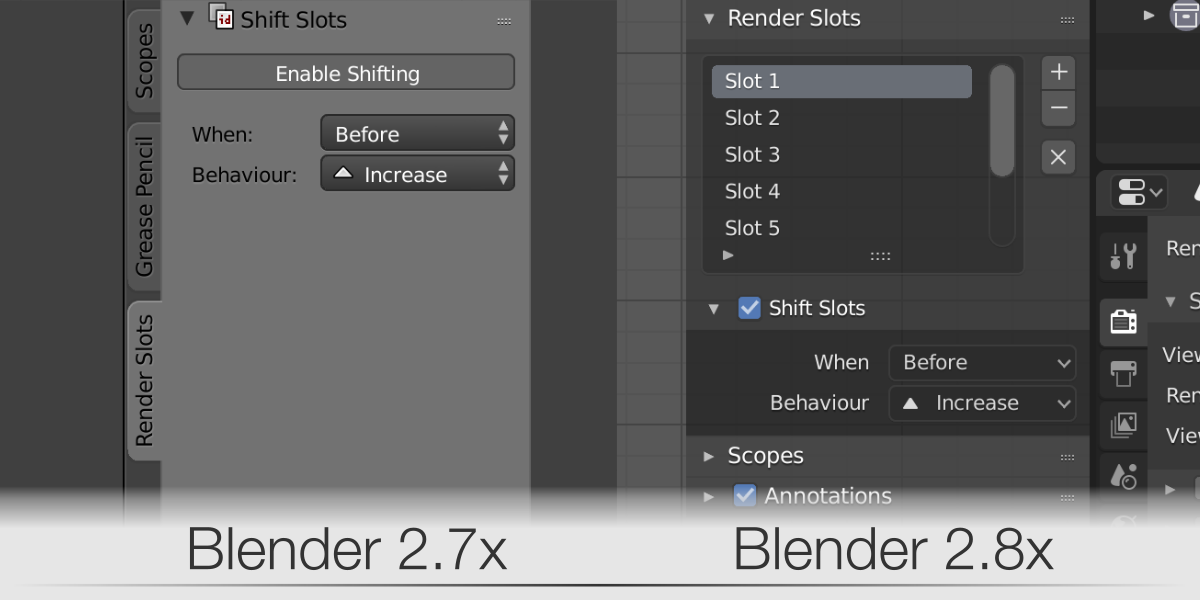 The Shift Render Slot UI in the UV/Image Editor context
Features
- Enable / Disable the shifting behavior at any time while working in the UV/Image Editor. No need to enable/disable the addon in the User Preferences for every use.
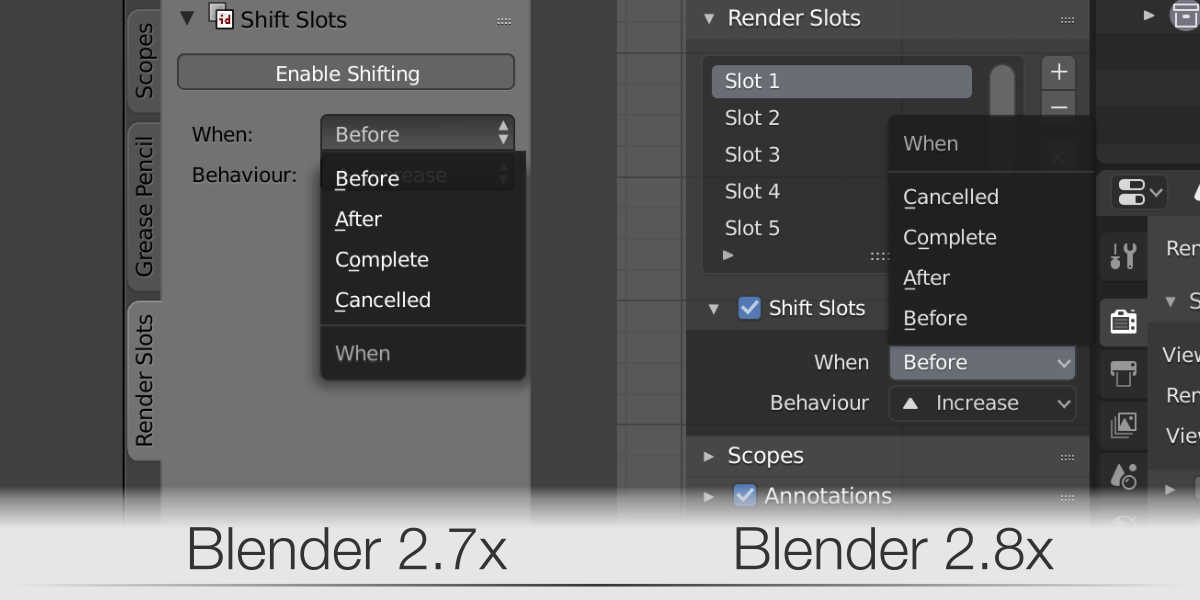
- Select up to 4 type of render events to trigger the shift
- Before (Before the render job begins)
- After (After the render job ends)
- Complete (When the render is complete)
- Cancelled (When the render is cancelled)
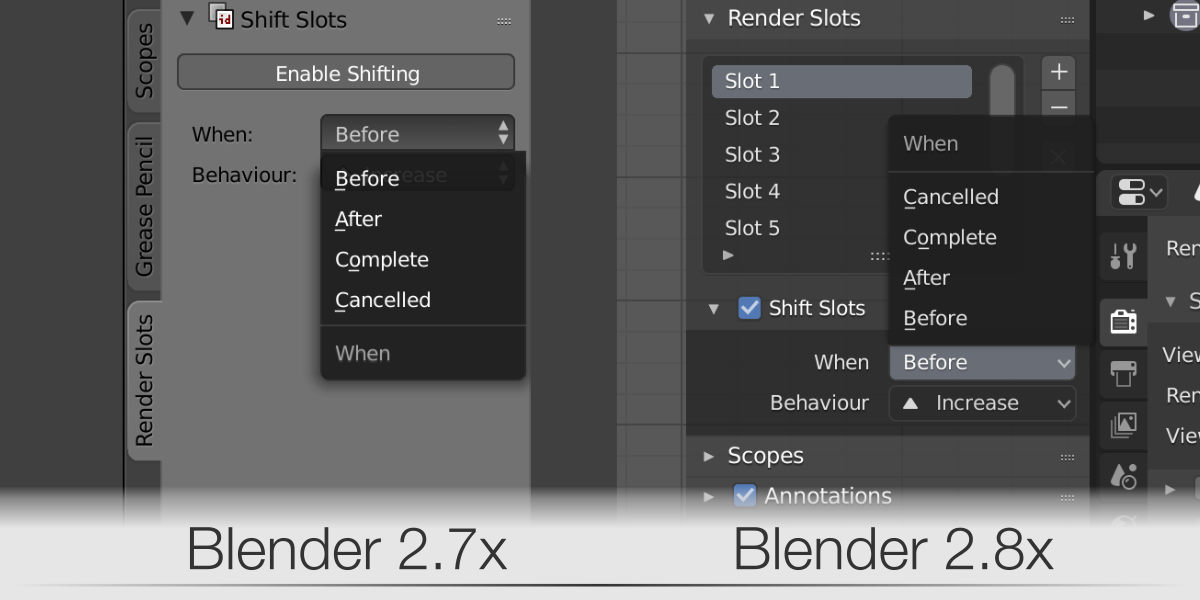
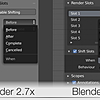
Select among different render events to trigger the shift
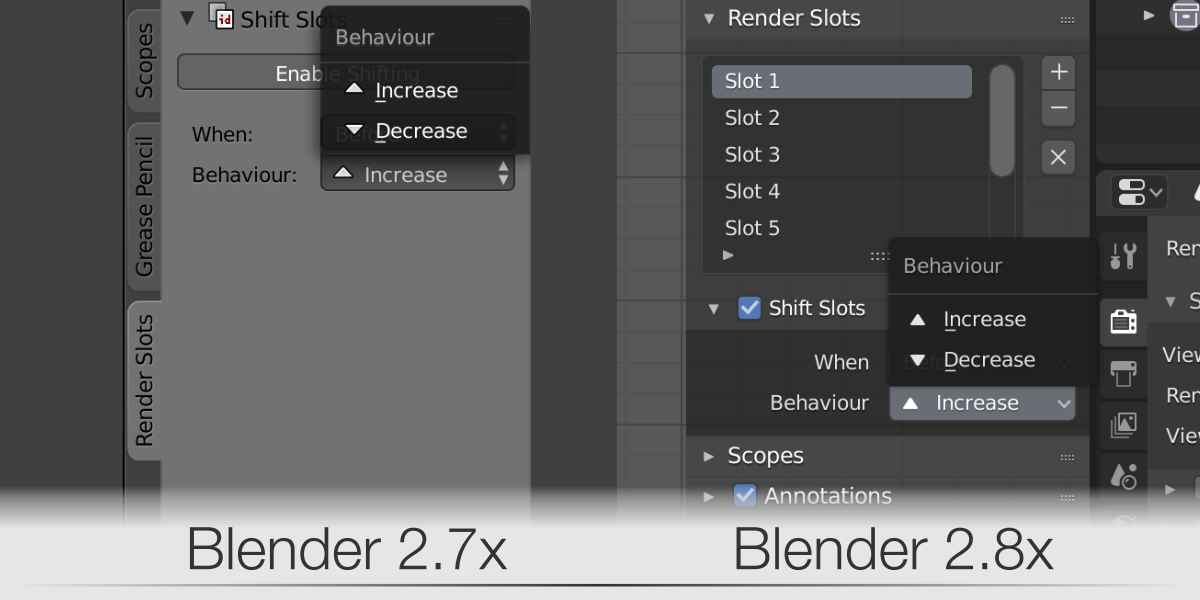
- You can select between 2 different shifting behaviors
- Increase (Shift to next Render Slot)
- Decrease (Shift to previous Render Slot)
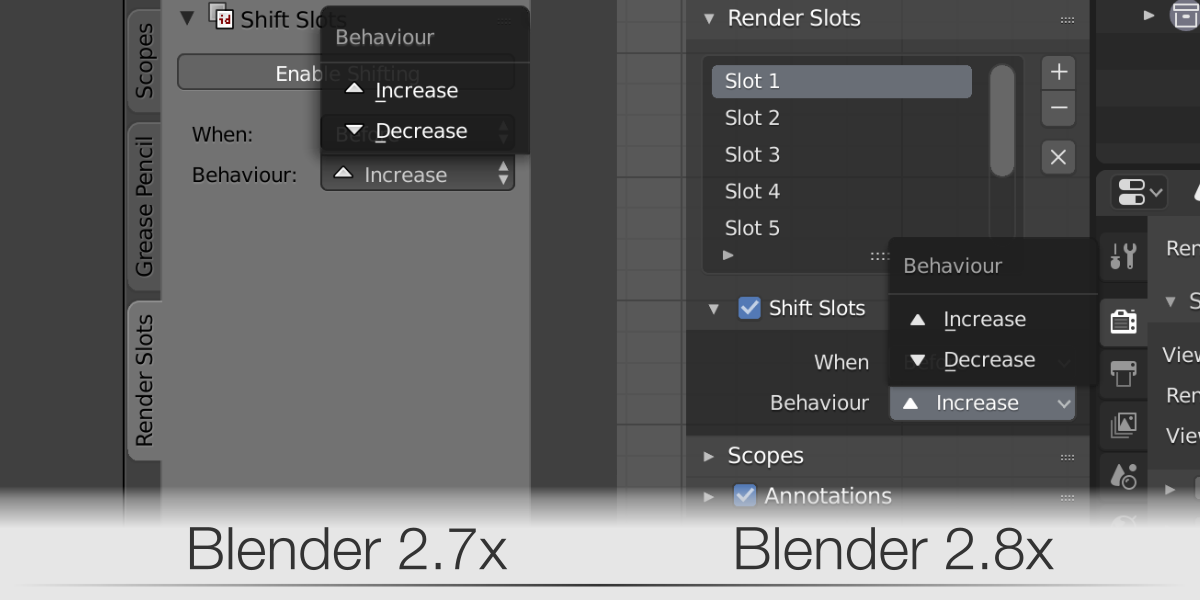
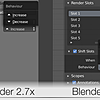
Select between an increasing or decreasing direction to shift
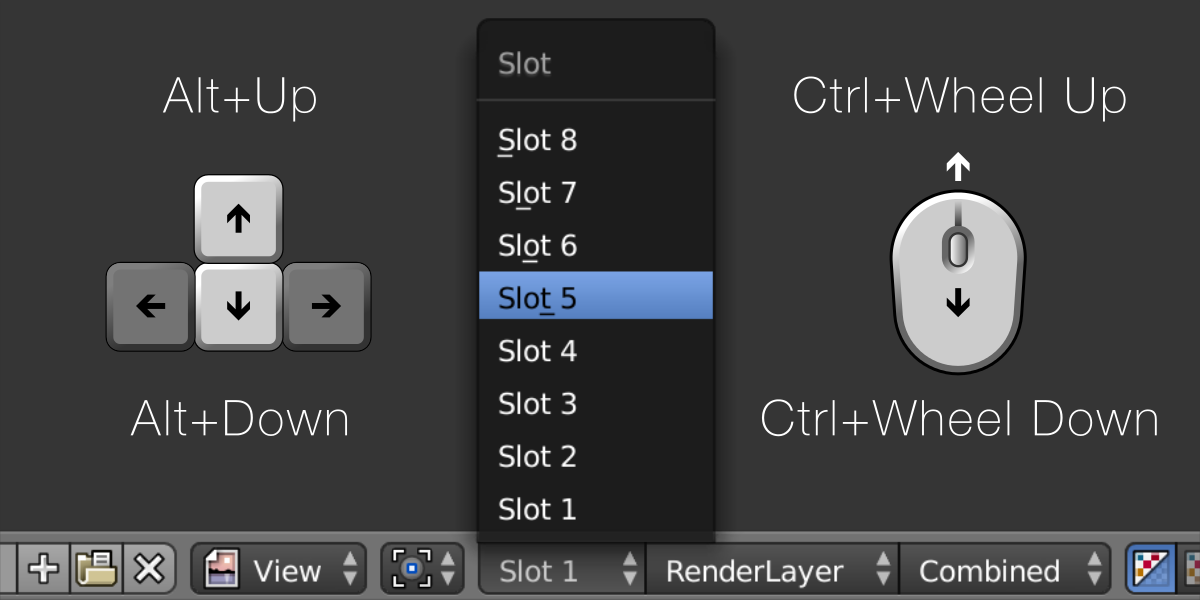
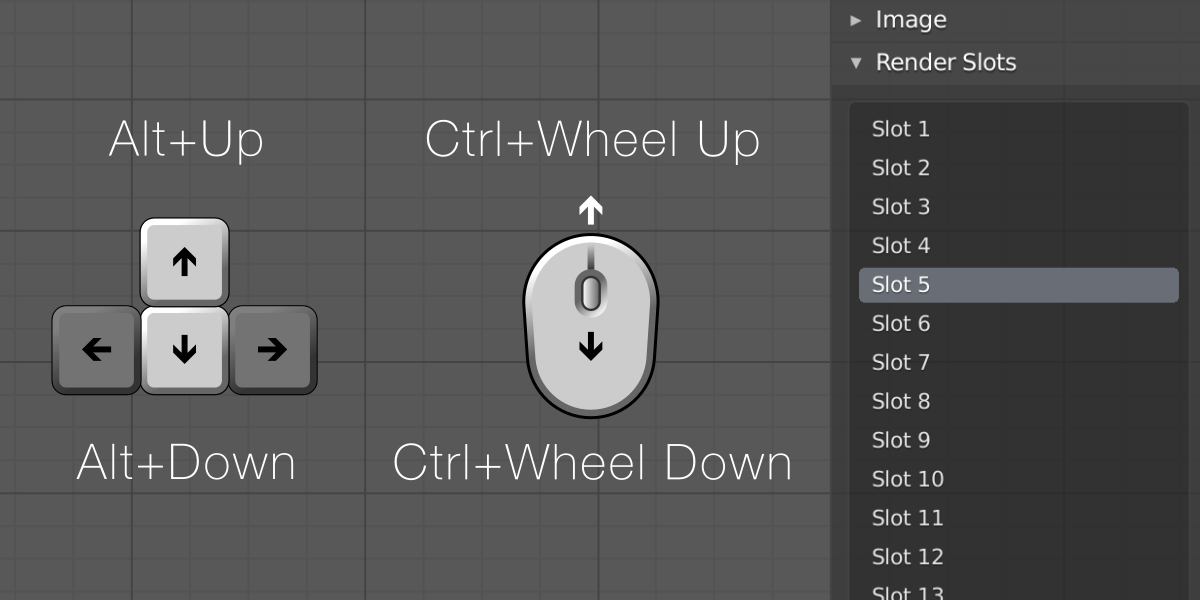
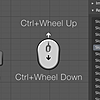
- Use shortcuts to easily shift the Render Slots in the UV/Image Editor
- Go to next slot: Alt + Up Arrow / Ctrl + Wheel Up
- Go to the previous slot: Alt + Down Arrow / Ctrl + Wheel Down
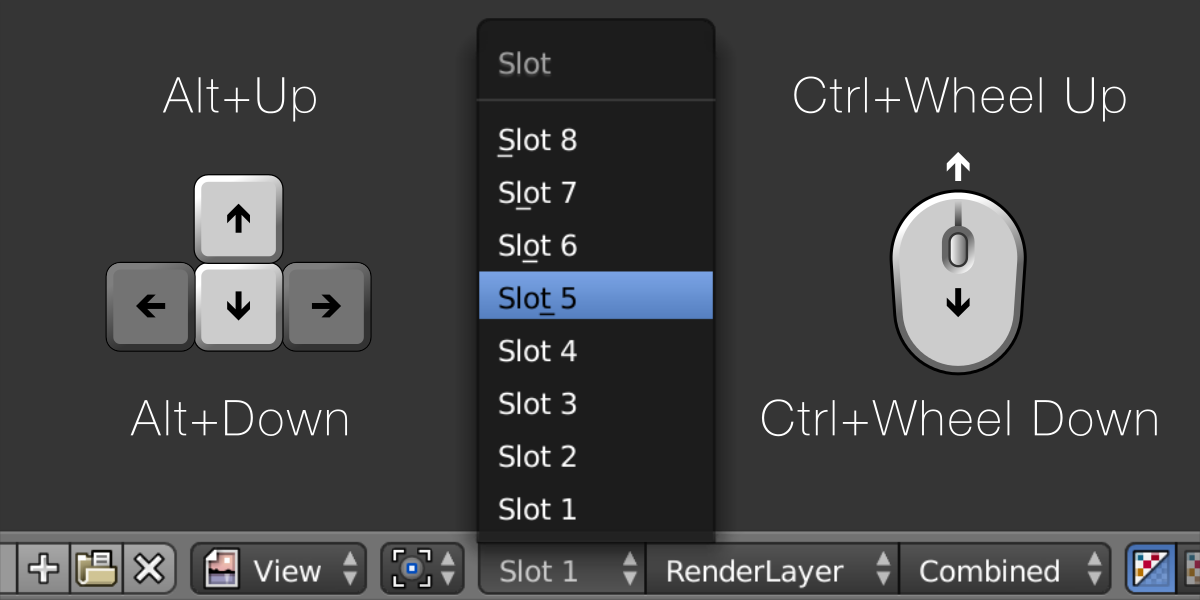
Use of shortcuts in Blender 2.79
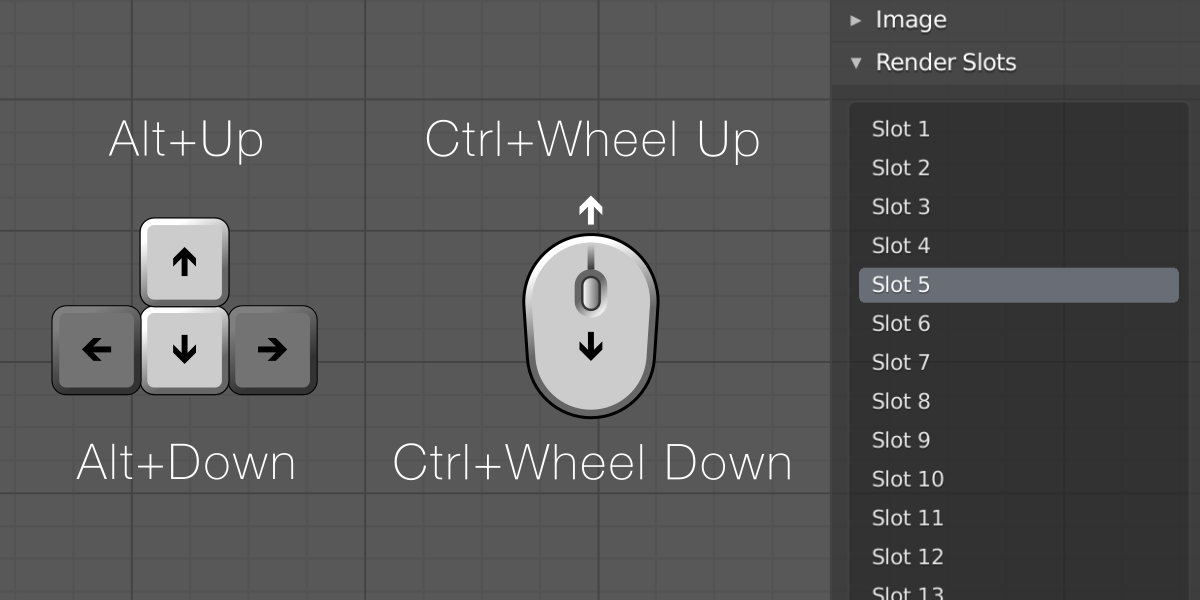
Use of shortcuts in Blender 2.8x
- The addon state gets linked to the scene and is saved with the .blend file. This allows you to open your project in the future and still have the same behavior you used last time.
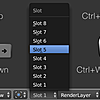
- In Blender 2.79 there are 8 built-in slots available by default. In Blender 2.8x you can add more slots, and therefore have an unlimited amount of them. When you reach the last slot, it will automatically jump to the first one.
Version log
v3.0.9 (Blender 5.0.0) - Updated to the Blender 5.0 API and bug fixing
- New animation progress bar when rendering animations from the viewport (Render Playblast)
- Fixed the bug that happened when Render In > New Window is set in the Preferences and an animation is being rendered from the viewport (playblast). When cancelling with ESC key the newly opened window was closed and the animation kept rendering. Now pressing ESC properly cancels the animation process and doesn't close the new temporary window.
- Fixed a bug when trying to render an animation and the Scene's Frame Start and Frame End have the same value.
- Fixed a bug on Windows: when multiple windows were opened and an animation render process started, sometimes the process failed and Blender stayed still, waiting forever.
- Silenced some leftover messages that were needlessly printed to the console.
v3.0.8 (Blender 4.2.0) - Bug fixing
- Fixed Blender getting freeze on Windows when Auto Saving the rendered result.
- Fixed a bug with the Render menu when other addons prepended their panels before the native render panel from Blender.
v3.0.7 (Blender 4.4.0) - Bug fixing
- Fixed a keymap registration issue when opening a .blend file project directly.
v3.0.6 (Blender 4.4.0) - Minor bug fix
- Fixed an area turning black indefinitely (usually the default Properties Editor area) after calling a render in Blender 4.4.x
v3.0.5 (Blender 4.2.0) - Bug fixing
- Fixed a bug with the compilation of the Render menu.
- Added support for keyconfigs defined by the user.
- Fixed reading of keymaps that aren't ready during registration.
v3.0.4 (Blender 4.2.0) - Update for Blender 4.2.x
- Small update to new extensions standard for Blender 4.2.x
v3.0.3 (Blender 4.0.0) - Bug fixing
- The Render menu was being completely replaced, which caused panels from other addons to be lost.
v3.0.2 (Blender 4.0.0) - Bug fixing
- Fixed a fatal flaw on Windows when modifying the addon user preferences.
- Fixed a keymap management bug. The addon now takes care of the current keyconfig selected (Blender, Industry Compatible, etc).
v3.0.1 (Blender 4.0.0) - Update for Blender 4.0.x
- Internal changes when calling functions related to DPI.
- Minor changes to panels and UI messages.
v3.0.0 (Blender 3.5.0) - Major code refactor
- Since Blender 3.5.0 release, builtin operators cannot be replaced by addons. This major code refactor solves that issue.
- HiDPI support for FPS counter in Image Editor and better FPS time measurement.
- Preferences layout revamped with more options.
- Greater overall stability.
New features added:
- Auto Save Slots panel: Let the addon save your progress renders to a directory while working on a project.
- New Render menu buttons for faster access to the use of: Auto Shift Slots and Auto Save Slots.
-
Autoname format: Name your slots by Number, Marker or Frame.
v2.0.1 (Blender 2.91) - Minor internal update
- Python modules use absolute imports
v2.0.0 (Blender 2.82, Blender 2.91) - Major code refactor and new features
- Python modules refactored.
- Extended Shift Render Slots panel.
New features added:
- Choose between shifting render slots automatically or custom.
> Automatic: Shift to empty render slots. Adds more render slots when needed.
> Custom: Follow a user-defined shift behaviour. Prevent overwriting rendered slots. Set a maximum Slots Limit (handy when the system's RAM is low) or if cycling the Slots is preferred. - New Options panel: Shift slots with normal renders or screenshots from the 3D View. Choose if you want to shift your slots with animations.
- Use Markers and Camera Markers to render at specific frames and points of view.
- Autoname render slots ('Slot number' and 'current frame').
- Batch Export rendered slots from RAM to HDD.
- Render Slots Player included (for animations). Controls for playing forwards, backwards and FPS selector.
- New Addon Preferences panel for controlling the default behaviour in new scenes.
- Change Addon shortcuts from the Preferences.
v1.1.0 (Blender 2.81) - Update for Blender 2.81
- Fixed a problem when the Render Display Type is set to create a New Window. This particular configuration led to a freezing state of Blender. This setting was also moved from the Topbar to the Preferences in Interface > Temporary Windows, requiring an update in code. Now the window is properly created without freezing.
v1.0.0 (Blender 2.80) - Update for Blender 2.8x series
v1.0.0 (Blender 2.79) - Initial release
