 ZEG
Installation
In Blender open Edit, Preferences, Get Extensions, then use Install from Disk and pick the shipping_container_generator zip.
Usage
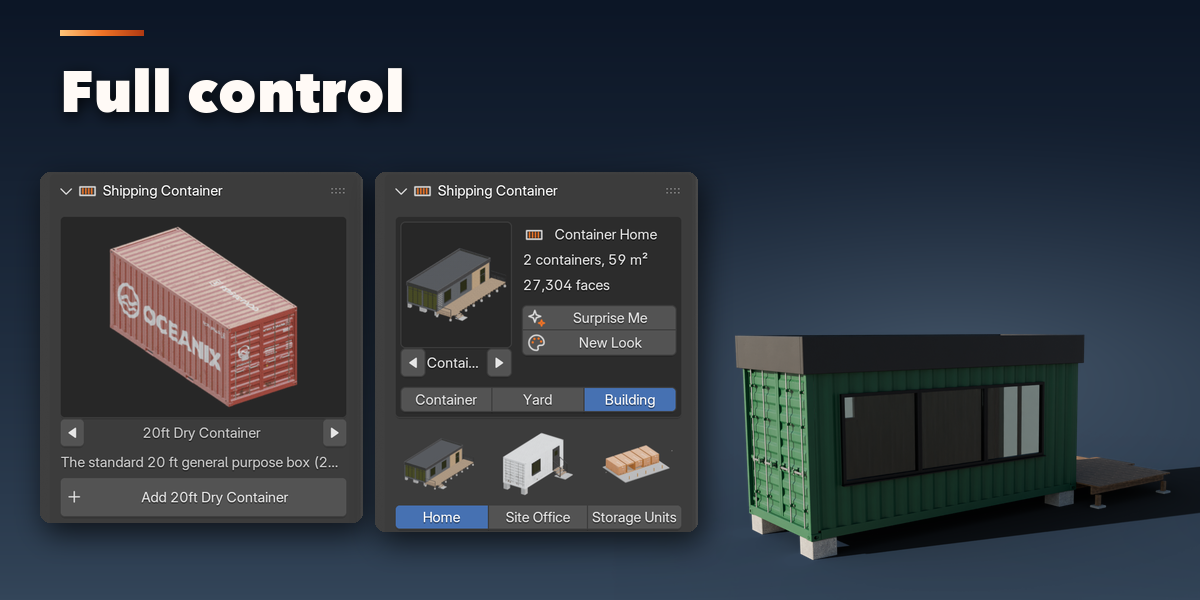
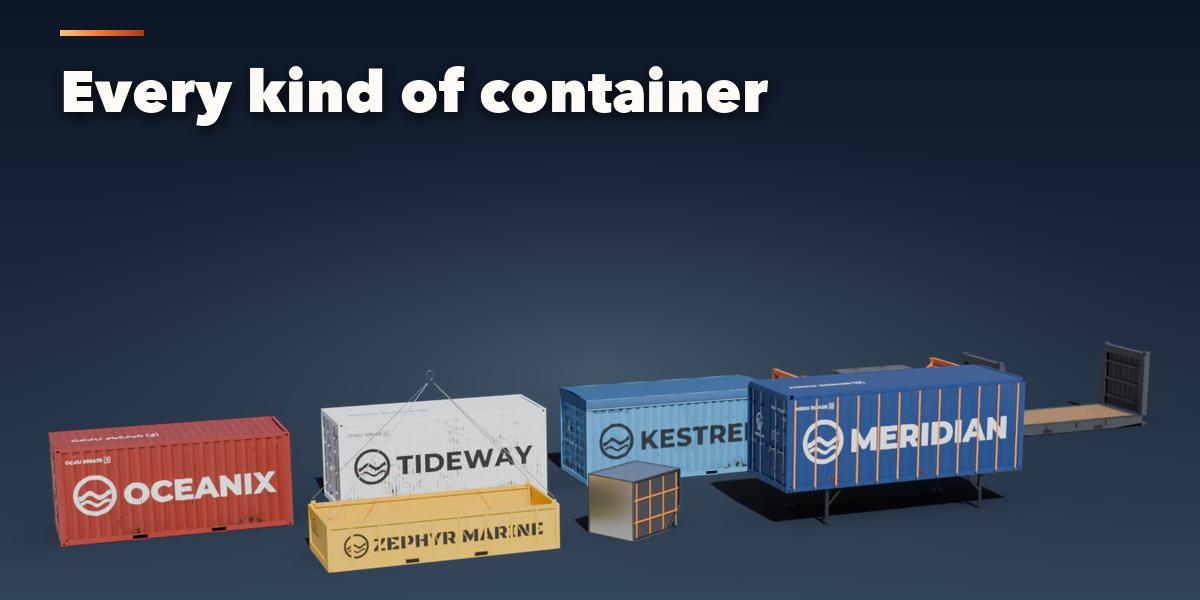
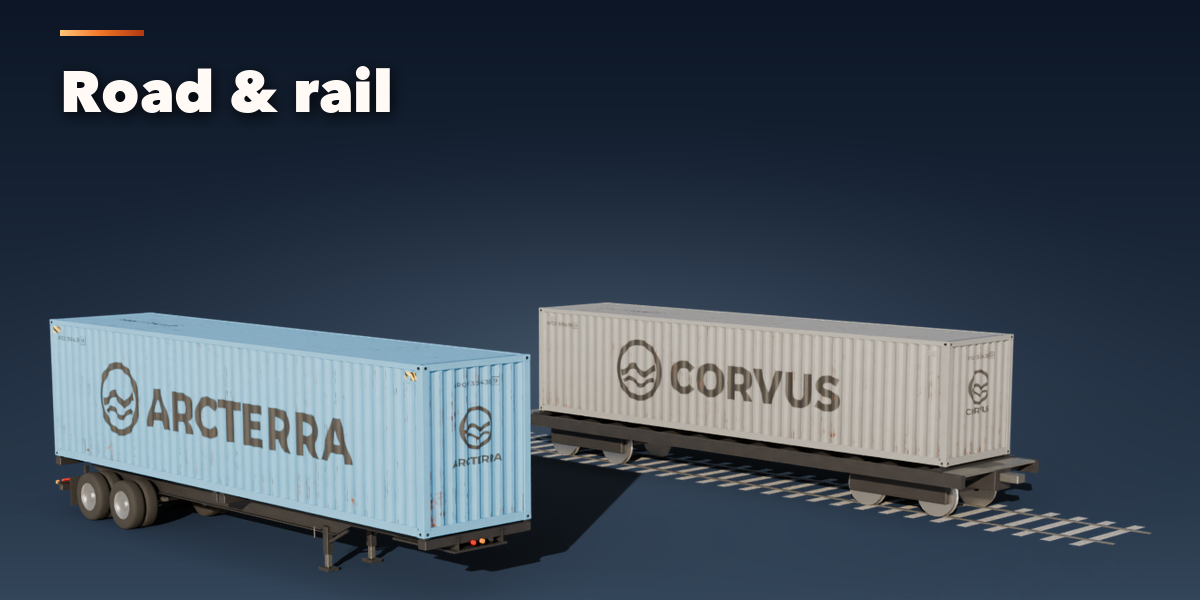
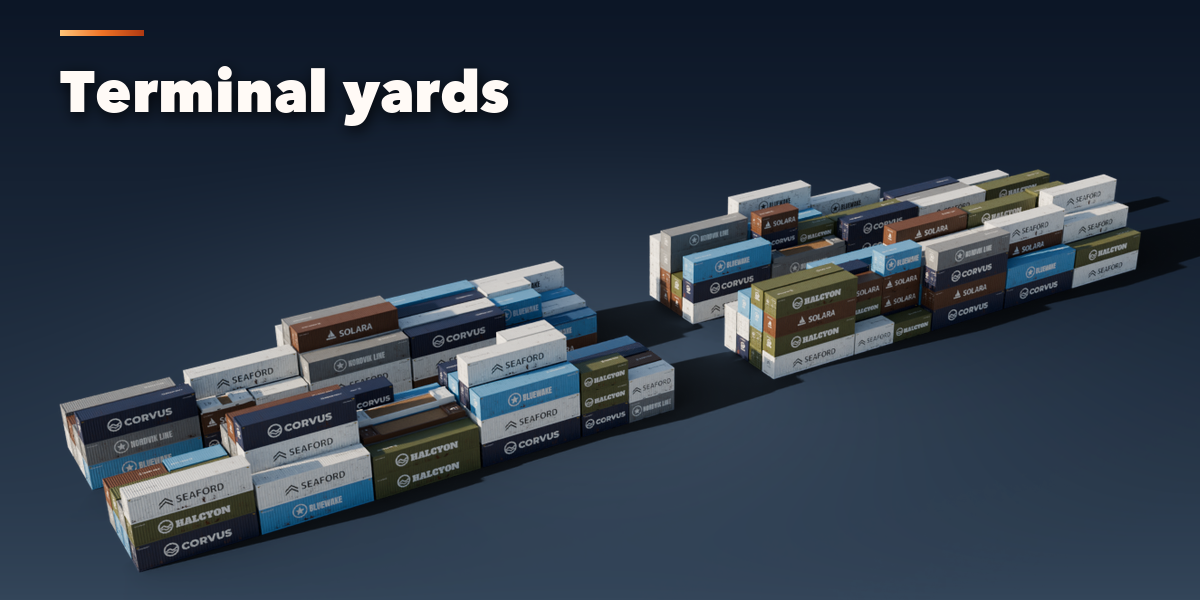
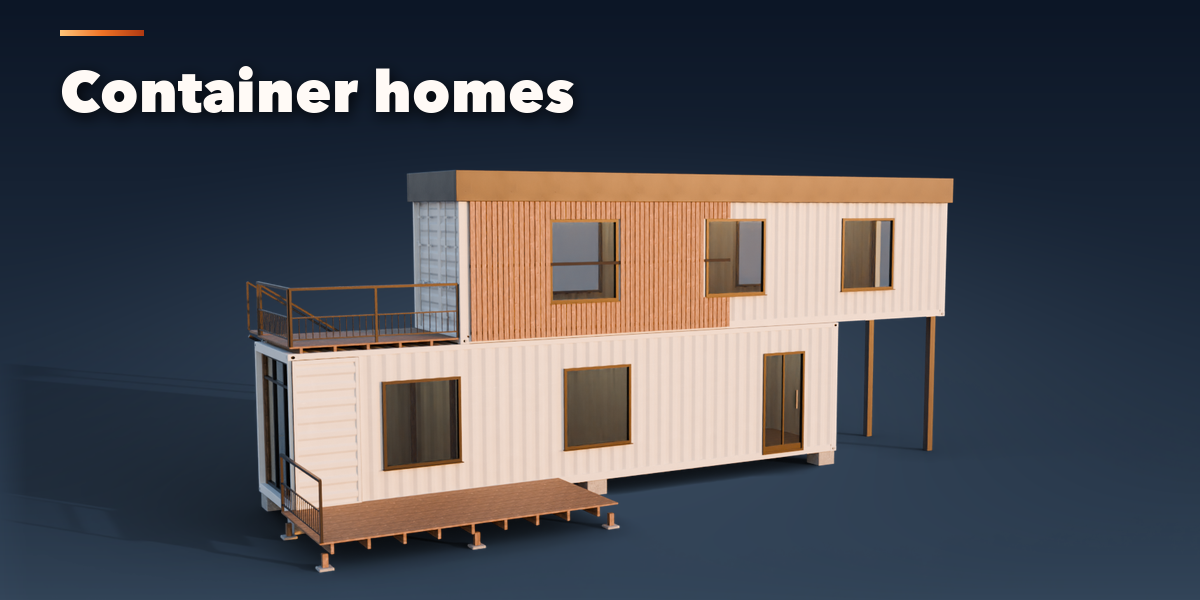
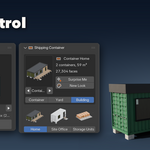
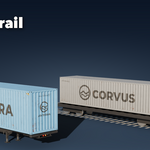
- Open the Container tab in the 3D viewport sidebar (N). With nothing selected, click the big picture to browse the presets, or open a group (Containers, Special, Carriers, Yards, Buildings) and pick one, then press Add to place it at the 3D cursor. You can also use Shift+A, Mesh, Shipping Container.
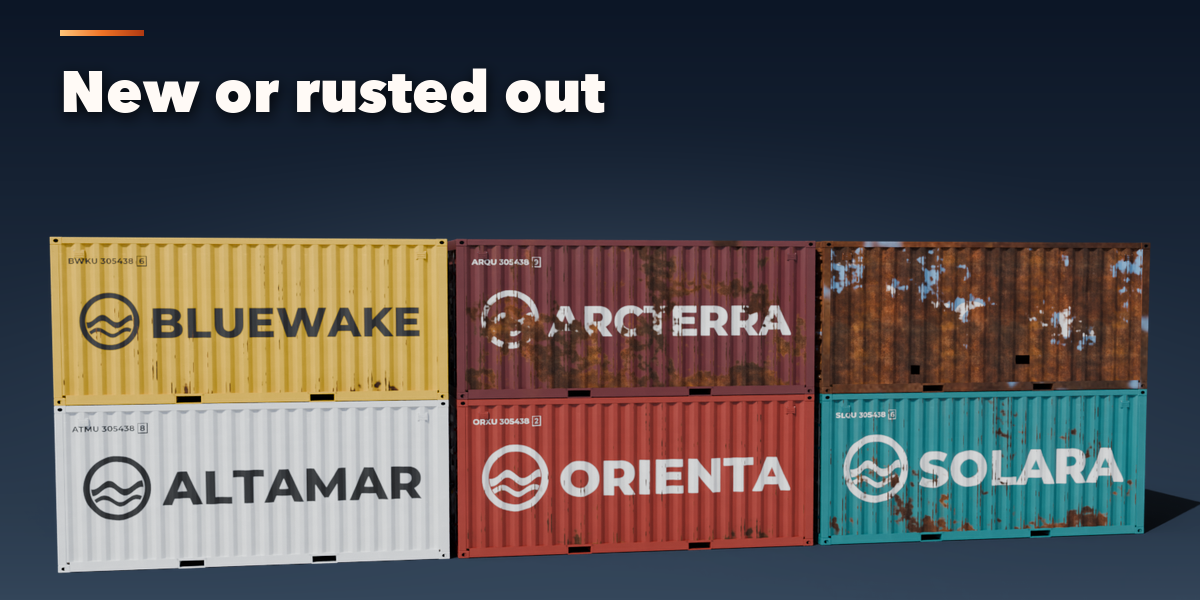
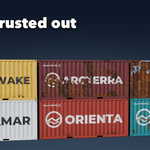
- With a container selected, the gallery at the top switches the whole setup to another preset. Surprise Me makes a random container, New Look keeps the container and paints a new line, color, lettering and wear.
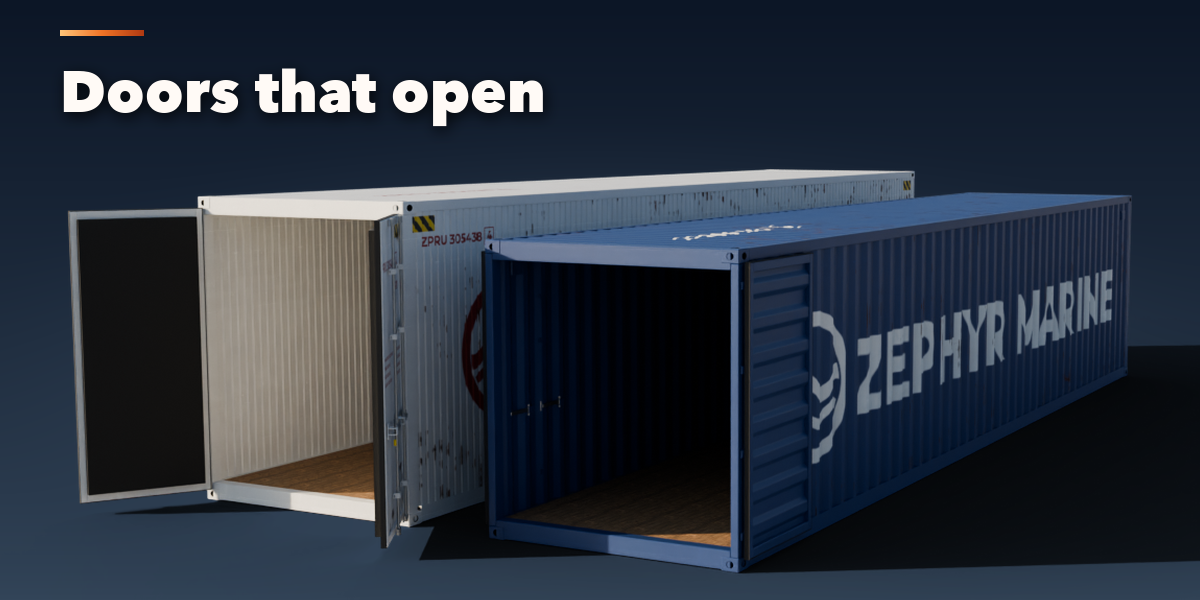
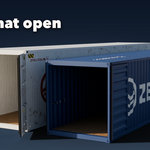
- Doors: drag Doors Open (and Front Open, Side Open, Ends Folded or Flap Open where the type has them). Animate Opening keyframes the slider so the doors open over the frames you choose.
- The collapsible sections hold every setting: Type & Body (type, size, walls, roof, vents, reefer unit, tank frame), Door Styles, Carrier, Livery & Text (line, name, owner code, serial, paint, logo, font, stripe, sign), Wear & Damage and Detail & Export.
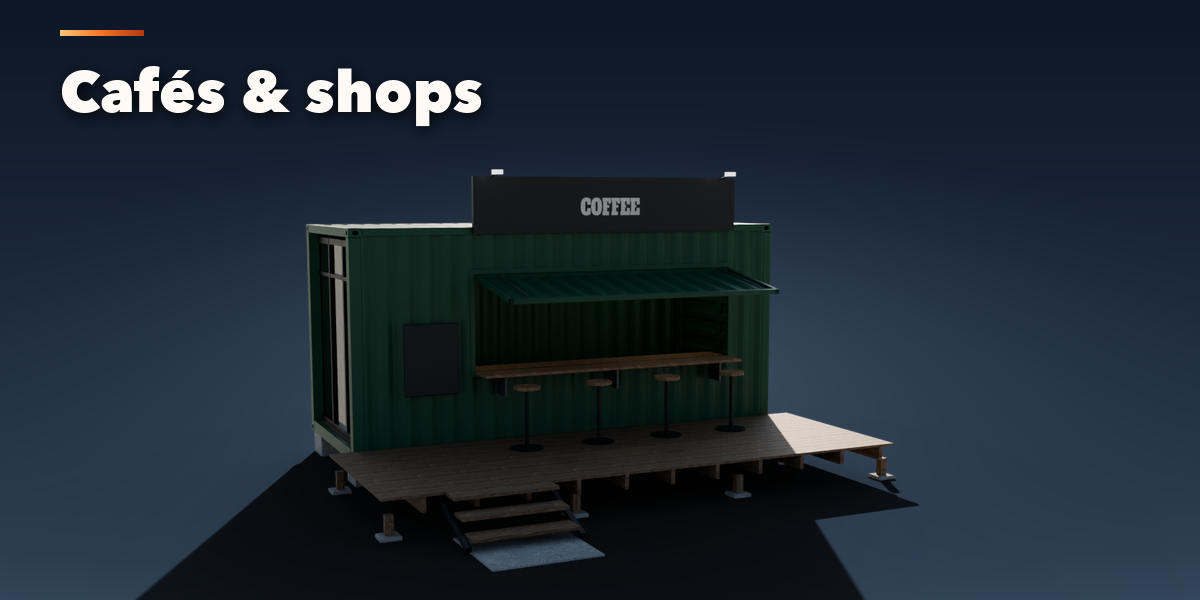
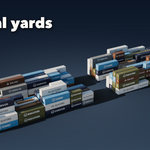
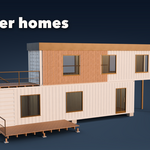
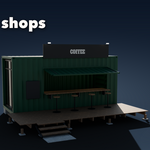
- Set Make to Yard for blocks of stacks (rows, bays, tiers, fill, lanes, mix) or to Building for a home, two storey house, studio, office, café, shop or storage row (windows, glazed end, cladding, roof, deck, stairs, awning).
- Convert to Mesh copies the result as plain meshes for export; Delete removes it with its parts and unused liveries.
All sizes are in meters. The root empty sits on the ground at the center of the container base, with the doors toward -X.
Have questions about this product?
Login to message
| Blender Extension Compatible | Yes |
| Published | about 14 hours ago |
| Blender Version | 4.2 - 5.2 |
| Extension Type | Add-on |
| Render Engine Used | Cycles, Eevee |
| License | GPL |

Discover more products like this
port container Game asset cargo reefer industrial logistics Generator container home shipping container procedural environment