Shmexy Relief Canvas
 VisionAir Studio
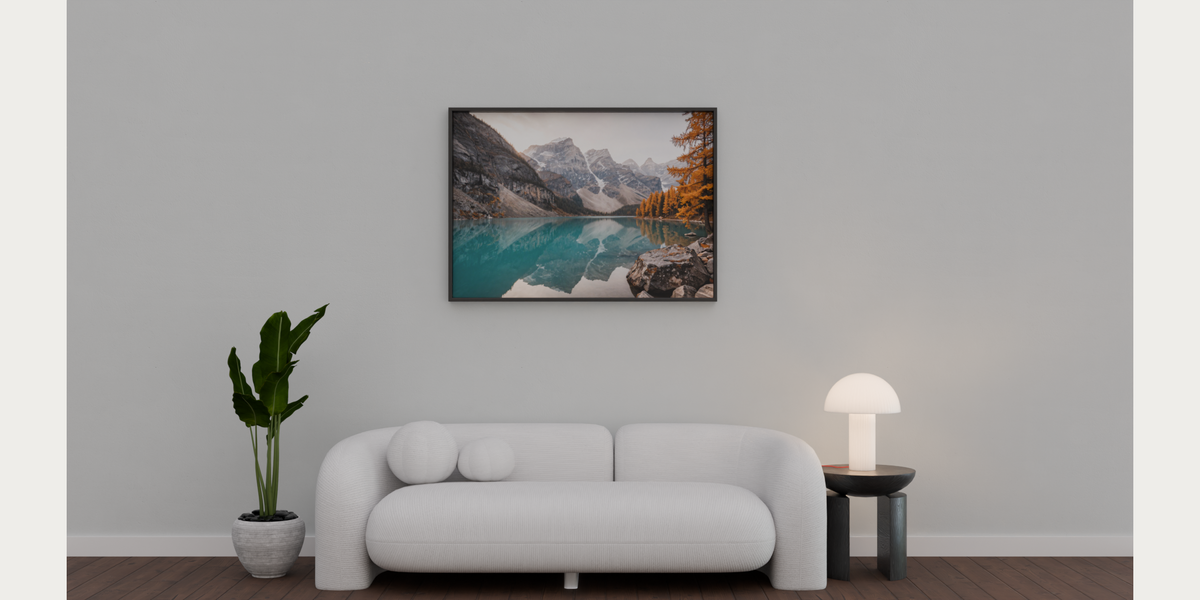
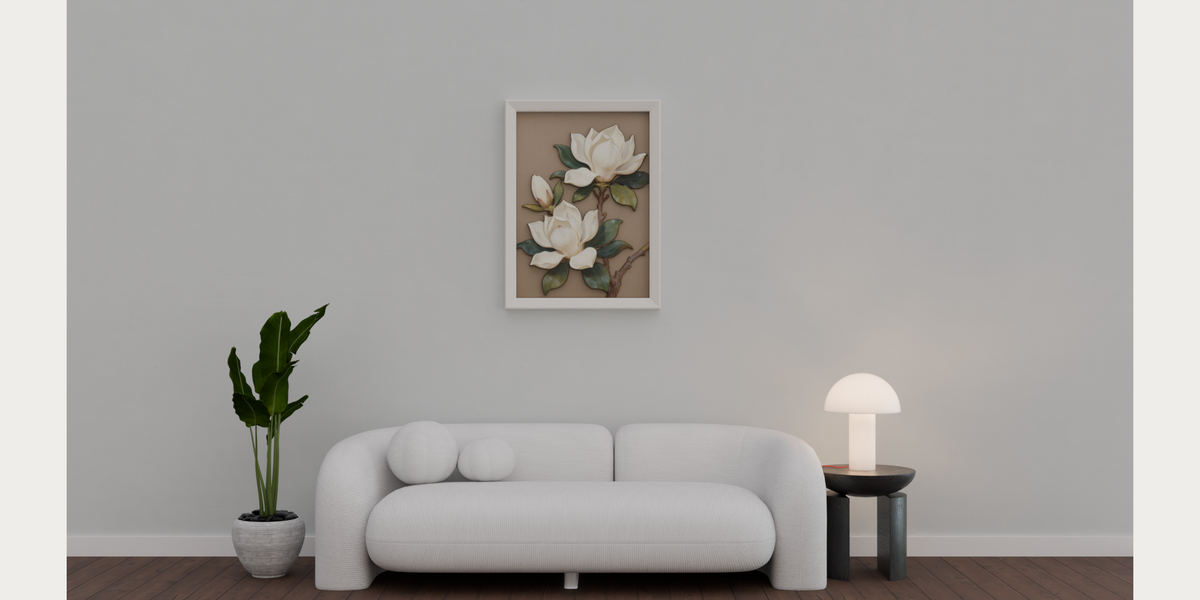
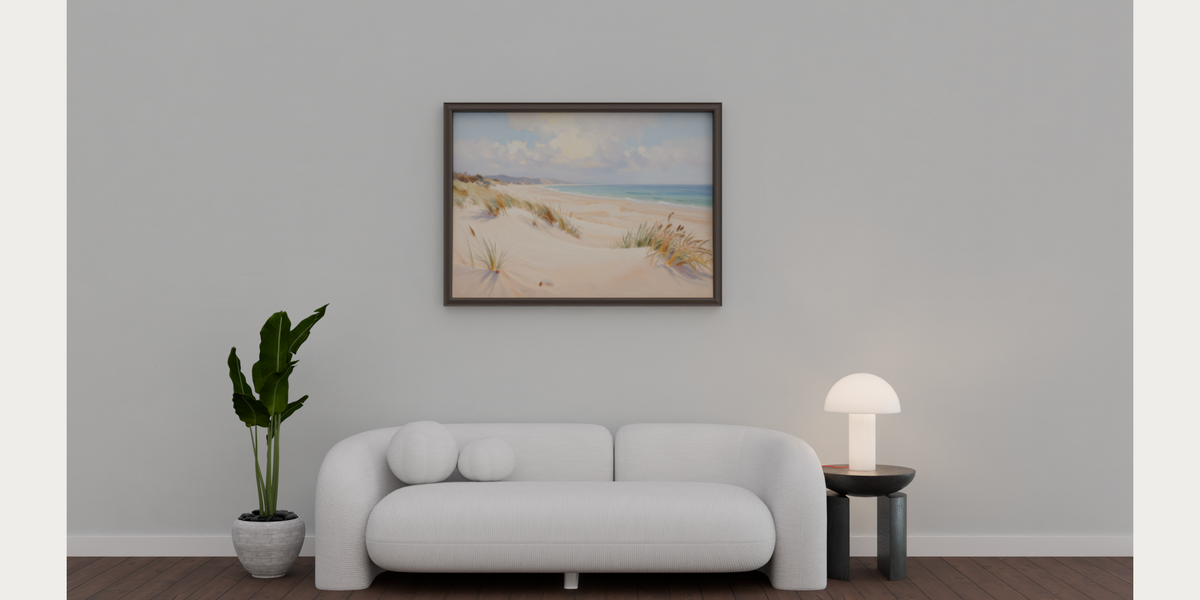
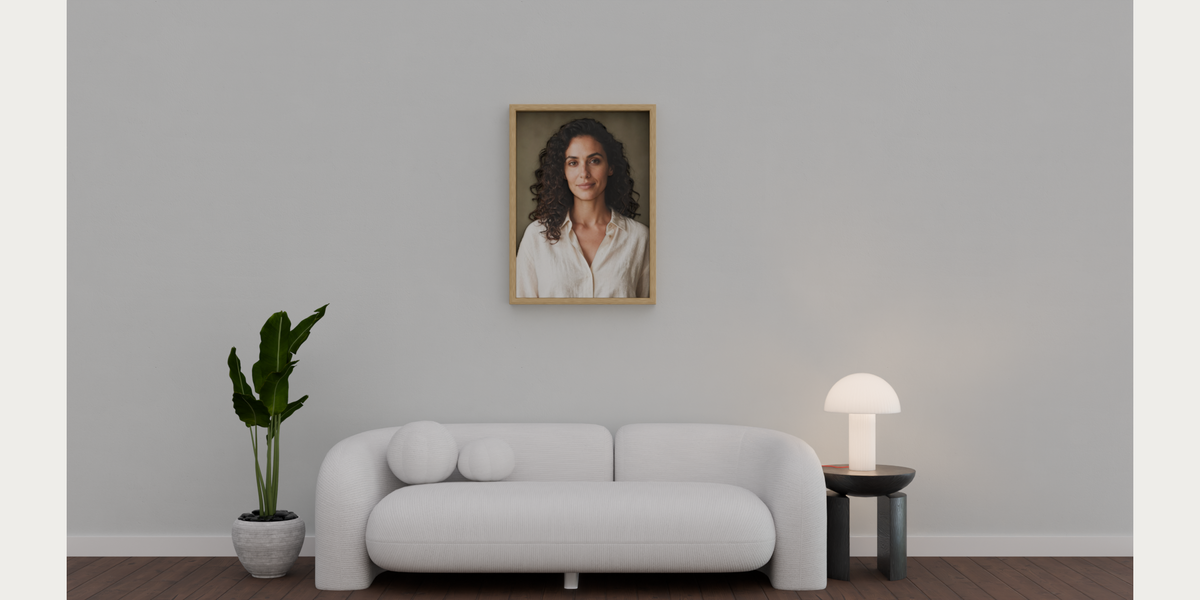
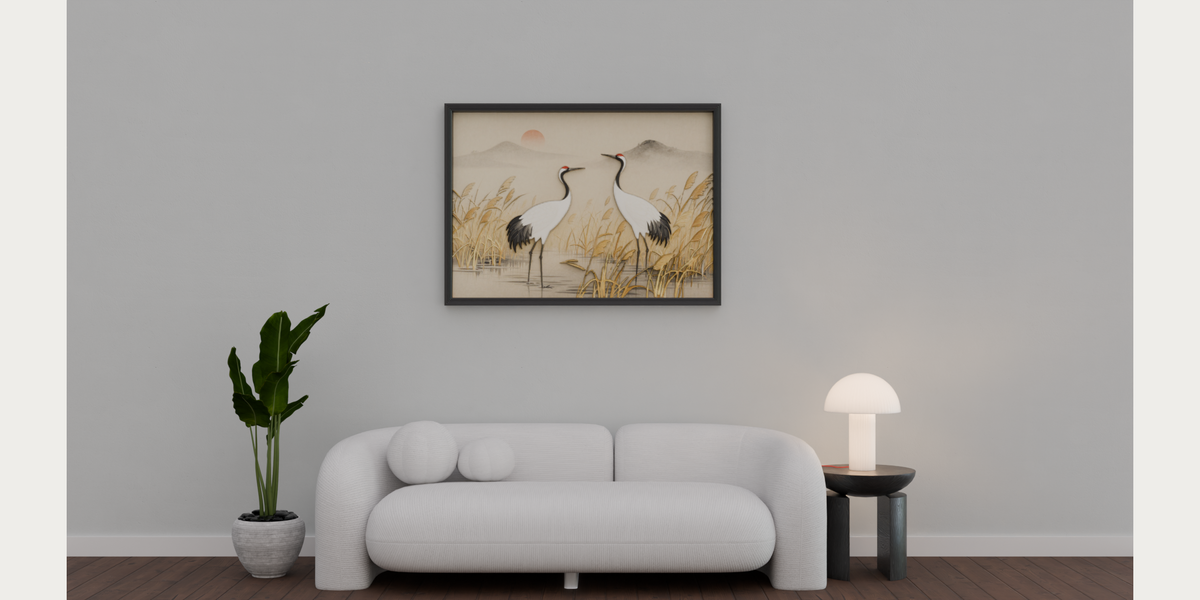
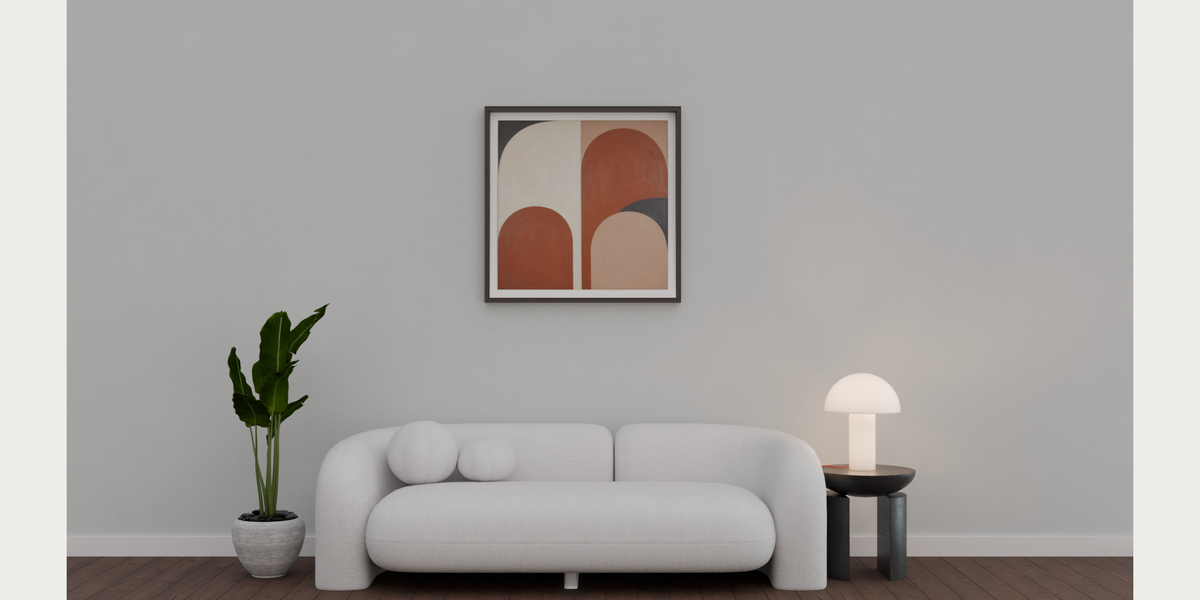
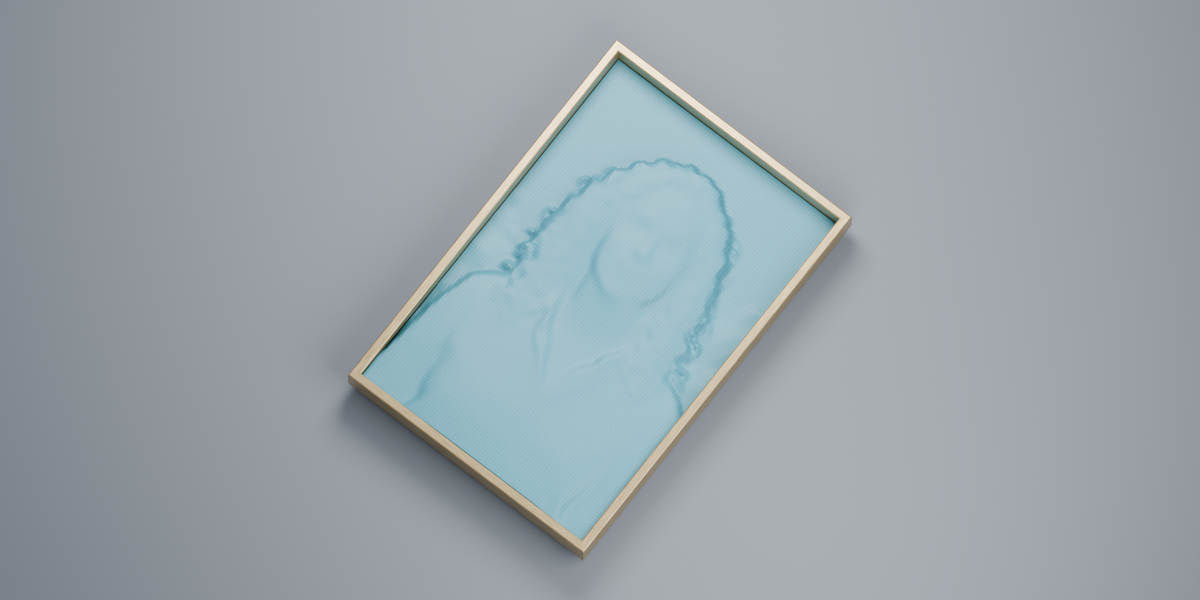
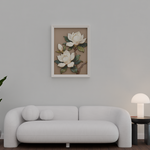
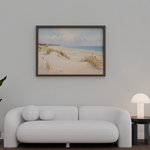
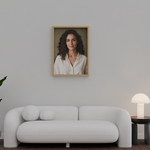
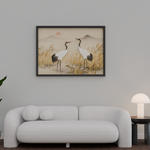
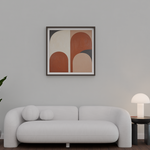
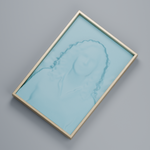
Install Shmexy Relief Canvas 2.1.1
- In Blender, open Edit → Preferences → Add-ons → Install from Disk. Select shmexy-relief-canvas-public-2.1.1.zip. Do not select the source archive.
- Enable the extension. If replacing an older Relief Canvas version, save your work, close Blender fully, and reopen it.
- Open the 3D Viewport sidebar with N and select Shmexy Relief Canvas.
Make a Flat Plane
- Choose your Source Image and select Flat Plane.
- Set the width, choose a Picture Frame preset or No Frame, and click Create Flat Plane.
- The canvas preserves the image proportions. Adjust the width or frame and continue working in Blender.
Make a 3D Relief
- On Windows x64, download shmexy-relief-canvas-depth-windows-x64-1.8.1.zip. Leave it zipped.
- Expand the local depth setup section. Select that ZIP in Offline Runtime Bundle and click Install Offline. Allow about 1 GB of free space.
- Choose your Source Image, select 3D Relief, and choose Portrait, Landscape or Artwork.
- Click Generate Depth once. Adjust depth, smoothing, detail, flattening and width using the live preview.
- Choose a frame preset. Use Apply Full Quality / Create Final before saving or exporting the adjusted relief.
Save and transfer
Save your .blend. Use Save Assets Beside .blend to keep portable image and depth files alongside the project. Export Image & Depth is available for relief; Export Image is available for planes.
Troubleshooting
Cannot find MANIFEST.json? This public version does not use the legacy image-engine manifest or numbered downloads. Install the depth ZIP directly through Offline Runtime Bundle.
Old panels still visible? Save and fully restart Blender after installing this version. Public and private editions share the relief_canvas extension ID; enable one edition per Blender installation.
Depth looks imperfect? Single-image depth is an estimate. Try the matching subject preset, reduce relief strength and refine the live controls. Hidden surfaces cannot be reconstructed from one photograph.
Requirements and licensing
Windows x64; Blender 4.5 or newer, validated on 4.5.13 and 5.2.1. Flat Plane needs no depth setup. Depth estimation runs locally on the CPU or a supported provider after installing the optional runtime. No ComfyUI, cloud account or AI image-generation engine is required.
The add-on source is GPL-3.0-or-later. Depth Anything V2 Small is licensed under Apache 2.0, with license and provenance notices included. User-supplied images retain their respective rights. The separate compiled depth-runtime package remains subject to Superhive exception review before marketplace release.
Have questions about this product?
Login to message
| Blender Extension Compatible | Yes |
| Published | about 7 hours ago |
| Blender Version | 4.5 - 5.2 |
| Extension Type | Add-on |
| Render Engine Used | Cycles, Eevee |
| License | GPL |
Discover more products like this
modeling canvas relief Interior Image Import depth picture frame wall-art