 ZEG
Installation
In Blender open Edit, Preferences, Get Extensions, then use Install from Disk and pick the zip.
Usage
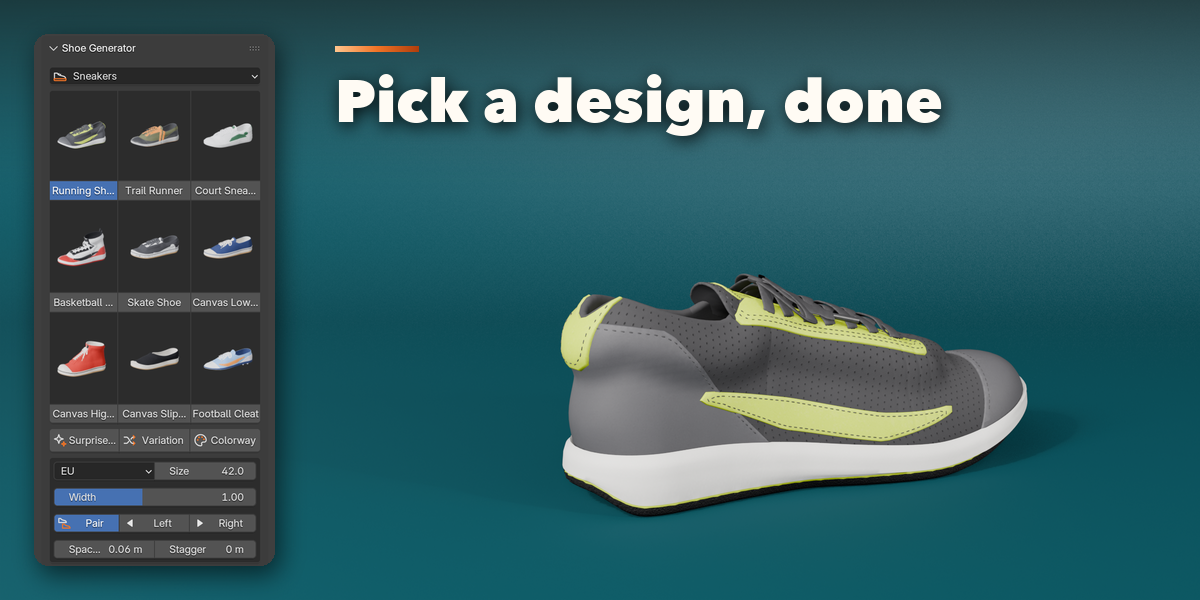
- Open the 3D viewport sidebar (N) and the Shoe tab.
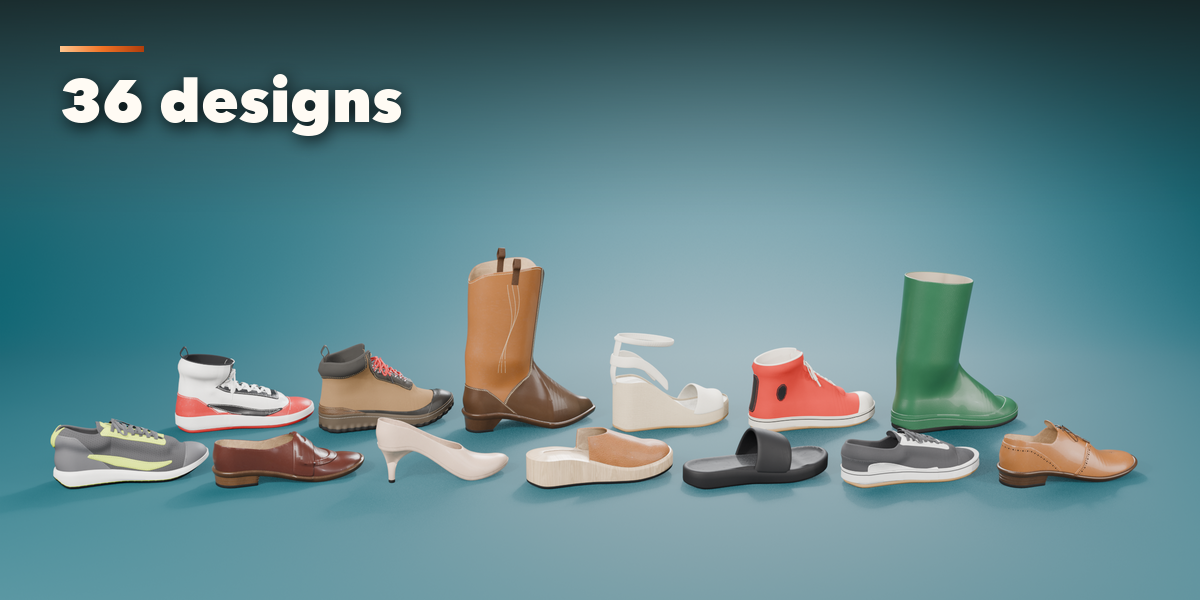
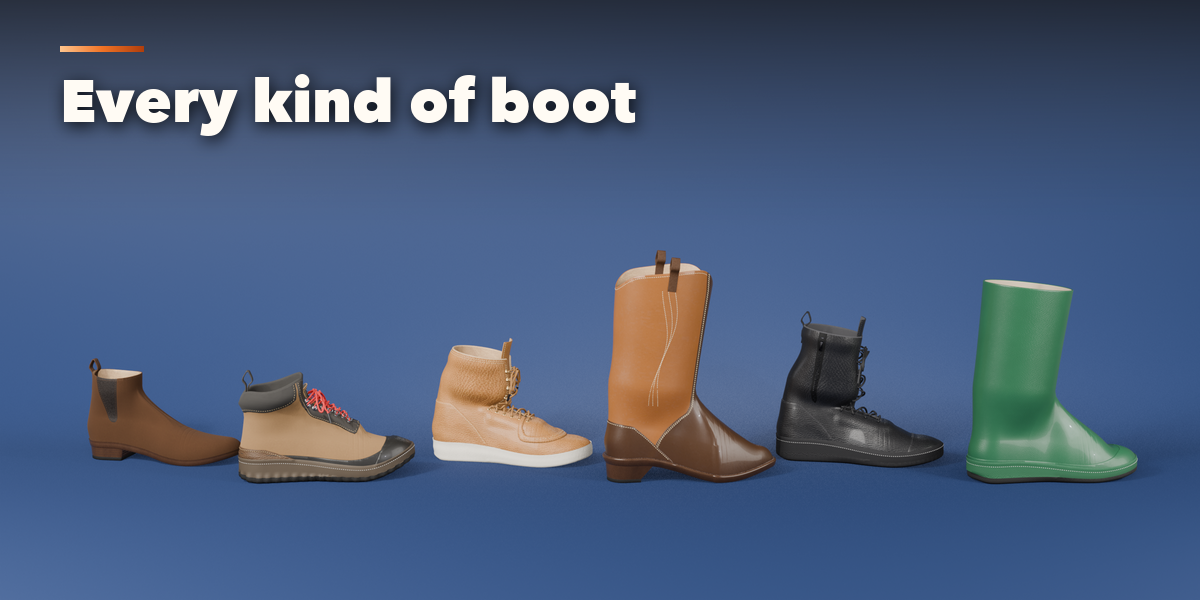
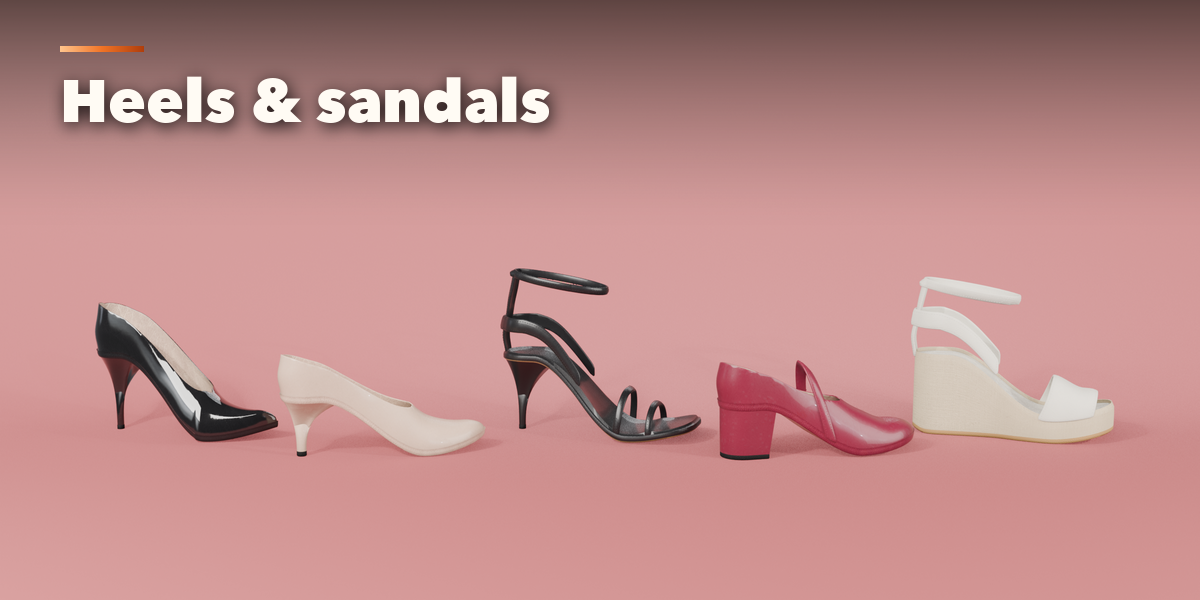
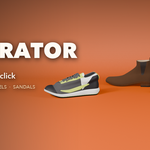
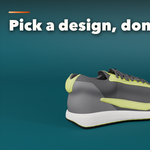
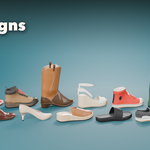
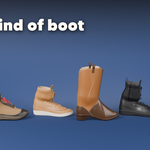
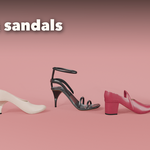
- Choose a family (Sneakers, Dress & Loafers, Boots, Heels, Flats & Sandals) and click a design picture to add a pair.
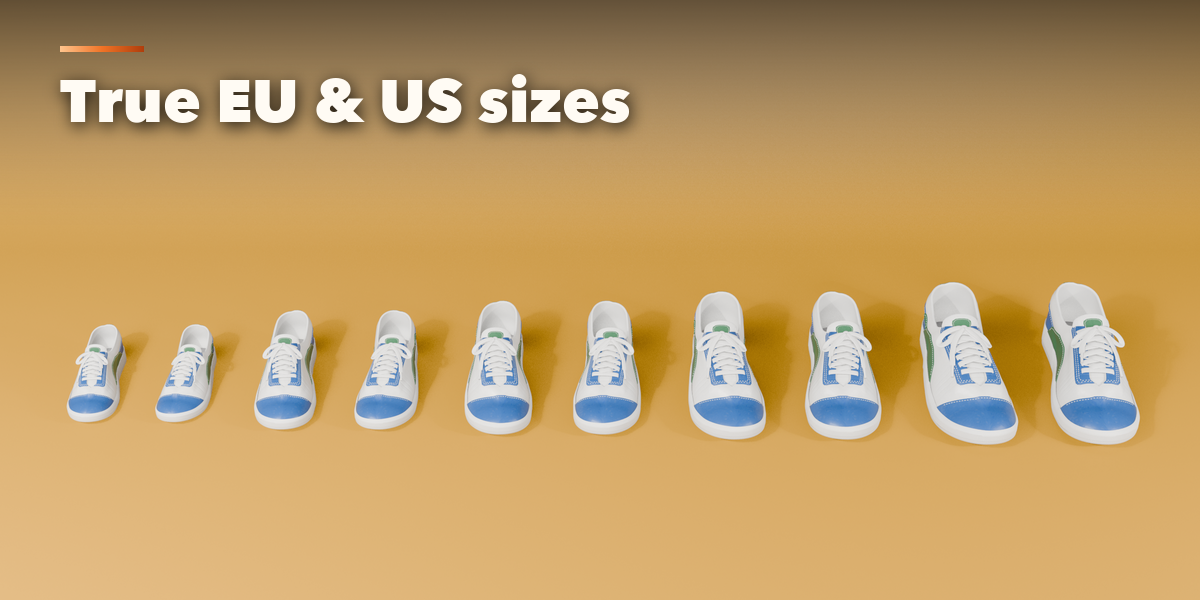
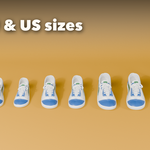
- Set the size system and size, and whether to show the left, right or both shoes.
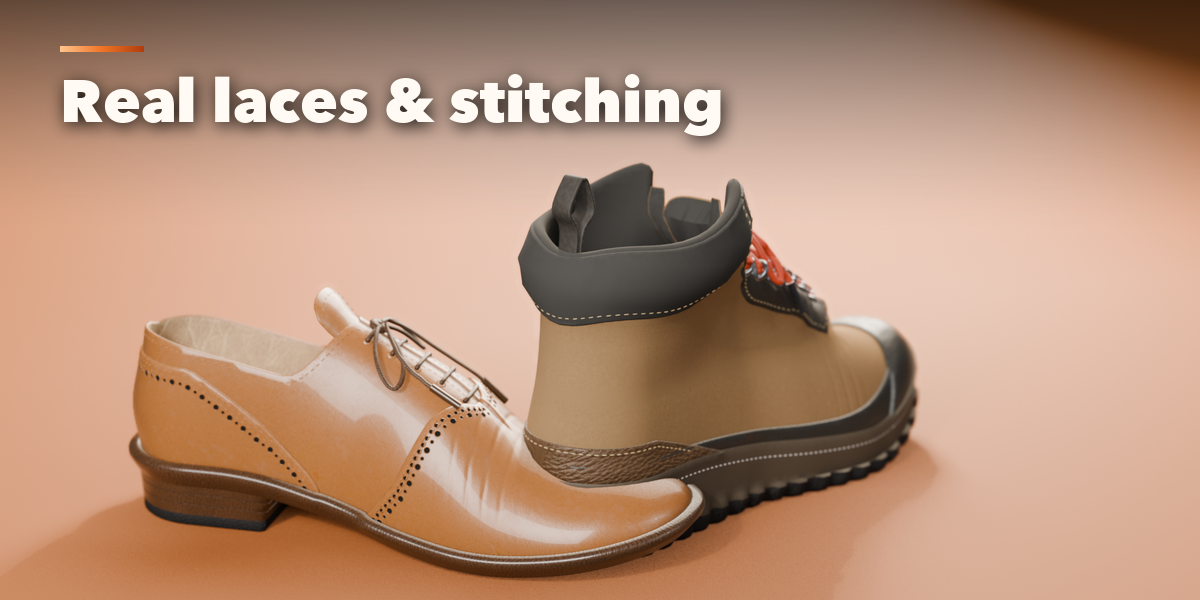
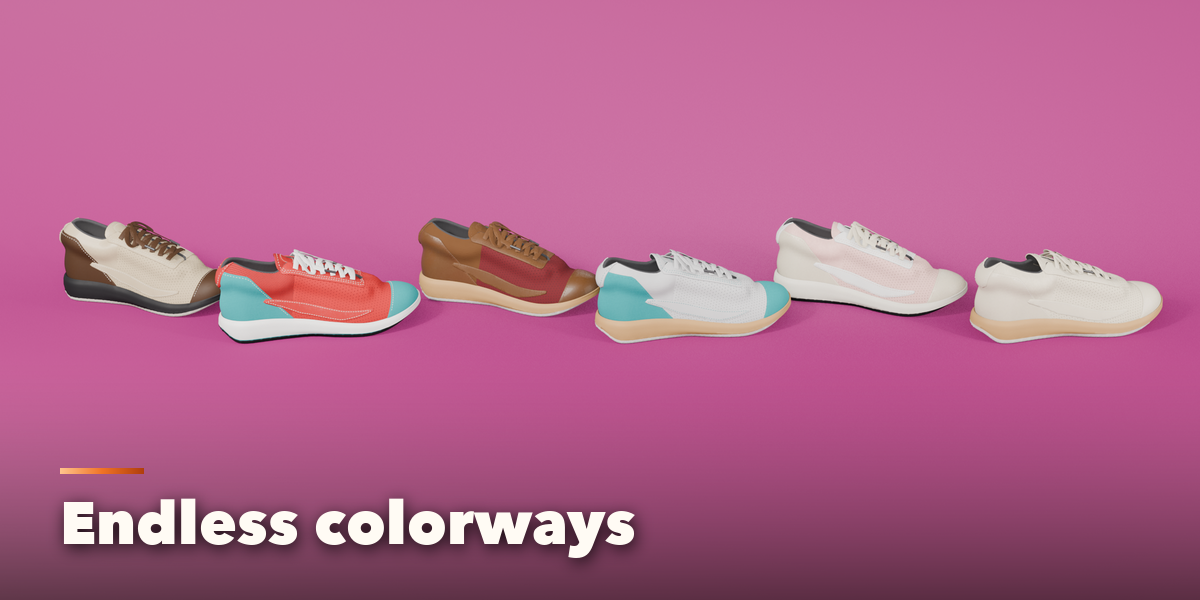
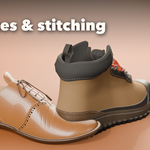
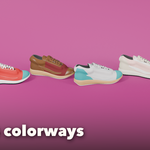
- Fine tune the Upper, Lacing, Sole & Heel and Materials sub-panels, or press Randomize.
- Use Photo Studio for a ready lit scene, or Convert to Mesh to export.
Have questions about this product?
Login to message
| Blender Extension Compatible | Yes |
| Published | about 3 hours ago |
| Blender Version | 4.2 - 5.2 |
| Extension Type | Add-on |
| Render Engine Used | Cycles, Eevee |
| License | GPL |
