Shoemaster_Beta 0.8.8
 ShoeMaster


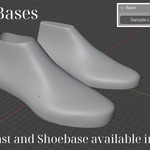
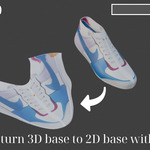
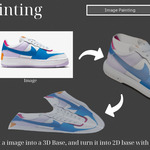
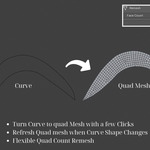
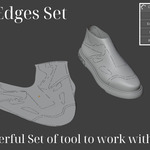
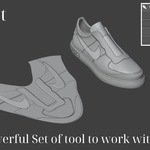

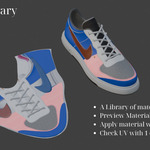

Installation:
Steps as below:
- Edit > Preferences > Add-Ons
- Click the “Install…” button in the top right of the window
- Find the Add-On file to install
- Click “Install Add-on”
- Check the checkbox to enable the addon.
Asset Libraries
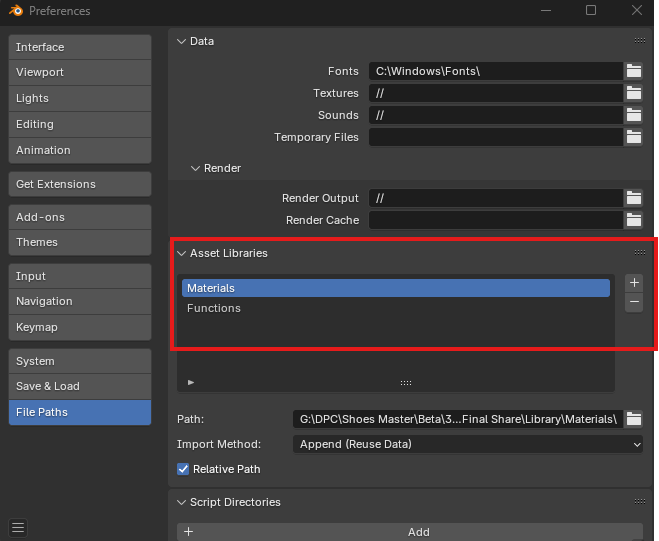
We will need to link the assets lirbrary to use the Addon. You will see a folder named Library in the download which contain 2 folders inside named Functions and Materials, you will need to:
1. Edit > Preference> File Paths
2. In the Section Asset Library > hit + to browse to the 2 Folders as shown below
Supporting Addons
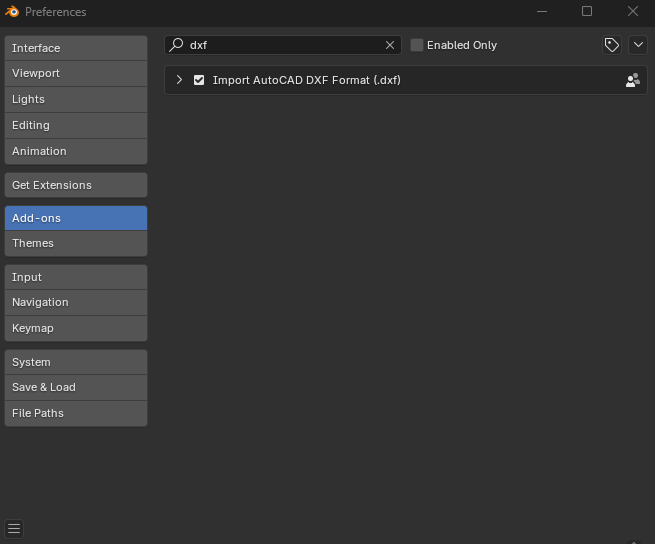
1. Import Autocad DXF Format: In case you don't see the "Import Pattern" button in the Panel. You will need to install the "Import Autocad DXF format" to display the "Import Pattern". See below
2. Bsurface (Optional)
This amazing addon will support to make complex and Clean 2D retopogy mesh on 2D before remaping to 3D Base. See below to install Bsurface
Go to Edit > Preferences > Get Extensions.
Ensure Online Access is enabled (check the box if prompted).
Search for "BSurfaces GPL Edition" in the search bar.
Click Install next to the extension.
Wait for the download and installation to complete.
Enable the extension by checking the box in Preferences > Add-ons.
Usage
Please see all tutorials here: ShoeMaster - YouTube
Update
Beta 0.8.7 (July 9, 2025)
Current Version
Have questions about this product?
Login to message
| Sales | 100+ |
| Published | over 1 year ago |
| Blender Version | 4.3 |
| Extension Type | N/A |
| Render Engine Used | Cycles, Eevee |
| License | GPL |