 ZEG
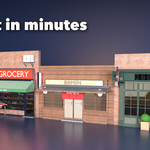
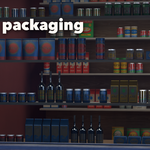
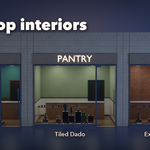
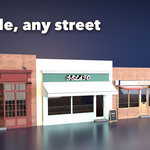
Installation
In Blender open Edit, Preferences, Get Extensions, then use Install from Disk and pick the storefront_generator zip.
Usage
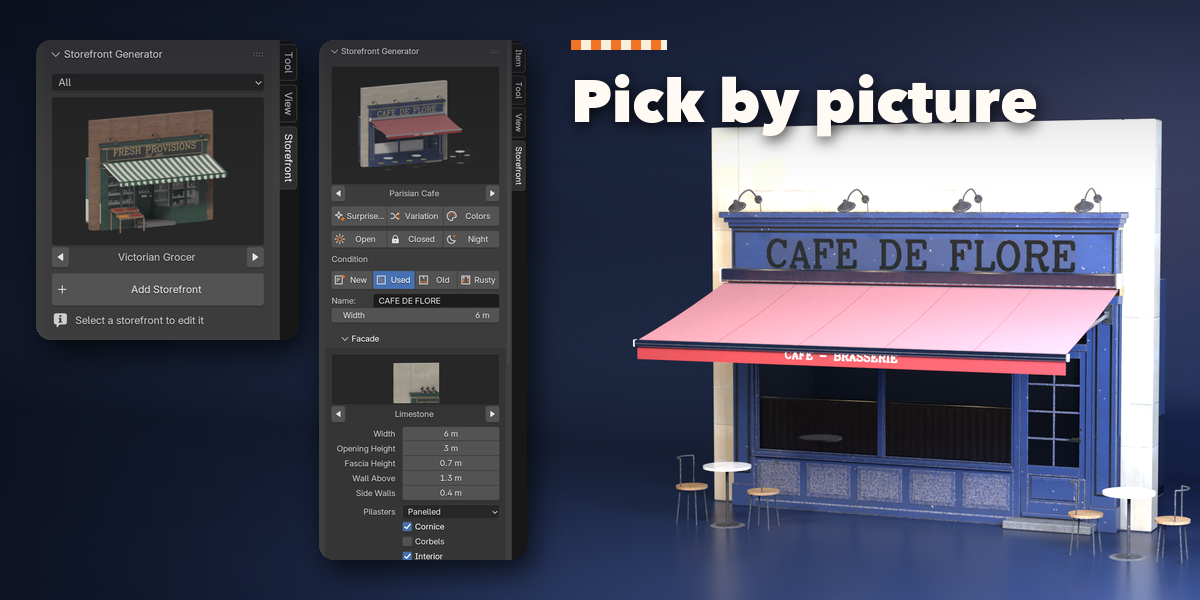
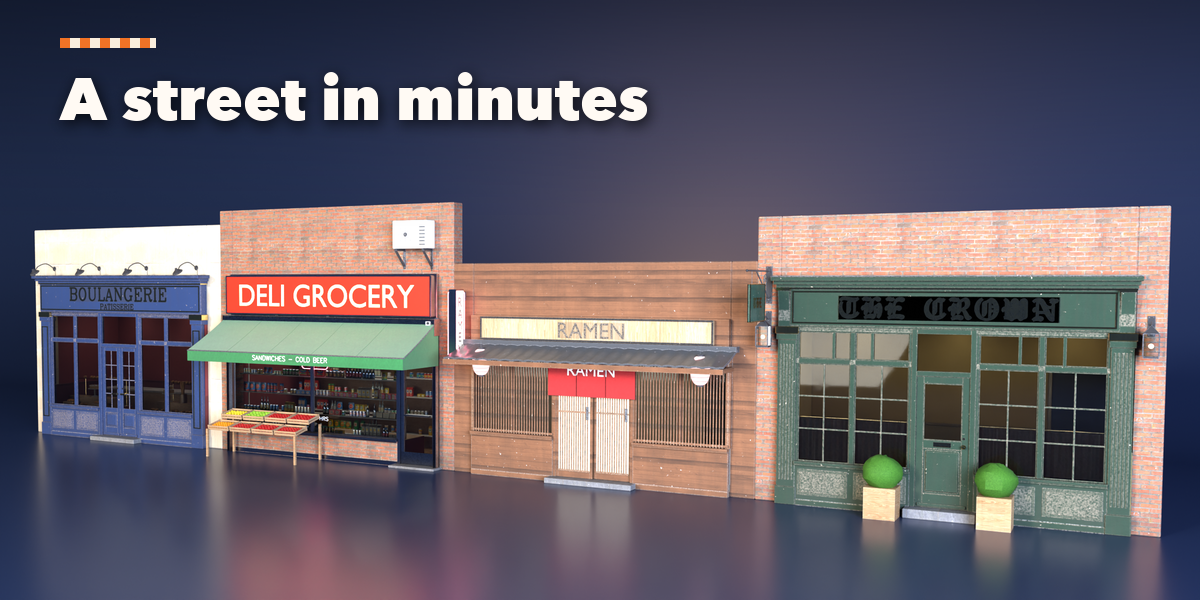
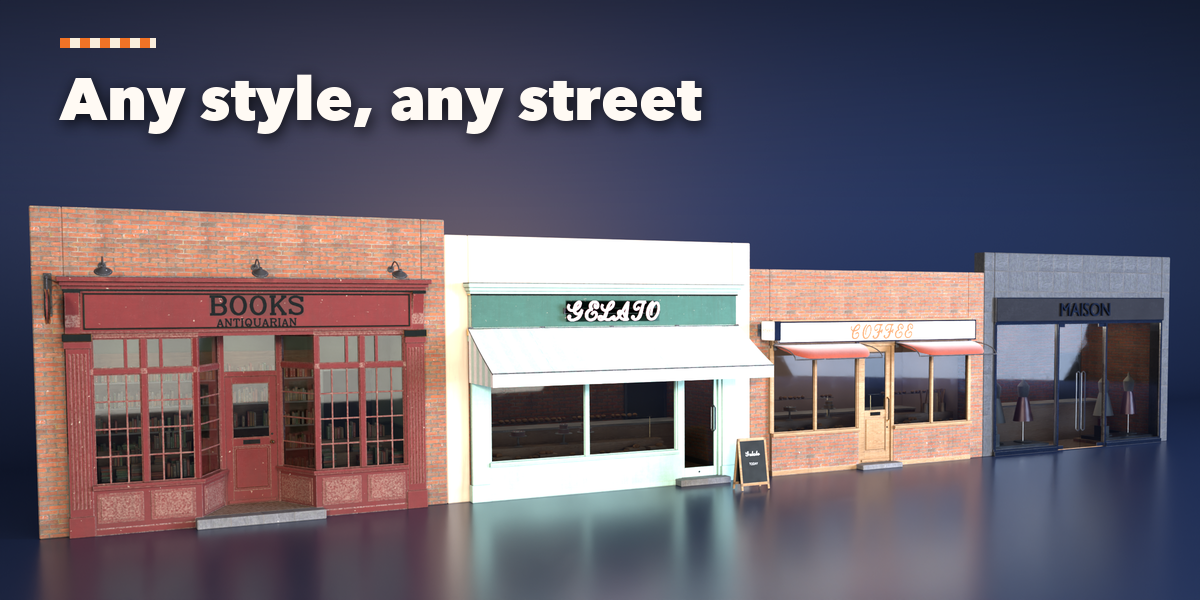
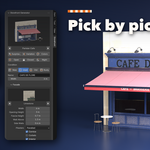
- Open the Storefront tab in the 3D viewport sidebar (N). With nothing selected, pick a style, click the picture to choose a design from the gallery, then press Add Storefront. It appears at the 3D cursor.
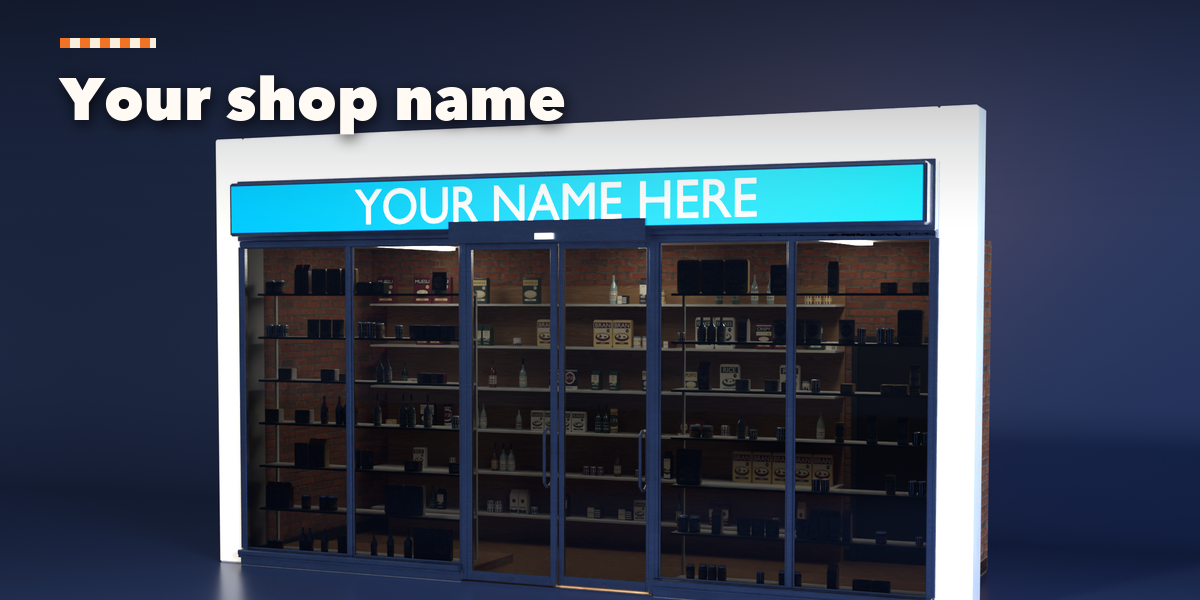
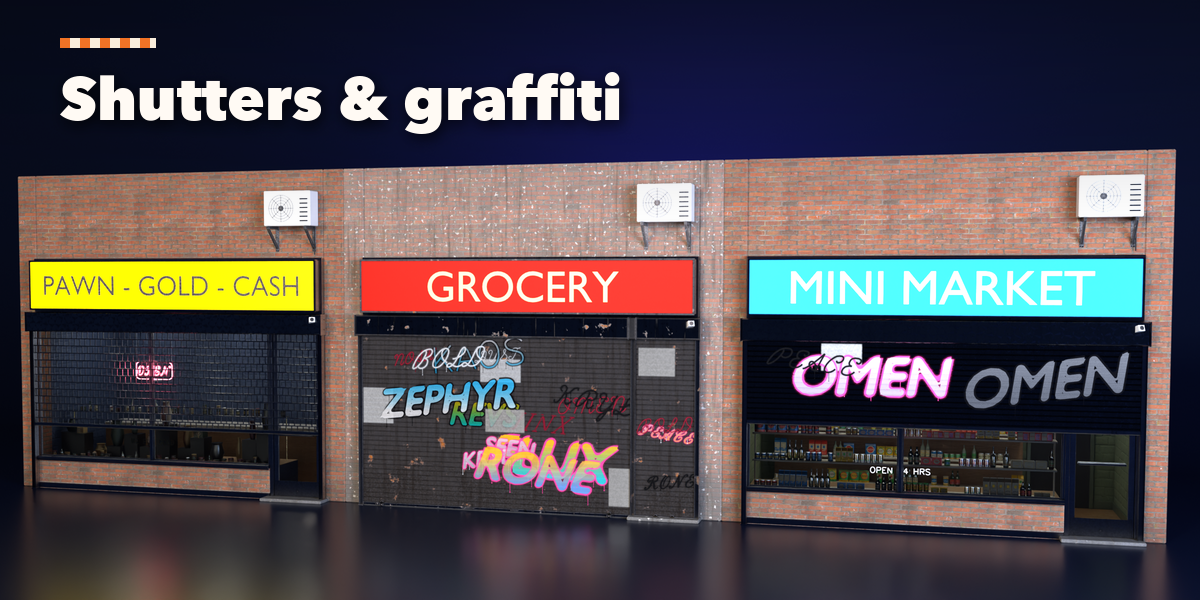
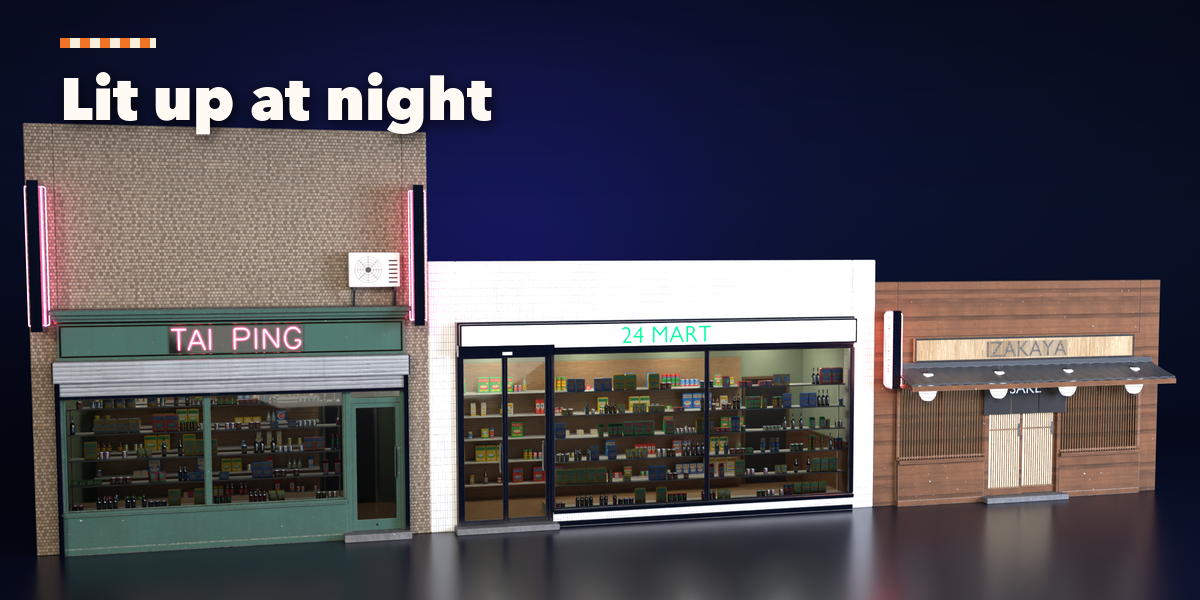
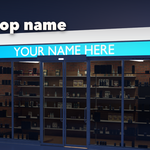
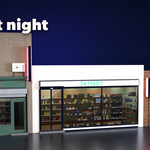
- Type the shop name in the Name field and set the width. Surprise Me picks a random design, Variation changes sizes and details, Colors repaints it. Open, Closed and Night switch the shop's state in one click.
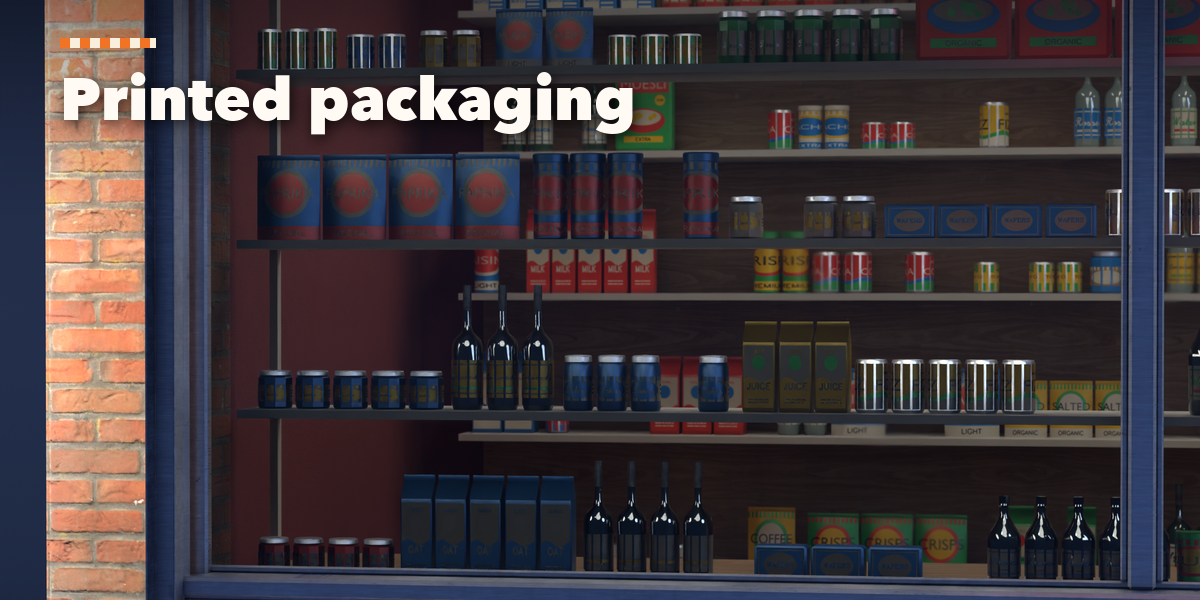
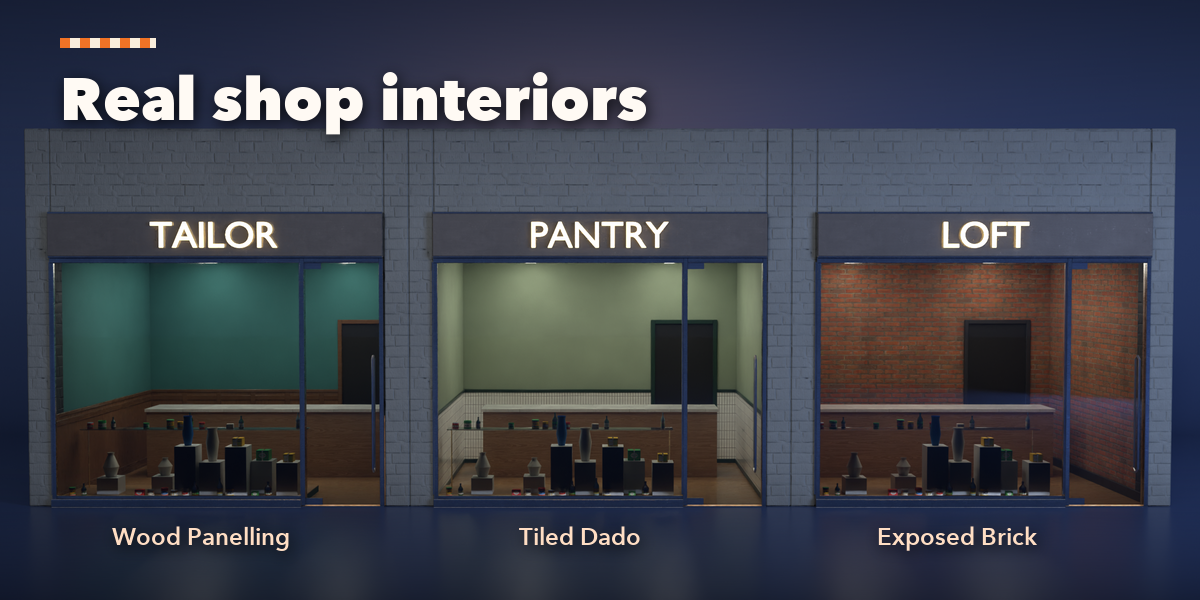
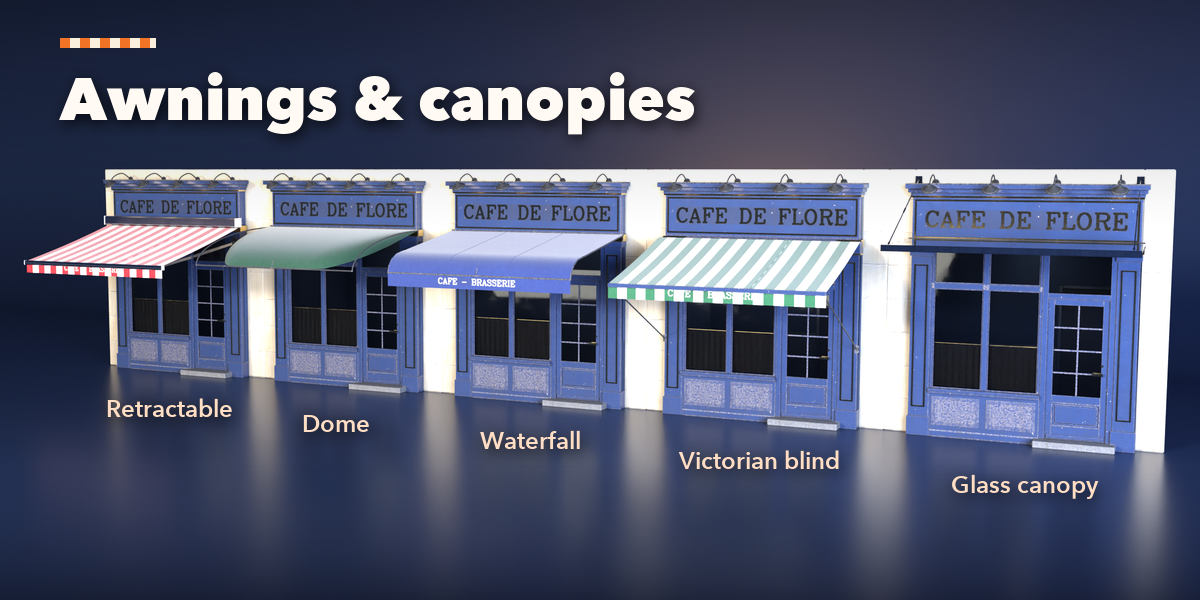
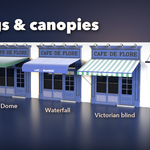
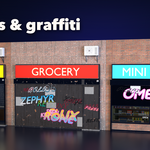
- The panels below hold every part: Facade (wall, sizes, pilasters, cornice, interior, pavement), Windows, Door, Awning, Shop Sign, Shutters, Projecting Sign, Window Display, Street Extras and Materials & Colors. Rare options sit in the collapsed More sub-panels.
- Output sets the detail level, shows the face count, and has Reset, Make Plain (keep it as an ordinary mesh) and Delete.
Each shop front is one mesh object with one material per part, so it exports cleanly to FBX or glTF. Selecting another object shows the add-new screen again.
Have questions about this product?
Login to message
| Blender Extension Compatible | Yes |
| Published | about 3 hours ago |
| Blender Version | 4.2 - 5.2 |
| Extension Type | Add-on |
| Render Engine Used | Cycles, Eevee |
| License | GPL |

Discover more products like this
awning shop-front Shop city facade street Generator neon storefront procedural sign store