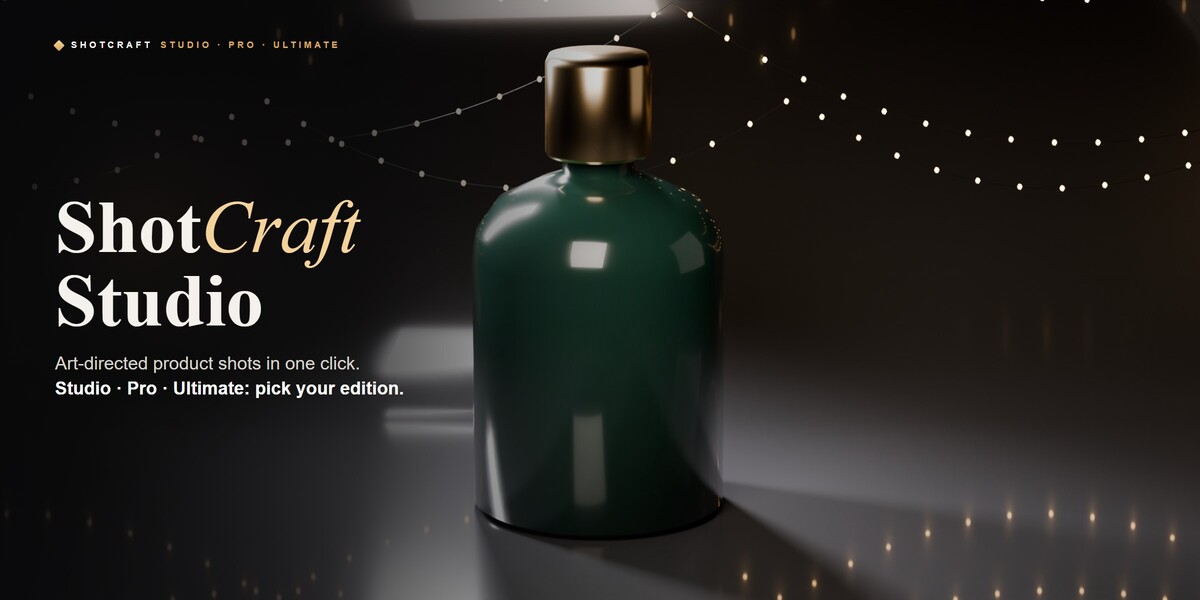
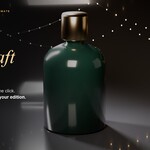
ShotCraft Studio – One-Click Product Photography (Studio, Pro & Ultimate)
 ASHISH KUMAR MAURYA
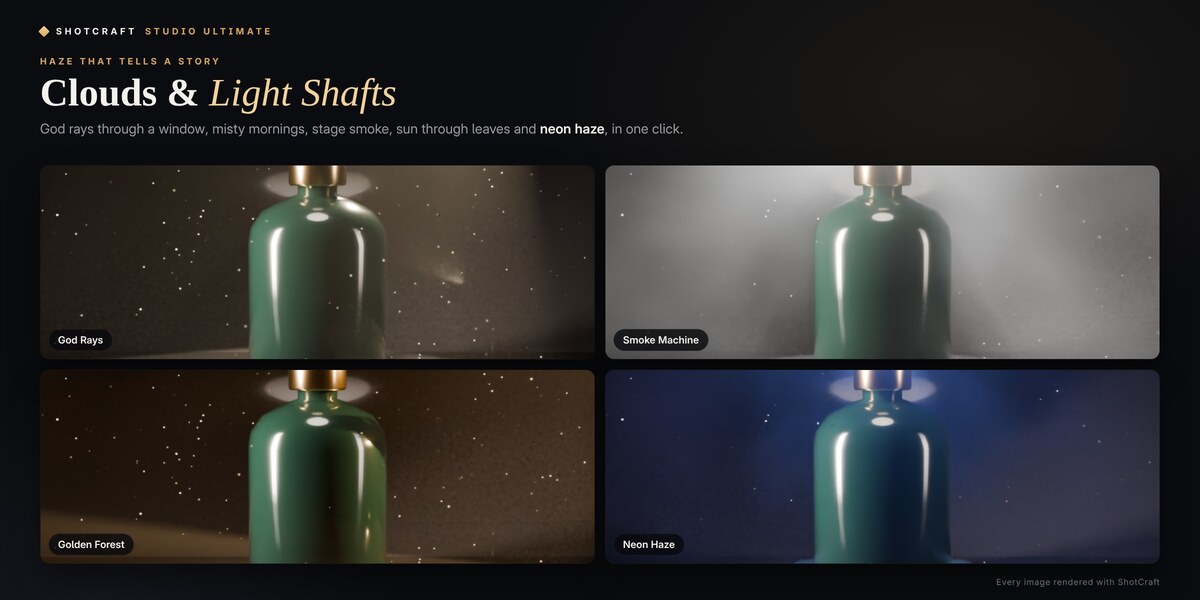
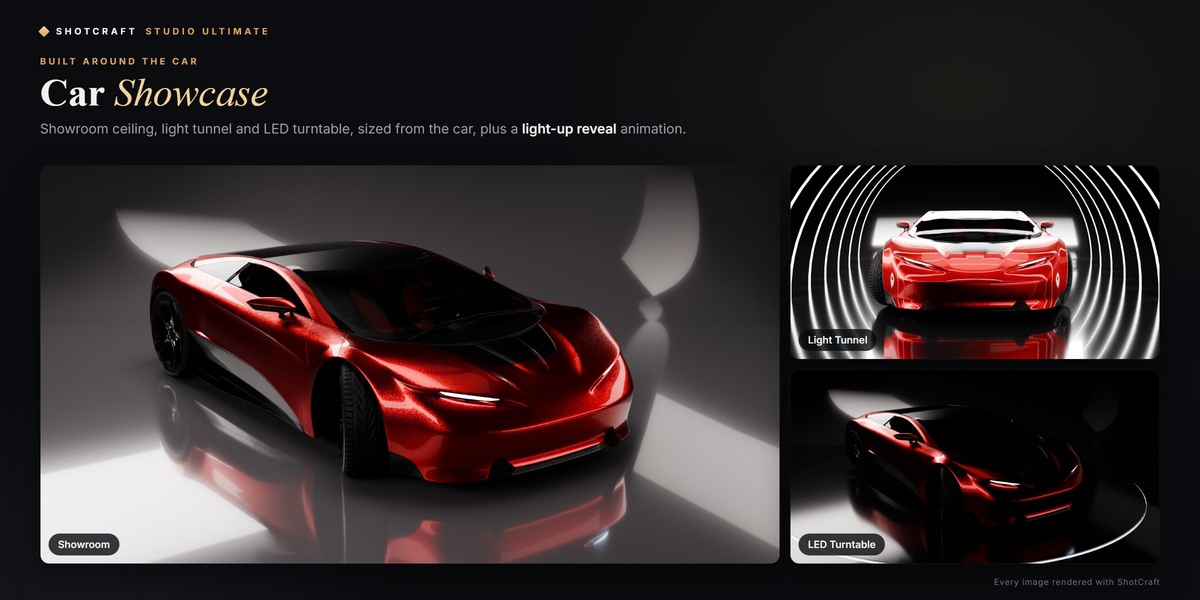
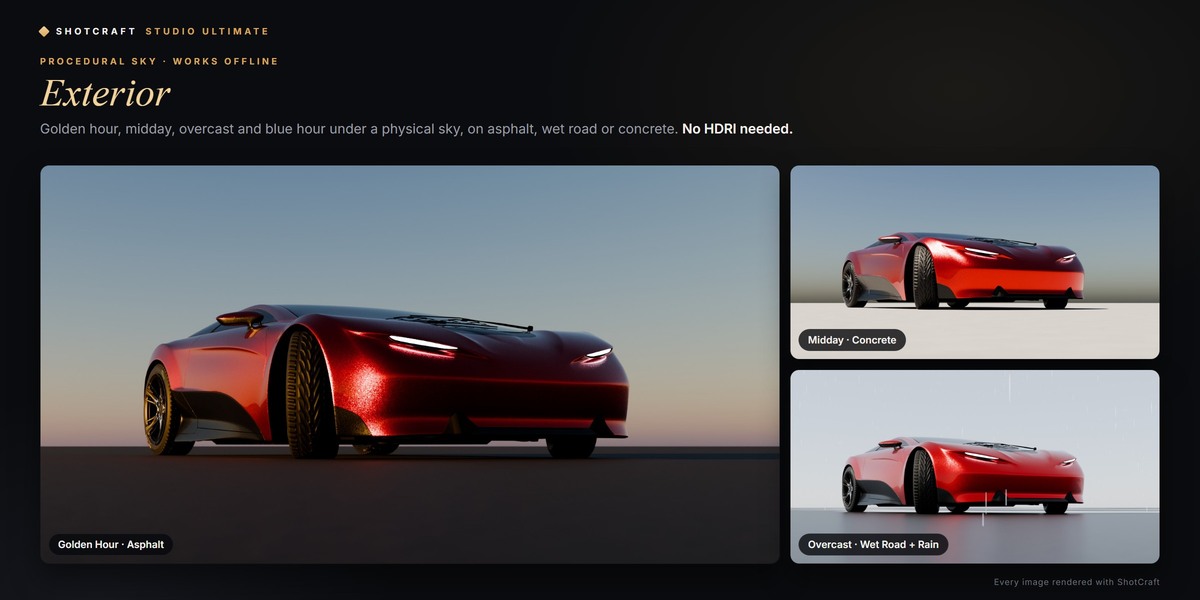
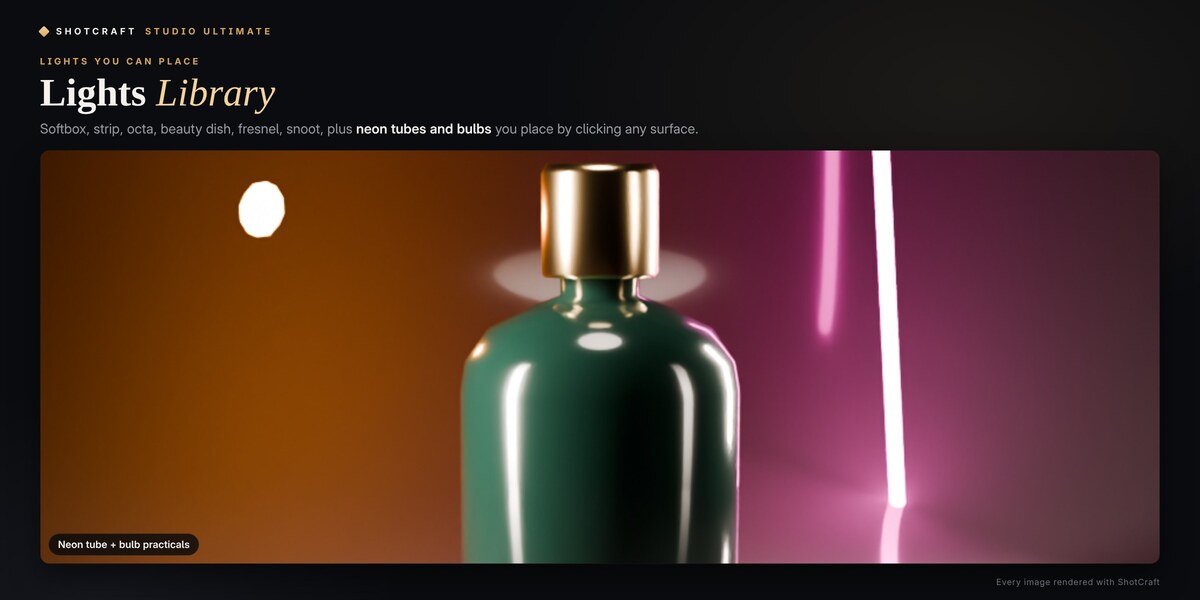
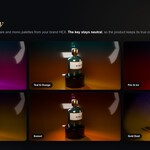
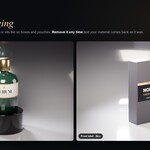
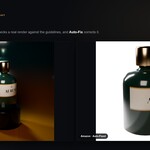
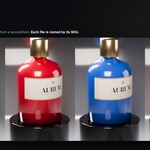
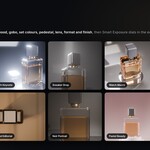
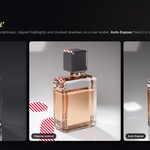
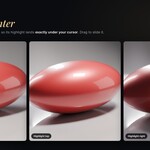
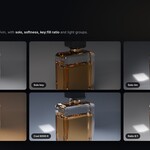
Installation
- Download the zip of the edition you bought. Do not unzip it.
- Edit → Preferences → Get Extensions → the ⌄ menu (top right) → Install from Disk… and choose the zip.
- Upgrading to a bigger edition? Disable the old edition first. Pro and Ultimate contain everything in the editions below them and open their scenes as they are.
- In the 3D Viewport press N and open the ShotCraft tab.
Requirements: Studio 1.0 needs Blender 5.0 or newer (tested on 5.0.1, 5.1.2 and 5.2.2). Pro 2.0 and Ultimate 3.0 need Blender 4.5 LTS or newer (tested on 4.5.14, 5.0.1, 5.1.2 and 5.2.2). A GPU is recommended for Cycles; CPU works.
Documentation
Quick start
- Select your product and click the eyedropper next to Subject.
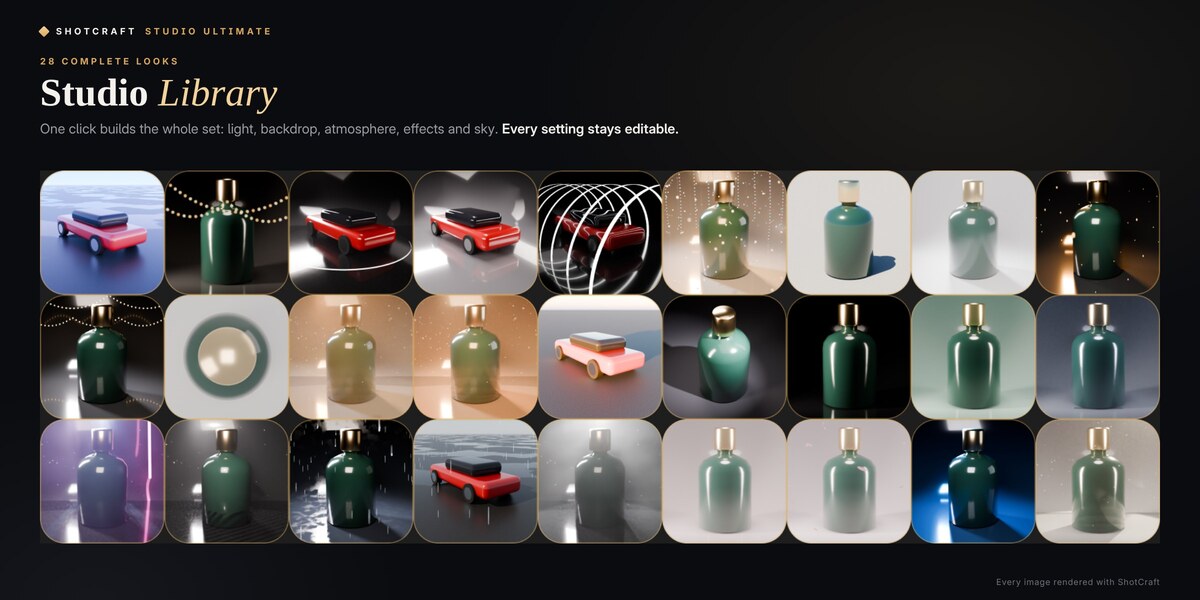
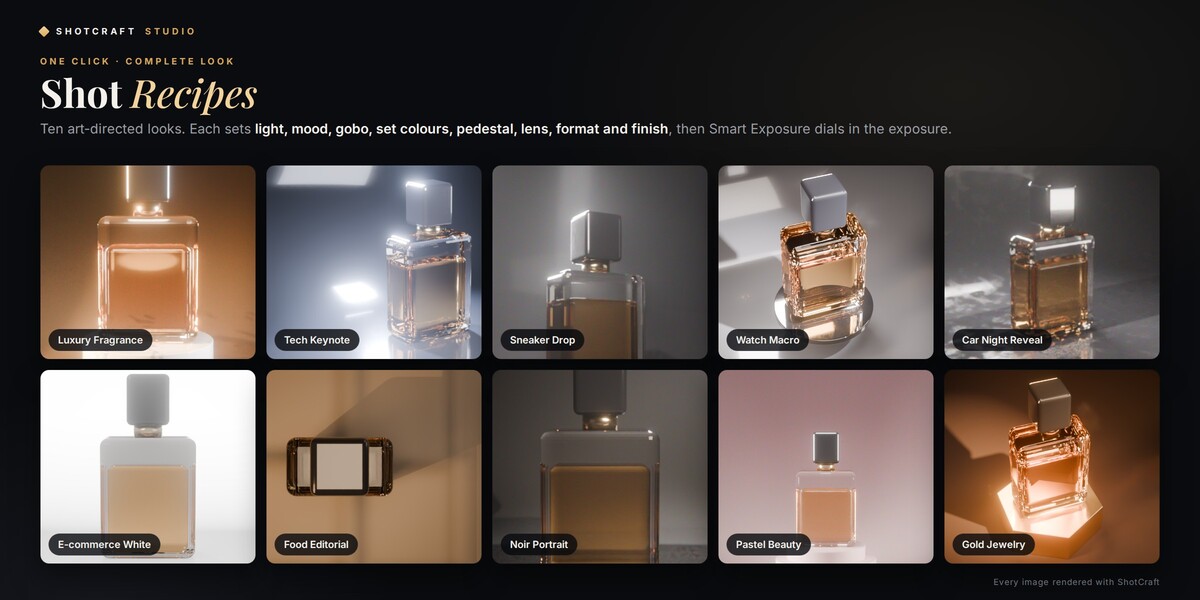
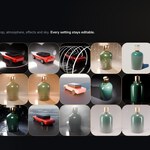
- Pick a Shot Recipe and click Create Shot (in Ultimate you can also click any look in the Studio Library).
- Switch the viewport to Rendered. Every slider is live.
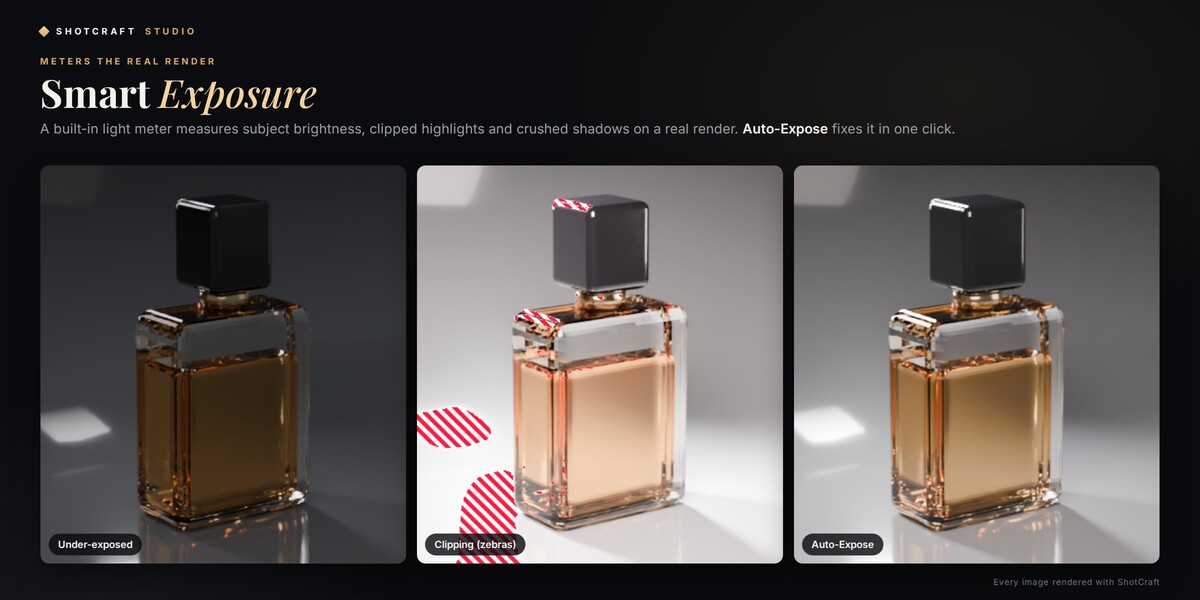
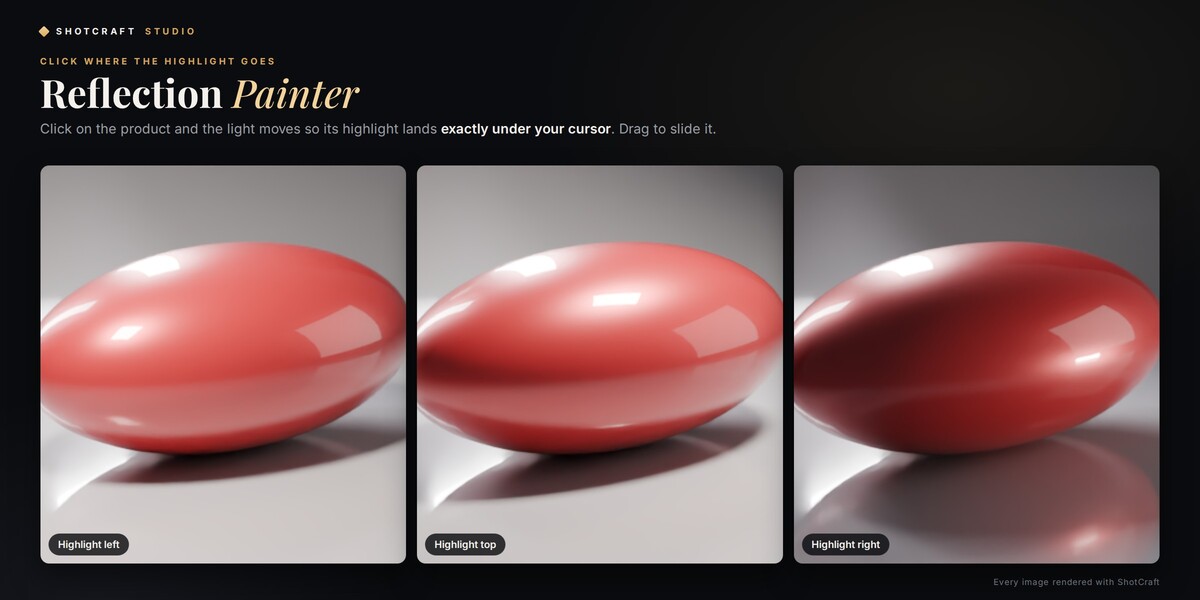
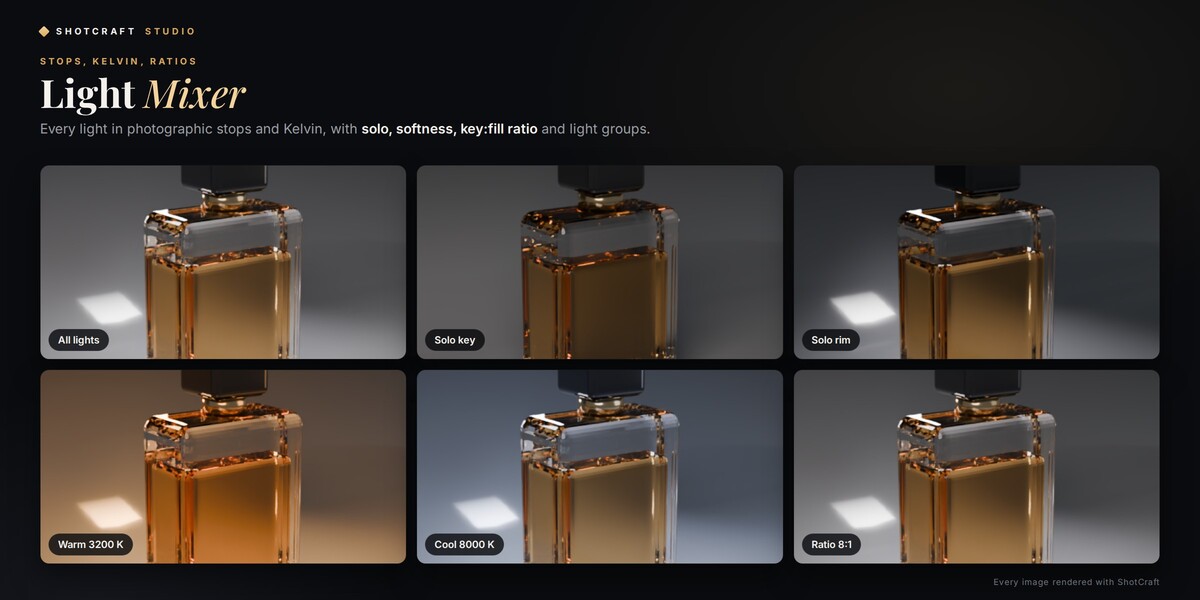
- Refine with the Reflection Painter and the Light Mixer, press Smart Exposure, then render (F12) or use the Render Queue.
The complete user guide is built into the add-on: click the ? button in the ShotCraft panel. It covers every panel of your edition and works offline. Each edition also has a full video tutorial:
- Studio 1.0: https://www.youtube.com/watch?v=zn3_pPvMh5M
- Pro 2.0: https://www.youtube.com/watch?v=rD4Lh01RZ1I
- Ultimate 3.0: https://www.youtube.com/watch?v=F1WixtBzN0c
Panels in every edition: Shot Recipes, Custom Studio, Smart Exposure, Light Mixer, Light Shapers, Gobo, Backdrop & Atmosphere, Pedestal & Composition, Studio Gear, Camera, Turntable & Motion, Render & Look, Batch & Delivery, Snapshots & Presets.
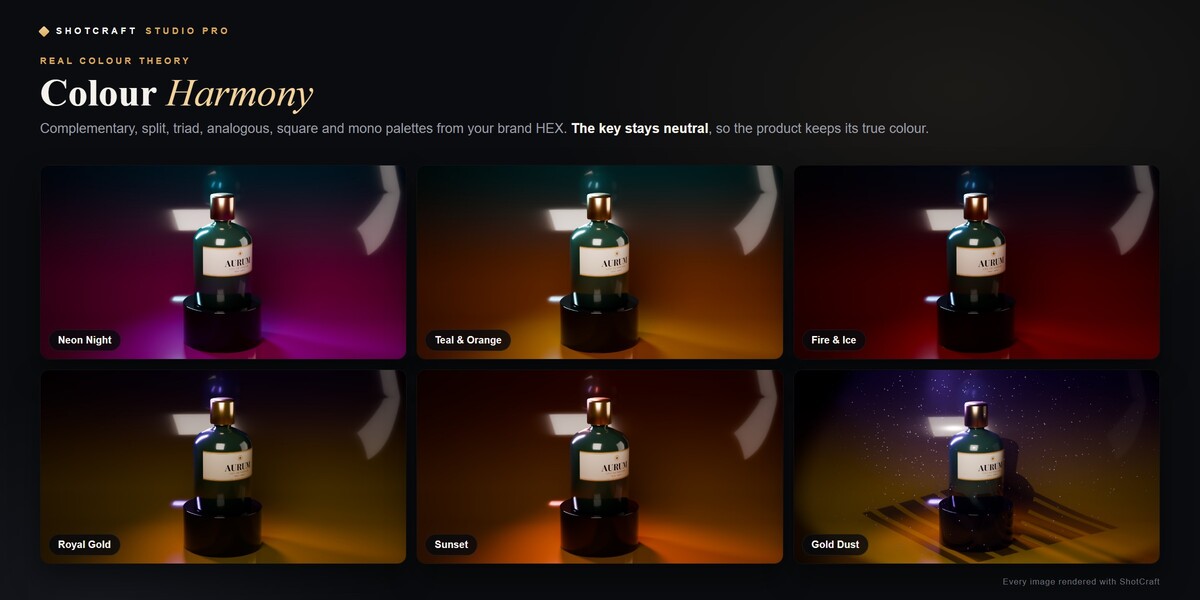
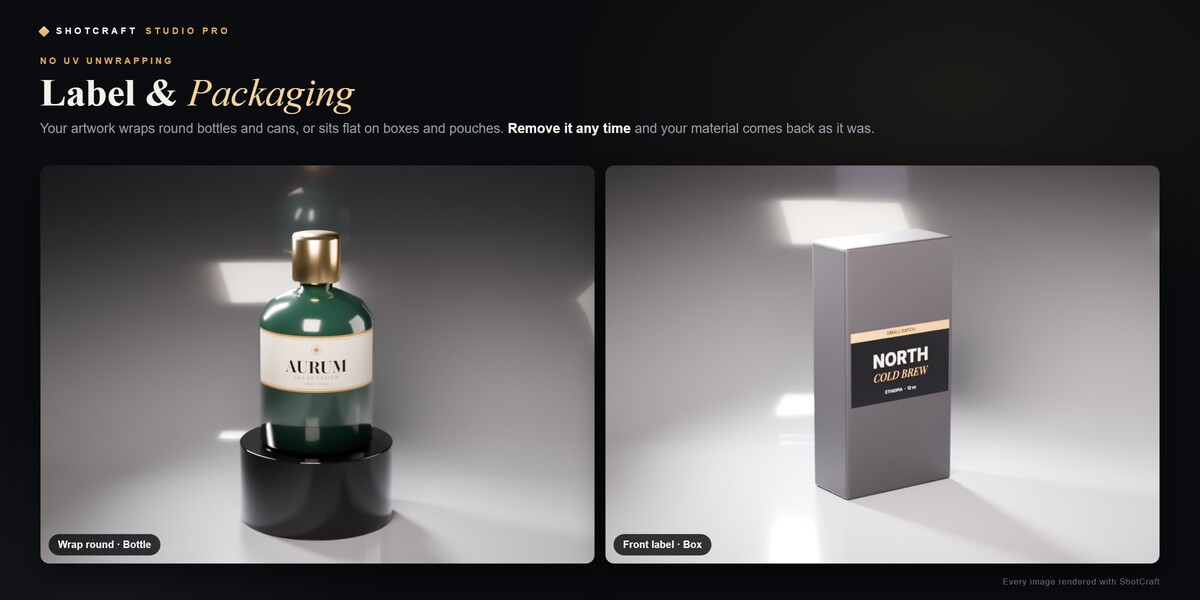
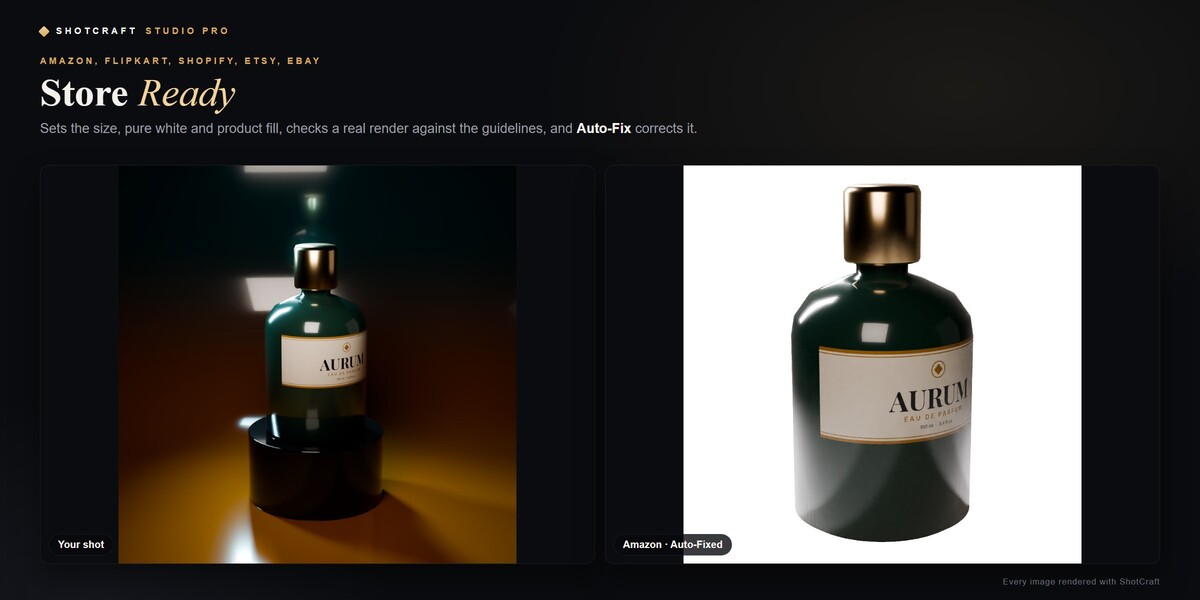
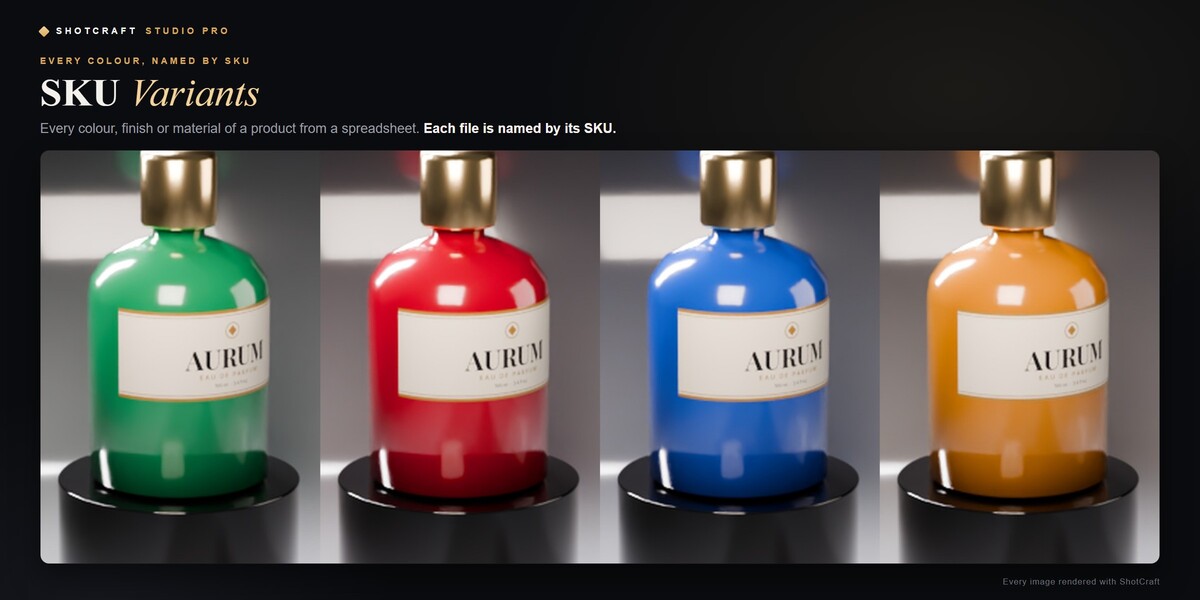
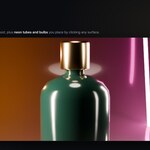
Pro panels: Colour Harmony, Light Direction, Atmosphere FX, Label & Packaging, Store Ready (Set Up for Store, Check Compliance, Auto-Fix, Export for Stores), Web & Social, SKU Variants, Lighting Analysis.
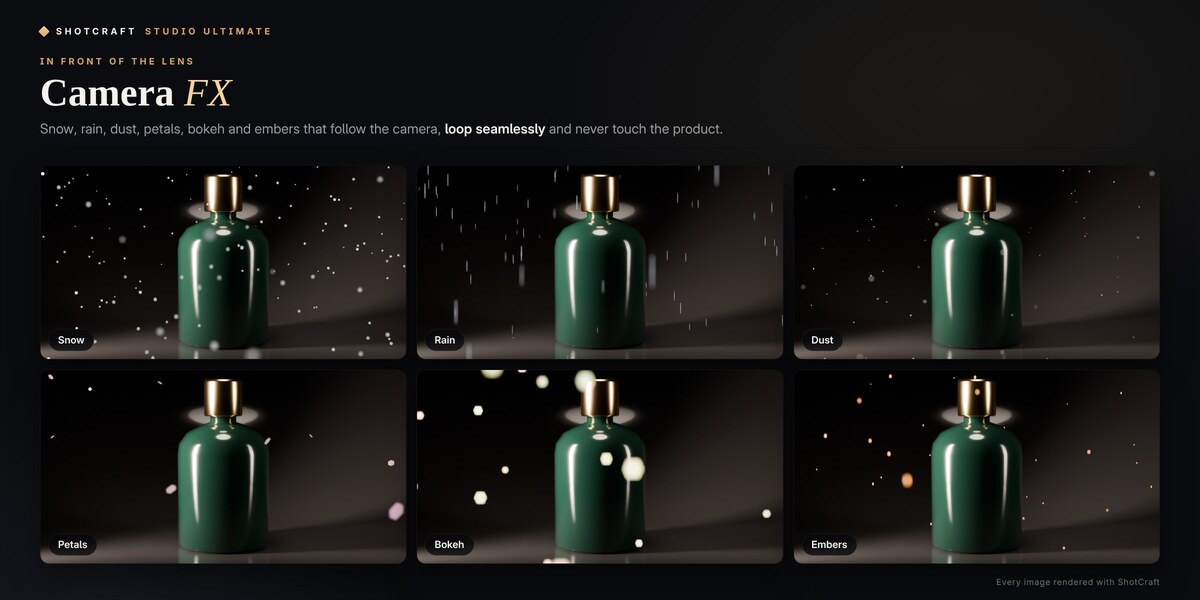
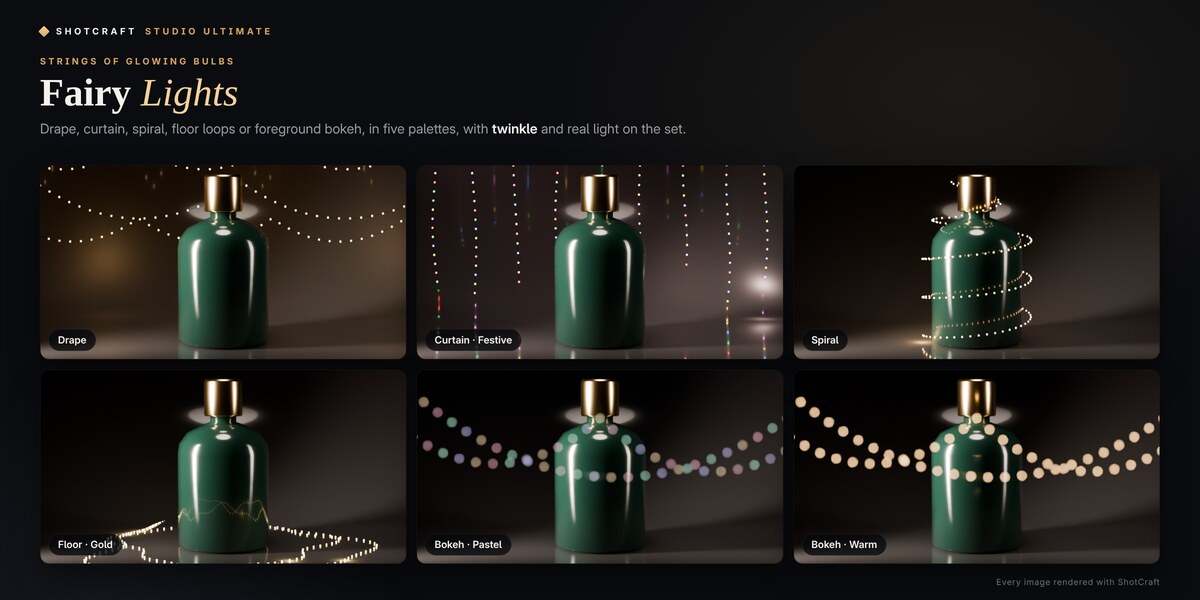
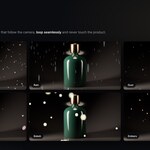
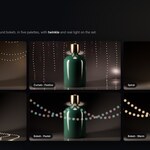
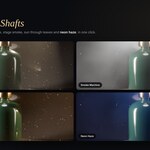
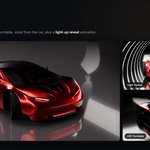
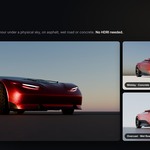
Ultimate panels: Studio Library, Camera FX, Fairy Lights, Clouds & Light Shafts (inside Atmosphere FX), Lights Library (Place on Surface for practicals), Car Showcase (Light-Up Reveal), Exterior (sky, sun, clouds, haze, ground, Low Camera, Back to Studio).
Tips: work in Rendered view; for glass use Cosmetics / Glass or Luxury Fragrance plus a Reflection Strip; for pure-white store shots use E-commerce White (or Pro's Store Ready); leave haze off while you iterate.
Troubleshooting: no ShotCraft tab → press N and check the add-on is enabled (Studio 1.0 needs Blender 5.0+). Too dark or bright → Smart Exposure. Start over → Remove Studio (trash icon). In Pro and Ultimate, Help & System → Run Self-Check verifies the add-on after a Blender update.
Have questions about this product?
Login to message
| Blender Extension Compatible | Yes |
| Published | 3 days ago |
| Blender Version | 4.5 - 5.2 |
| Extension Type | Add-on |
| Render Engine Used | Cycles, Eevee |
| License | GPL |
Discover more products like this
E-commerce packshot Lighting product photography procedural sky Studio Lighting presets camera fx product rendering label mockup car rendering turntable