 NINE STEAK_



|
Early Bird Offer Limited time discount. Don't miss out. Use code SSEB01 at checkout Offer expires April 30 |
25% OFF |
What is ShotStack
The Ultimate One-Stop Shot & Render Manager.
| ✓ Virtual Camera System | ✓ Professional Light Linking |
| ✓ Batch Render Queue | ✓ CLI Headless Rendering |
| ✓ GPU Assignment per Shot | ✓ Cinematic Safe Frame System |
| ✓ Mobile Push Notifications | ✓ Output & Render Presets |
| ✓ Contact Sheet Generator | ✓ Smart Token Auto-Naming |
Core Features
Render
Batch & CLI Rendering
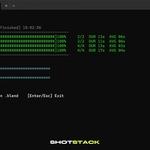
Queue your shots and render headless overnight. Dedicate 100% of your VRAM to the render task—with zero UI overhead.

Lighting
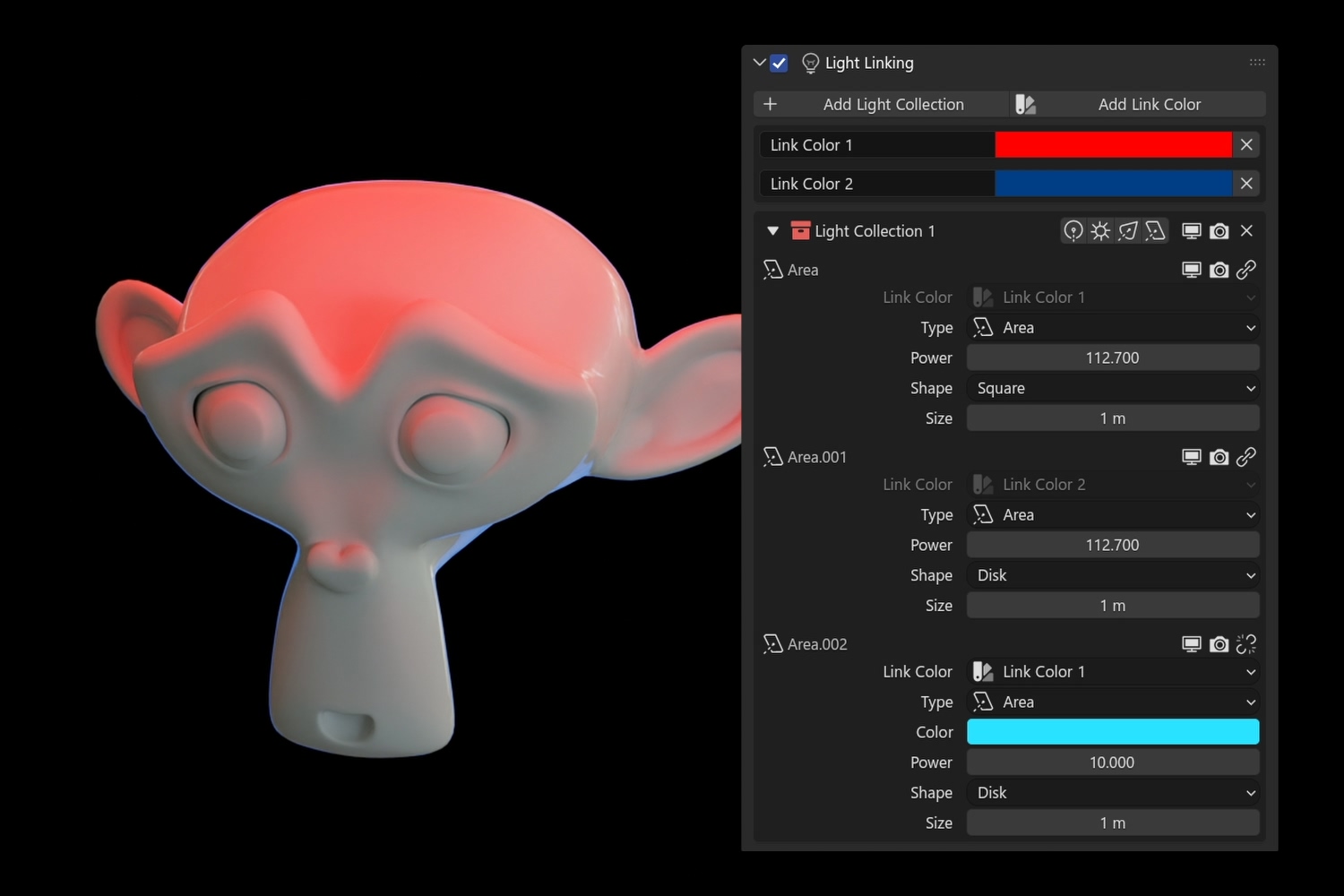
Professional Light Linking
Bind specific light collections to each camera. Scene lighting automatically reconfigures the moment you switch views. Fully integrated with ShotStack Batch Render.

Camera
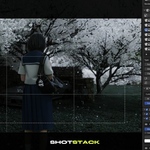
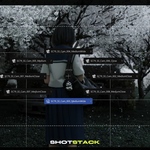
Virtual Camera System
Centralize your workflow with independent resolutions per camera. Streamline camera management via automated switching and smart token-based camera naming. Built-in Quick Focus and Camera Pie Menu keep your shot pipeline moving.

Camera
Contact Sheet Generator
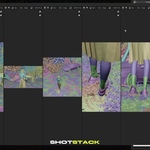
Streamline team reviews and shot management. Generate a visual overview of your entire shot list, allowing directors and artists to collaborate and catch framing issues before the final render.
Notifications
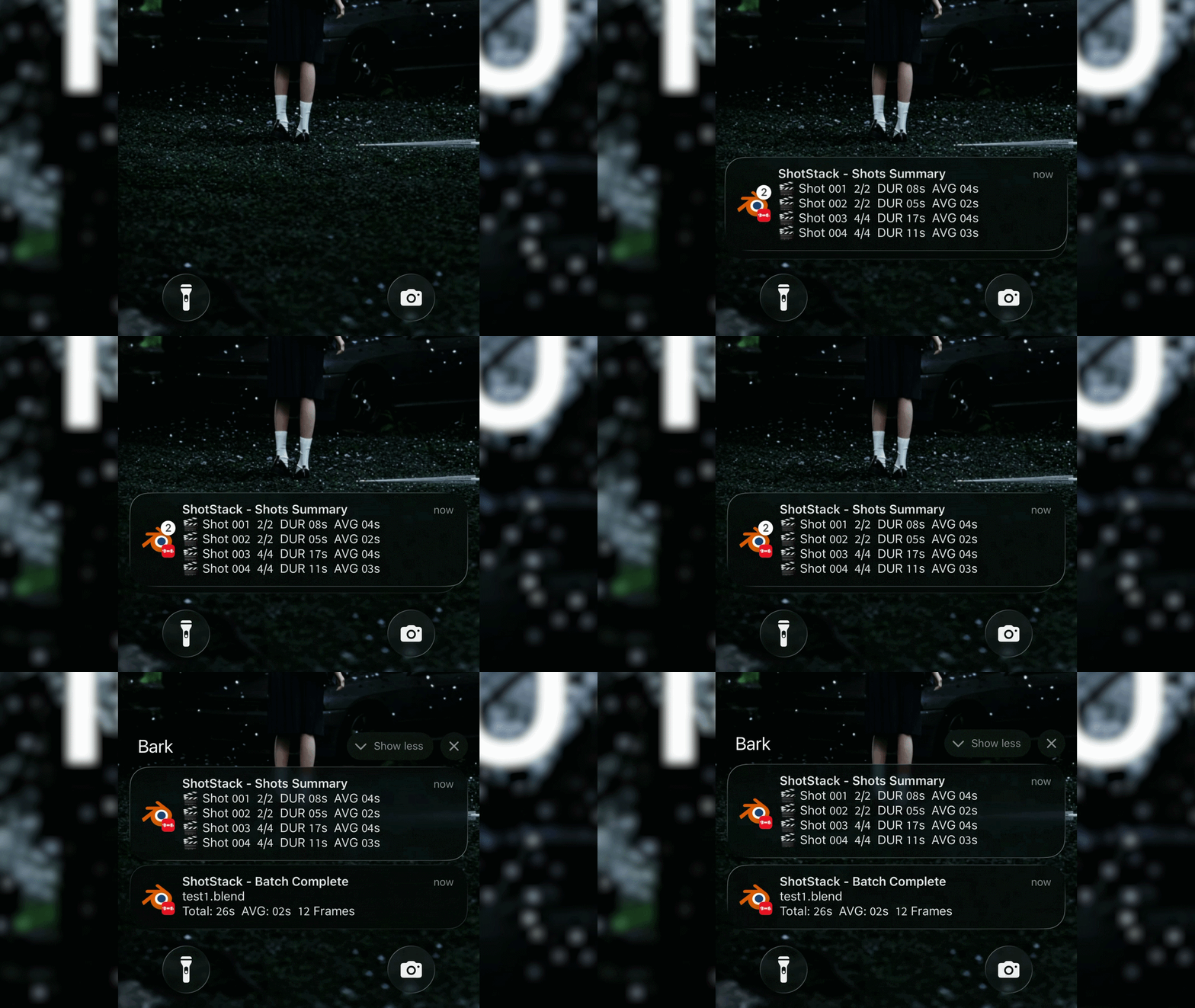
Mobile Push Notifications
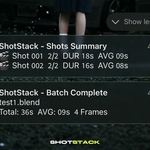
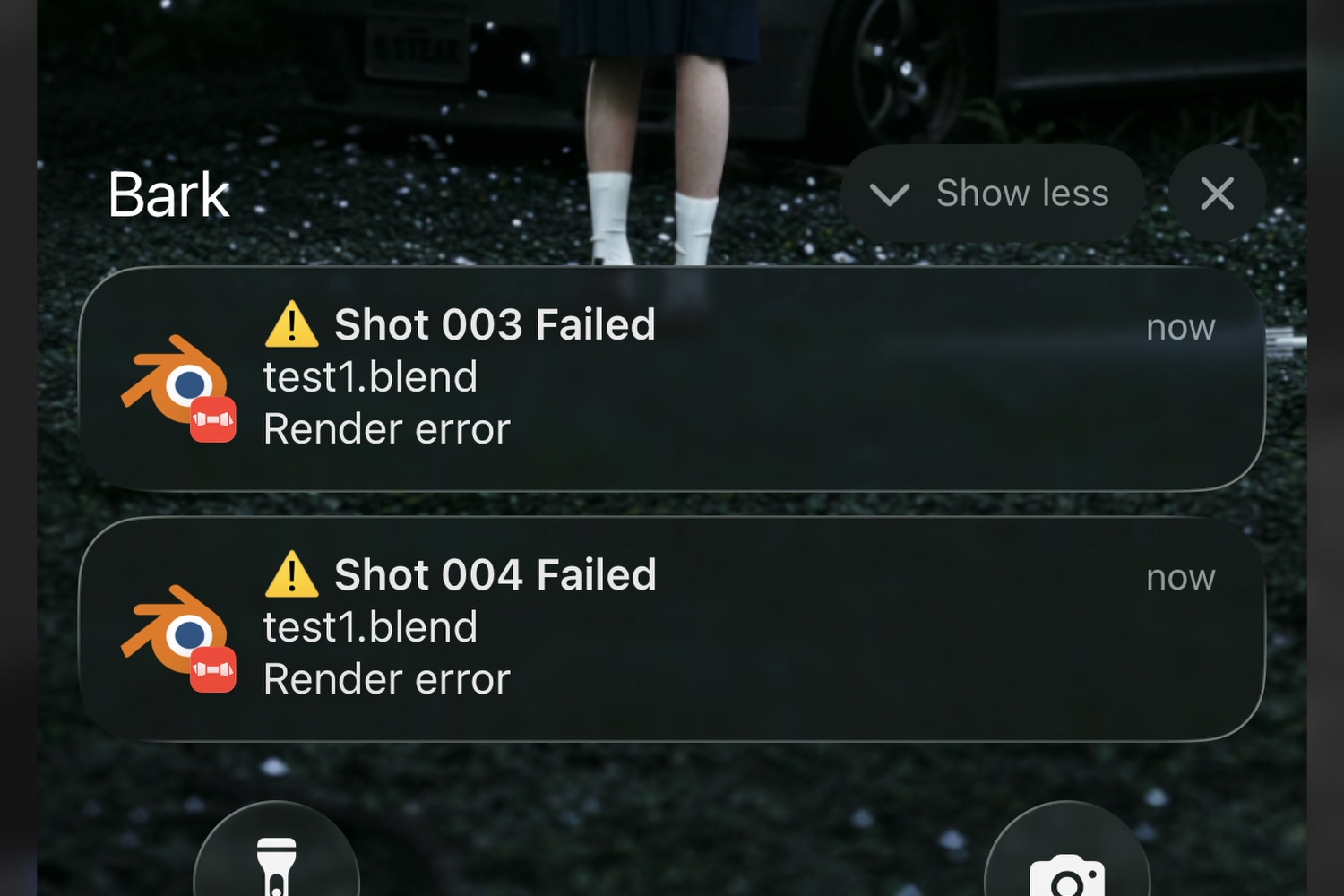
Get instant alerts on your phone upon render completion, including total time, average speed, and per-shot performance metrics. Immediate notification if a render fails or is interrupted. Supported by Bark and Ntfy.
Composition
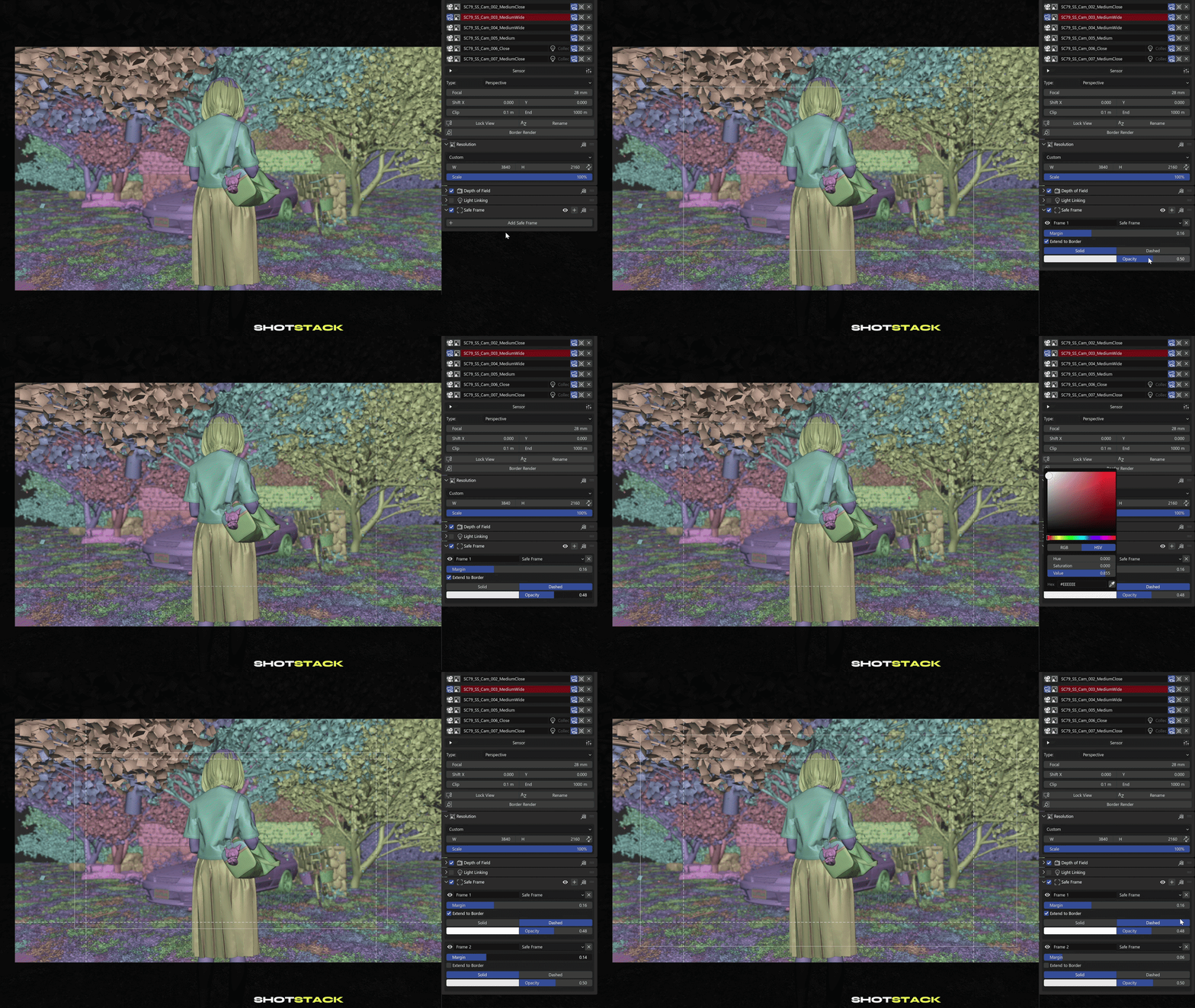
Cinematic Safe Frame System
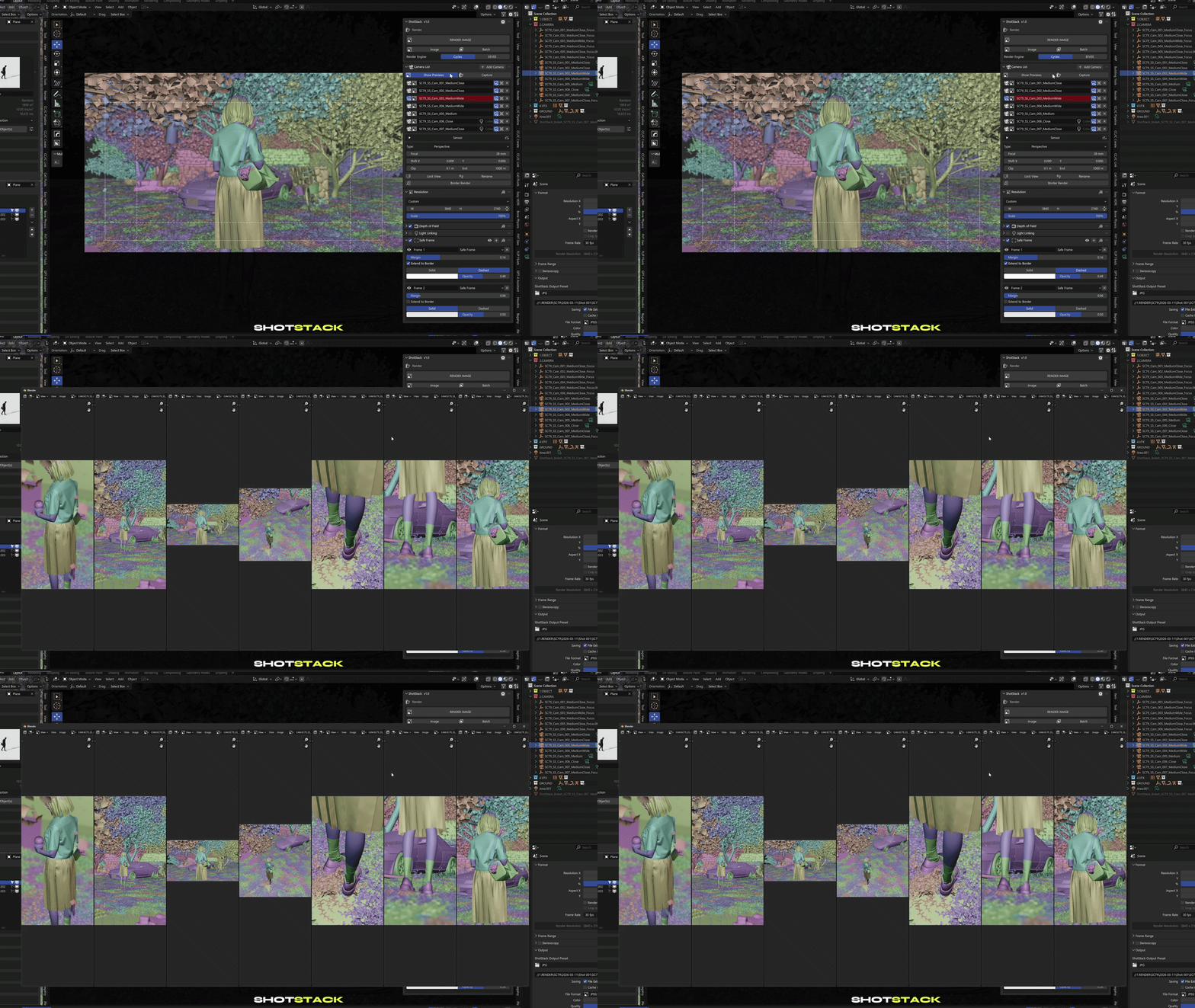
Compose with confidence. Set per-camera safe zones, guides, and multiple overlays with fully customizable margins and styles.
Render
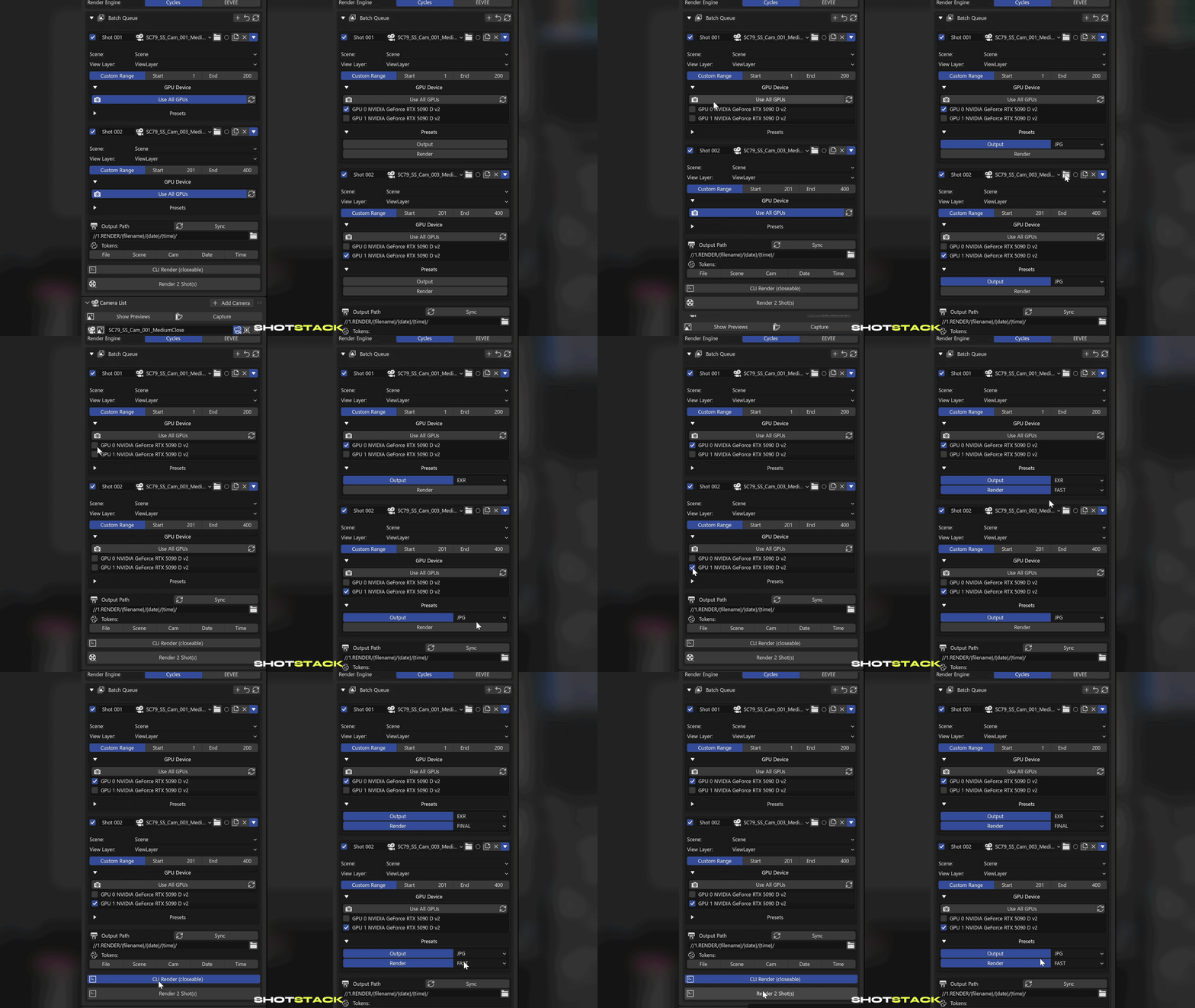
Output & Render Presets
Save and recall engine configurations, file formats, and sampling settings with a single click. Seamlessly share presets across all your projects.

Render
GPU Assignment & Presets per Shot
Maximize hardware efficiency by assigning specific GPUs to individual shots. Dual-GPU workstation? Have both cards render different shots simultaneously.
Camera
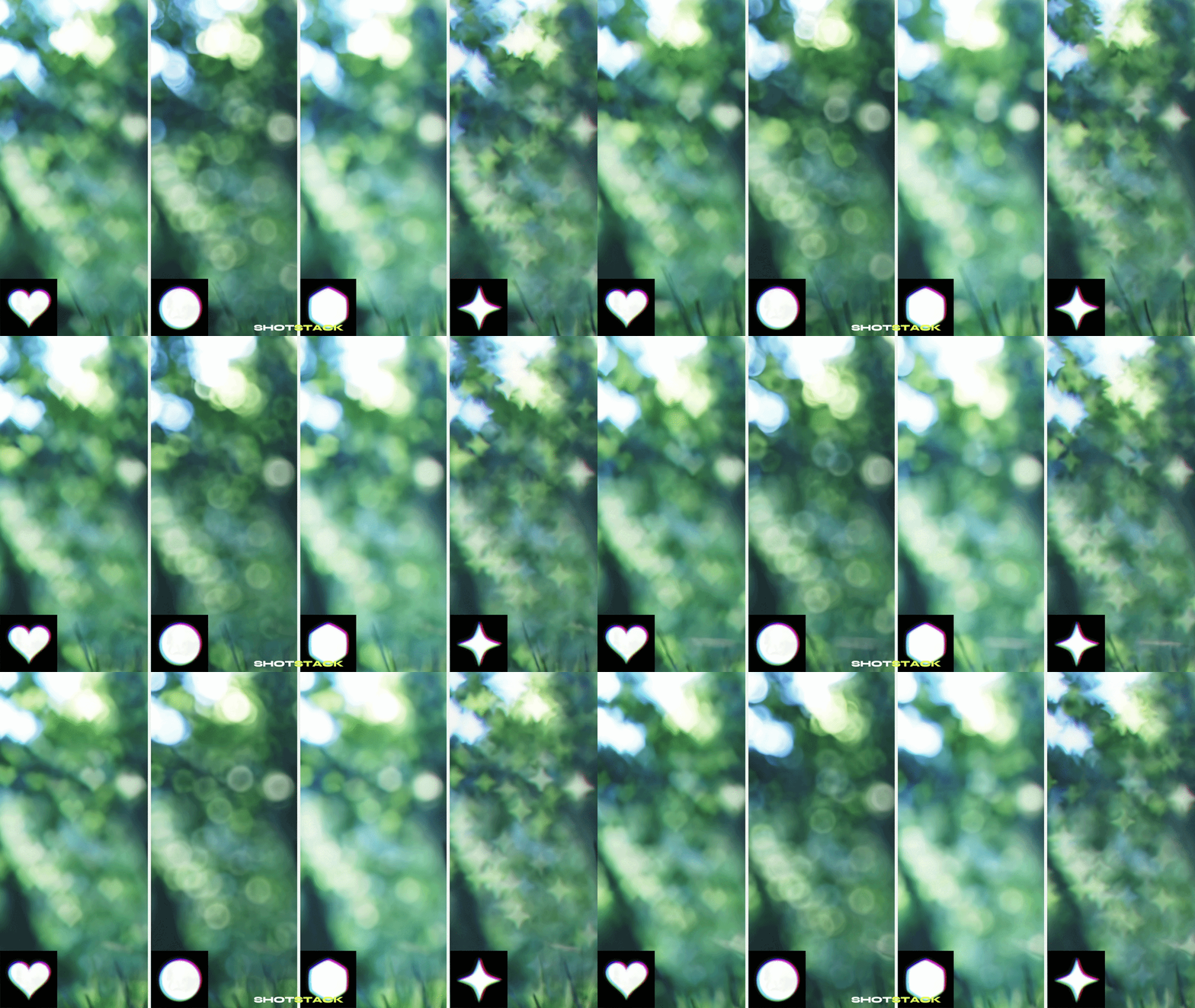
Custom Bokeh System
Achieve cinematic depth of field. Includes 8 high-fidelity bokeh textures (32 in Pro). Assign custom shapes to any camera for photorealistic light-blur.
More Features
|
Light Linking Link Color Assign a shared color controller to multiple lights. Instantly synchronize colors across every linked light in real time. |
 |
 |
Batch & CLI Rendering Batch Render Progress Tracking Monitor every shot in the queue with live per-shot progress bars, ETA, average frame time, and total elapsed time — all from the viewport panel. |
|
Batch & CLI Rendering CLI Interrupt Notification If a CLI render crashes or is manually stopped, an immediate push notification is sent to your phone with the shot name and failure status. |
 |
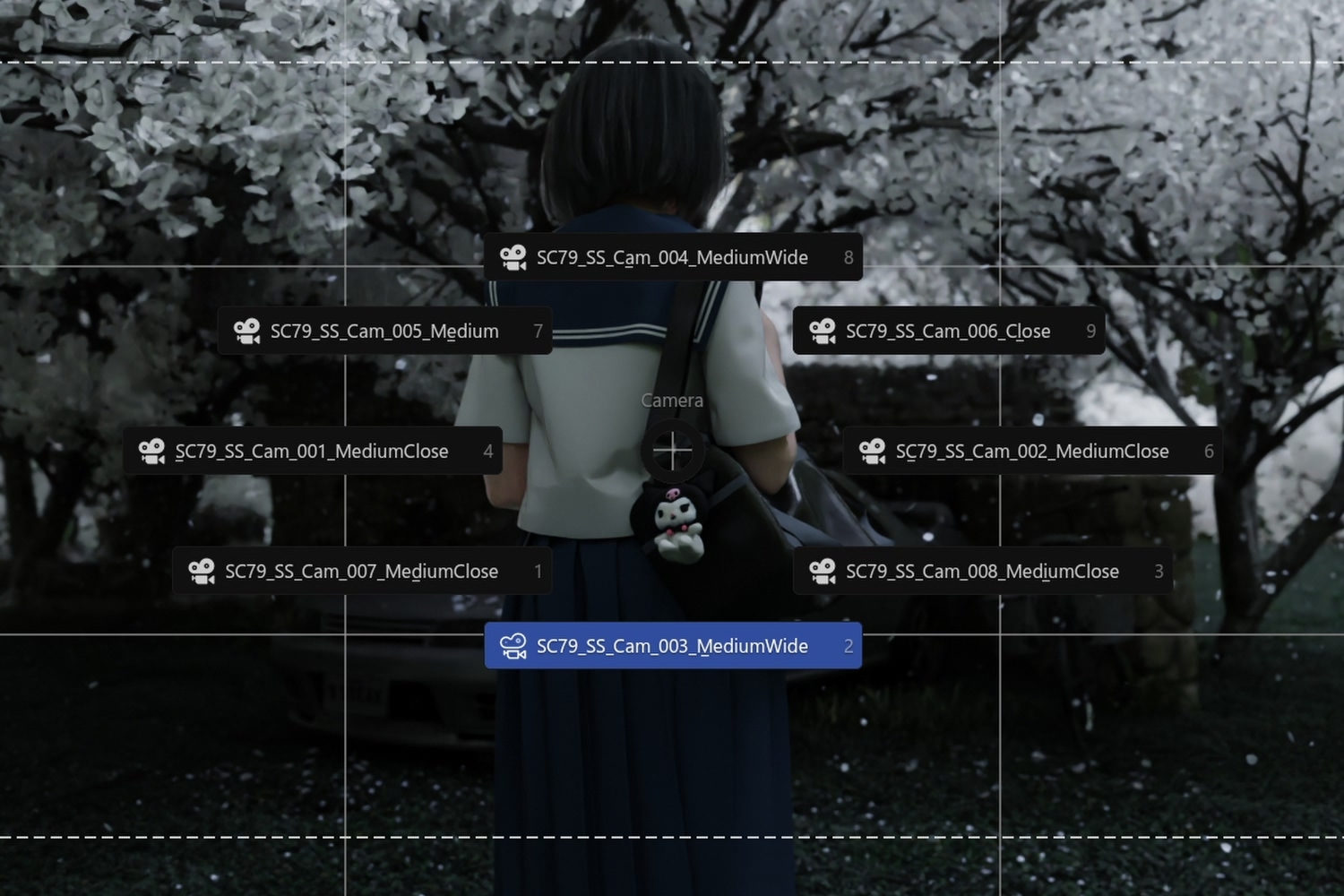 |
Virtual Camera System Camera Pie Menu Switch between shots without touching the panel. A customizable hotkey opens a radial menu listing every camera in the scene. |
|
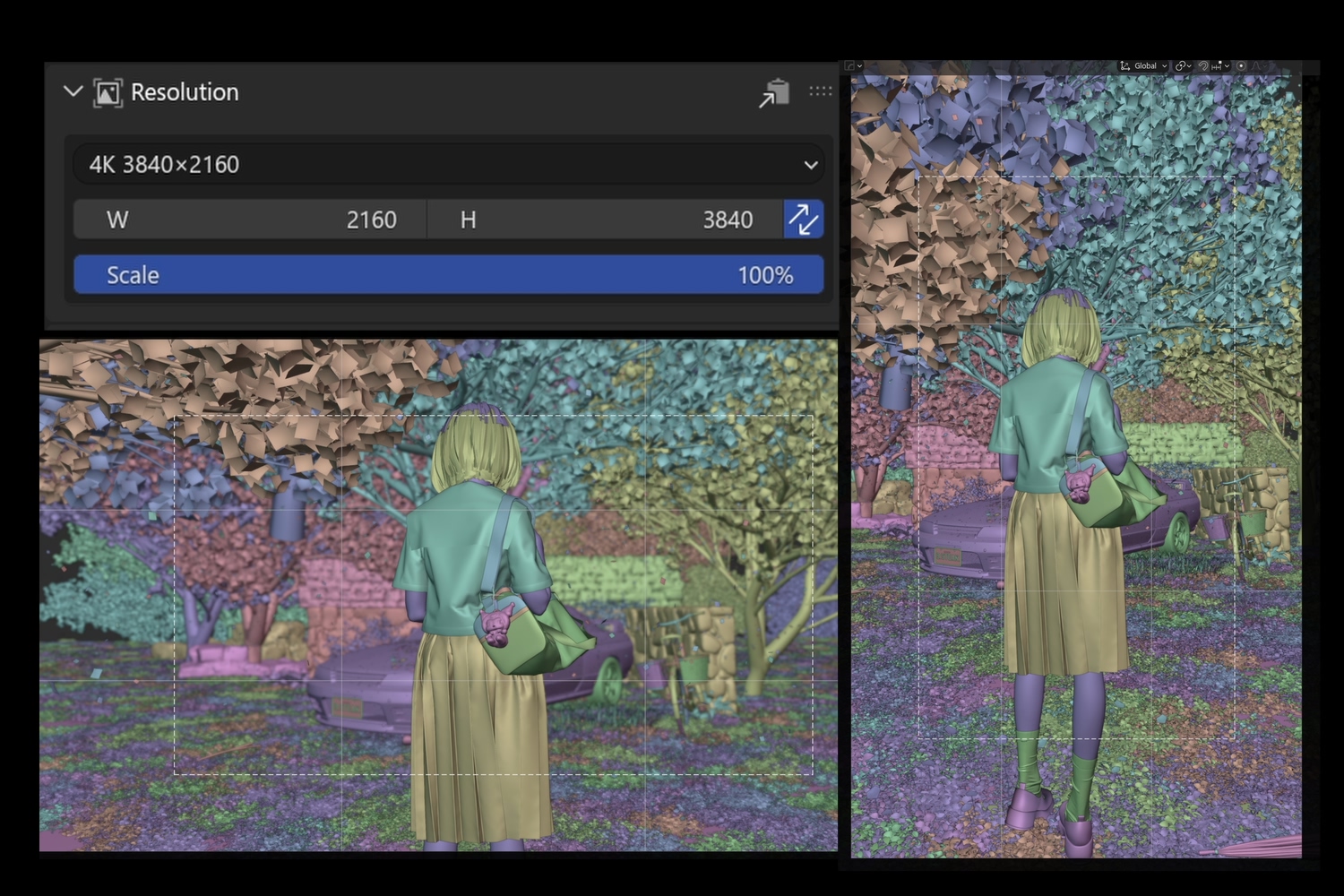
Virtual Camera System Portrait Mode Swap width and height with one click to instantly toggle between landscape and portrait output. |
 |
 |
Output & Render Presets Quick Output Access & Version Increment Quick-access buttons to open your output folder are available throughout the panel — on the batch queue, individual shots, and after render completion. Increment your output path version number with a single click. |
|
Virtual Camera System Camera Settings Transfer Batch-copy any camera's resolution, safe frame layout, or DOF settings to all other selected cameras in one click. |
 |
What's Included
| Standard Standard Essential camera & render automation. |
Pro ★ Most Popular Pro Full production pipeline. |
Studio · Team License Studio Standardized pipeline for teams. |
| ✓ Virtual Camera System ✓ Cinematic Safe Frame System ✓ Custom Bokeh System (8 textures) ✓ Batch Render Queue ✓ Output & Render Presets ✓ Smart Token Auto-Naming ✓ 1 seat |
✓ Everything in Standard ✓ Full Bokeh Library (32 textures) ✓ Contact Sheet Generator ✓ CLI Headless Rendering ✓ Professional Light Linking ✓ Per-Shot Presets ✓ GPU Assignment ✓ Push Notifications ✓ 1 seat |
✓ Everything in Pro ✓ Priority Support ✓ 5 Seats |
⚠ Important Notes
OS Compatibility
• The CLI Headless Rendering feature is currently Windows only.
• All other Pro features — including Light Linking, Per-Shot Presets, and Push Notifications via UI Batch Render — work natively across all platforms.
Blender Version
• Blender 4.0+