 3DQuads


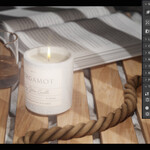
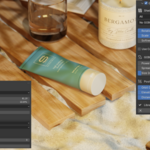
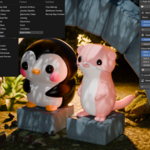
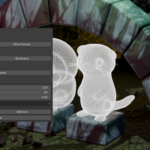
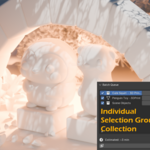
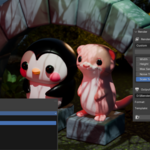
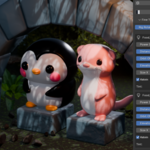
The portfolio render pipeline for Blender. Auto-frame. Light. Render. One panel, any model, portfolio-ready in seconds.
The Problem
You finished the model. Now comes the part nobody enjoys.
Add a camera. Frame it. Move it because the model is bigger than you thought. Add lights. Move the lights. Add a backdrop. Realize the floor is visible. Fix the floor. Set the render resolution. Render. It is too dark. Do it again.
Then you finish the next model and start over from zero. And if you need more than one image — a turntable, a clay pass, three angles for a portfolio page, thumbnails for twenty assets — the setup time multiplies by everything you need.
The Solution
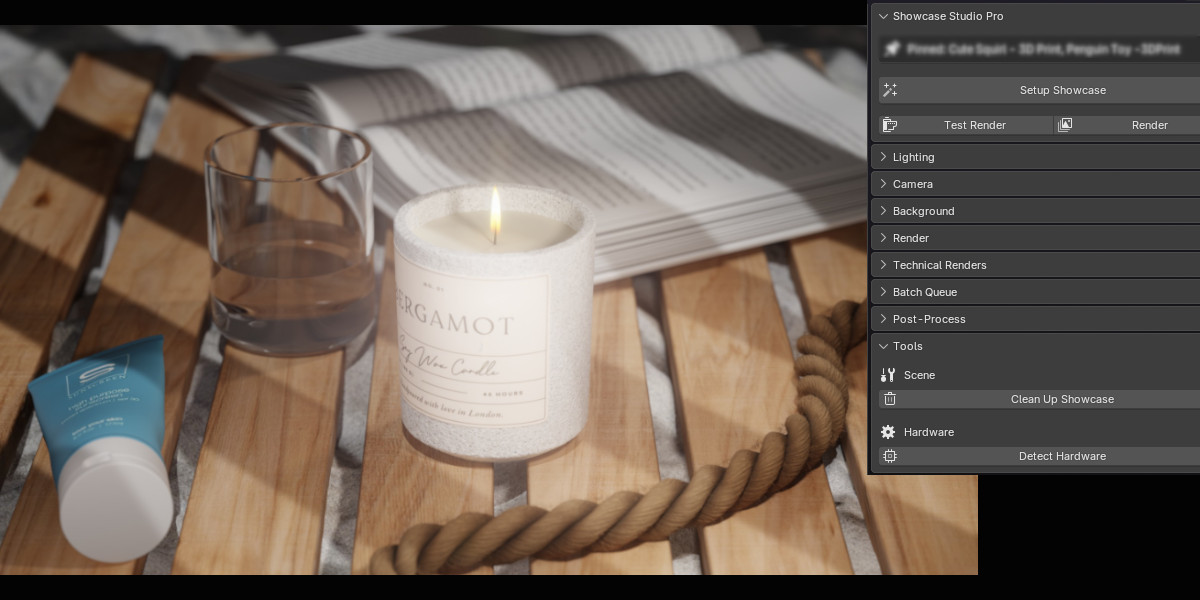
Showcase Studio is a complete presentation pipeline in one N-panel sidebar. Select your model, pick a look, hit render. The camera frames itself to whatever you selected, the lighting is already built, and the output settings are already correct.
Then it does the part most lighting tools stop short of: batching, turntables, contact sheets, and clay and wireframe passes — so one setup produces every image you actually need.
What It Does
Smart Camera Framing
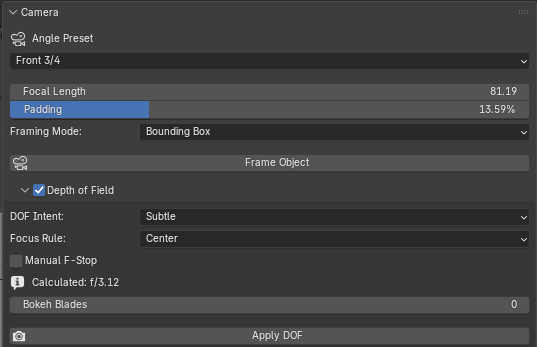
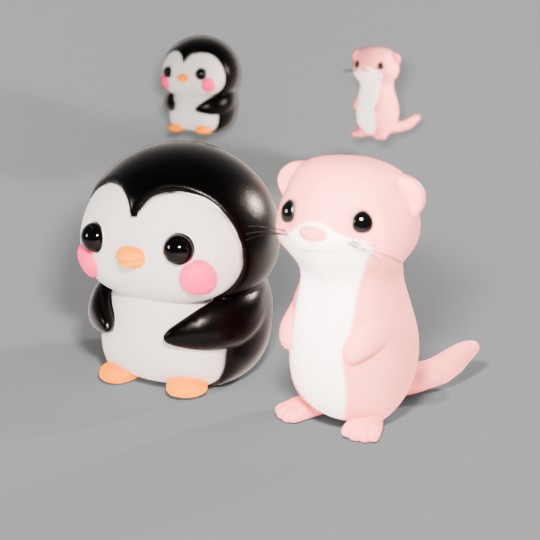
The camera measures your object and frames it properly, whether it is a ring or a spaceship. Eight angle presets, rule-of-thirds composition, and adaptive depth of field that scales to your subject instead of needing to be re-dialed every time.
Lighting Presets
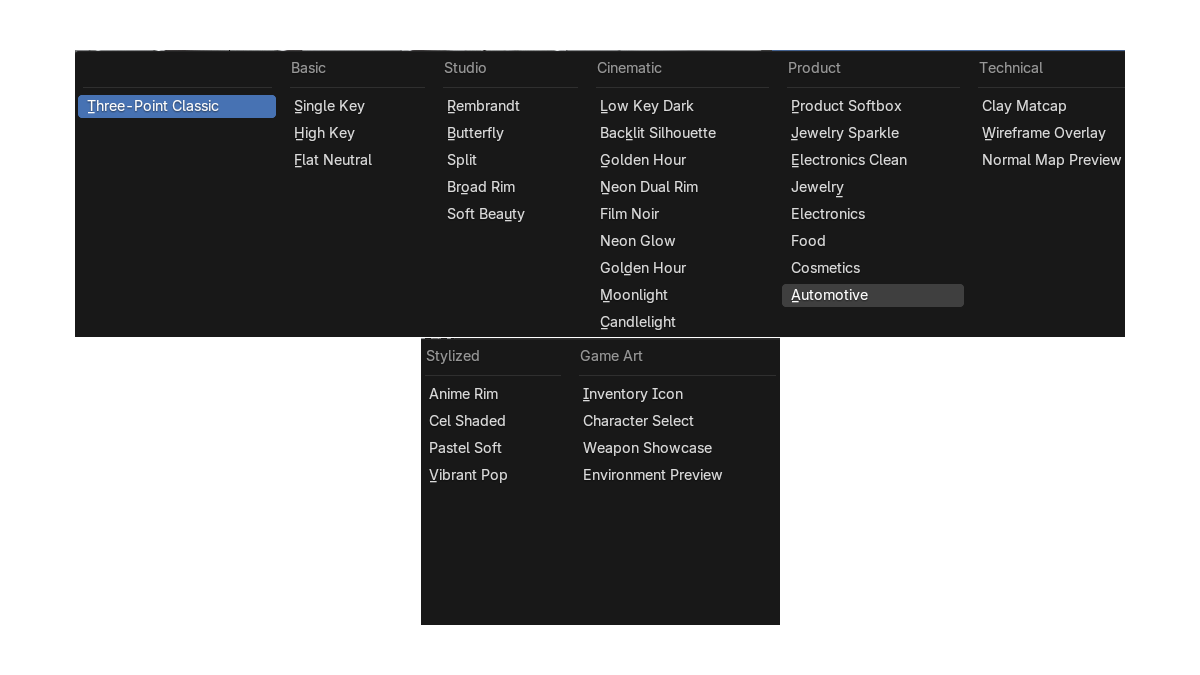
16 lighting presets across studio, cinematic, product and stylized looks — or 34 with the Ultimate edition. Switch between them live in the viewport and keep the one that suits the model, instead of building three-point lighting from scratch again.
GOBO Shadow Projection
Cast patterned light for depth and atmosphere — window frames, tree branches, venetian blinds. The difference between a lit model and a photographed one.
Background System
Solid, gradient, transparent, and cyclorama floor. No visible seam, no horizon line, no grey default plane.
Turntable Animation
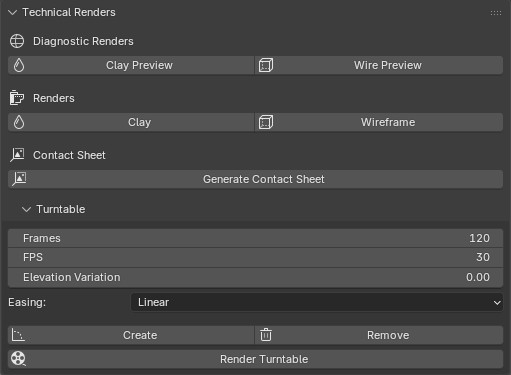
One click generates a full turntable with the lighting and framing you already set up. For portfolio pages, client previews and asset listings.
Batch Rendering
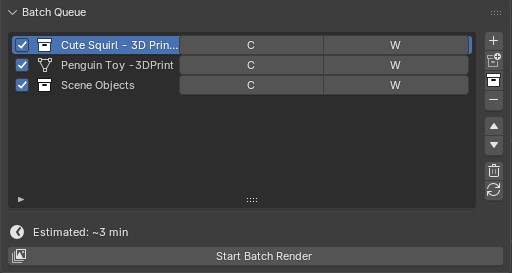
Point it at multiple models and it renders every one with identical lighting, framing and output settings. Consistent results across a whole collection, without touching the scene between renders.
Clay and Wireframe Passes
Render clay and wireframe versions of the same shot without changing your materials or building override setups. The passes that show your topology and your form, which portfolio reviewers and asset buyers both look for.
Contact Sheet Output
Multiple angles of one model, rendered and laid out in a single sheet. One image that shows the whole object.
Render Profiles
Preview, final and social-ready output presets, with hardware detection so the settings suit the machine you are actually on.
What Makes It Different
Most lighting add-ons help you make one good image. Showcase Studio is built for the moment you need many.
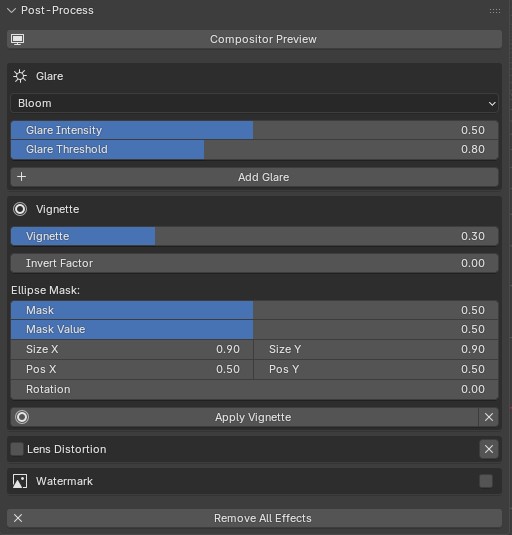
Every part of it connects. The camera framing feeds the depth of field. The lighting preset carries into the turntable. The batch renderer applies the same setup across every model you point it at. Set it up once, and every output — still, turntable, clay pass, contact sheet — comes out of the same consistent look.
Expansion Packs — Included in Ultimate
Four extra preset packs ship with the Ultimate edition at no additional cost: Cinematic, Product Photography, Anime & Stylized, and Game Art. They take the library from 16 lighting presets to 34.
Compatibility
- Blender 4.5 LTS and above
- Cycles and Eevee
- Installs as a Blender extension — one click, no external dependencies
- GPL-3.0 licensed
Who Is This For
- Artists building a portfolio who want their models presented consistently
- Asset creators who need clean, uniform previews across a whole pack
- Freelancers sending client previews without setting up a scene each time
- Modelers and sculptors who would rather spend the evening modeling
- Anyone who has ever rendered something beautiful on a grey default plane
Full Documentation
Detailed feature walkthroughs, preset galleries and the complete documentation are available here: Showcase Studio product page and documentation