 Ismail Sadok
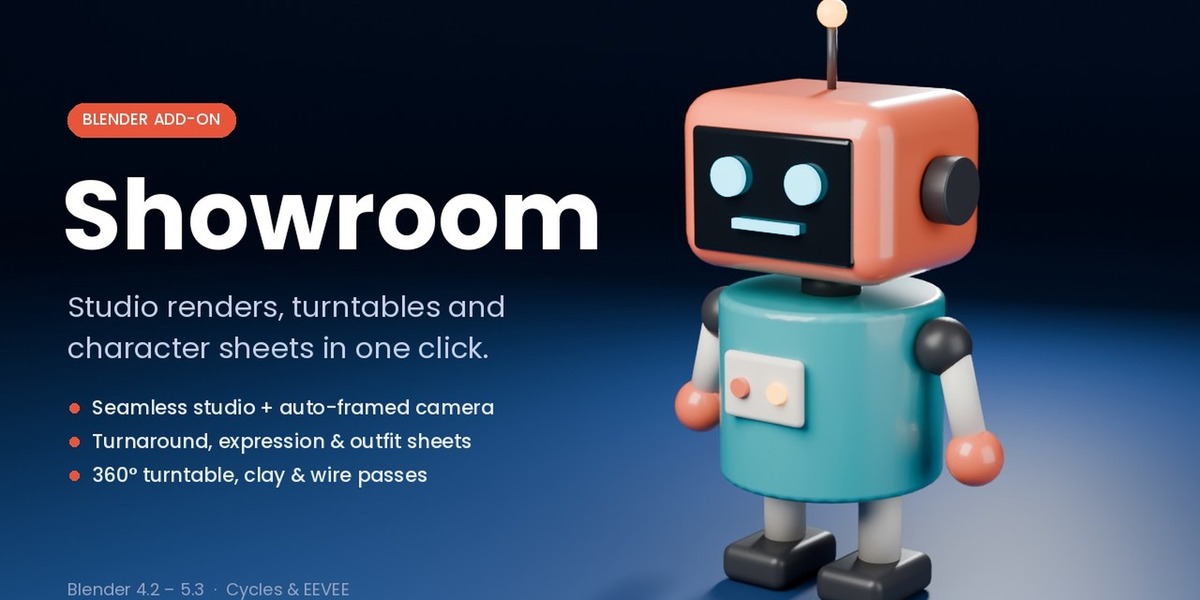




You finished the model. Showroom takes the photos.
Showroom builds a full photo studio around your model in one click: a seamless backdrop, soft studio lights and a camera that frames everything for you. Then it renders every image you need for a store page, a portfolio or a client, all from one panel.
All renders on this page were made with Showroom.
What it does
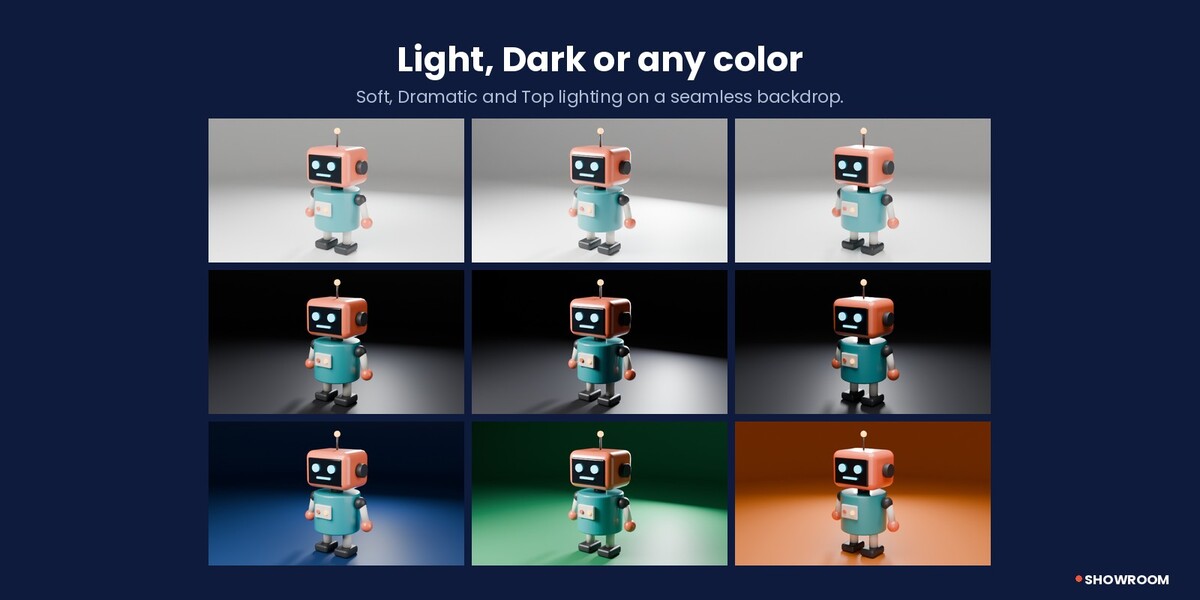
- One-click studio. A seamless infinity cove in Light, Dark or any color, with three lighting setups: Soft, Dramatic and Top.
- A camera that frames itself. Front, 3/4, Side, Back, Top and Low angles. Change the lens or the image size and it re-frames automatically.
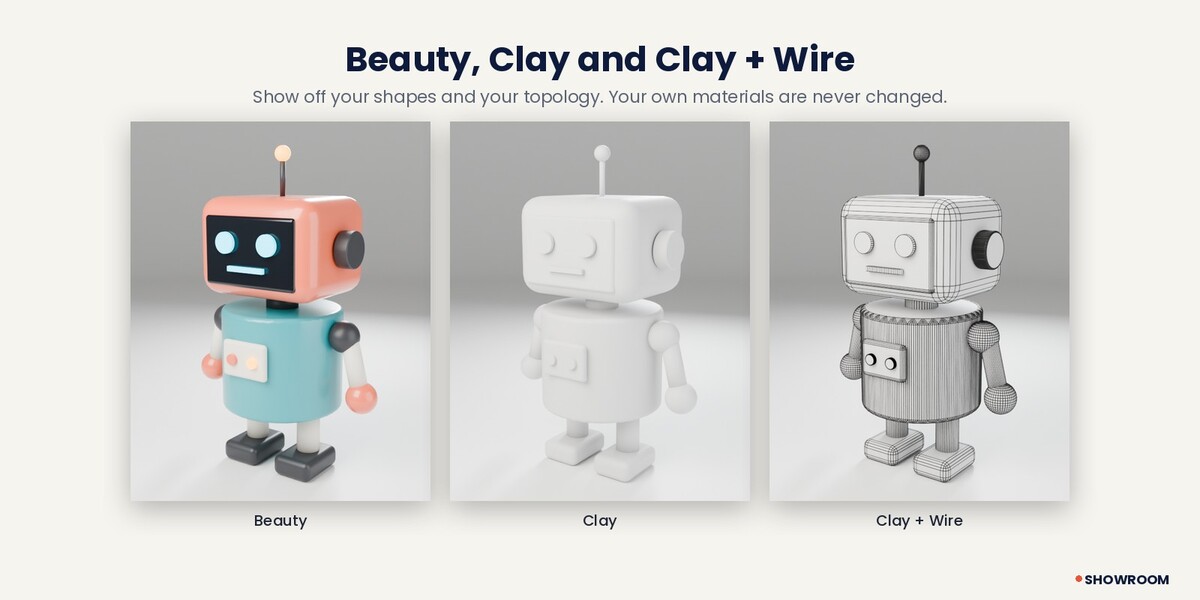
- Clay and Clay + Wire looks. Show off your shapes and your topology. Your own materials are never changed.
- Shot Pack. Five angles, plus clay and wire versions, in one click.
- 360° turntable. A seamless loop, saved as an MP4 video or PNG frames.
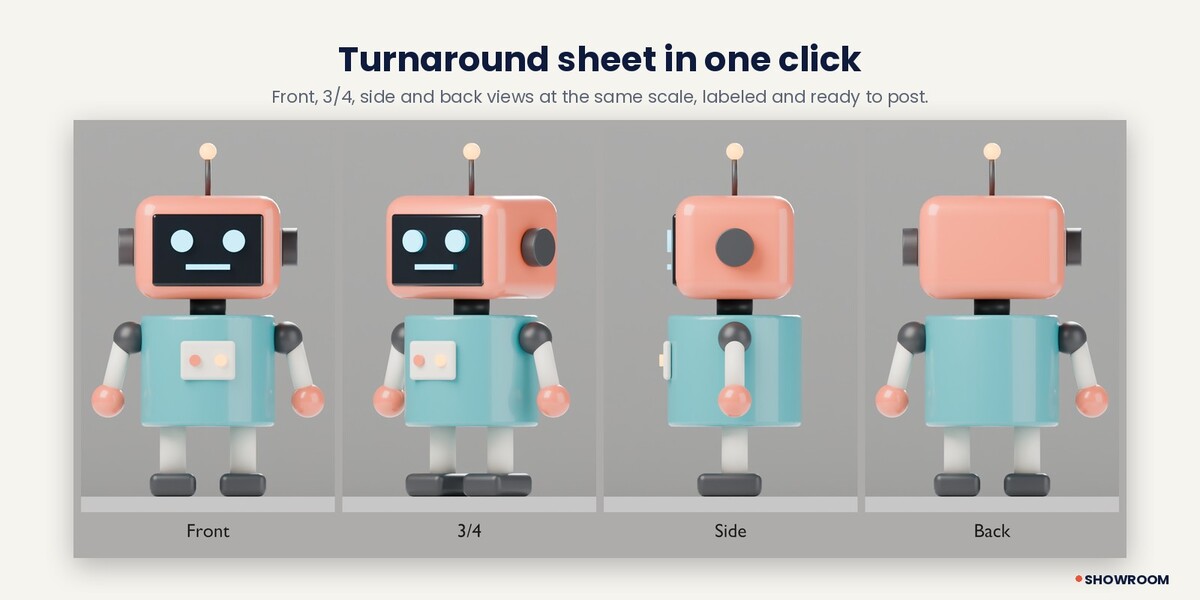
- Turnaround sheet. Front, 3/4, side and back views in one labeled image.
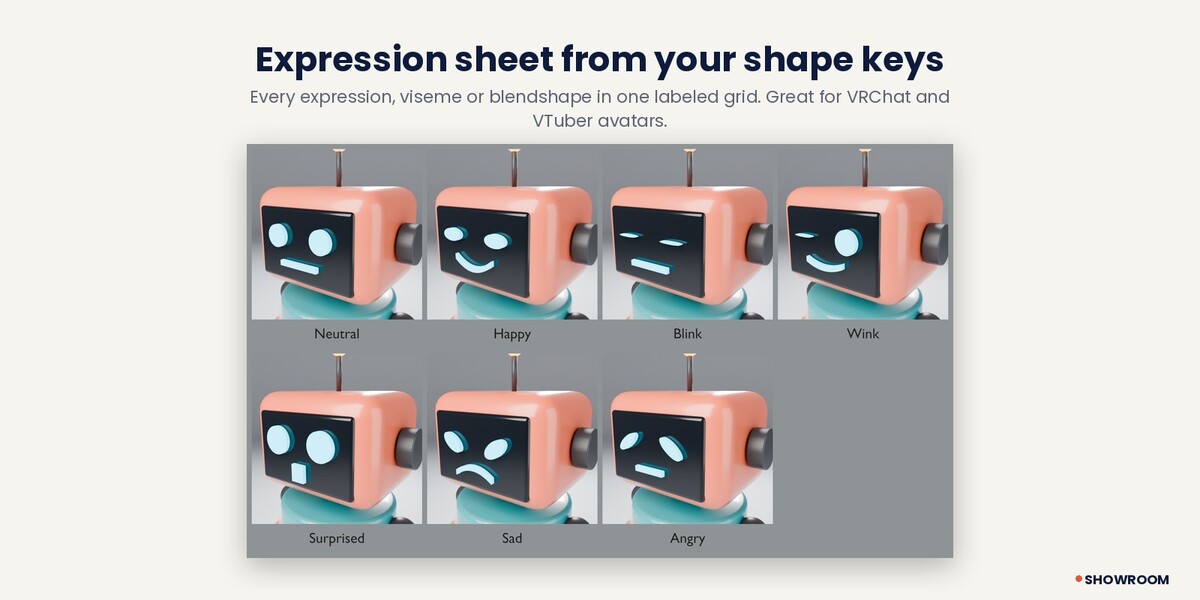
- Expression sheet. Every shape key (expressions, visemes, blendshapes) in one labeled grid. Great for VRChat and VTuber avatars.
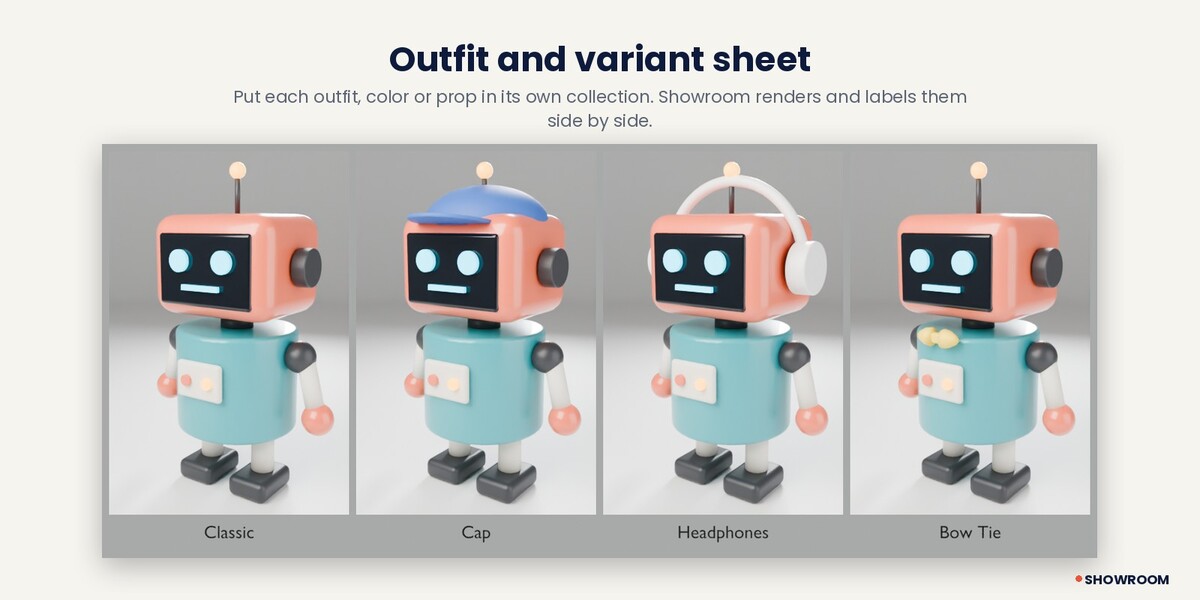
- Outfit and variant sheet. Each outfit, color or prop collection, side by side.
- Store sizes built in. 1280×720 cover, square thumbnail, Full HD, portrait, vertical and 4K.
- Transparent background for cut-out PNGs.
- Clean exit. Remove Studio deletes everything Showroom made and restores your camera, world and render settings.
Compatibility
- Blender 4.2 LTS up to 5.3 (tested on 4.2 and 5.3)
- Cycles and EEVEE
- Windows, macOS and Linux
What you get
- Showroom add-on (install the .zip from disk)
- PDF quick-start guide
- Demo scene: a robot with six facial expressions and four outfits
- Free updates for version 1.x
Install
- In Blender, open Edit › Preferences › Add-ons.
- Click the small arrow at the top right and choose Install from Disk…
- Pick the Showroom .zip. Don't unzip it.
- In the 3D Viewport press N and open the Showroom tab.
License: GPL-3.0-or-later, like every Blender add-on. Your renders are 100% yours, including for commercial work.
