 blenderVfxMaster
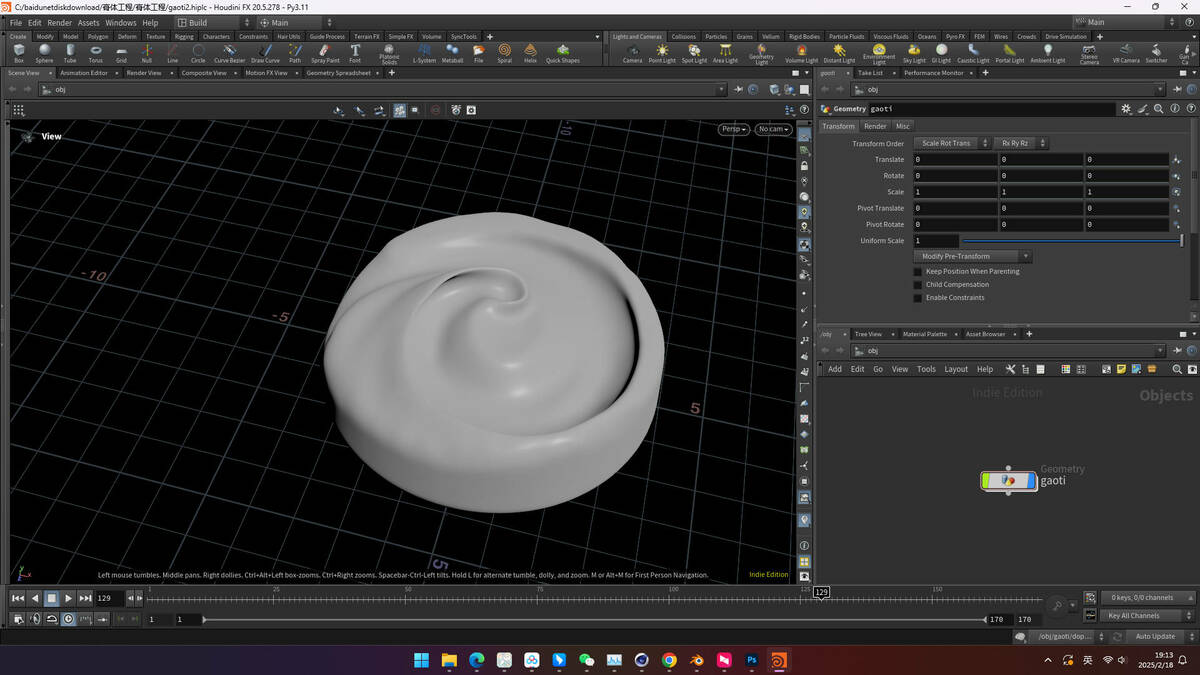
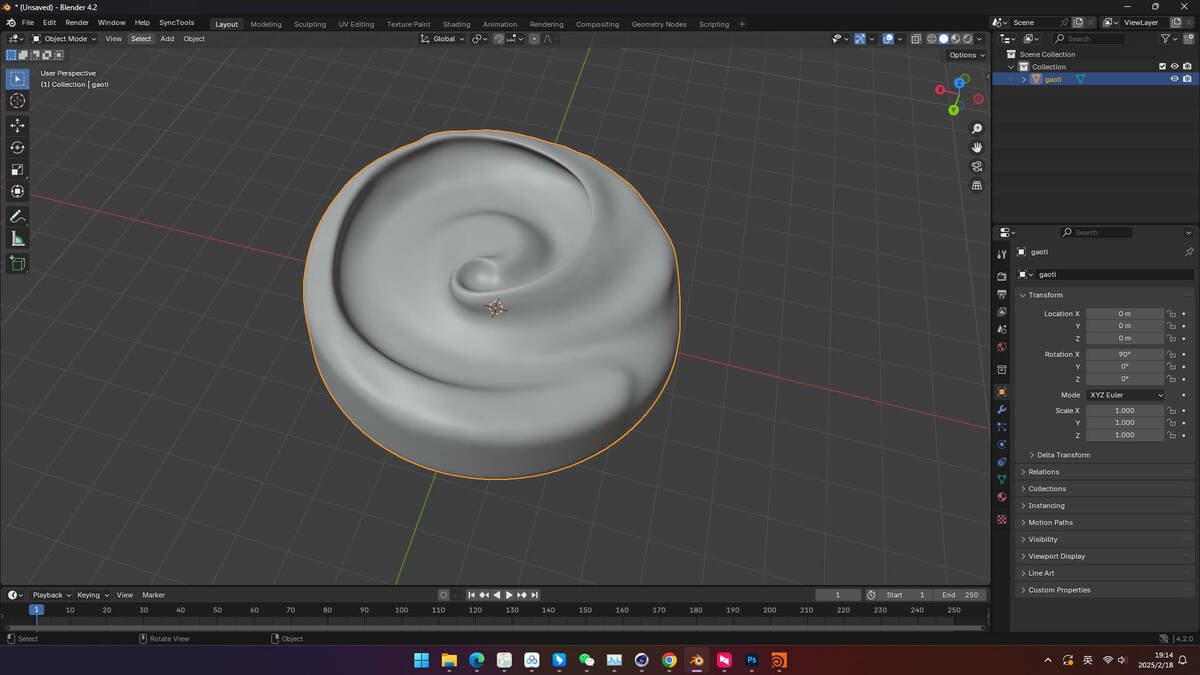


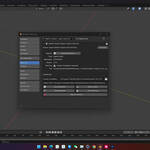
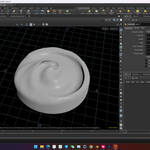
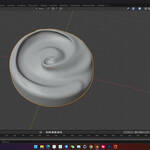
SideFX Houdini Import-Export (.hip)Import .hip / .hipnc / .hiplc files directly into Blender with geometry, transforms, and scaling preserved.
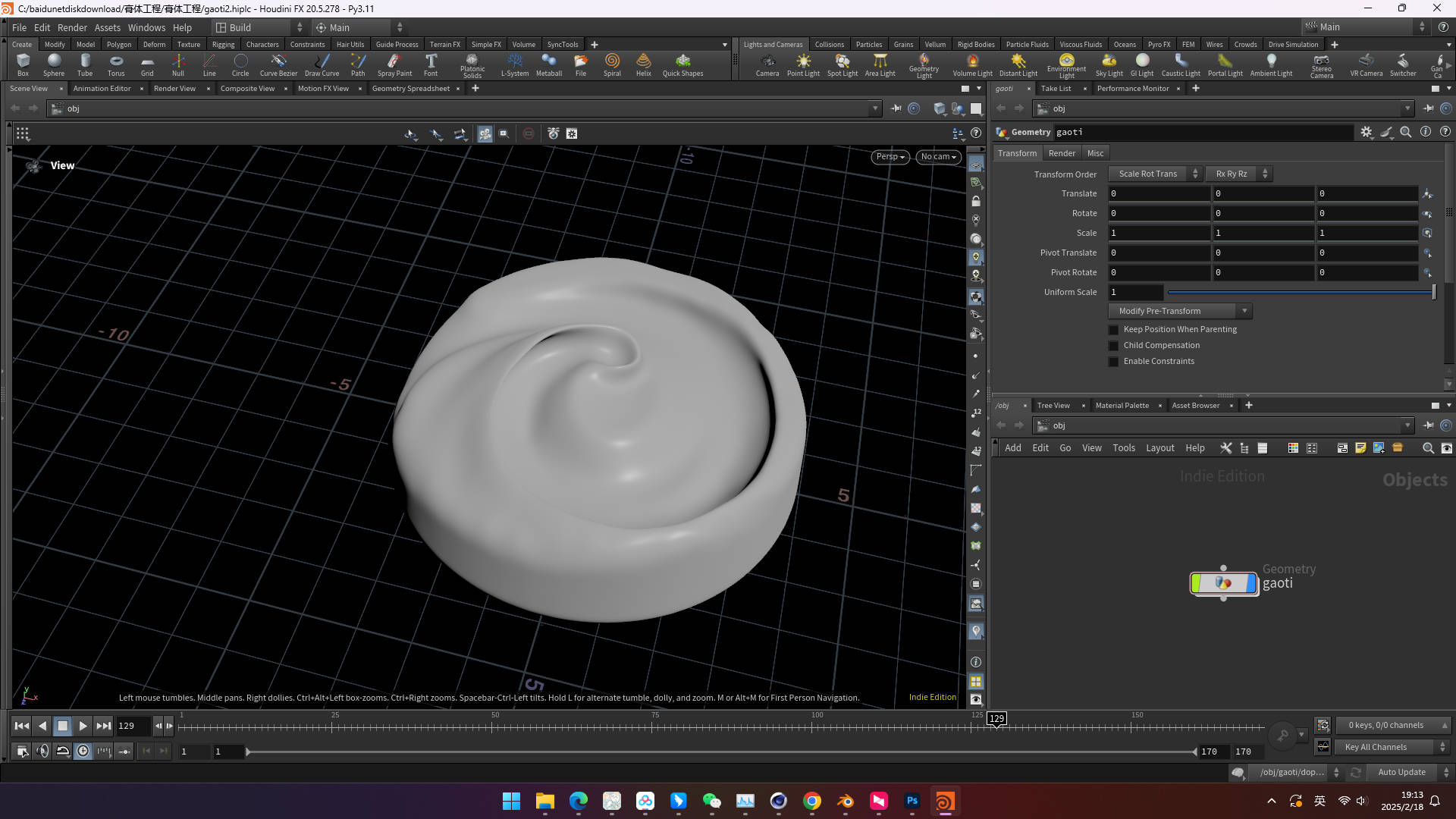
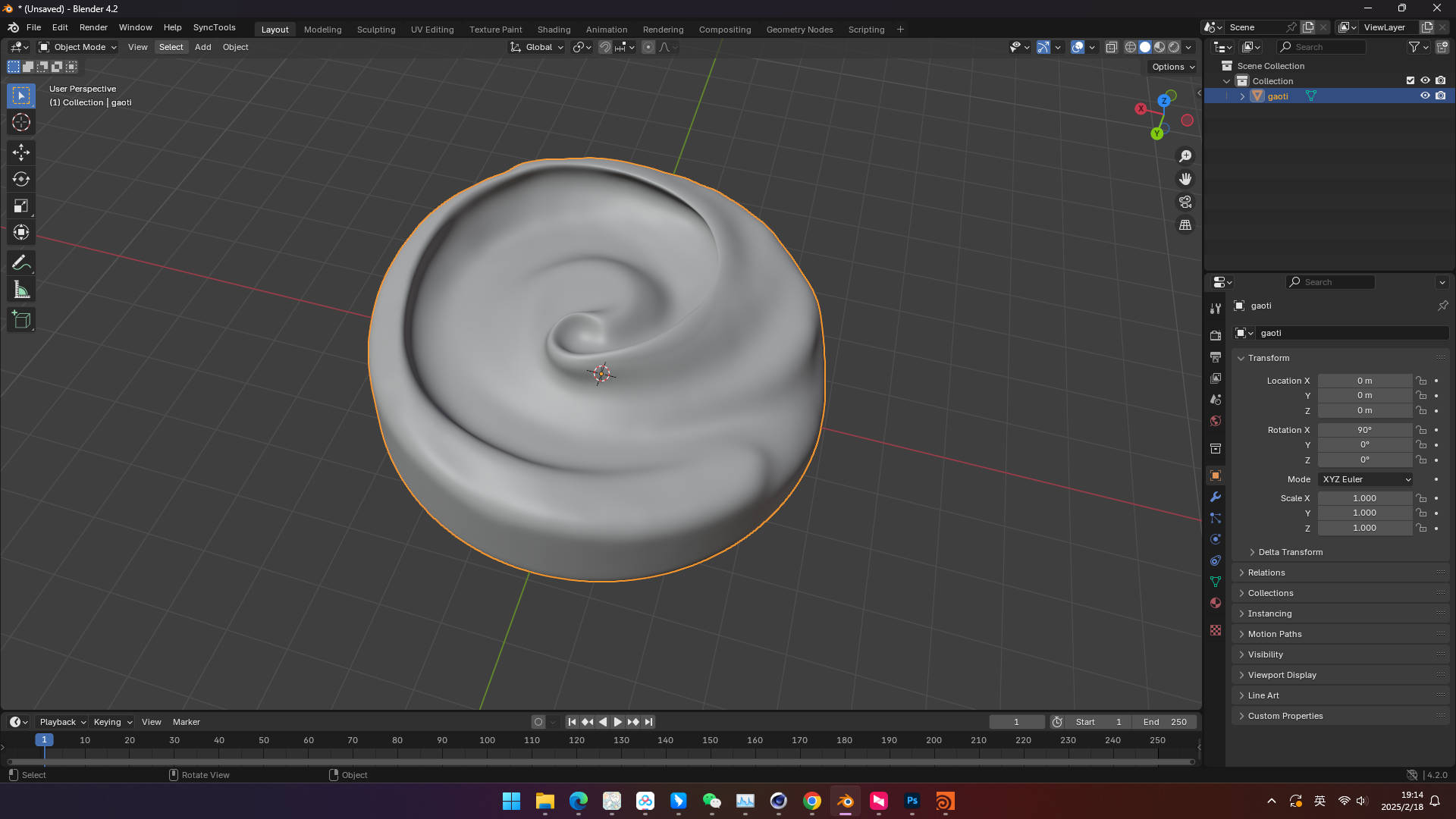
Bridge Houdini and Blender. Open Houdini scenes inside Blender's File > Import menu - geometry comes through with transformation and scale handling baked in.
What you get
|
||||||||||||||||
|
Overview
Open Houdini files in BlenderThis addon adds direct .hip import to Blender's standard File > Import menu. The plugin invokes a local Houdini install (Commercial / Indie / Apprentice) to extract geometry and transforms, then imports the result with proper scale handling.
Useful for FX artists, modelers, and anyone receiving Houdini deliverables who works primarily in Blender.
 |
||||||||||||||||
|
Features
What you get
|
||||||||||||||||
|
Benefits
Why this addon?- No Manual Export in Houdini - Skip the .obj/.fbx export step entirely.
- Receive Houdini Deliverables Easily - Open .hip files like any other 3D format.
- Studio-Ready - Detailed logging supports pipeline audits.
- Lifetime Updates - Free updates within the current major version.
|
||||||||||||||||
|
Compatibility
Compatibility- Blender: 4.0+
- Houdini: Commercial / Indie / Apprentice (any modern version)
- OS: Windows
- Recommended: 16 GB RAM, OpenGL 4.0 GPU, SSD storage
|
||||||||||||||||
|
Installation
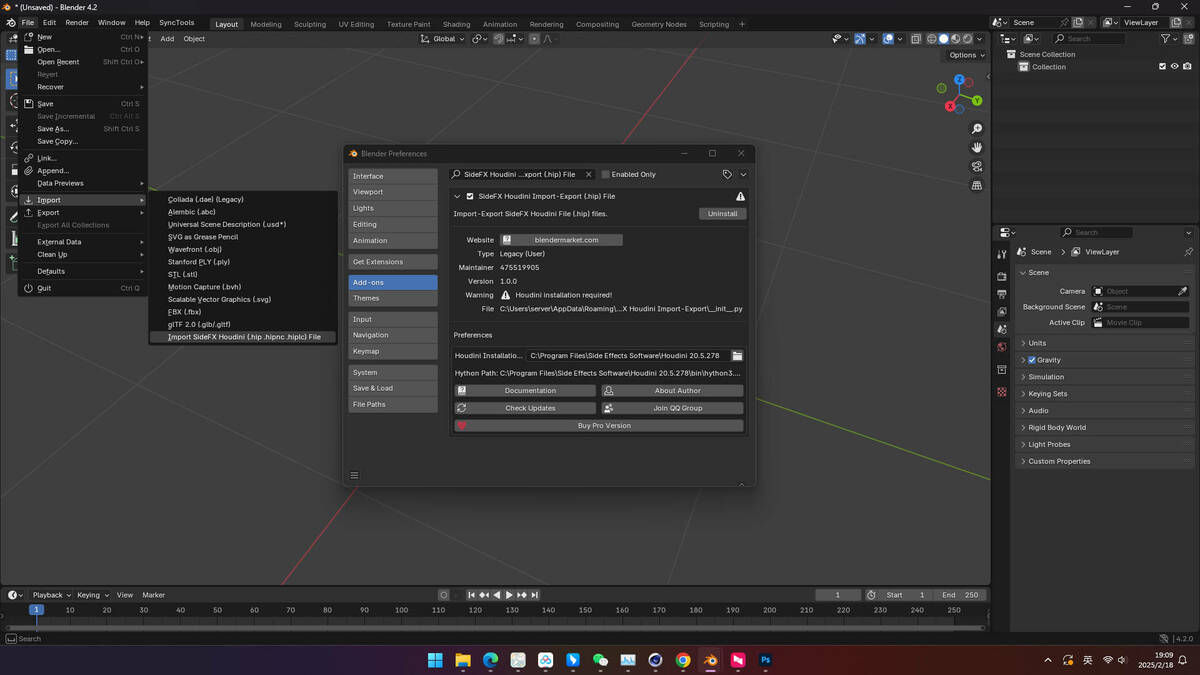
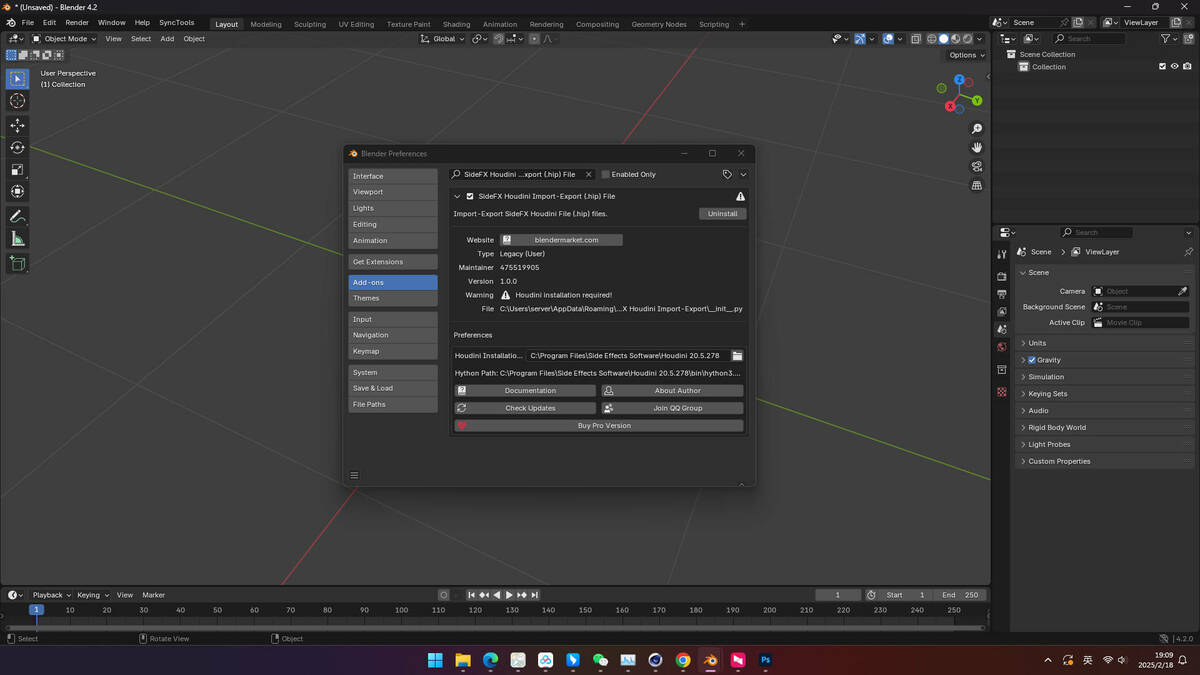
Quick Start1. Install via Blender Add-ons - Edit > Preferences > Add-ons > Install.
2. Set the Houdini install path - In the addon preferences, point to your Houdini installation folder.
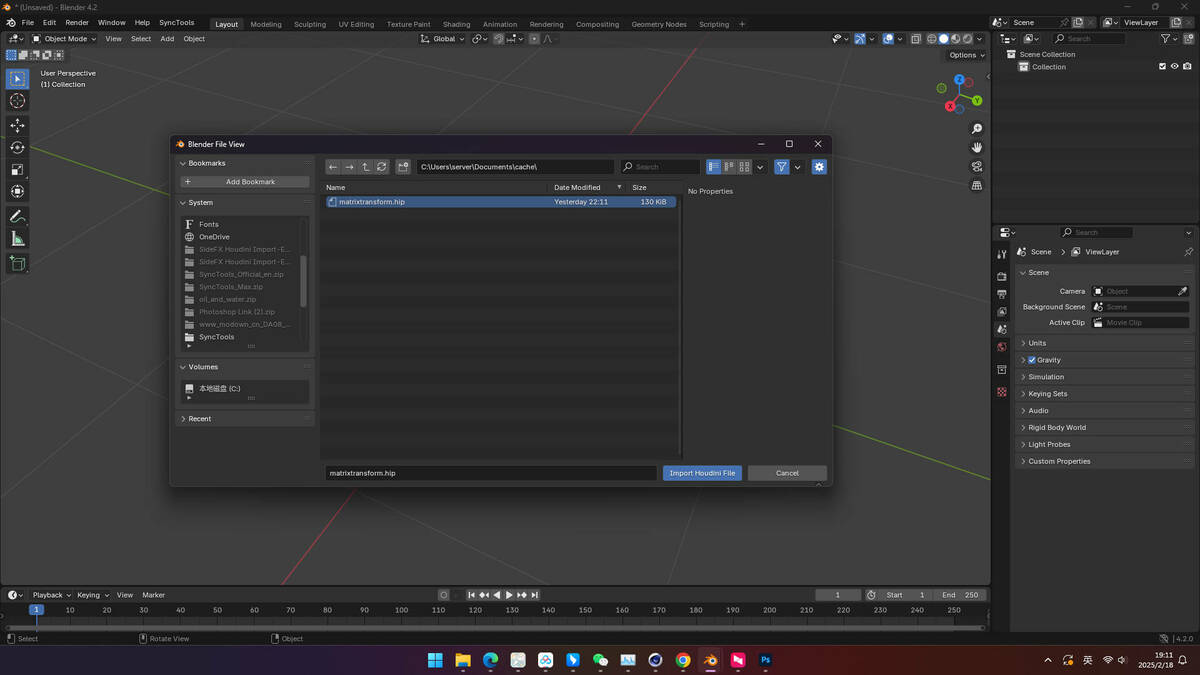
3. Use File > Import > SideFX Houdini File - Pick a .hip file - import runs locally.
4. Save before importing large scenes - Best practice for stability.
|
||||||||||||||||
|
Support
Support & Updates- Email and ticket support via Superhive inbox (typically 48 h response)
- Community chat for real-time help
- Free lifetime updates within the current major version
|
||||||||||||||||
|
Tags
houdini, blender, import, hip, fx, pipeline, addon
|
||||||||||||||||
|
2026 SideFX Houdini Import-Export
|
|
Community
Support Blender FoundationWe believe in giving back to the community that makes our work possible. Every month, we dedicate a portion of our plugin's revenue to support the Blender Foundation. Thank you for helping us contribute to the future of open-source creativity.
|