 Bala
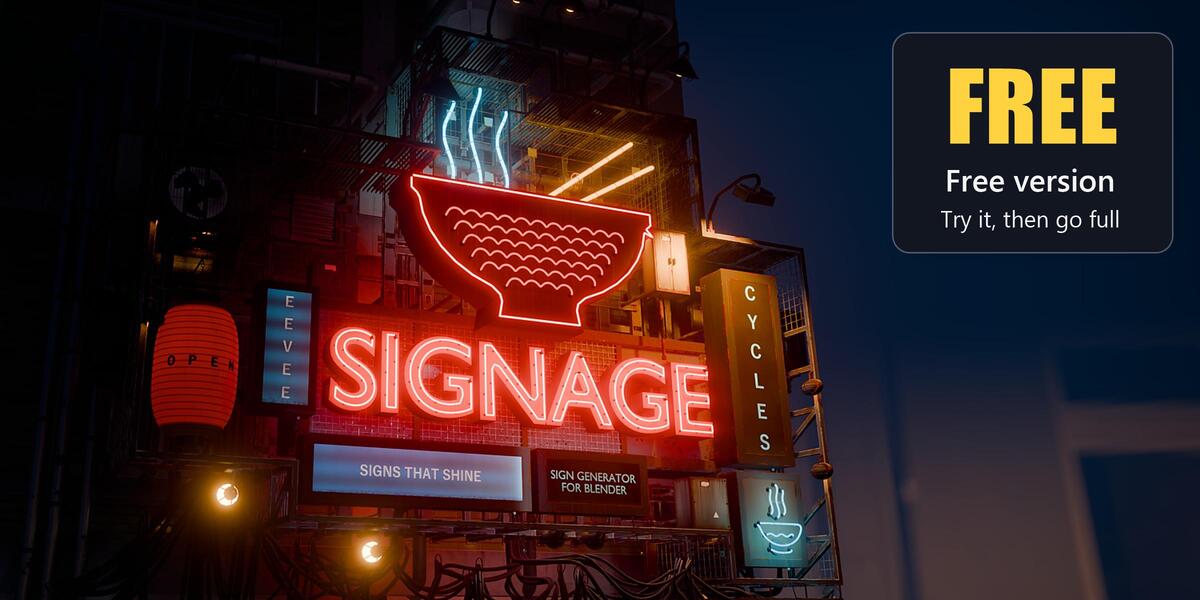
Signage Free: Signs that shine
Quick guide, version 1.0.0
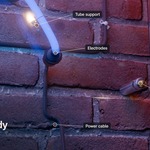
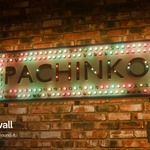
Hi, and thank you for trying Signage Free. It has three sign types from Signage: Neon, Light Box and Plate Sign, with nine ready looks.
1. What you need
Blender 5.2 or newer, Cycles or EEVEE. Signage Free uses Blender's built-in font or any font installed on your computer. I made and tested it in Blender 5.2 and 5.3 on Windows.
2. Install
- Download the Signage Free zip. Keep it as it is, you don't need to unzip it.
- In Blender, open Edit > Preferences > Add-ons. Click the small arrow at the top right and pick Install from Disk.
- Pick the zip and click Install from Disk. You can also drag the zip straight into the Blender window.
To remove it, open Edit > Preferences > Get Extensions, find Signage Free under Installed, click the small arrow at the right end of its row and pick Uninstall.
3. Your first sign
- With the mouse over the 3D Viewport, press N and click the Signage tab.
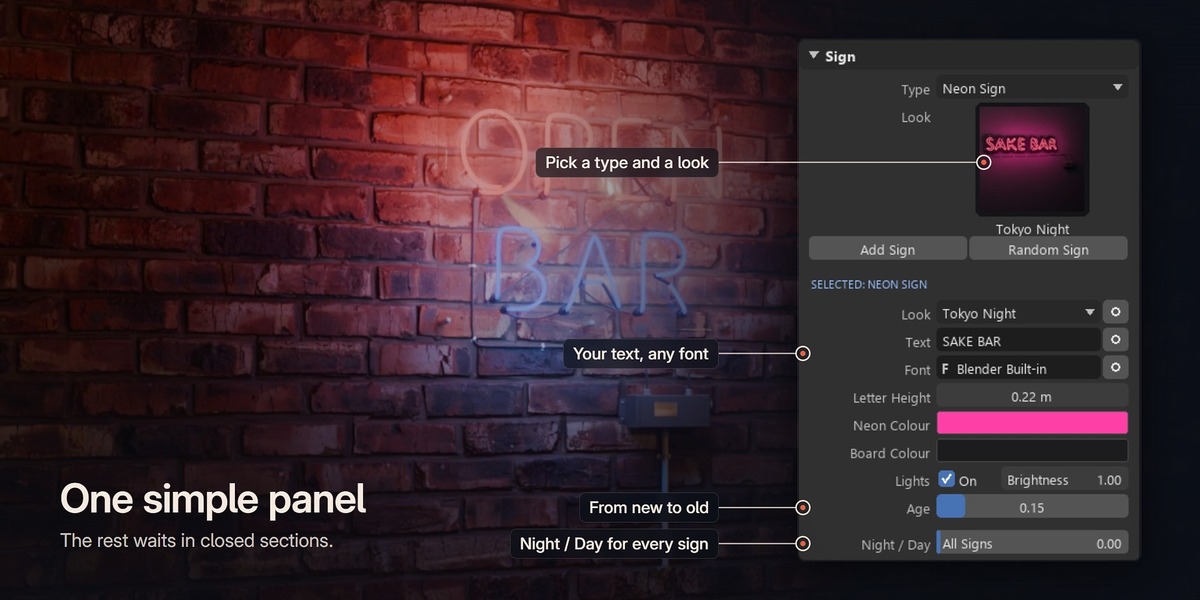
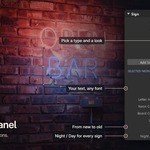
- In the Sign panel, pick a Type: Neon Sign, Light Box or Plate Sign.
- Click the Look picture and pick a look, or keep Default.
- Click Add Sign. The new sign follows your mouse over the walls, floors and roofs of your scene. Click to place it. The mouse wheel turns it (hold Shift for small steps).
- Click into Text and type your words. Use | for a new line, for example OPEN|LATE. Pick a Font and change the colours.
4. Night and day
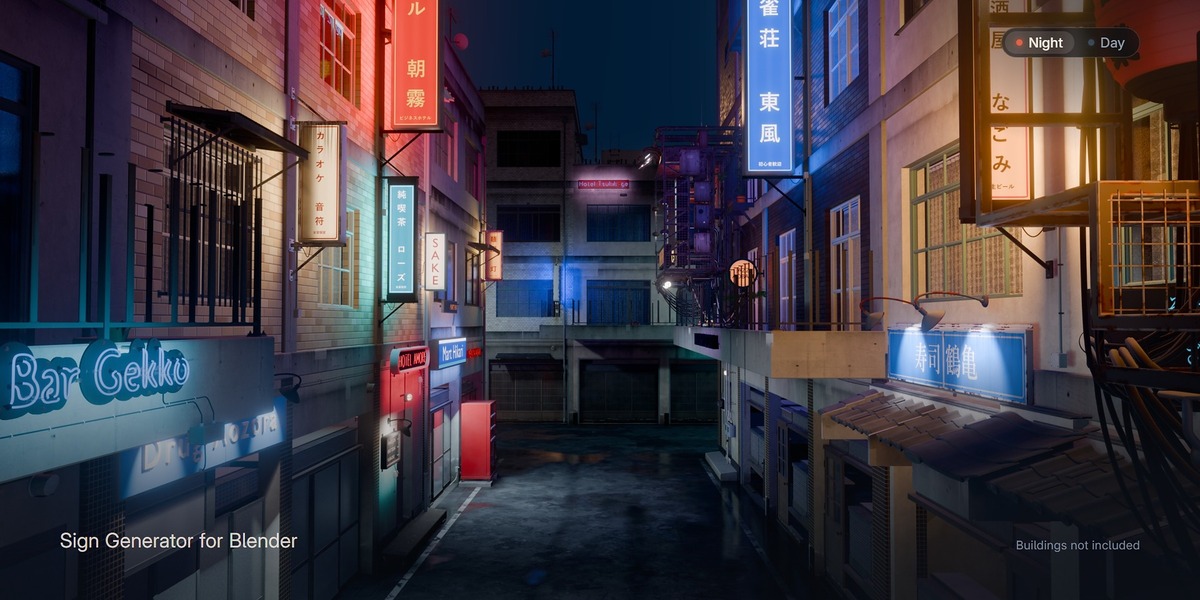
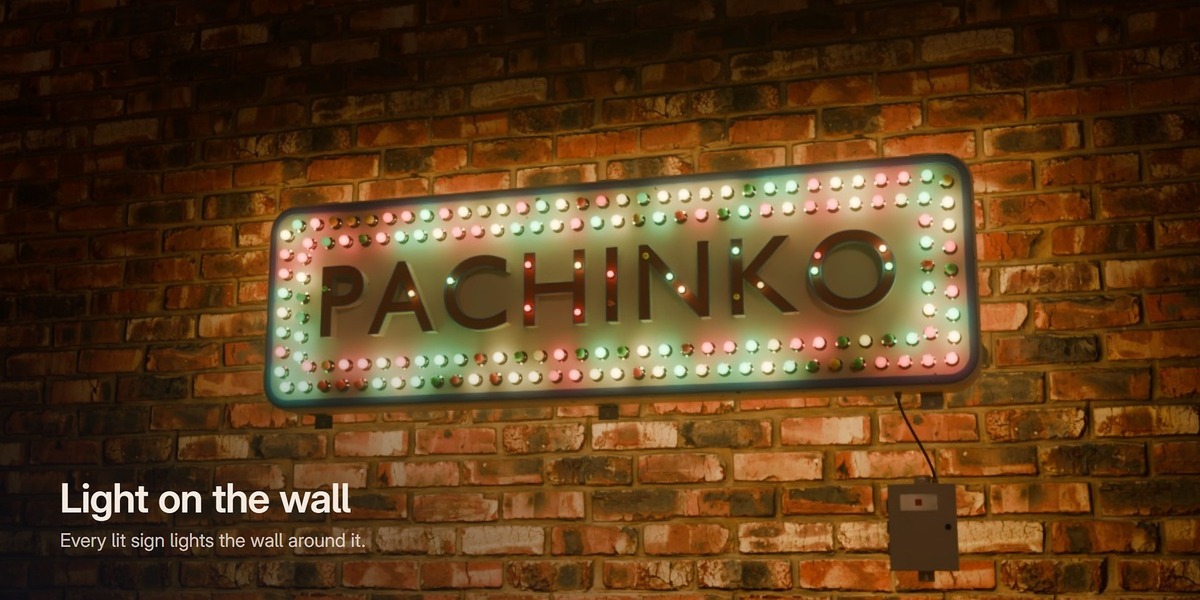
The Night / Day slider at the bottom of the Sign panel changes every sign in the scene: 0 is night and 1 is full daylight. At night each lit sign lights up the wall and the ground around it. The sun and the sky of your scene are up to you.
Night Look, the button under the slider, gives the scene punchy colours and a soft glow around the lit parts in one click. Click it again and your own settings come back.
5. Age
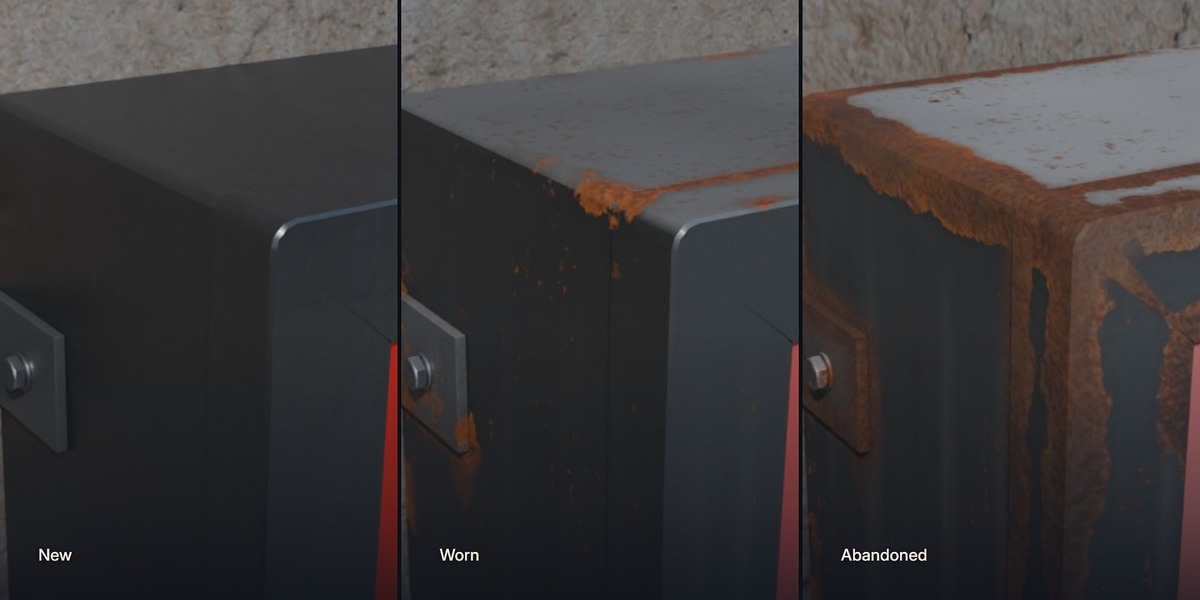
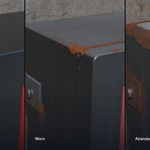
Age in the Sign panel ages the whole sign: 0 is brand new and 1 is very old, with dirt, rust and sun fade.
6. The full version
The greyed out items in the panel are in the full Signage: 13 more sign types and 102 more looks, 12 light effects and single letters, damage and the Abandoned looks, Back Detail, sign clusters and Random Cluster, Random Sign, SVG logos and icons, 185 parts in the Asset Browser, and Convert to Mesh with FBX and GLB export.
Free users get the full version for $19. Until Black Friday that is the launch price, and from 28 Nov coupon SIGNAGEFREE takes $10 off. Get it here: superhivemarket.com/products/signage
7. Got the full version?
Disable or remove Signage Free first, then install the full Signage.
8. Video tutorial
The 18 minute Signage tutorial shows the same panel: youtu.be/_Q6eIHOhQjY
Questions? Message me any time. Bala
Have questions about this product?
Login to message
| Blender Extension Compatible | Yes |
| Downloads | 10+ |
| Dev Fund Contributor | |
| Published | about 9 hours ago |
| Blender Version | 5.2 - 5.3 |
| Extension Type | Add-on |
| Render Engine Used | Cycles, Eevee |
| License | GPL |
Discover more products like this
signage light-box neon street geometry nodes storefront plate-sign sign Shop Sign free