Simple Cloth Binder
 DudeStudioz

Documentation
Instalation
Nothing Different, Install It As A Regular Addon.
User Interface/Use Guide
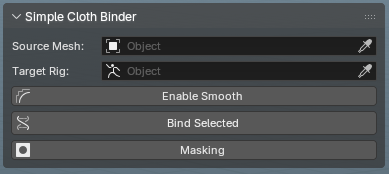
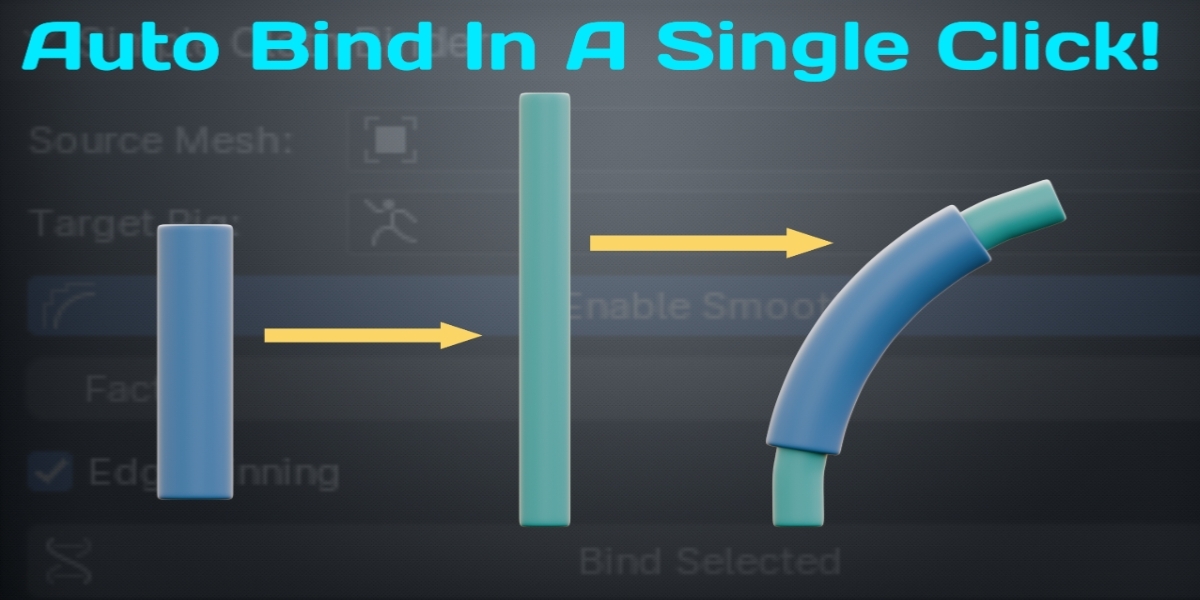
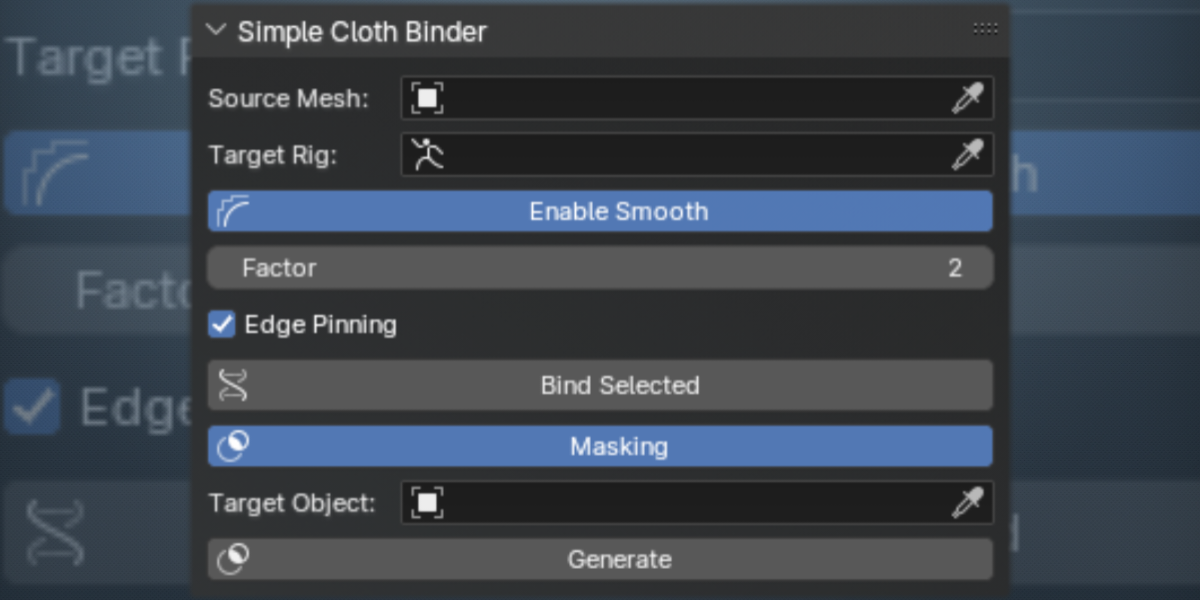
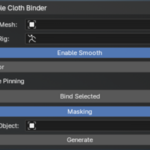
Fill The Source Mesh Block With The Model Which Is Already Rigged, It Can Be Your Character Body Or Creature which Is Already Rigged.
Fill The Target Rig Block With The Rig Your Source Mesh Is Connected To (Your Character Rig)
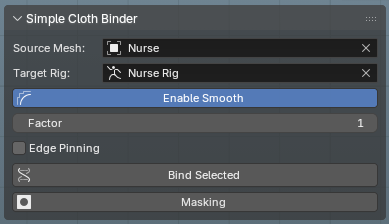
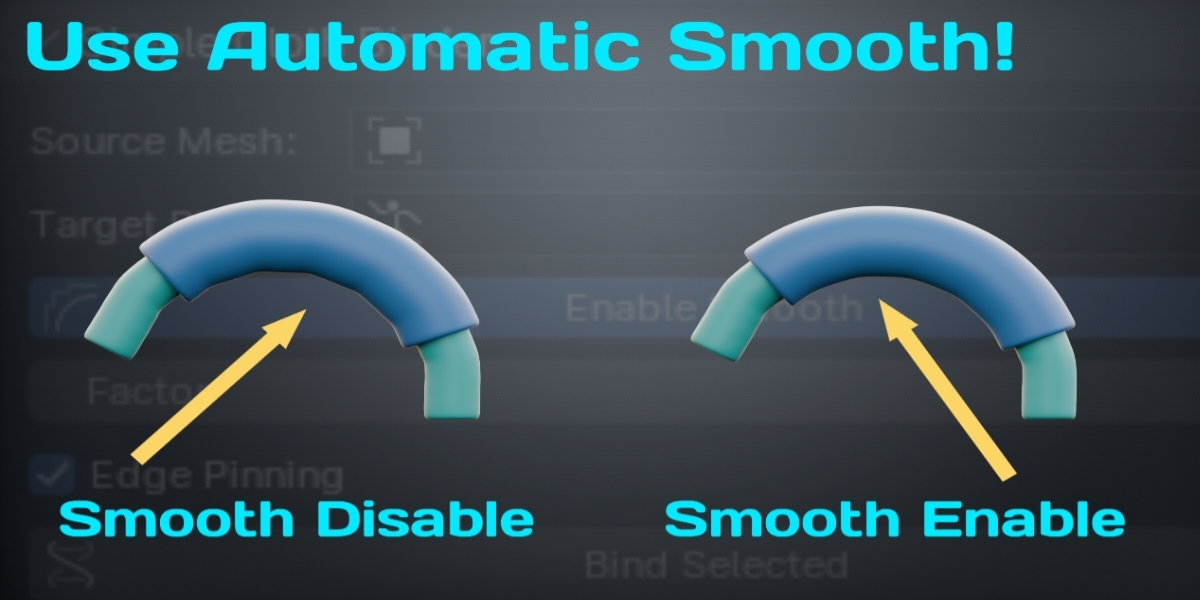
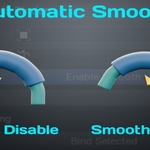
Enable Smooth: Use "Enable Smooth" button to add a corrective smooth modifier in your target models which you want to rig (Your Clothes)
Factor: The factor value can be changed based on how smooth the deformation you want (Do not use too high value 1 to 10 is enough for most cases)
Edge Pinning: Enable "Edge Pinning" if you want to preserve the model edges from getting smooth by the modifier.
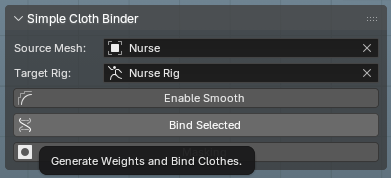
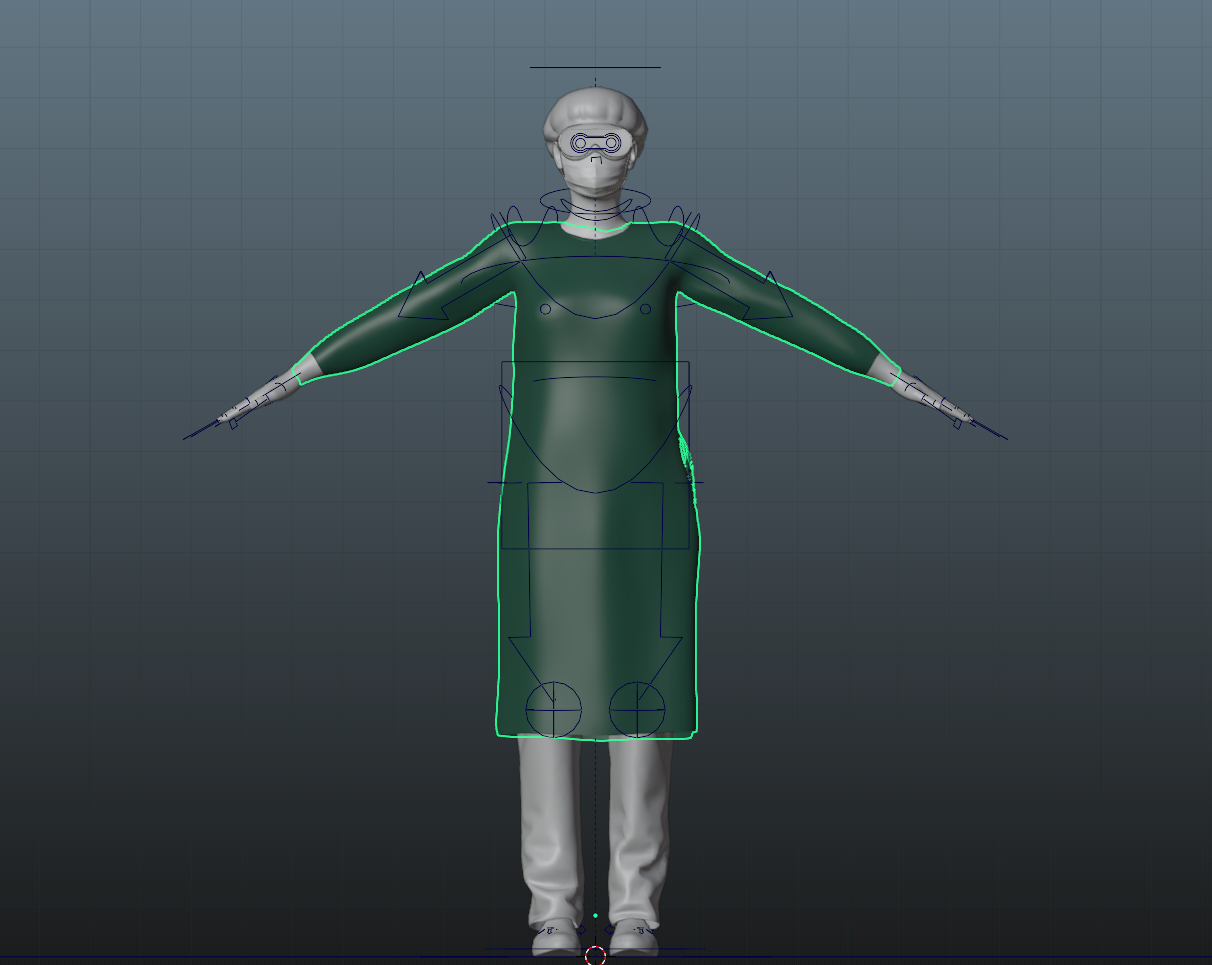
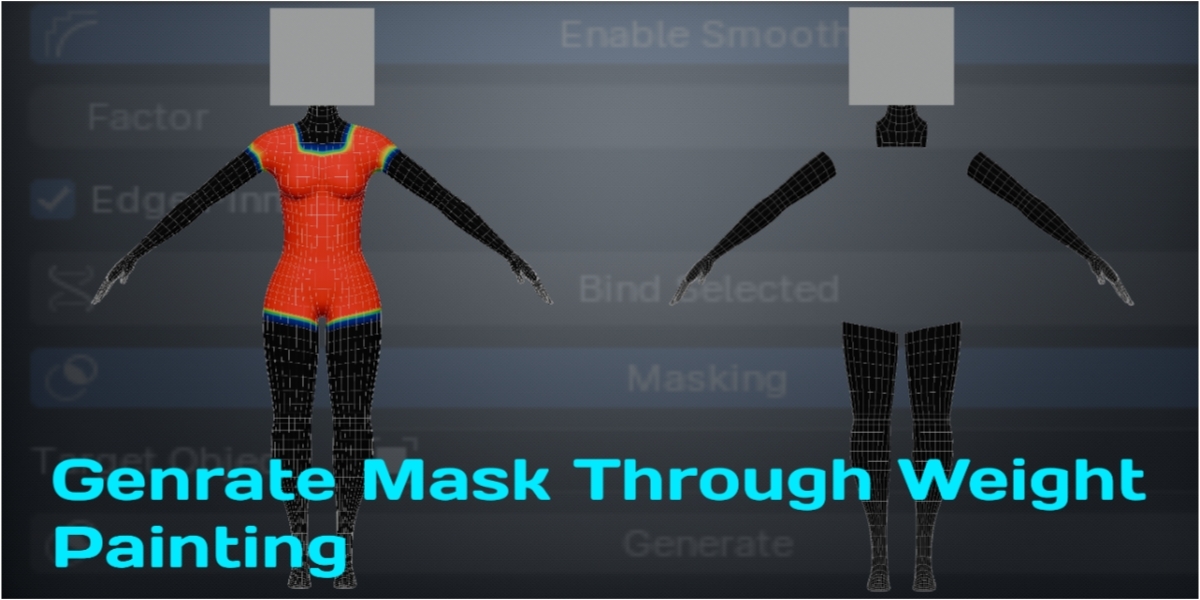
Bind Selected: Atlast select the object/mesh you want to bind with your character (you can select more than one to rig them all in one shot make sure that only the objects you selected which you want to rig not the source character or rig with them ) after selecting finally click the "Bind Selected" button. Congrats Your Clothes/mesh Are Rigged Now!
Join Discord for any help
-
$10
For Personal Use.
-
$20
For Commercial Use Or Support Developer.
 Included
Includes 12 months of
- Support from DudeStudioz
- Product updates
Extend this product’s Support Period +12 months: 50% of product price
Have questions before purchasing?
Login to message
Discover more products like this
simple cloth binder second life cloth rigging mesh cloth rig automatic-weight bind skin one-click #secondlife autorig rigging binder