 kala tokyo


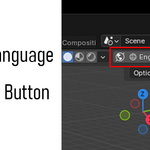
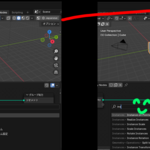
I want to use Blender in my native language.
But when searching for nodes or learning Geometry Nodes, having everything translated — including node names — can make things harder to follow.
Have you ever wished you could instantly switch the interface back to English just for those moments?
This add-on provides a simple and convenient language toggle button designed for users whose native language is not English and who frequently switch between languages.
Perfect for learning Geometry Nodes.
Introduction
Once installed, this add-on adds a simple toggle button to the right side of the 3D Viewport.
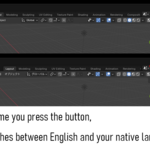
The button displays the current language setting, and each time you click it, the UI language switches between your native language and English.
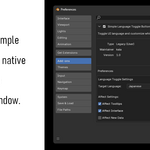
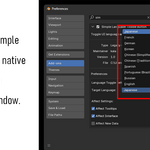
You can predefine your preferred native language in the Preferences window.
Currently supported languages include:
Japanese
French
German
Korean
Chinese (Simplified)
Chinese (Traditional)
Spanish
Portuguese (Brazil)
Russian
You can also configure the newly added “Affect Settings” options for language preferences directly from the Preferences panel.