 AUER
AUER




Where do I find the timer after installing?
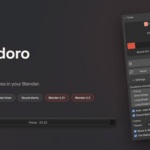
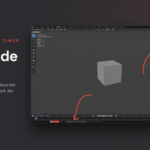
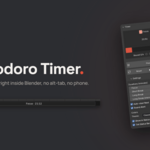
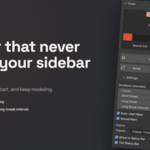
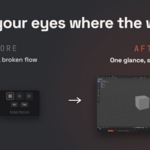
Press N in the 3D Viewport to open the sidebar, then click the "Pomodoro" tab. A live countdown also appears in Blender's status bar while the timer runs, and you can click its clock icon to jump back to the panel.
How do I install it?
In Blender, go to Edit > Preferences > Add-ons (or Get Extensions), click "Install from Disk", select the downloaded .zip file, and enable Simple Pomodoro Timer if it is not already on. Then press N in the 3D Viewport and open the "Pomodoro" tab.
Which Blender versions does it support?
Blender 4.2 and newer. It is built as a modern Blender extension and has been tested up to Blender 5.2.
$4.99
Have questions about this product?
Login to message
| Blender Extension Compatible | Yes |
| Dev Fund Contributor | |
| Published | 3 months ago |
| Blender Version | 4.2 - 5.2 |
| Extension Type | Add-on |
| Render Engine Used | Arnold, Cycles, Eevee, Octane, Vray |
| License | GPL |
Discover more products like this
countdown productivity focus timer pomodoro timer work Workflow deep-work tomato timer pomodoro