 Matthias Patscheider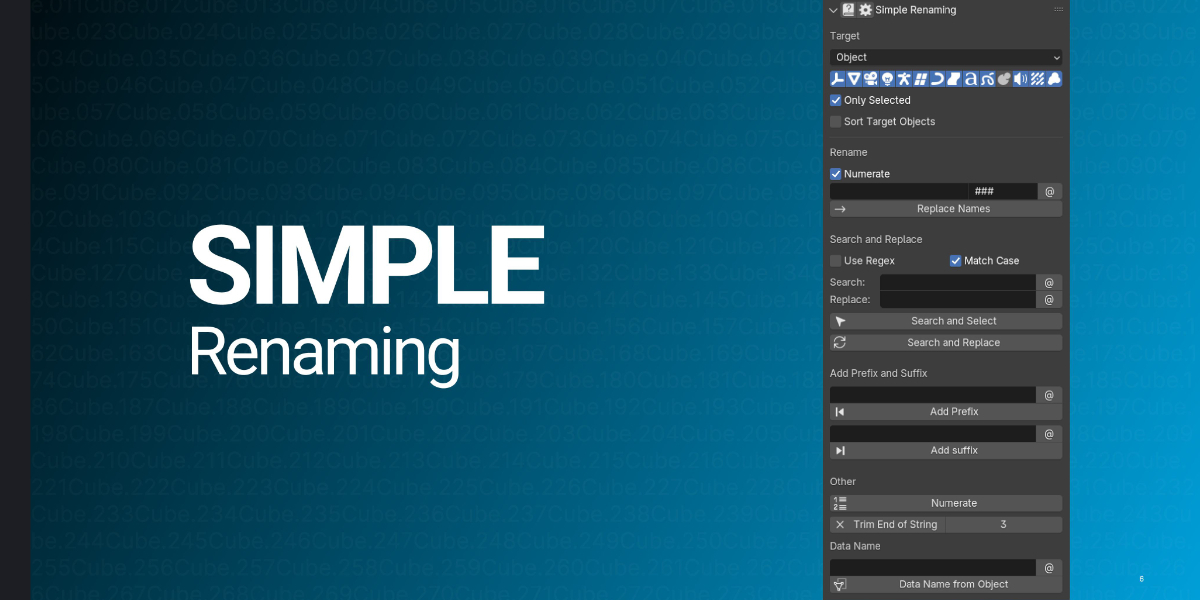





Simple Renaming
Trusted by 50,000+ Blender users, Simple Renaming is the go-to addon for batch renaming objects, materials, collections, and more. Fast, flexible, and free.
Video
Here's a quick look at how Simple Renaming simplifies your renaming tasks in Blender.
Key Features
Renaming Features
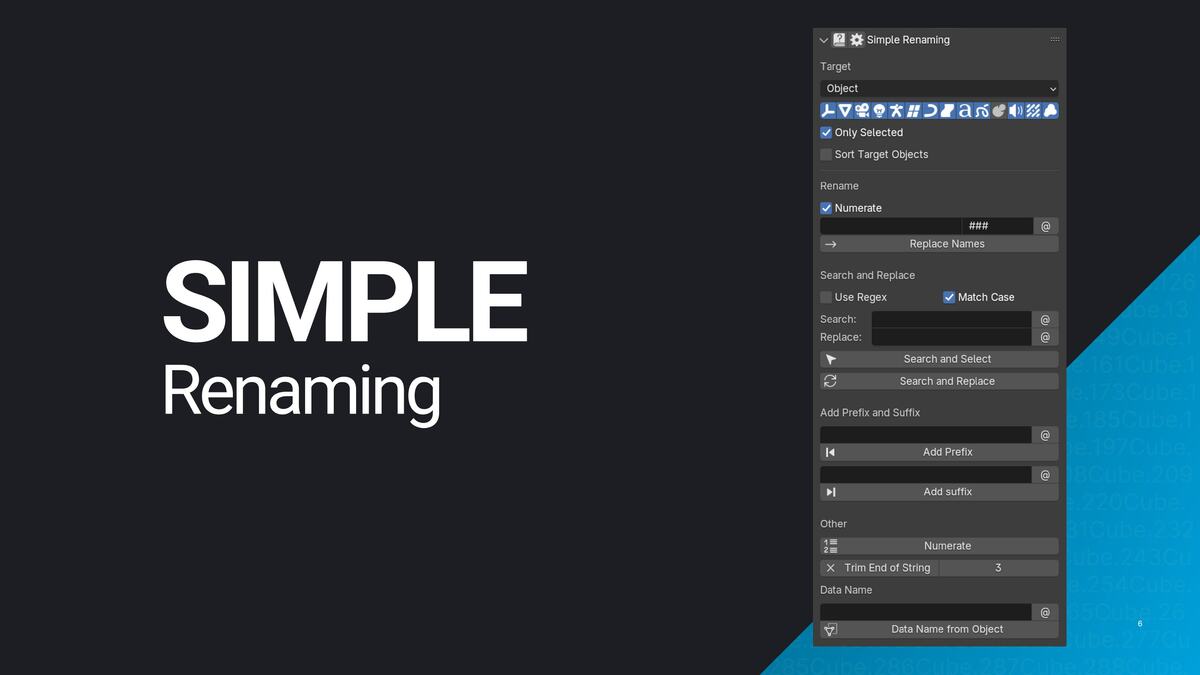
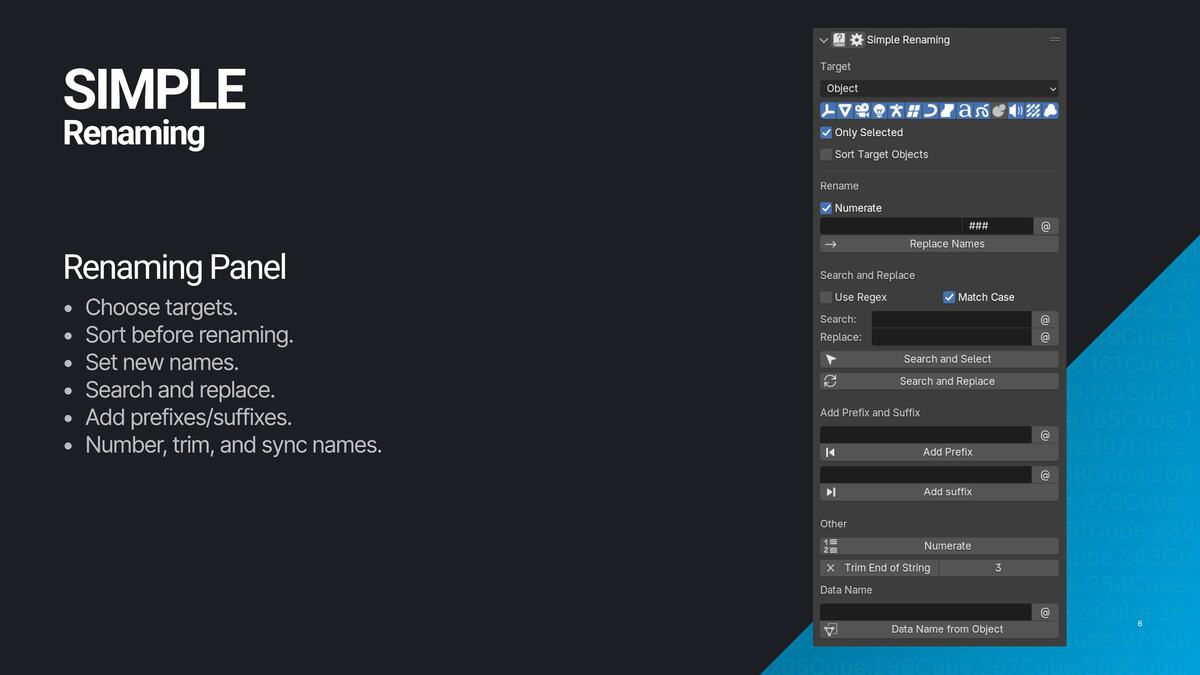
- Replace Names and Numbering: Replace names and add sequential numbering easily.
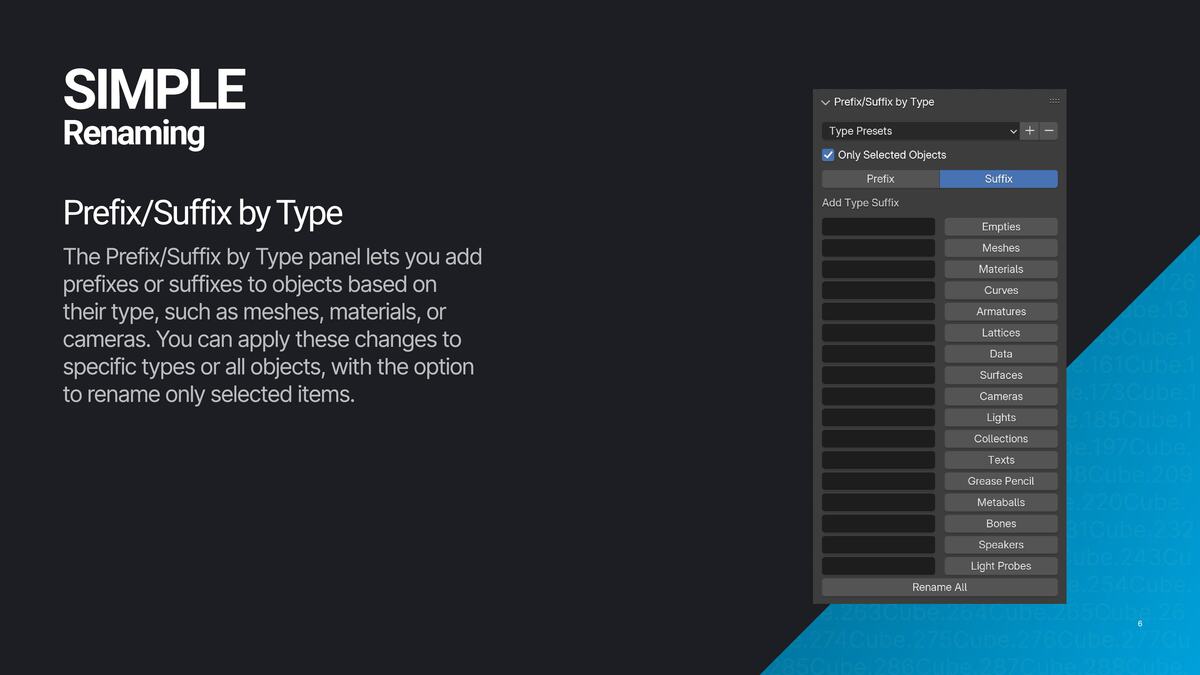
- Add Prefixes/Suffixes: Quickly add prefixes or suffixes for better organization.
- Trim and Number: Trim names from the end or beginning, and apply numbering to keep things tidy.
- Sync Object Names: Match object names with their data names — or use Also Rename Data to automatically rename linked data-blocks (mesh, curve, light data) to match the object's new name.
-
Search and Replace: Find and rename objects using a powerful search tool, with support for regex case modifiers (
\U,\L,\E) for case transformations directly inside patterns. - Search and Select: Identify and select objects based on name patterns.
Customization
- Rename Anything: Rename objects, materials, collections, Node Groups, Point Clouds, and more.
- Focus on Specific Types: Rename only the types you need, like meshes or cameras.
- Selective Renaming: Apply changes to all items or just selected ones.
- Case Transformations: Convert names to UPPERCASE, lowercase, Title Case, Sentence case, camelCase, or PascalCase in one click.
- Use Regex: Perform complex renaming with Regular Expressions.
- Organize by Order: Rename objects based on selection or position, with support for reverse sort order.
- UV Map Renaming: Rename UV maps by index, rename the active UV set, or batch rename across multiple objects.
Renaming Variables
Use @-variables anywhere in a name pattern to insert dynamic values — combine them with plain text for consistent, automatic naming across your whole scene.
-
Object name (
@o): Inserts the owner object's name — works not just in Object mode but also when renaming materials, UV maps, bones, modifiers, and shape keys. -
More object context:
@p(parent name),@a(active object),@t(object type),@c(collection),@m(data block name) — available in Object mode. -
Sequential numbers:
@ninserts a padded counter anywhere in the string —mesh_@n_high→mesh_001_high,mesh_002_high, … Great for baking workflows in Marmoset or Substance. -
Scene & file info:
@f(blend filename),@d(date),@i(time),@r(random string). -
User-defined slots:
@h/@l/@bfor high-poly, low-poly, and cage suffixes; plus@u1–@u3for any custom value you define in preferences.
User Experience
- Simple UI: Easy to navigate and uncluttered interface.
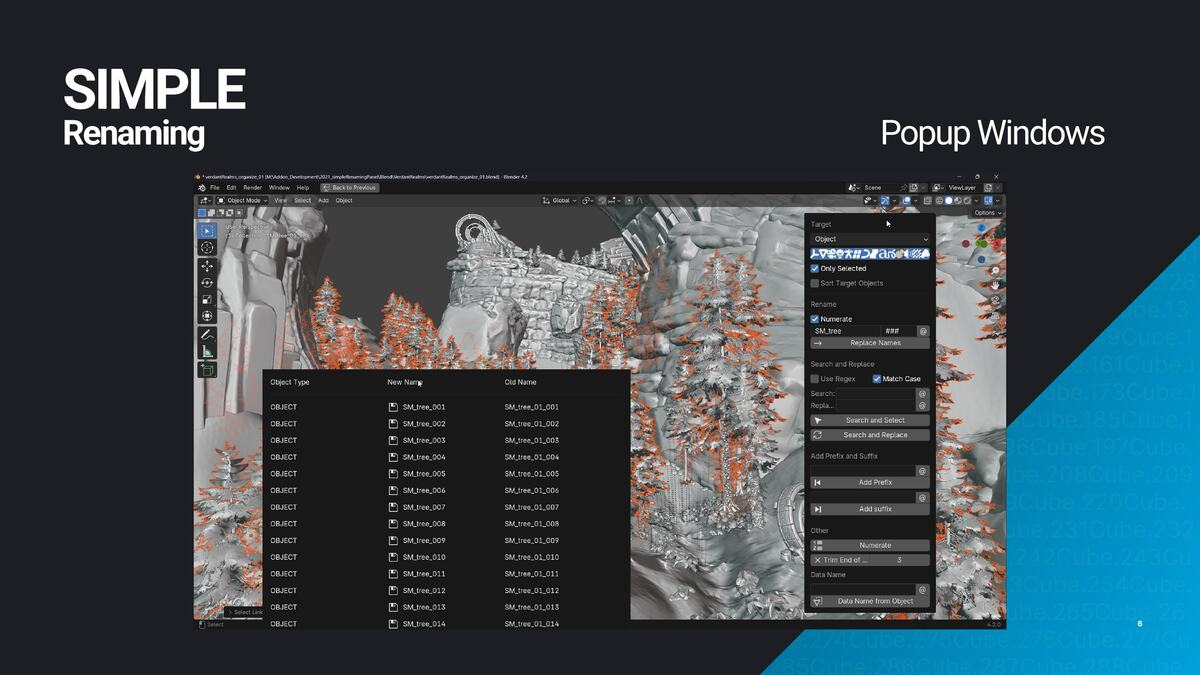
- Clear Feedback: See exactly what was renamed and how.
- Custom Hotkeys: Access the tool with customizable shortcuts.
- Performance: Built for large scenes — O(1) lookups replace linear algorithms, so 500+ object scenes rename significantly faster with recent updates.
What Users Say
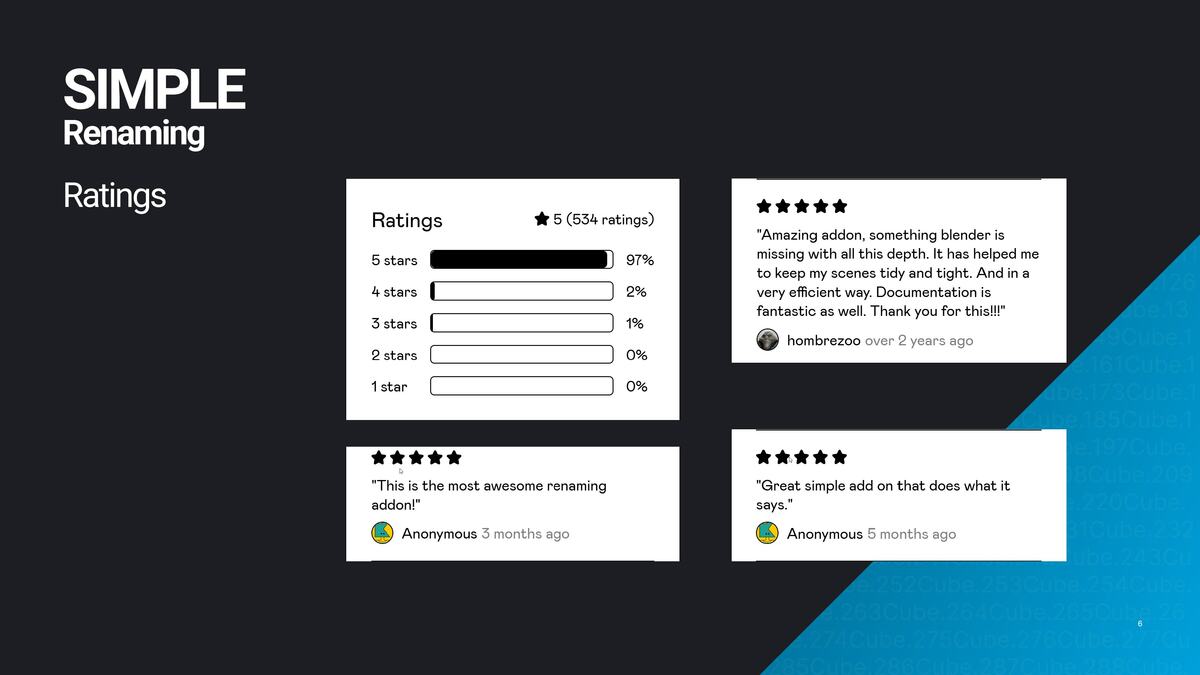
"Absolutely indispensable for me and my Blender workflow. This really should be a part of Blender at a base level... the biggest lifeline and time saver you will ever find. Highly recommend."
— Arianna, Superhive
"Superb, finally I can name the mesh the same as the data block without having to copy and paste every single time I create an object."
— Akira Furball, Gumroad
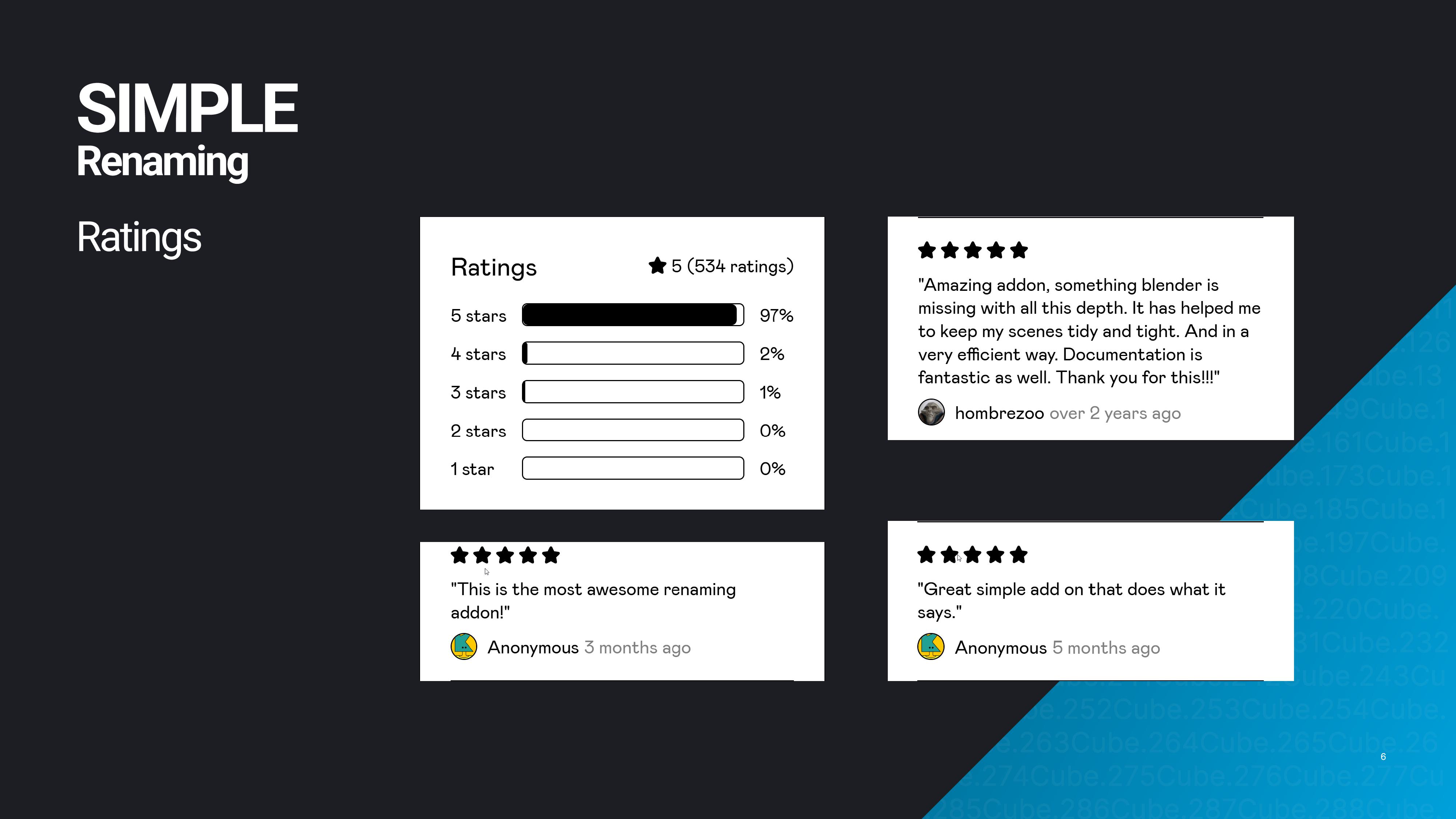
"Amazing addon, something Blender is missing with all this depth. It has helped me to keep my scenes tidy and tight, and in a very efficient way."
— hombrezoo, Gumroad
Get Simple Renaming
Simple Renaming is free on the Blender Extensions platform — download it directly from Blender. If you find it useful, you can support development by donating here or on Gumroad.