 GeoVex3D


Simple Utilities
This collection of node groups is designed to enhance procedural workflows in Blender's Geometry Nodes . Each group targets a specific aspect of mesh manipulation offering flexibility and control in procedural modeling or effects creation.
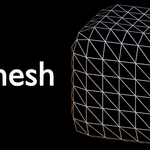
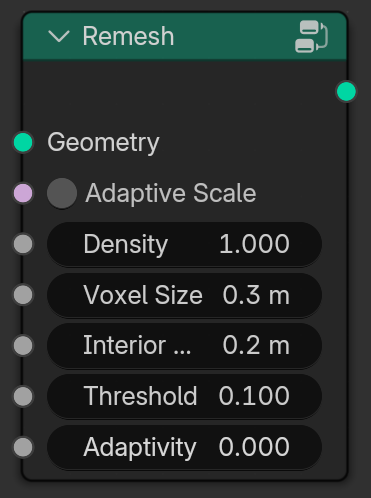
1. Remesh
Adaptive Scale: Voxel size will Adapt to the mesh's scale.
Density: Volume Density.
Voxel Size: The size of voxels.
Interior Band Width: How far inside the mesh to fill voxels.
Threshold: Controls mesh sharpness.
Adaptivity: Reduces mesh density adaptively.
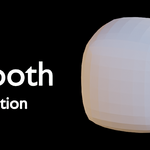
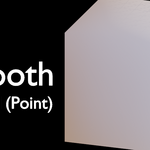
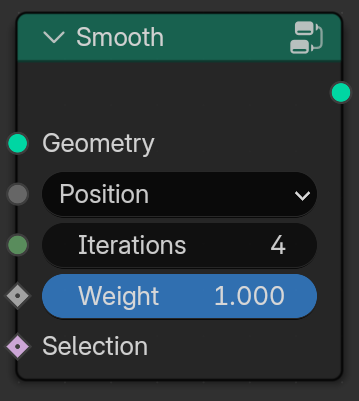
2. Smooth
Menu:
Position: Smooth the Position.
Normal (4.5+): Smooth the Normal (with settings like Point, Face, Face Corner).
Iterations: How many times to apply the smoothing.
Weight: Strength of Smoothing.
Selection: Mask.
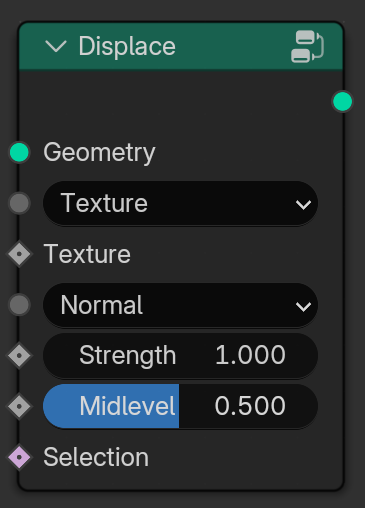
3. Displace
Menu:
Texture: Texture used for Displacement.
Image: Image Texture used for Displacement (with settings like Vector and Frame).
Menu:
Normal: Displace along Normal.
X: Displace along X axis.
Y: Displace along Y axis.Z: Displace along Z axis.
Custom Normal: Use Custom Normals for Displacement.
Strength: How much to displace.
Midlevel: Texture value treated as zero displacement.
Selection: Where to apply displacement (mask).
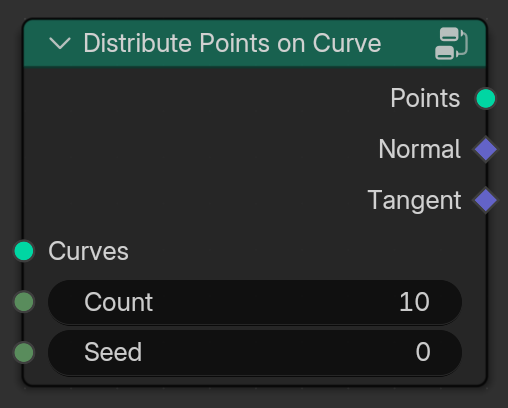
3. Distribute Points on Curve
Count: Number of Points.
Seed: Random Variation.
Normal & Tangent: Normal and Tangent of the curve
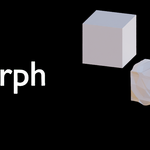
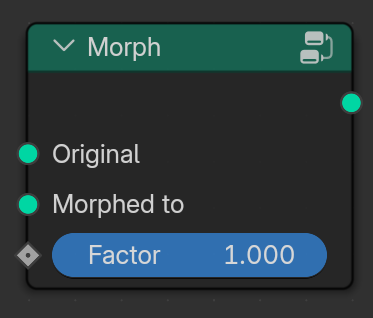
4. Morph
Original: Starting geometry.
Morphed to: Target geometry.
Factor: Blend between the two.
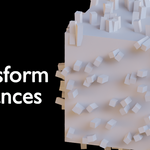
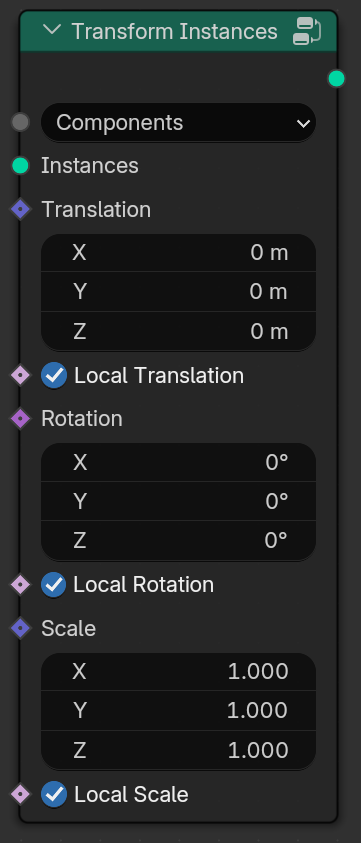
4. Transform Instances
Menu:
Components: Translation, Rotation and Scale (Global & Local).
Matrix: Matrix (Global & Local).
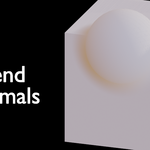
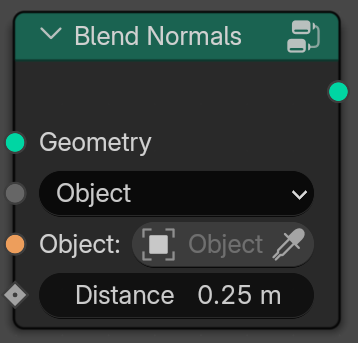
5. Blend Normals (4.5+)
Menu:
Object: Target Object to blend with.
Mesh: Target Mesh to blend with.
Distance: Blend distance.
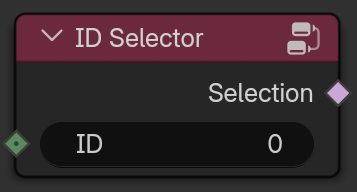
6. ID Selector
ID: Input ID/index.
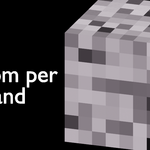
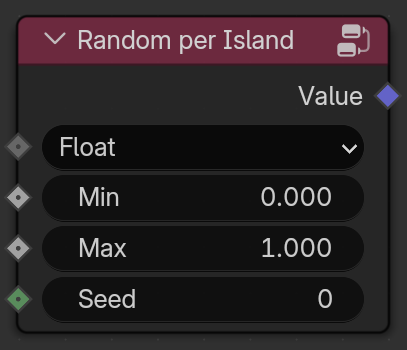
7. Random Per Island
Menu: Number Type
Min & Max: Range of random values.
Seed: Random Variation.
Hope these nodes Helped you and saved some time In Geo Nodes
more Node Group Collections soon...