 VjaceslavT


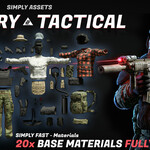
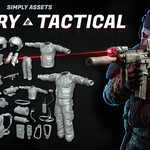
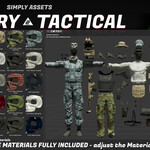
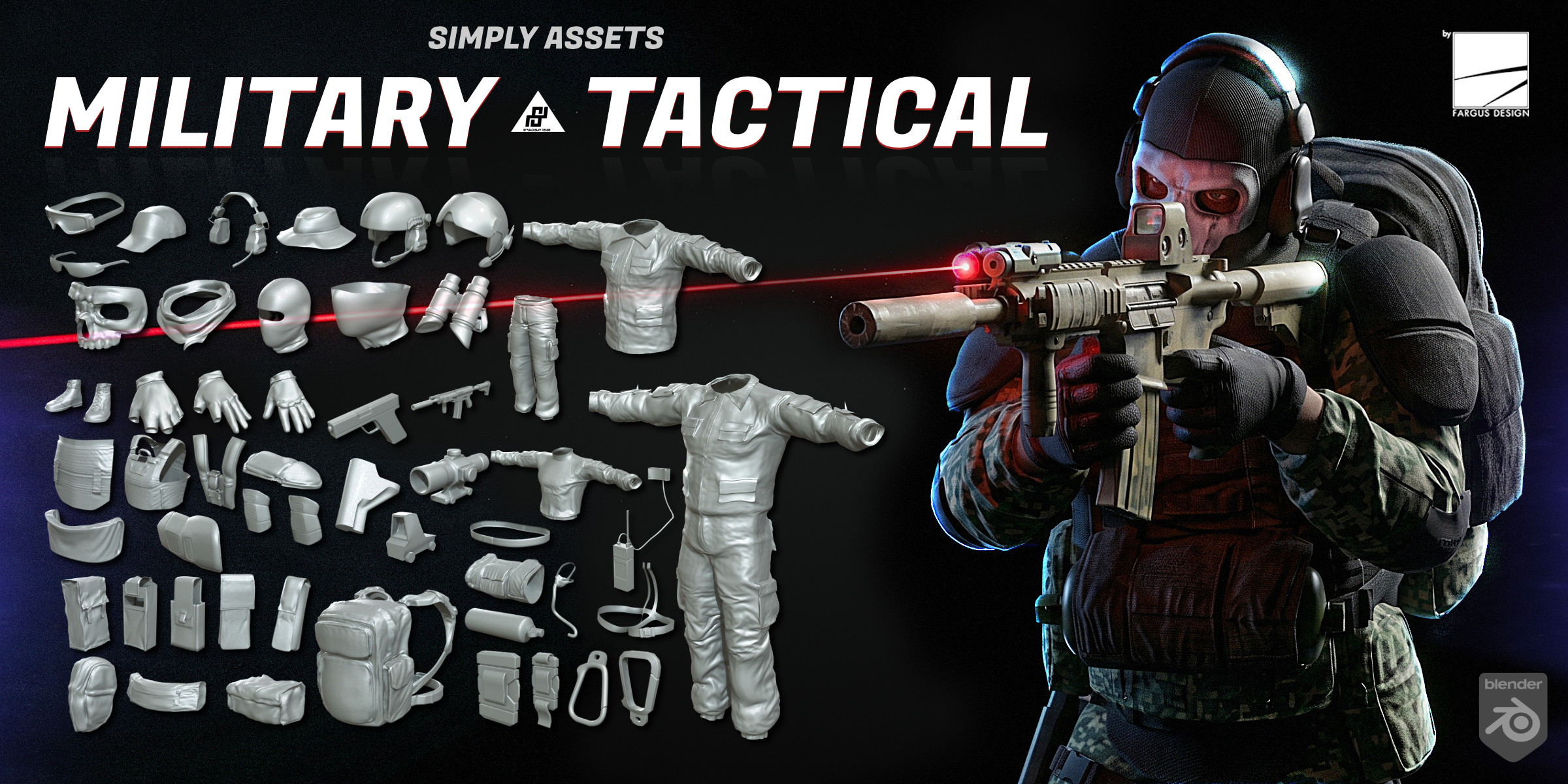
Simply Assets - Tactical Military Cloth Pack
– Drag & Drop from Asset Browser into your scene
Ready Made Tactical Military Assets for Mobil Game & Studio Quality or High Poly for rendering!
Equip your operatives, soldiers, and action heroes instantly with the Military Tactical Pack. Whether you are building a first-person shooter, animating a combat cinematic, or designing military concept art, this pack removes the technical grind of high-poly retopology and UV mapping.
Created for ultra-efficient real-time workflows, these assets feature clean, ultra-low-poly construction with full UV unwrapping. Originally fitted to a standard military base body, the meshes are easy to refit to any character or humanoid form with minimal adjustment.
Key Features:
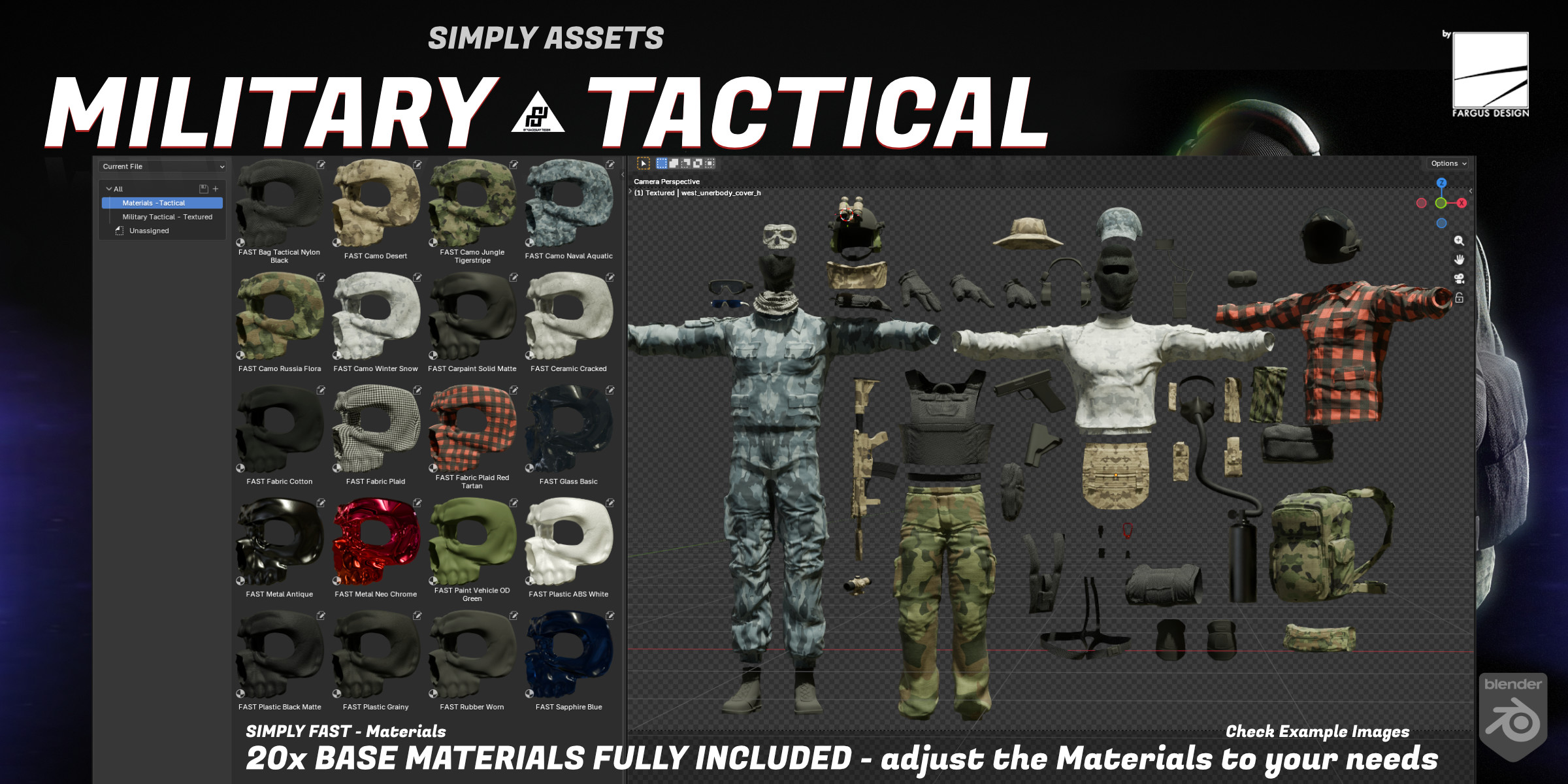
50+ High-Quality Assets: A complete tactical arsenal including vests, helmets, backpacks, pouches, knee pads, gloves, and more.
1x Primary Dummy Weapon base mesh Included: Comes with one , game-ready tactical rifle.
Ultra-Low Poly & Performance Ready: Optimized for real-time engines (Unity, Unreal)
Fully UV Unwrapped: Skip the tedious UV process – ready for texturing and material application out of the box.
Hybrid Available: Ultra-low-poly version included, with a high-poly version.
Clean Quad Topology (Low-Poly): Professional mesh flow for distortion-free shading and efficient rendering.
Drag-and-Drop Simplicity: Import directly into your scene via the Asset Browser. No simulations or complex setups required.
Fast Customization: Easily refit gear to new body types with very little alteration.
Check our other Simply Clothing Pack Assets for Blender
Creation Workflow:
Assets crafted using precision hard-surface modeling techniques, optimized for both performance and visual clarity.
Procedural Materials included in Textured Option:
20x Simply Fast Materials included in textured option. Ready to adjust them to your needs!
Check here full Simply Fast Materials
Perfect For:
Mobile Game developers needing instant military gear.
3D artists who hate retopology.
Animators requiring low-weight, deformation-friendly equipment.
Concept artists iterating on modern combat designs.
Installation Instructions (Blender Asset Browser)
Follow these 4 simple steps to start using the pack:
Download & Unzip: Extract the downloaded .zip file to a permanent folder on your computer (e.g., Documents/Blender/Military_Tactical_Pack).
Open Preferences: In Blender, go to Edit > Preferences > File Paths.
Add Asset Library: Under Asset Libraries, click the + button. Name the library (e.g., "Military Tactical Pack") and browse to select the unzipped folder as the File Path.
Open Asset Browser: In your Blender workspace, open an Asset Browser window. Select your new library from the dropdown menu.
That's it! Drag and drop any vest, helmet, pouch, or weapon directly into your scene. No further setup required.
Contact (ENG, GER, RUS)
---------------------------------------------------------------------------------------
- email: [email protected]
- discord: https://discord.gg/uABYNfQtTk
If you want, support my Dev friends and me!
CG Flow - Best Viewport Navigation
Kagi Vision 3D | Armors Assets
Automotive - MOUVAL by Damian Mathew
Tracegenius Pro - Image To 3D Tracer