 AlanWatton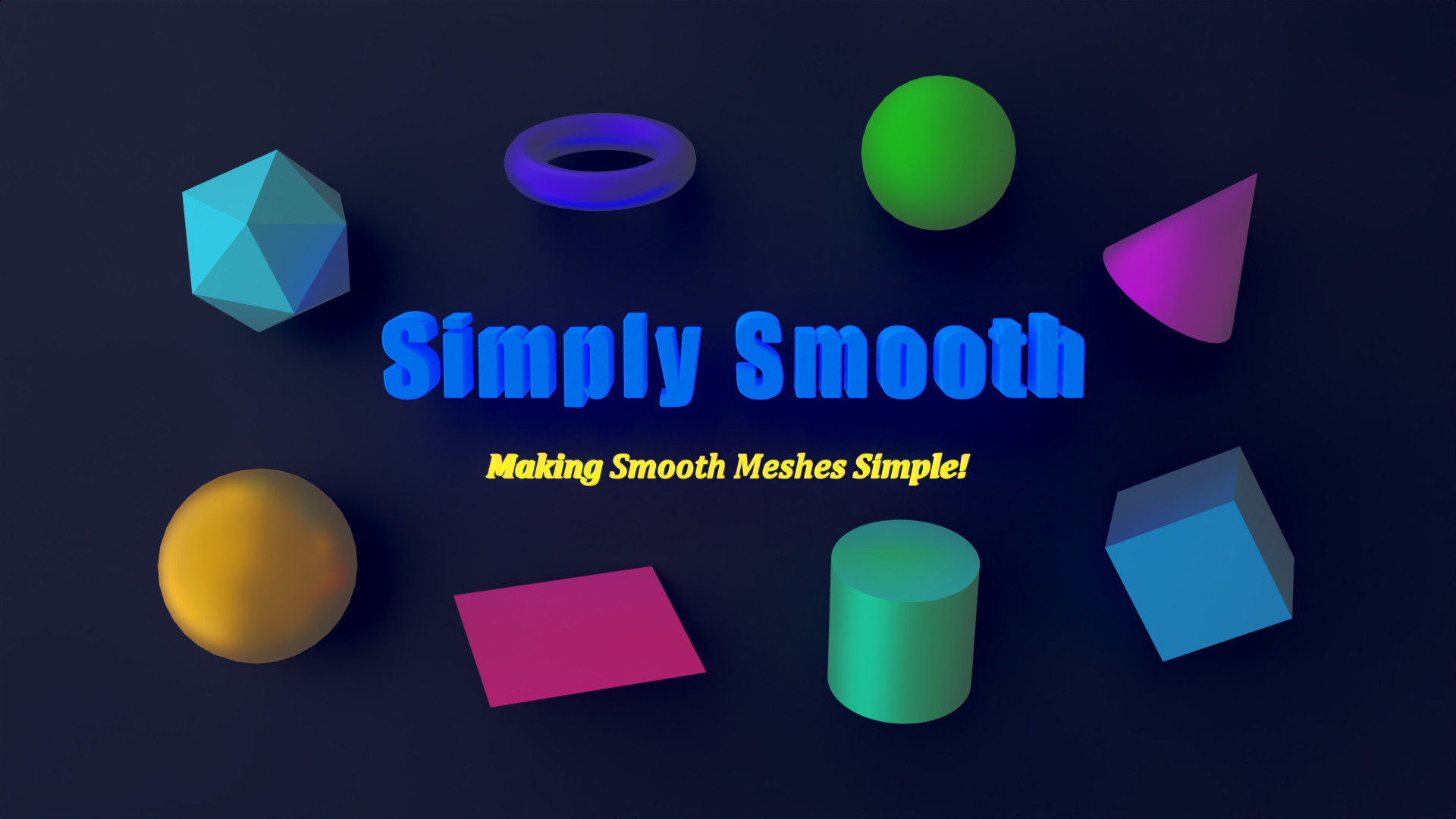


Version 1.1
⭐ Included Smooth Meshes ⭐
Plane, Cube, UV Sphere, Cube Sphere, Ico Sphere, Cylinder, Cone, Torus
All meshes have the default initialization properties available (Size, Vertices, Generate UVs, etc)
⭐ Auto Shade ⭐
Add context menu entries for Auto Shade Smooth & Auto Shade Flat to simultaneously either Shade Smooth & toggle Auto Smooth On or Shade Flat & toggle Auto Smooth Off
Using Auto Shade Smooth brings up a property panel in the scene to adjust the Auto Smooth value, saving time & energy opening up the data panel as is required with the builtin method
Smooth Meshes Menu ✔
Sub-menus added to the add menus for easy access to the Smooth Meshes

Auto Shade ✔
Context menu entries for Auto Shade making it fast and simple to use
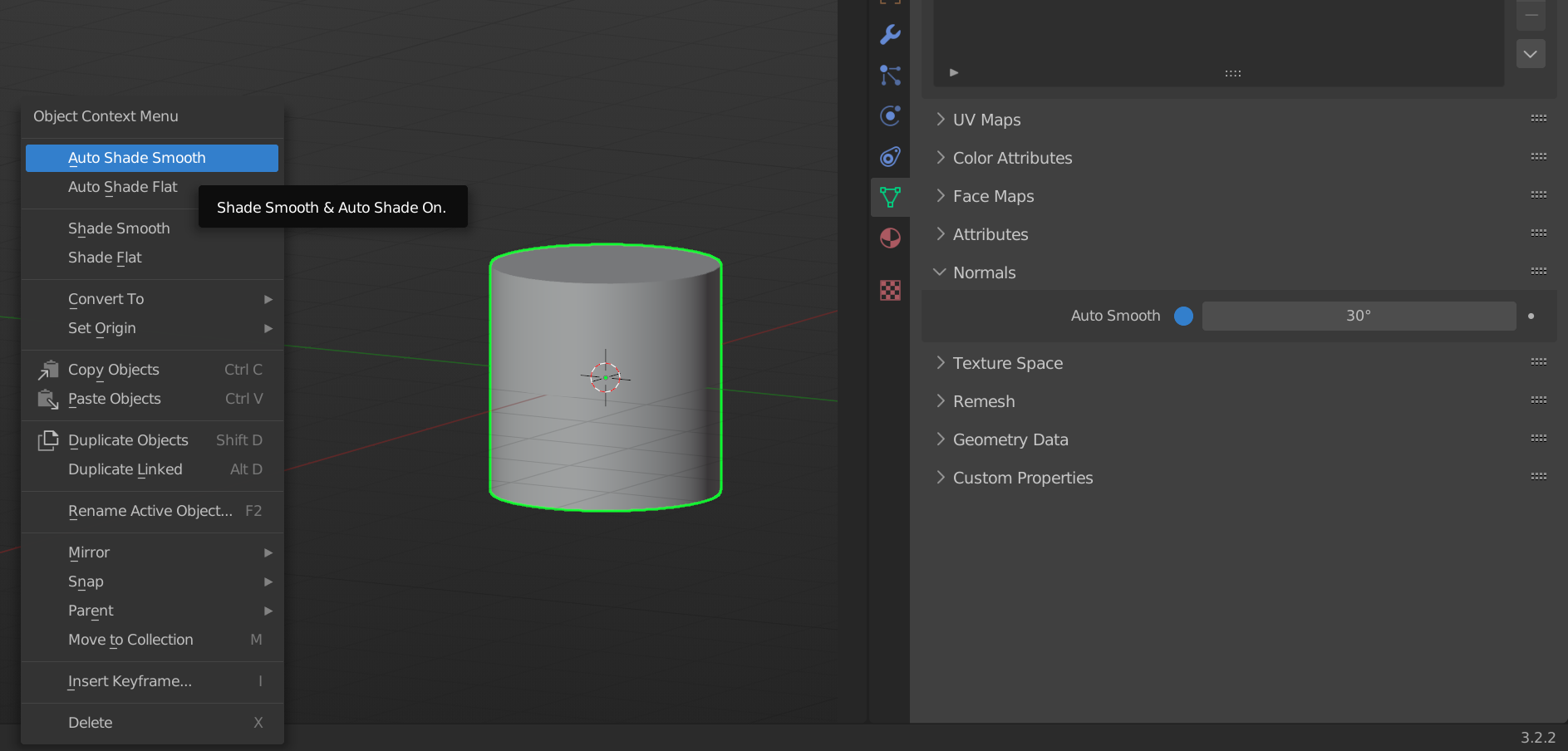
Auto Shade Angle ✔
Easily update the Auto Smooth Angle from within the scene when applying Auto Shade Smooth

Auto Shade Faces ✔
Auto Shade is also available in edit mode to update selected faces

Cube Sphere ✔
Perfect quad only spheres created by subdividing a cube before casting it to a sphere
*Not available in edit mode due to required modifiers

Preferences ✔
Several options to personalize the add-on making it possible to choose where and how features work

Simply Smooth, Making Smooth Meshes Simple!
If you have any questions or issues don't hesitate to get in contact!
😃
