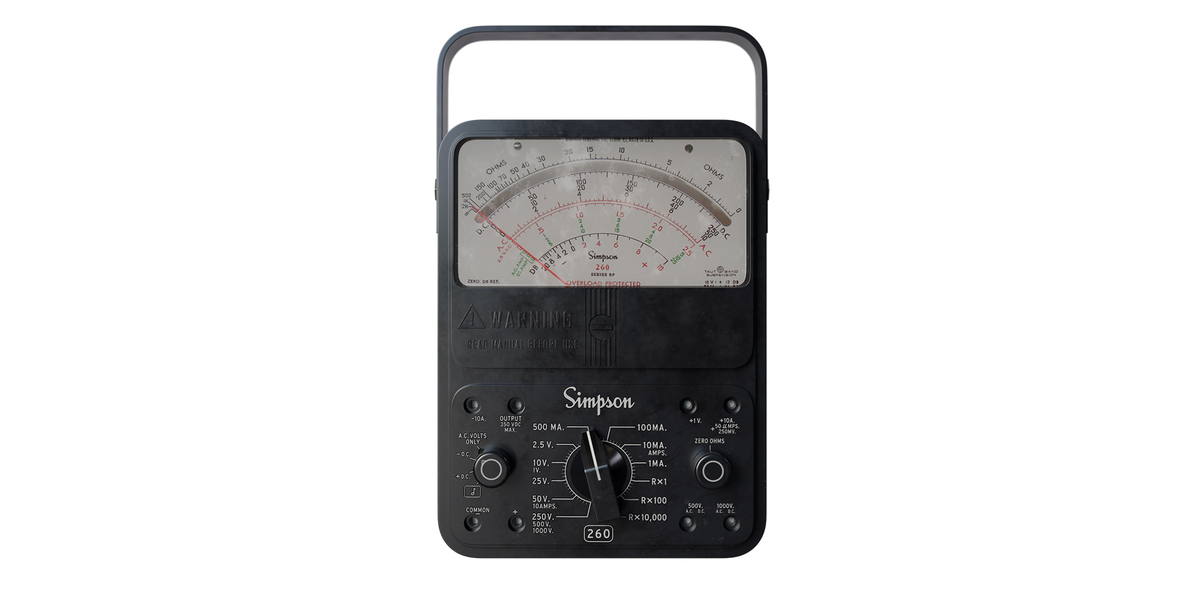
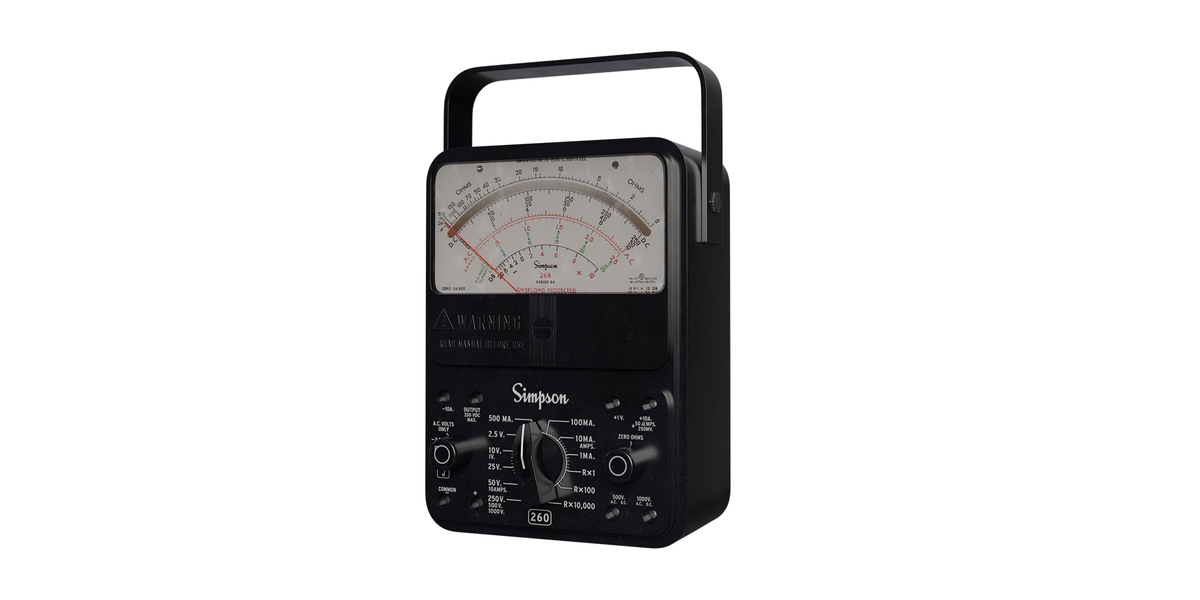
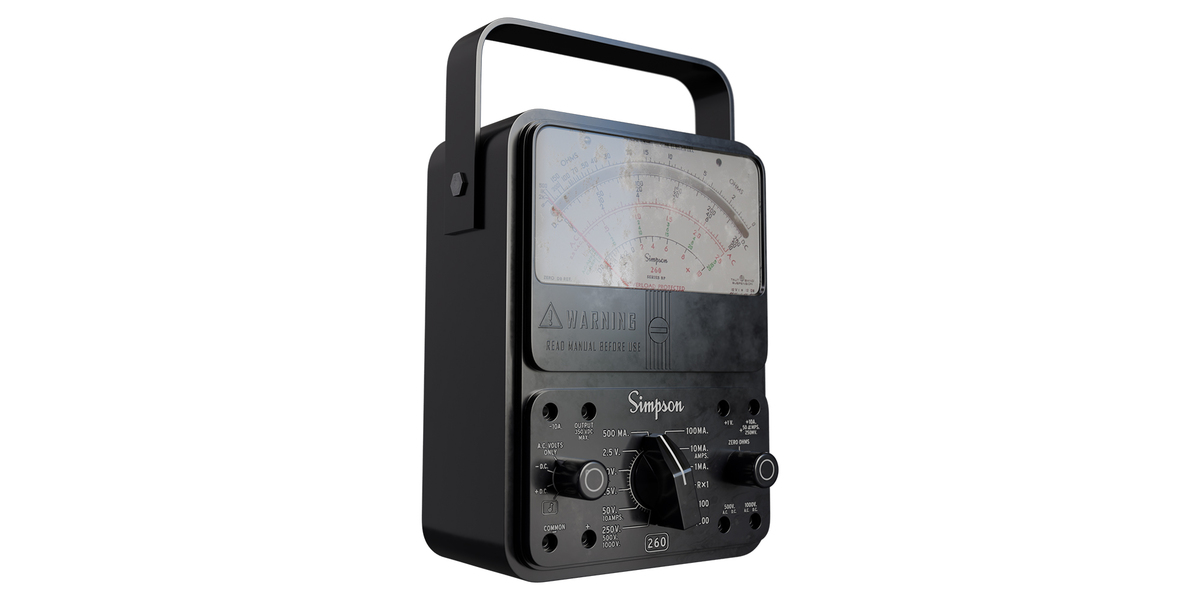
Simpson 260 Multimeter
 Alex Mikulka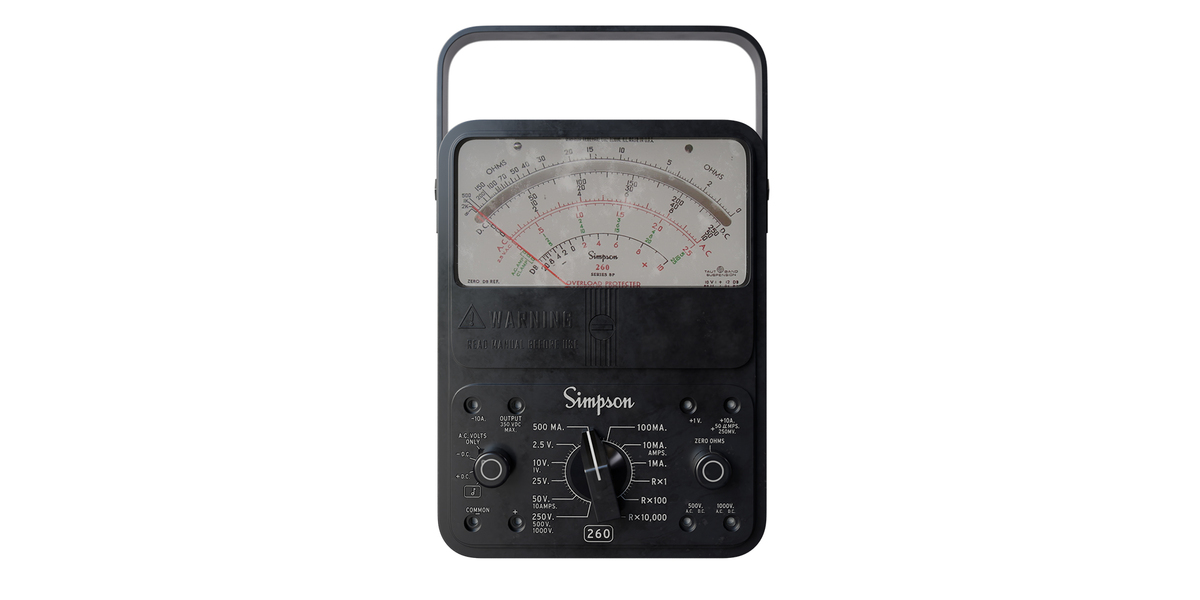
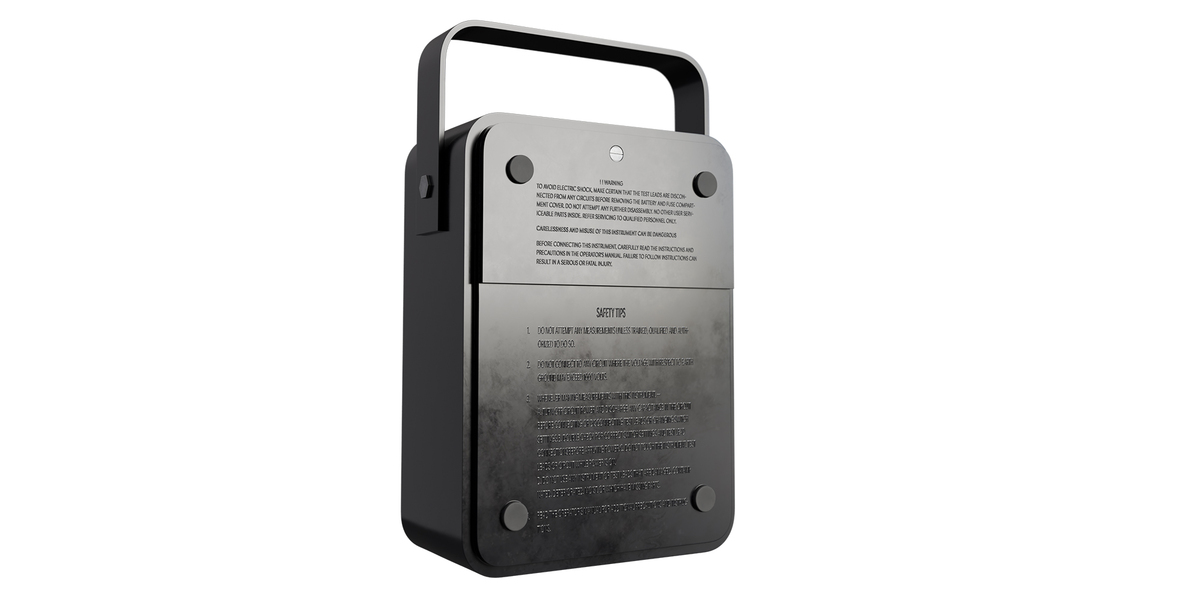
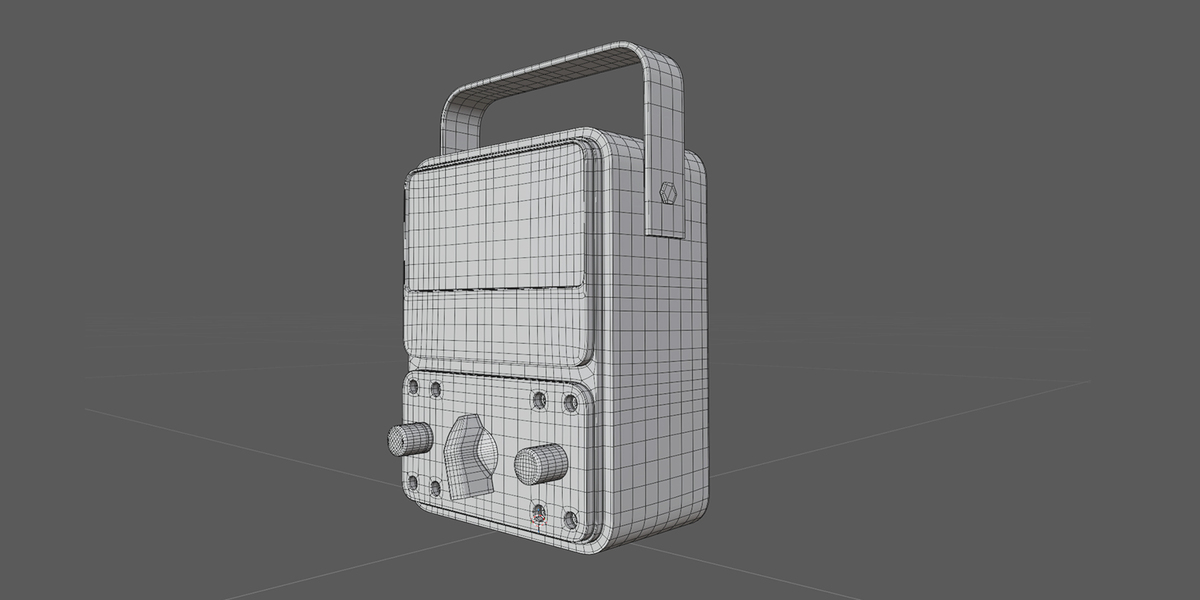
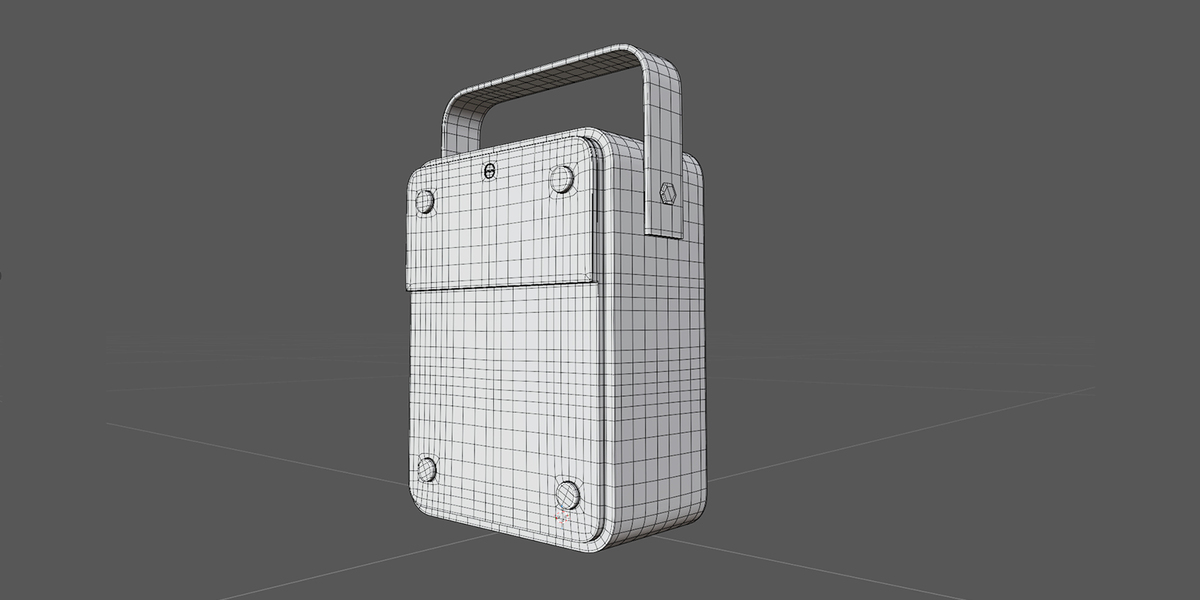
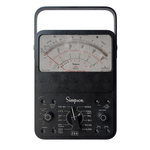
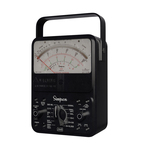
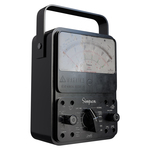
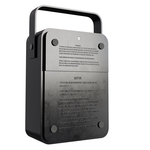
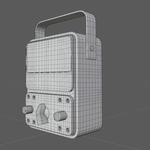
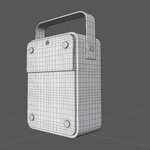
How to use the Simpson 260 Multimeter 3D Model:For Blender users (.blend file):
- Open your project in Blender.
- Go to File -> Append, locate the provided
.blendfile, open the Object folder, and select the multimeter object.- All 4K PBR materials and textures are already fully configured for Cycles and Eevee.
For other 3D software (.fbx file):
- Import the
.fbxfile into your preferred 3D software (3ds Max, Maya, Unreal Engine, Cinema 4D, etc.).- Create a new PBR material and plug the provided 4K texture maps into their respective slots (Color/Albedo, Roughness, Normal).
$10
 Included
Includes 12 months of
- Support from Alex Mikulka
- Product updates
Extend this product’s Support Period +12 months: 50% of product price
Have questions before purchasing?
Login to message
| Published | 1 day ago |
| Blender Version | 5.0 |
| Render Engine Used | Cycles, Eevee |
| Misc Data | Uvs-Unwrapped, Normal-Mapped, Textured |
| License | Royalty Free |

Discover more products like this
analog multimeter Electronics 3d model tester laboratory retro tool engineering 4k textures simpson 260 vintage