Six Blender 2.8+ 4.0+ 5.0+ Black Themes Pack
 Mumu Mundo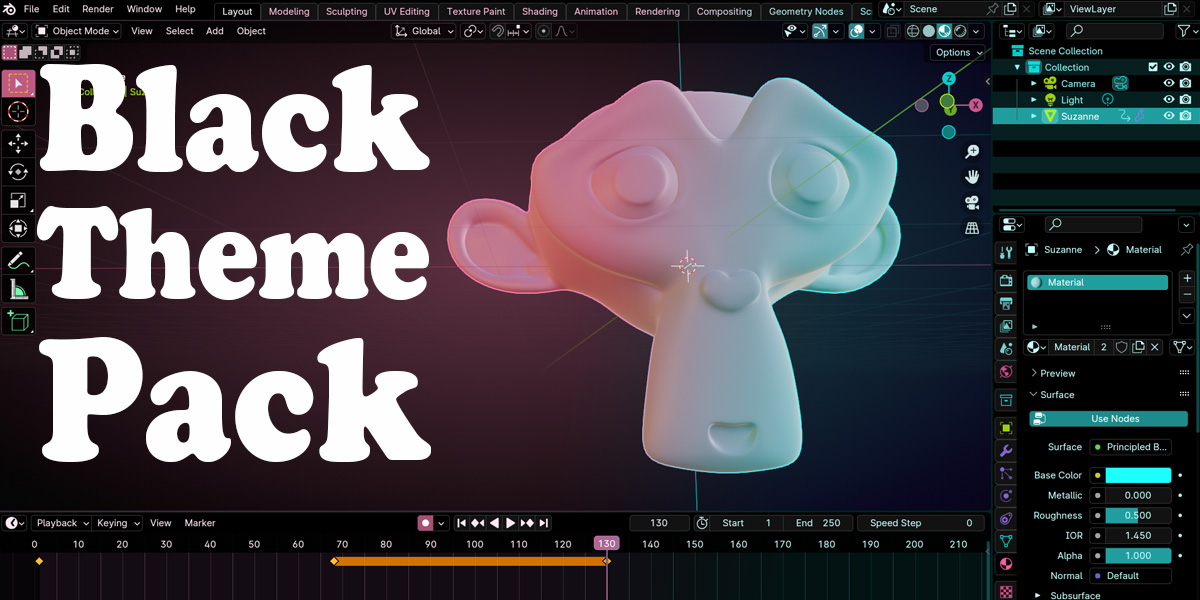


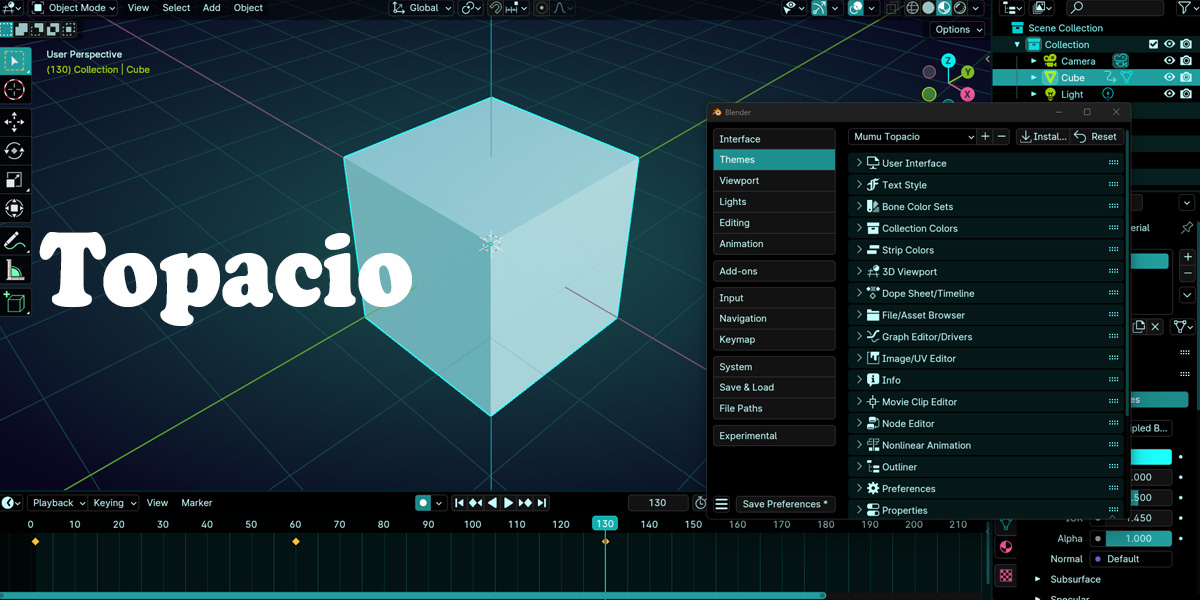
To install a theme:
- Choose the zip file corresponding to your Blender version (2.8+ or 5.0+),
- Unzip the corresponding xml file,
- open Preferences from the Edit menu,
- select Themes from the left sidebar,
- click the Install button on the top-right,
- find your xml and click Install Theme.
Have questions about this product?
Login to message
| Sales | 100+ |
| Dev Fund Contributor | |
| Published | almost 3 years ago |
| Blender Version | 2.8 - 5.2 |
| Render Engine Used | Arnold, Blender-Internal, Blender-Game-Engine, Cycles, Eevee, Freestyle, Luxrender, Mental-Ray, Octane, Vray, Yafaray |
| License | GPL |
