 Fulford
SketchUp2Blender
[AUTHOR: build status, not for the listing. Status 2026-11-27. Delete this block before publishing. This listing describes only what the code implements today.
Done: live sync, groups and components, tags, materials and textures, scenes as cameras, the sun, the licence and trial, packaging (
package_all.sh), the release workflow and a CHANGELOG. 105 Ruby checks pass (core, licence, menu and dialog wiring against stubs), and so do the end-to-end test (the real Ruby client against the real Blender add-on) and the shared Blender suite.Before publishing:
- Test in SketchUp. The extension has never run inside SketchUp: every test uses a fake SketchUp API. PLAN.md §1 lists what to check (UV scale, painted groups, colourized textures, observers, speed on big models, Ruby 2.7 in SketchUp 2021). Also the Licence dialog, the trial cap and Sketchup::Http on Mac and Windows.
- Sign the .rbz on the Extension Signing Portal (RELEASING.md). Unsigned, it may not load under SketchUp's stricter loading policies.
- Licence go-live (RELEASING.md, "Licensing"): the site's product, the key pools,
sketchup2blender/status.json, and the Superhive id.- Ports: 9930 to 9939 are still a proposal (SPEC_PROPOSALS.md), not yet in NAMESPACES.md.
- Terms: finish
EULA.mdand have it reviewed, then price, support and media below.]
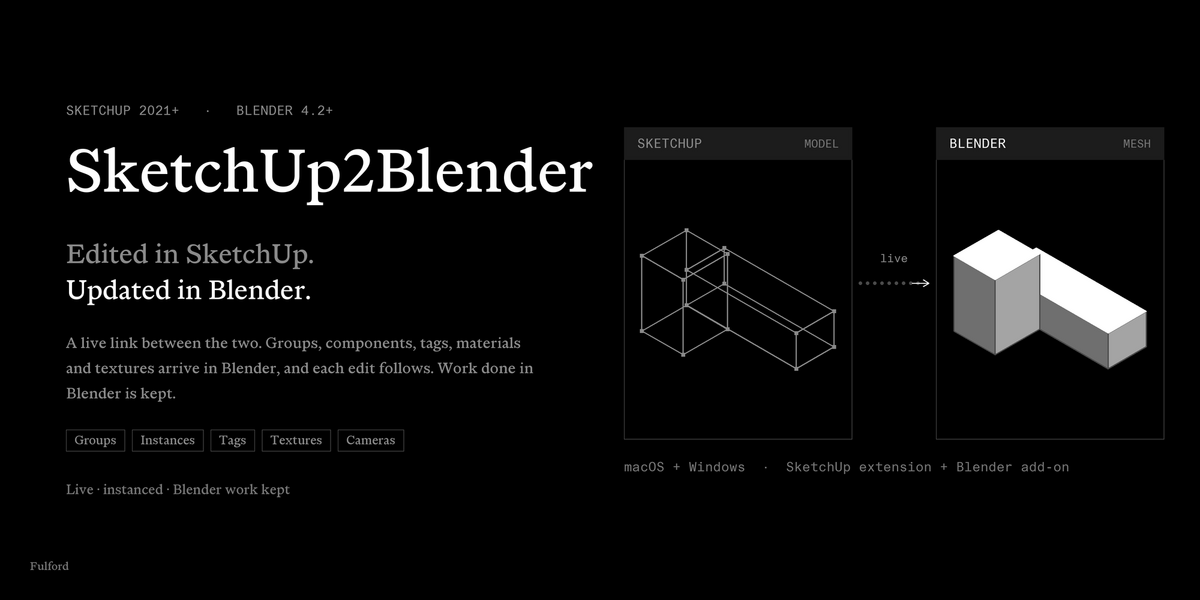
A live link from SketchUp to Blender. Edits made in a SketchUp model appear in a connected Blender scene without exporting or re-importing anything.
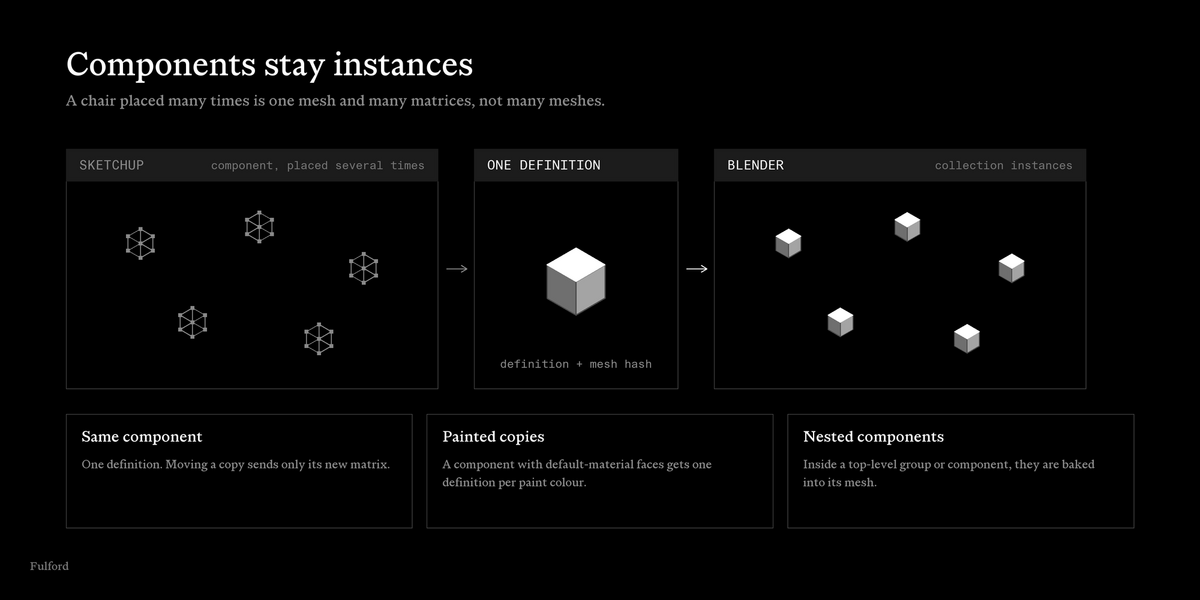
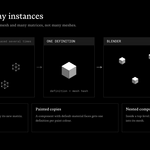
It is two components: a SketchUp extension that reads the model and connects out, and a Blender add-on that hosts the connection and builds the scene. Groups arrive as Blender objects, grouped by tag, with their materials and textures. Components stay instances. Scenes arrive as cameras and the shadow settings as a sun. After the first sync, only what changed is sent.
At a glance
IMAGE: l_at_a_glance.png. Upload it here, then delete this line.
[AUTHOR: Blender versions you have actually tested.]
[AUTHOR: SketchUp versions you have actually tested.]
[AUTHOR: the licence terms.]
How it works
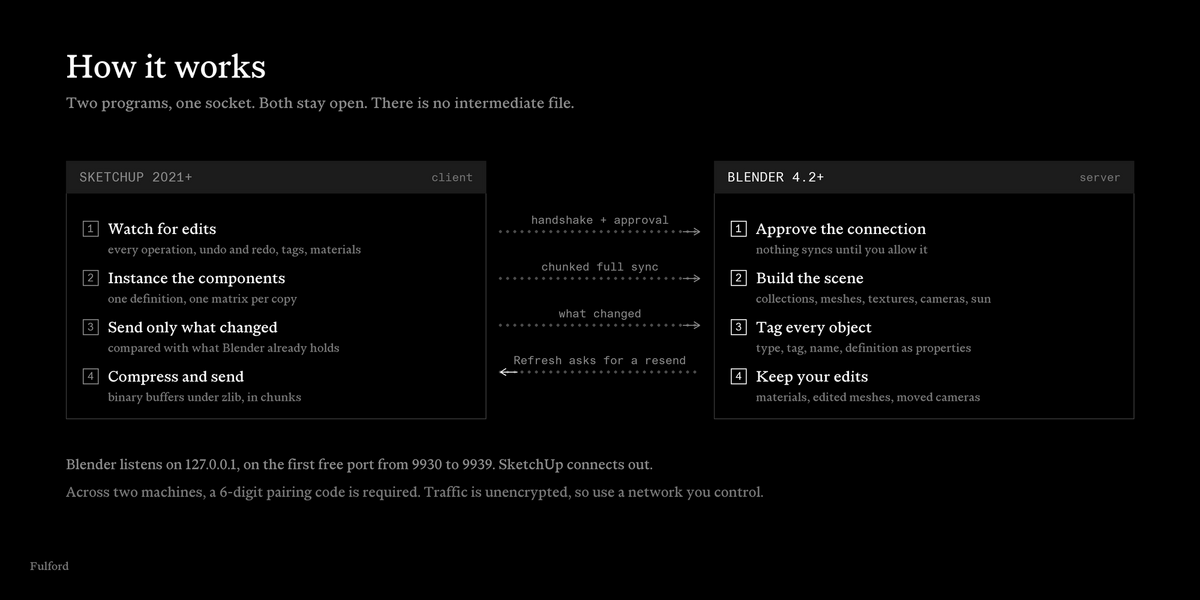
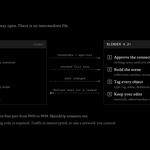
Blender listens. SketchUp connects. The first sync reads the whole model and sends it in chunks. From then on, every committed SketchUp operation, undo and redo included, and every tag, material, scene or shadow change marks the model as changed. After a short pause the extension reads the model again and sends only what differs from what Blender holds: a moved group is a new position, not a new mesh.
Both applications stay open. There is no intermediate file.
IMAGE: 02_how_it_works.png. Upload it here, then delete this line.
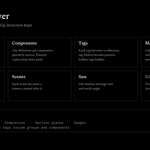
What syncs
IMAGE: l_what_syncs.png. Upload it here, then delete this line.
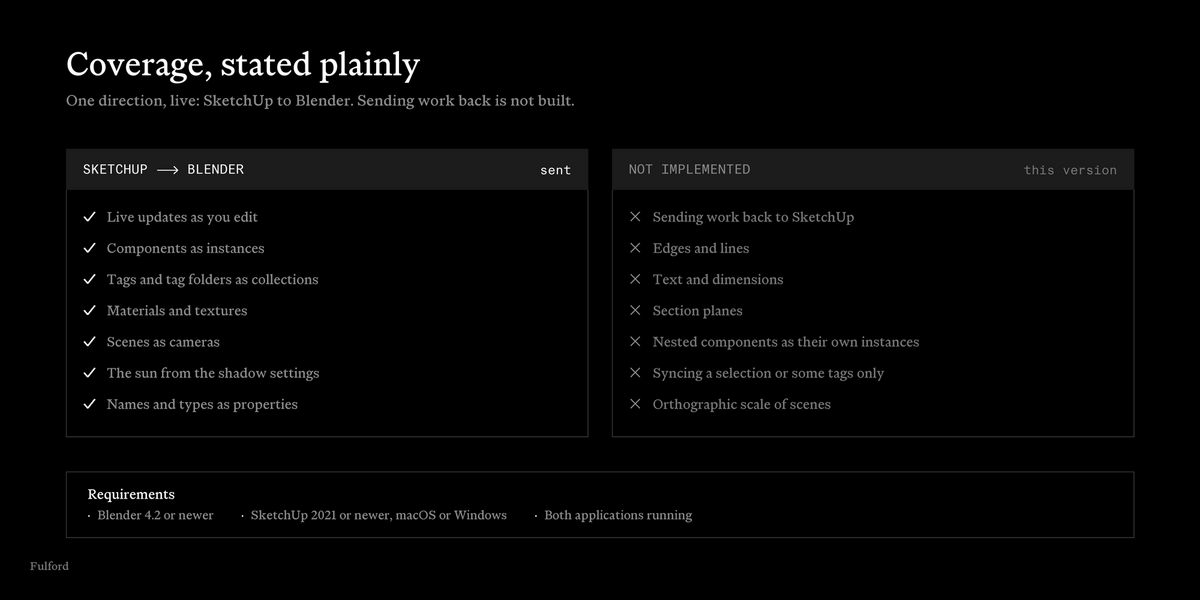
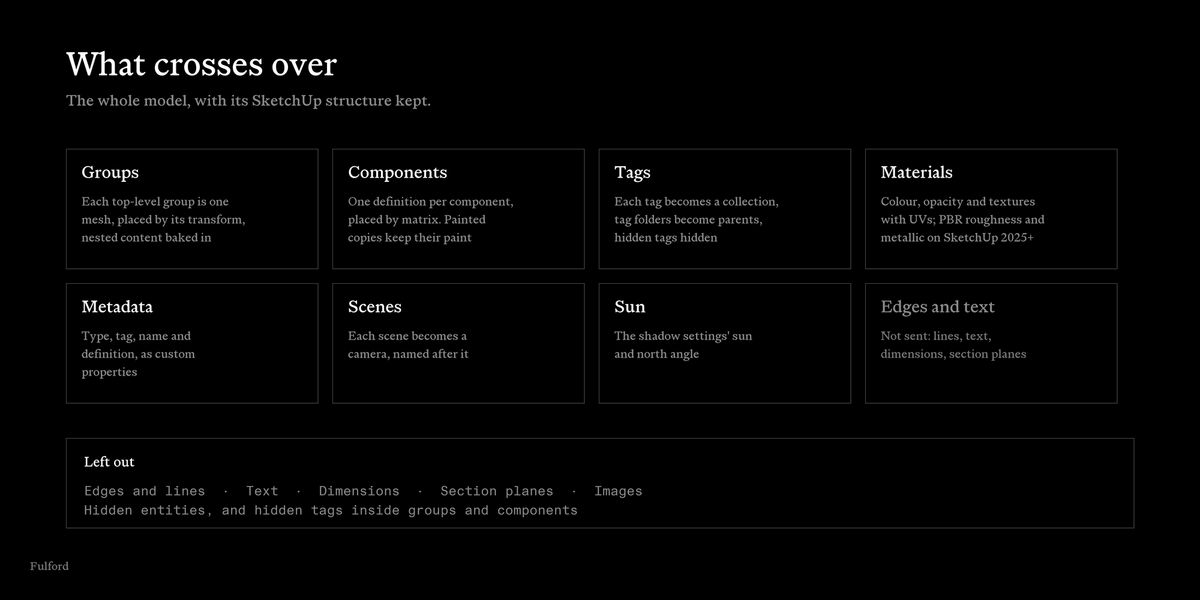
Not sent: edges and lines, text, dimensions, section planes, images, hidden entities, and anything on a hidden tag inside a group or component.
IMAGE: 03_what_syncs.png. Upload it here, then delete this line.
The SketchUp2Blender menu
Under Extensions > SketchUp2Blender in SketchUp, with a Sync to Blender toolbar button.
IMAGE: l_the_sketchup2blender_menu.png. Upload it here, then delete this line.
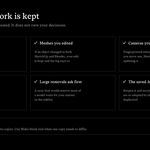
What your Blender work survives
IMAGE: l_what_your_blender_work_survives.png. Upload it here, then delete this line.
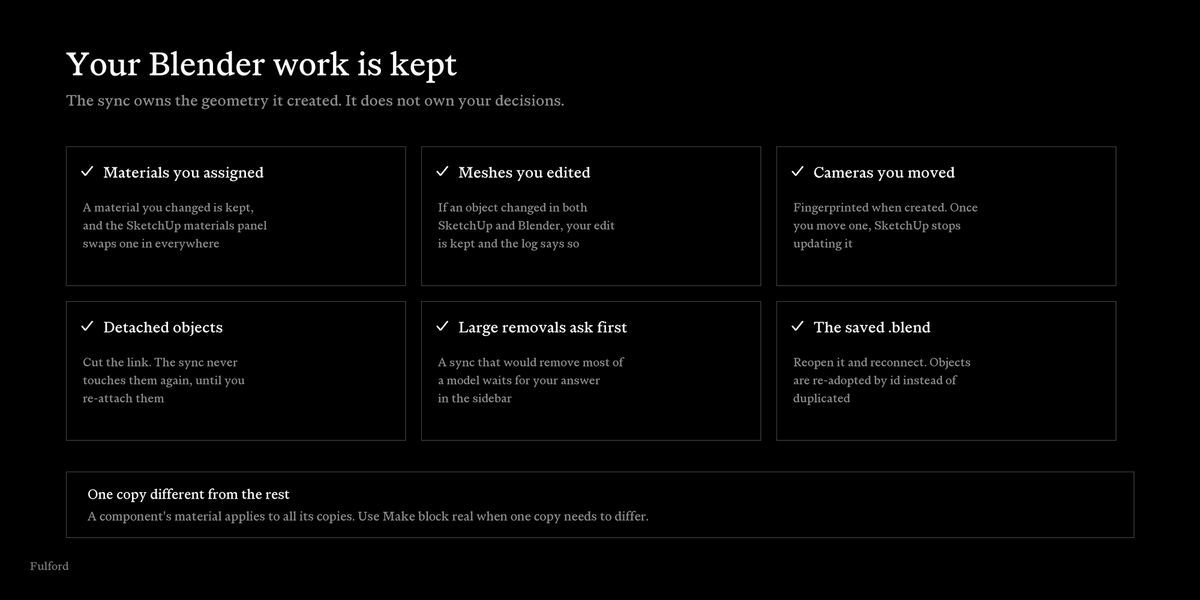
In Blender's Shader Editor sidebar, the SketchUp materials panel lists every synced material, including those inside component definitions. Pick one of your own materials next to it to use it wherever that SketchUp material is used.
Blender on another computer
For SketchUp on one computer and Blender on another: tick Allow network connections in Blender's preferences. The sidebar shows that computer's address and a 6-digit code; enter both in Extensions > SketchUp2Blender > Network…. Every connection still asks for approval in Blender by default.
Traffic is not encrypted. Use a network you control.
Compared with exporting
IMAGE: l_compared_with_exporting.png. Upload it here, then delete this line.
If a model is exported once and never revised, a file export is enough.
Known limits
IMAGE: l_known_limits.png. Upload it here, then delete this line.
How it has been tested
IMAGE: l_how_it_has_been_tested.png. Upload it here, then delete this line.
[AUTHOR: Superhive asks "tested by whom". The extension hasn't run in SketchUp yet. Add the models, their sizes, the SketchUp and Blender builds and the sync times once it has.]
Installation
IMAGE: l_installation.png. Upload it here, then delete this line.
The first Connect opens the Licence dialog when no licence is installed. There you can enter a key, an activation code or a Superhive order code, or start the free 14-day trial. Once a day the extension sends a usage count (the product name and version, nothing else); it can be turned off in the same dialog.
Price, support and media
[AUTHOR: price.]
[AUTHOR: support channel and expected response time, and the update policy.]
[AUTHOR: media. A 20 to 30 second screen recording: SketchUp left, Blender right, move a group and watch it move in Blender. Then repaint a material, hide a tag, and a component placed many times as instances. Record it only once it runs in SketchUp.]
[AUTHOR: testimonials. Only from people who have used it, with a name and discipline. Delete the section rather than publish it empty.]
SketchUp2Blender by Lucas Azar
